Part 1. Planning and Show Lead
"A one-way notice to 'refer to the revised file' can lead to a serious incident."
- Track versions and changes: Strictly prohibit simply overwriting files. Keep the previously approved version separately and, when a revision is requested, clearly record the cue number, file version, requester and reason for the change so that the baseline is controlled.
- Request responses from each affected department: When the cue sheet changes, ask the relevant technical and operations teams whether they are affected. Collect clear written responses of impact, no impact or under review, together with their reasons, before giving final approval.
- Distribute the final cue sheet and remove outdated versions: Once all retests and approvals are complete, update and distribute the final cue sheet to everyone. Check receipt carefully so that obsolete printouts and files do not remain at on-site desks or consoles.
Part 2. Video, Audio and Lighting Leads
"Retest every signal linking the revised scene to the scenes before and after it."
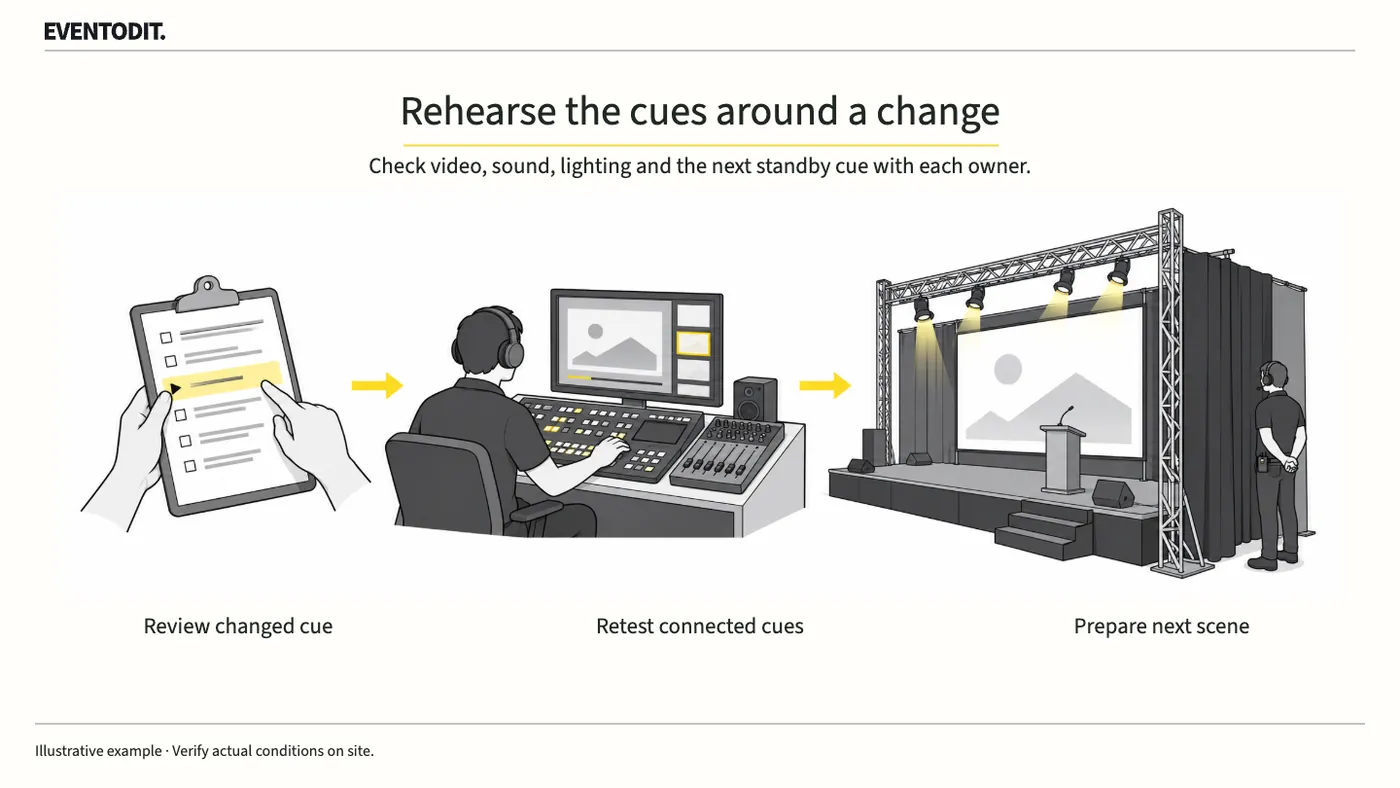
- Retest incoming and outgoing signals around the revision: Do not approve a delivered file on the basis of a standalone playback test. Recheck the entire sequence, from the opening signal that enters the cue through the picture and sound transitions into the next cue.
- Assess technical risks caused by the change: A change to a video's length or order can also change lighting transition timing and audio fade-out timing. Analyse the effect of the change on each system path and report it to the show lead.
- Record the test environment clearly: After retesting, do not simply say that the check is complete. Keep clear evidence of which file version was tested, which equipment was used and which connection paths were followed.
Scroll sideways if needed to compare the branches.
- Check video and audioTest file, duration, outputs and ending cue
- Check lighting and stageCompare transitions, standby, movement and prerequisites
- Check show and costsReview cue links, work time and additional orders
Keep the basis for impact decisions rather than adding irrelevant tests. Resolve impacts marked under review before approval.
Part 3. Floor and Stage Management
"When the runtime changes, revise performer standby times and stage transition routes too."
- Recheck performer standby and movement routes: If a cue-sheet change alters the runtime of a particular segment, immediately compare the on-site running schedule to check that the next performer's standby time and route do not conflict.
- Check prerequisites for stage transitions: If a changed cue includes a set change or equipment movement, recheck the prerequisites to ensure there is enough blackout time or physical work time for the transition.
- Do not shorten safety-related tests: If the revised cue directly affects structural movement or the safety of performers' routes, do not conduct a reduced test simply because rehearsal time is short. Follow the established safety checks in full.
Final check before use: Before the final revised event cue sheet is confirmed and distributed on site, check that every department's retest results and approval history have been recorded without omissions.
Conditions for applying this elsewhere
Requires defined cue numbers, file versions, approvers and technical test scope. Safety-related changes follow separate safety review and approval.
Information not established
Event-specific signal systems and technical configurations have not been verified. NASA software-change principles inform the approach; no performance-production specification is provided.
Reference material
- NASA Software Engineering Handbook — SWE-053 Manage Requirements Changes: cost, schedule and interface impact analysis and document updates. A reference for applying software change-management principles.
- Julia Rutherford Silvers — The Processes of Event Management (2013): task dependencies, change communication and record principles. Event-management knowledge, not Korean statutory standards or a specific certification textbook.
Have a correction or additional evidence? Request a correction