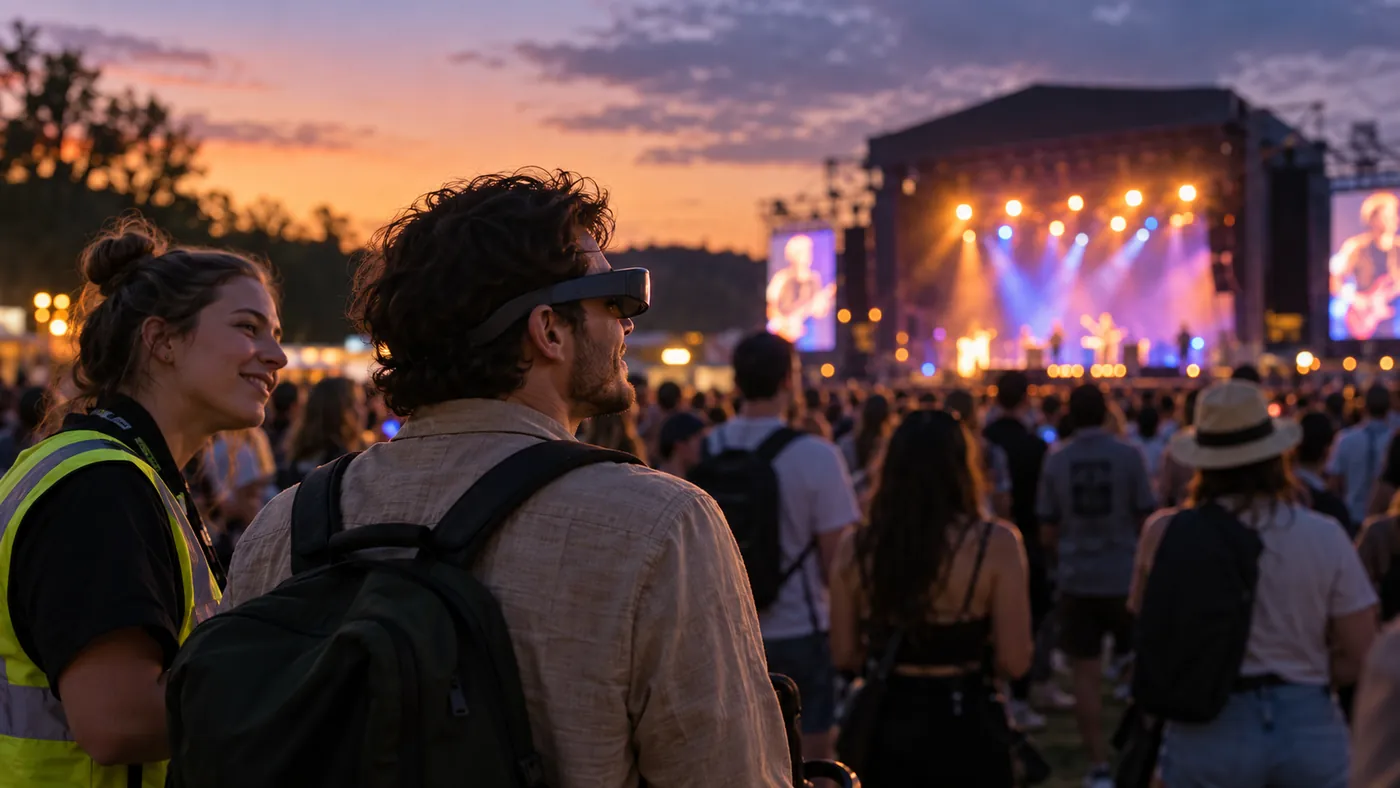
Some events introduce personal viewing aids to help more people enjoy performances. At the 2023 Forwards music festival in Bristol, organisers worked with GiveVision and Accessible Events to trial a service delivering live stage pictures to personal headsets for visually impaired audience members. The supplier describes the device as a visual aid that makes use of a person’s remaining sight.
For a planner, checking that the picture reaches the device and checking whether a viewer can comfortably see the action they need are separate tasks. Following the reference standard "Case Article Review", this column distinguishes the confirmed trial from testing suggestions for other events.
1. Separate sending and receiving: check what happens after the signal arrives
A powered headset showing a picture is the starting point for testing the service. Visual needs and ways of using a device differ, so the same picture should not be assumed to help every viewer equally.
- Review pictures with the audience: For another performance, prospective users and the video team can examine actual performance footage together and check whether viewers can distinguish the expressions or actions they need. Compare the advantages of wide and close views, then discuss whether a separate video source is needed alongside users’ preferences and production resources.
- Keep the case within the evidence: Forwards trialled a headset service allowing viewers to adjust stage pictures to individual needs. Public sources do not establish a separate camera angle at that event or the viewing outcome for every user.
2. Check the relationship between venue sound and headset video
Audience members experience sound heard at the venue alongside the picture displayed in the device. Whether a difference between them interferes with viewing can vary with the equipment, performance environment and individual needs.
- Test synchronisation from the viewing area: At another event, sound and video staff can use readily comparable actions, such as clapping or visible speech, to check the relationship between the picture and venue sound from the actual viewing position. Review moments a user finds uncomfortable alongside the technical team’s transmission observations. Do not assume a particular delay produces the same symptom in everyone; agree any adjustments and stopping criteria with users and the supplier.
3. Prepare fitting support and a way to ask for help
Handing over a device that needs individual adjustment does not complete the preparation for using it. Viewers should have an opportunity to practise fitting and operating it if they wish, and know where and how to get help during the performance.
- Explain on-site support and alternatives: The planning team can agree with accessibility staff and the supplier who handles fitting, picture adjustment, signal problems and audience guidance. For viewers who find the device unsuitable or prefer not to use it, explain other support actually available at that event. Audio description is a different service from visual assistance, so confirm separately whether it is provided and how to access it.
- Record only the information needed: With the user’s consent, recording requests for help and distinguishing picture or fitting difficulties can inform future improvements. Do not collect unnecessary information such as diagnoses.
4. A four-stage protocol for visual-assistance devices
The following suggestions are for other events preparing personal visual-assistance devices. They do not reconstruct Forwards’ internal production or support procedures at the time.
| Stage | Operating standard |
|---|---|
| Stage 1: Agree the purpose and picture | Users and the video team identify the action viewers need and assess the existing picture, then discuss whether a separate camera or video source is necessary. |
| Stage 2: Test from the actual viewing position | Check lighting changes, wireless reception and the relationship between video and venue sound under actual viewing conditions, and ask for users’ feedback. |
| Stage 3: Prepare fitting, adjustment and help | Allow enough time to try the device before the performance, and explain who can help with adjustments or faults and how to access alternatives actually available. |
| Stage 4: Record and review user experience | Separately from the number of loans, record interruptions, requests for help and picture or fitting difficulties within the scope of user consent, then review the next operation. |
Planner’s memo: ask whether viewers can see the action they need
Visual-assistance devices can give some audience members another way to see action on stage. After confirming that the equipment has arrived and is working, planners should also ask what users can see and what support they need.
Using participants’ feedback to adjust the picture and support, and explaining available alternatives if the device is unsuitable, makes accessibility provision more concrete.
Conditions for applying this elsewhere
A personal visual aid using remaining sight. Do not assume it is suitable for everyone with a visual impairment; test with users and the supplier and confirm other support actually available.
Information not established
The 2023 device and user counts, individual settings, video latency, separate camera, dedicated support, audio description and overall satisfaction were not verified. A particular delay is not established as causing a specific symptom.
Reference material
- Attitude is Everything, Julie’s Bicycle and A Greener Future · revised 2025 No Climate Action Without Us, p.15: retrospective case study of the 2023 introduction
- GiveVision · official product description and link to reporting on the Forwards trial: use of remaining sight
- Access All Areas · Joe Gallop, 5 September 2023: event dates, partners, actual stage-video delivery and supplier account of responses
- BBC News · original reporting on the Forwards trial, 3 September 2023, cross-checked
Have a correction or additional evidence? Request a correction