
Make use of basic connectivity while exploring
The organiser lists complimentary Wi-Fi for basic use in the LVCC and Venetian exhibit halls, as well as common areas, lobbies and meeting rooms. Speeds can vary. Shortlist exhibitors and campus locations before arranging your route.
Match your demonstration to a suitable connection
The organiser does not recommend complimentary Wi-Fi for exhibitor product demonstrations and lists separately purchased high-speed options. Define the functions you will show, such as logins, cloud content or remote connections, then confirm performance and access requirements with the provider. Rehearse the complete demonstration on site with the actual product and account.
Prepare eligibility and badge collection first
CES is a trade event for people aged 18 or over affiliated with the consumer-technology industry and is not open to the general public. Check eligibility before registering, and allow time for badge collection, priority booths and travel between meetings.
Help the whole team present with confidence
Check offline materials for times when connectivity is limited. Tell your audience when showing a recording, and share product explanations and likely questions across the team so a demonstration can lead naturally into a useful conversation.
Start planning with the official guidance
- CES venues and connectivity: https://www.ces.tech/explore-ces/maps-and-locations/
- CES dates and opening hours: https://www.ces.tech/plan-your-visit/dates-and-hours/
- CES registration and eligibility: https://www.ces.tech/attendee-guides/registration-information/
Before attending
CES is a trade event closed to the general public; complimentary Wi-Fi is not recommended for product demonstrations.
Check the latest information
Check official eligibility, badge guidance and performance or pricing for separately purchased connectivity.
Reference material
After reading, complete the next task
Prepare industry credentials, badge collection and demonstration connectivity with offline materials.
Related practical guides
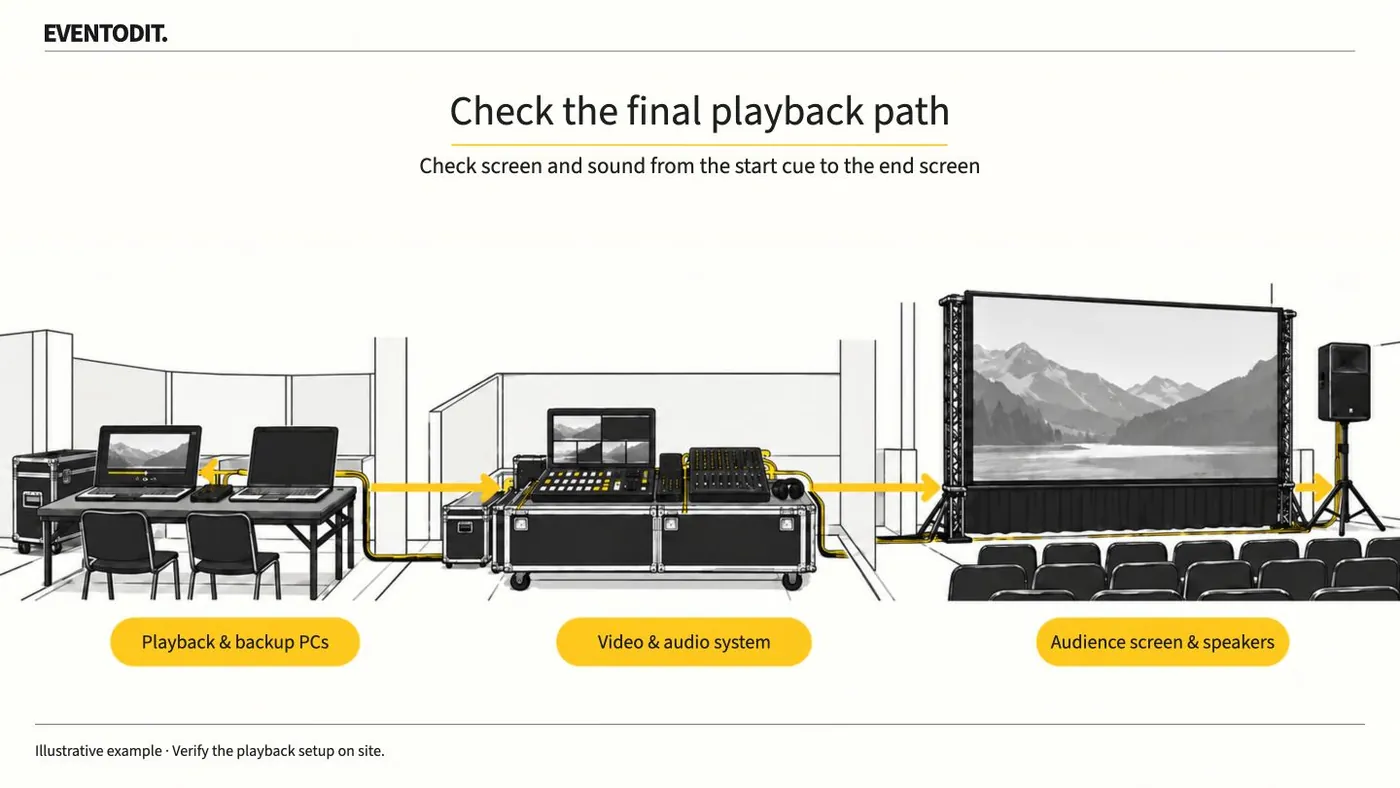
Event Video Acceptance and Playback
Play delivered video on the event PC and check the audience screens and speakers. Test from the start cue through the final screen change, then identify the file approved for playback.
Read guideHave a correction or additional evidence? Request a correction