Part 1. Planning and marketing lead
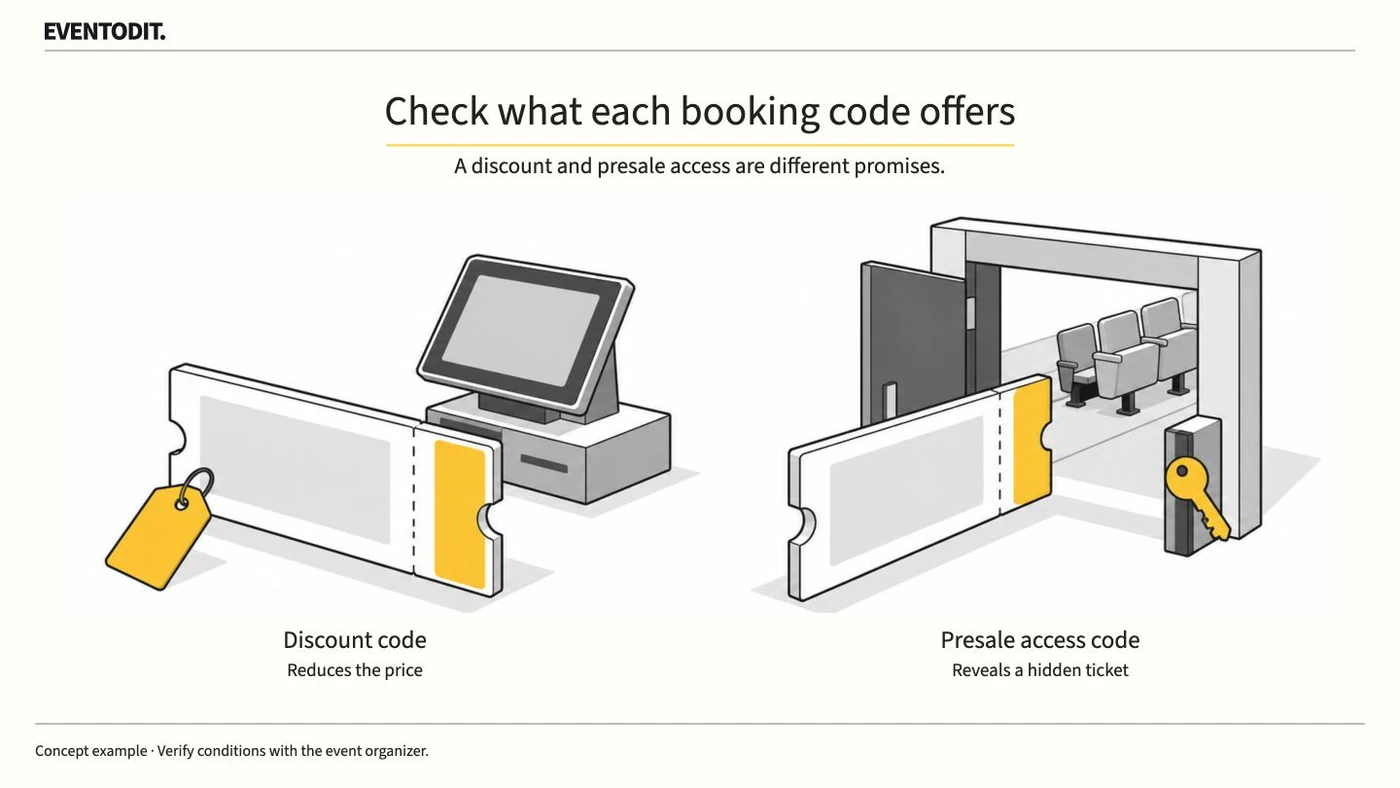
"A discount and presale access make different promises to attendees."
- Define the code's purpose and benefit: Establish whether the code reduces the price for eligible buyers or reveals restricted tickets to a particular group as an access or presale code. Set the communication accordingly. Check with the ticketing provider whether one code can offer both functions.
- Explain the limits of presale access: Receiving an access code does not guarantee a seat. Tell attendees in promotional materials that a purchase may be impossible if the available allocation sells out, even when they have a code.
- Separate the conditions in attendee messages: For a discount, state the eligible ticket, amount or percentage and code expiry. For access, state when the restricted ticket becomes available, the booking window and the purchase limit imposed by remaining inventory.
| Promotion goal | Check with the ticket provider | Tell attendees |
|---|---|---|
| Offer a lower price to a selected group | Eligible tickets, fixed or percentage reduction, code expiry and ticket limit | Which ticket is discounted, the amount and when the offer ends |
| Give a group early access | Hidden ticket type, availability, validity and available quantity | Where to enter the code, the sale window and that tickets can sell out |
| Discount tickets for everyone | General discount eligibility and dates, compatibility with the purchase screen | Eligible tickets and how the discount applies without a code |
This table is an EVENTODIT comparison example. Confirm the actual eligibility and sale conditions with the ticket provider.
Part 2. Ticketing and operations
"Before distributing codes, test the discount and restricted-ticket display on the actual sales screen."
- Cross-check eligible tickets and sale status: After configuring a code, check that the ticket is still on sale and has not sold out. For events with multiple sessions, verify the exact eligible session and time and include them in the message.
- Test checkout compatibility and the code field: Check on the sales page and at checkout that the code field appears and the discount or restricted ticket is shown. When using an embedded checkout on your own website, confirm whether general discounts and codes work with that provider. For example, Eventbrite documents a limitation for general discounts in embedded checkout.
- Control distribution and redemption limits by partner: When different partners or channels receive different codes, record each audience and its configured limit separately so one code's allowance is not confused with another channel's distribution volume. Check whether the provider applies the limit to orders or tickets and whether multiple codes share the same inventory.
Part 3. Performance reporting and settlement
"Do not treat code use as the campaign's incremental effect or final revenue."
- Separate code use from completed orders: Count recipients, orders or tickets to which the code was applied, and successfully paid orders separately. Record the definition and reporting time for each figure.
- Check sharing and acquisition effects: Multiple people may share one code. Do not treat its usage alone as the number of new attendees acquired by a particular channel or as proof of the campaign's incremental effect; examine acquisition sources using multiple measures.
- Reconcile failures and refunds: Check how the ticket provider's code reports handle failed payments, cancellations and refunds, and reconcile them so incomplete or refunded transactions are not included in final settlement.
Use the form for the next handover
Use the [Booking code setup and release register](/en/templates/booking-code-register.html) for the records described here. The XLSX contains Blank, Example and Instructions sheets. Write your event in Blank; the fictional example is a guide to what to enter.
Record the code ID and channel, distinguish discount from access, and name the product and session. State the benefit unit. Verify the period, limit, order or ticket unit and shared inventory in platform settings.
Booking sends settings and test evidence to marketing, and distribution and counting rules to settlement.
Final check before use: Before distributing event booking codes to partners or attendees, check that code purpose, checkout compatibility and payment tests, and quantity limits have all been reconciled.
Conditions for applying this elsewhere
Where event registration codes are distributed; settings and embedded checkout support vary by provider.
Information not established
Korean account availability, fees and payment terms are unverified. No account configuration or purchase was tested.
Reference material
- Eventbrite · Promo codes, discounts, hidden tickets, limits and dates (checked 28 October 2026)
- Eventbrite · General discounts and embedded checkout limitation (checked 28 October 2026)
- Eventbrite · Applying a code to an order (checked 28 October 2026)
- Ticketmaster · Presale code and ticket availability (checked 28 October 2026)
Have a correction or additional evidence? Request a correction