Part 1. Planning, promotion and procurement
“Define the search feature and maintain one approved register for each session.”
- Check the target feature and its availability: Ordinary web search and Google Event rich results are different features. Check the latest supported countries and languages for the intended audience. Google’s Event search experience is for publicly accessible events at a physical venue; its support table did not list South Korea or Korean when checked in October 2026. Even in a supported market, markup or a passed test cannot guarantee actual search appearance.
- Separate page roles: Distinguish a festival-wide timetable, an individual session’s information or booking page, and an editorial article. Assign each page’s content and owner so an article’s publication date is not mistaken for an event date.
- Maintain an approved session register: Keep confirmed session dates, venues and booking terms in a single controlled register, with versions and approvers for changes. Assign an owner to check and relay an external ticket seller’s price, sales and sold-out status to the web team.
- Manage cancellation, postponement and rescheduling separately: Distinguish cancellation, postponement without a new date and a confirmed replacement date. Record affected sessions, ticket-provider actions and the people updating public pages and search data, not just the announcement.
The following is an editorial approach to defining page roles before production.
| Page | Information to check | Completion criterion |
|---|---|---|
| Festival overview | Programmes and detail-page links | Each link reaches the relevant session |
| Individual session | Current time, location and booking status | Approved information matches the visible page and structured data |
| Editorial article | Event, author and publication context | Publication date and event date remain distinct |
Part 2. Web production and structured-data lead
“Match structured data to the public page and distinguish the status and dates of changes.”
- Define individual event and session pages: Following Google’s Event guidance, establish a unique URL for each individual event detail page. Where dates are ticketed separately, distinguish each session’s details and links. For one event spanning multiple days, include both its start and end dates. Consider Article structured data appropriate to editorial content, and do not use its publication date as the event date.
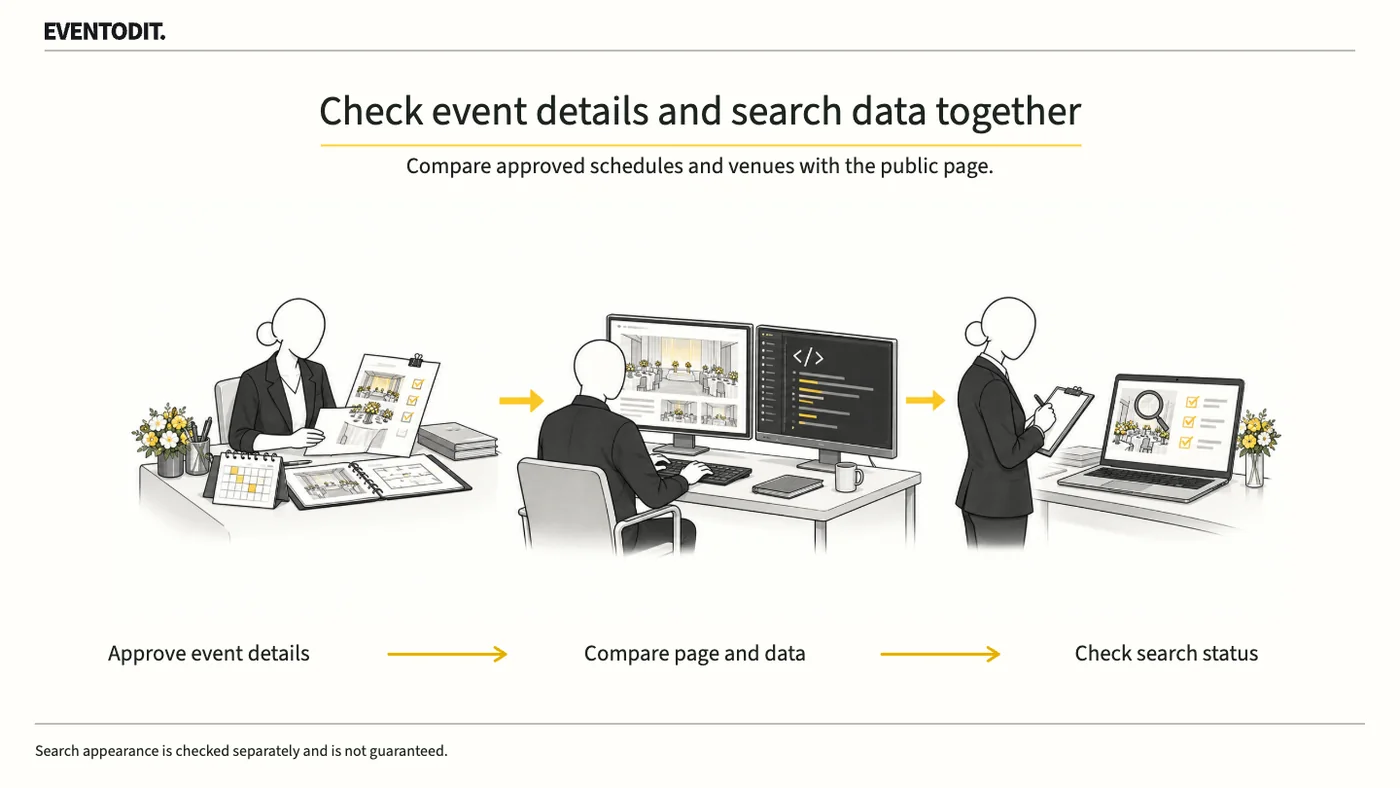
- Synchronise visible and search data: Do not invent conditions visible only to search engines. After each change, compare the same session’s title, date, venue, price, booking link and availability across the approved register, visible page and structured data.
- Apply cancellation, postponement and rescheduling states: Google’s Event guidance says to retain the original `startDate` and location when an event is cancelled or postponed without a new date, using `EventCancelled` or `EventPostponed` respectively. Once a new date is confirmed, update `startDate` and the relevant `endDate`, reflect the rescheduled status and, where useful, include `previousStartDate`. If the start time is unknown, use the date rather than inventing midnight.
- Check crawler access and the published environment: Do not stop at writing code. Verify that the published page and structured data are accessible to search engines and that settings such as `robots.txt` and `noindex` do not unintentionally prevent crawling or indexing.
Scroll sideways if needed to compare the branches.
- Check the public screenCheck visible title, dates, booking links and change notices.
- Check search dataMatch fields and status for the same session to the visible page.
EVENTODIT application procedure, not Google’s internal process or a guarantee of search appearance.
Part 3. Quality assurance and search performance
“A passing code test is not approval of search visibility. Review the public page and monitor indexing separately.”
- Distinguish Rich Results Test results and limits: The test can identify code and supported rich-result issues. A passing result does not establish policy compliance or guarantee an actual search appearance. Keep the technical check distinct from visibility results.
- Compare the register, public page and data: Use the approved register to compare visible title, date, booking link and change notice with the structured data’s session and status. Resolve differences before release.
- Record review history and open issues: Retain the tested URL and time, register version, detected errors and fixes, unresolved issues and their owners for the next reviewer.
- Inspect the URL and performance after release: Monitor URL inspection and indexing in Google Search Console separately, allowing time for discovery and recrawling. Report implementation and public-page verification separately from actual impressions and clicks.
Use the form for the next handover
Use the [Event information and structured-data comparison](/en/templates/event-search-data-qa.html) for the records described here. The XLSX contains Blank, Example and Instructions sheets. Write your event in Blank; the fictional example is a guide to what to enter.
Link the session ID, unique URL and approved register version. Compare date, venue, price and availability for the same session across page and data.
Web sends revised versions and test results to marketing, and release/indexing follow-up to the search lead.
Final check before use: Before deploying event-search optimisation and structured data, cross-check page roles for the overview, sessions and articles, the match between public pages and data, and the separation of code checks from search visibility.
Conditions for applying this elsewhere
Apply to publicly bookable physical-event detail pages after checking Google support; distinguish general search from Event rich results.
Information not established
Future Korean Event support, actual site search appearance, indexing times and traffic gains were not verified.
Reference material
- Google Search Central · Event structured data: unique URLs, supported markets, sessions and changed status (checked 24 October 2026)
- Google Search Central · General structured data policies: visible-content match, no visibility guarantee and test limits
- Google Search Central · Article structured data: title, author, dates and post-deployment checks
- Google Search Console · URL inspection and indexing status
Have a correction or additional evidence? Request a correction