Part 1. Planning and promotion lead
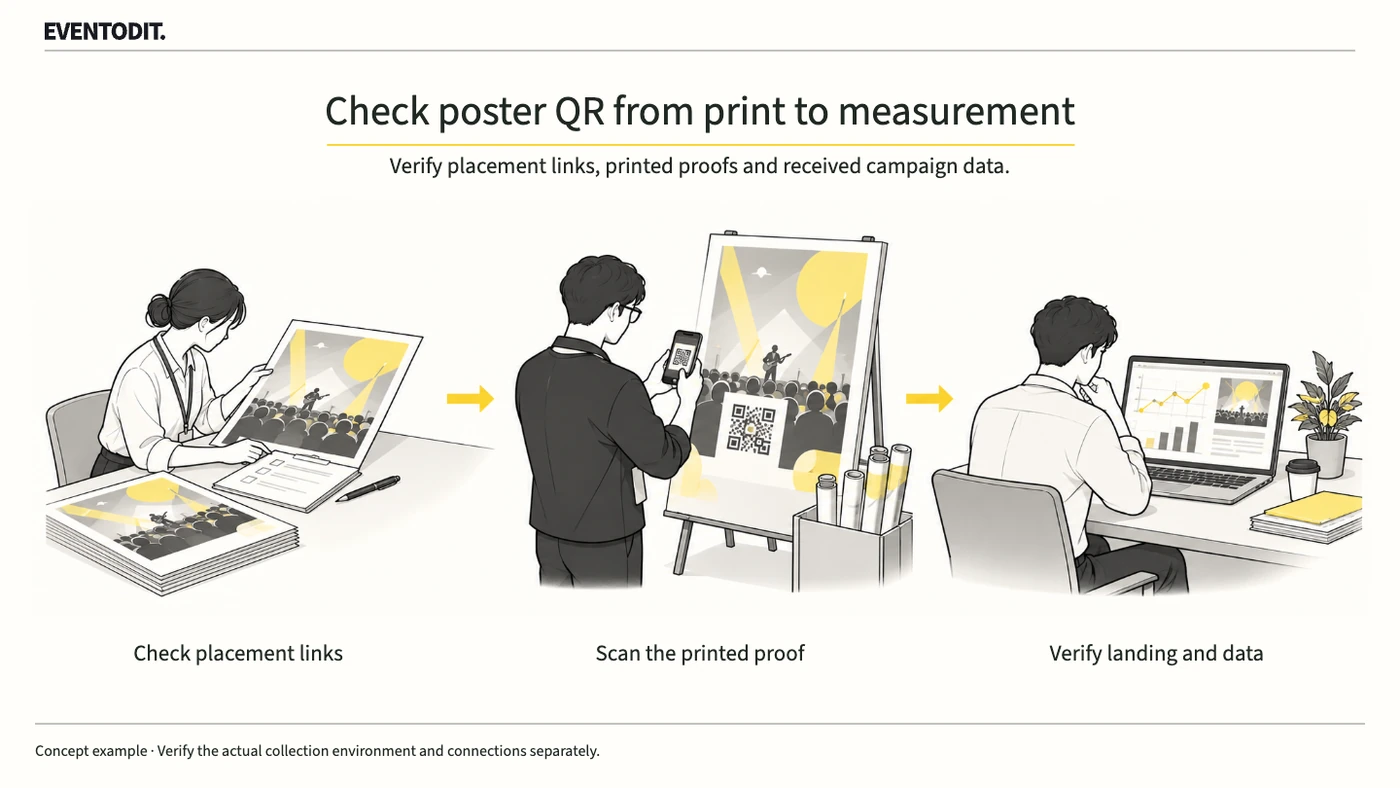
Give each event poster placement its own QR destination, then scan an actual printed proof and check both the final page and the values received by analytics. UTM parameters identify campaigns in the URL; scans and visits do not establish bookings or an increase in new attendees.
- Establish a placement register: Reusing one QR code on posters, partner-store materials and venue banners makes location-level traffic hard to distinguish. Before production, link the print ID, distribution point, installation location, destination URL and owner in one register.
- Exclude personal information from URLs: Do not put names, phone numbers, email addresses or other identifying information in UTM values or URL paths. Google Analytics requires that such information not be sent to it. Keep the public production sheet to print and campaign identifiers; connect booking records only in a separate system with lawful access and protection.
- Check dynamic-QR permissions and expiry: Before printing, confirm account ownership, edit rights, the service term and whether redirects continue after the contract ends. Record the approver, old and new destinations and time of each post-print change.
- Separate traffic from incrementality: A QR scan or tagged visit does not establish how many additional attendees the material generated. Links can be shared, people may already know about the event, and footfall and display periods vary. Report observed traffic separately from incremental effects estimated through a separate experiment or comparison. The 2011 Google geo-experiment research illustrates a measurement method; it did not validate Korean event posters.
These fictional values illustrate a naming convention, not guaranteed automatic classification by a particular tool.
| Field | Fictional value | What it distinguishes |
|---|---|---|
| Campaign | autumn_forum | Promotion for the same event |
| Source / medium | partner_store / qr | QR traffic from partner stores |
| Content | poster_a01 | Printed item and installation location |
Part 2. Graphic design and production
“Do not rely on a screen link. Standardise naming and inspect an actual printed proof.”
- Standardise UTM capitalisation: Google Analytics distinguishes uppercase from lowercase values. Agree a naming convention for source, medium, campaign and content in the production register and design files.
- Compare each design and QR destination: Check every code against the destination registered for its distribution point. Even when the landing page is shared, verify the values identifying the poster and creative.
- Scan an actual print proof: A design preview alone is insufficient. Scan a proof produced through the actual print process with a phone camera and check readability and the printed condition around the code.
- Hand over production and distribution records: Record the print ID, final QR address, print quantity and delivery point, and pass the register to distribution and analytics staff.
- ProductionCompare register and designProduction: match print ID, QR URL and distribution point.
- Before printingOpen final page from printed proofAcceptance: record destination after redirects, event details and tag retention.
- Measurement checkVerify analytics receiptAnalytics: record actual values and test time in the register.
- After distributionRetain placement and change historyOperations: record location, replacement and approved destination changes.
Editorial procedure, not a record of actual account/tracking connections or advertising execution.
Part 3. Web and analytics
“A page opening is not the same as data collection. Check the final destination and received values separately.”
- Inspect redirects and the final destination: Scan the printed proof and verify the final URL and tag transfer after any short URL or intermediate page. Separately confirm the event information, date and language on the destination page.
- Compare values actually received: Do not mark analytics as verified just because the page opens. In a test environment where consent to collection is granted, use an available method in the actual account, such as GA4 Realtime or DebugView, to check that the required campaign, source and medium values match the register. Check traffic attribution separately in the acquisition report and record the result. Do not relabel analytics visits or events as total QR scans.
- Separate missing data from consent conditions: If values are absent because of missing tracking, redirects, consent settings or browser blocking, do not record successful collection; document the reason. A test in which consent is refused should separately verify that the intended consent behaviour works. Do not bypass consent settings to track people who declined.
- Maintain test and change records: Record test scan times, devices and conditions and define how to distinguish them from visitor traffic. If the placement or destination changes after distribution, retain the approval and change history and repeat the relevant checks.
Use the form for the next handover
Use the Printed QR register and proof checklist for the records described here. The XLSX contains Blank, Example and Instructions sheets. Write your event in Blank; the fictional example is a guide to what to enter.
Record each print’s URL and identifiers and check that they contain no personal information. Scan physical proofs with actual devices and compare recognition, destination and tags.
Design/production sends approved proofs and register to distribution; analytics receives UTM definitions, test logs and change history.
If the QR leads to an application page, first align eligibility and confirmation conditions using Event audiences, capacity and recruitment conditions. If it leads to an external ticketing provider, continue with External ticketing and cross-domain purchase measurement checks; check provider support and tag permissions before deciding whether purchases can be measured.
Final check before use: Before final printing and distribution of event poster QR codes, cross-check the placement register, physical scan of the printed proof, values actually received by analytics and exclusion of personal information.
Conditions for applying this elsewhere
For offline material requiring location-level attribution; verify tool installation, consent and QR-service terms/permissions before acceptance.
Information not established
This is not a report of actual campaign tests or results. QR visits do not automatically mean unique audience, confirmed bookings or incremental advertising effect.
Reference material
- Google Analytics · URL builders: UTM fields, case sensitivity and reporting (help checked 23 October 2026)
- Google Analytics · Prevent PII collection: restrictions in URLs, UTM and campaign fields (checked 23 October 2026)
- Vaver & Koehler (2011), Measuring Ad Effectiveness Using Geo Experiments · Google full text: regional randomisation and incrementality
- HRD Korea PDMS · 2026 convention-planning course competency list: budget, suppliers, risk, sponsorship, follow-up and publicity. An individual curriculum, not a common certification textbook.
- Google Analytics · Redirects and URL-tag retention
- Google Analytics · Basic and advanced consent mode
After reading, complete the next task
Print ID, final URL and campaign-tag acceptance log
This article’s template
Printed QR register and proof checklist
A register of what was installed where, with change and retest evidence
Instructions, examples & downloadsRelated practical guides
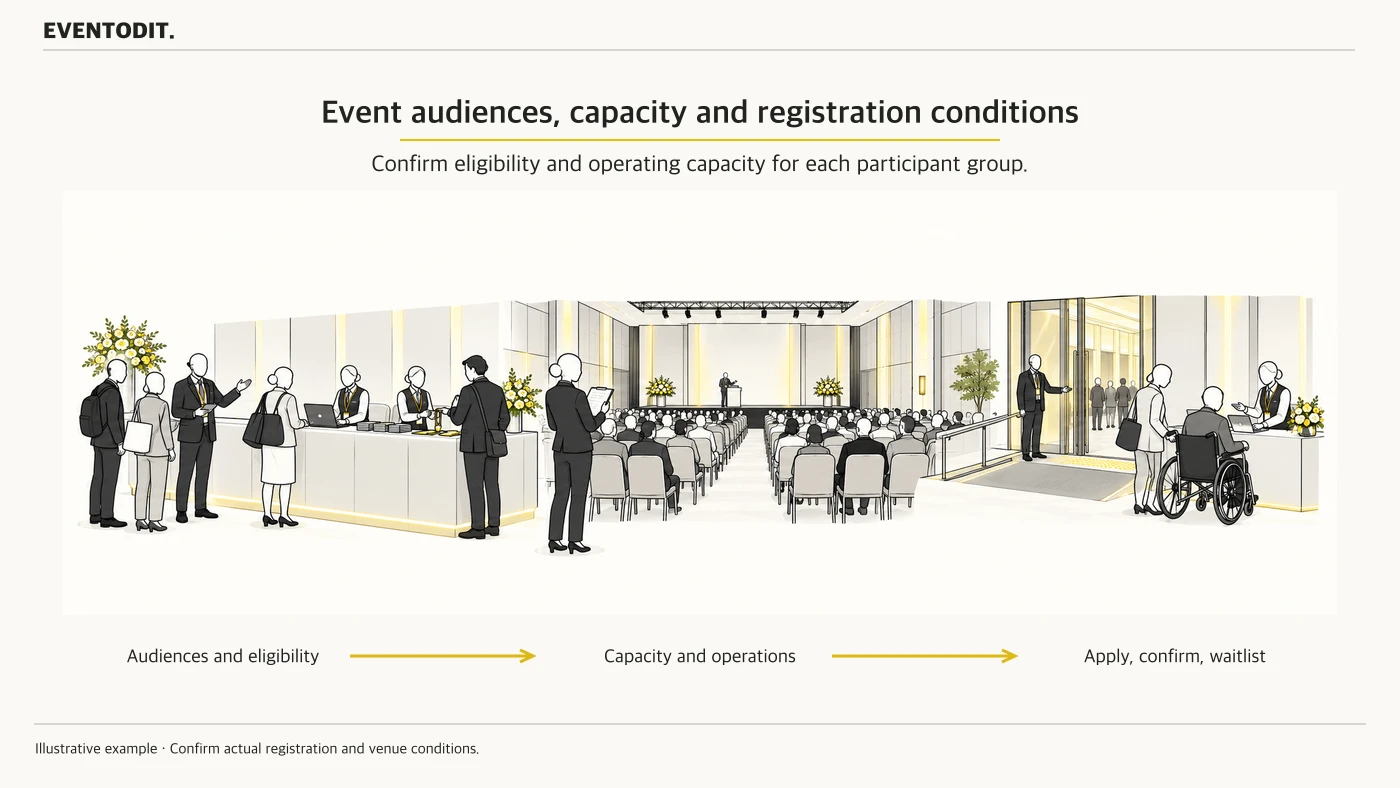
Event audiences, capacity and recruitment conditions
General attendees, buyers, speakers and exhibitors attend for different reasons and need different support. Set eligibility and registration routes for each group, then check workable capacity, waiting-list and accessibility arrangements.
Read guide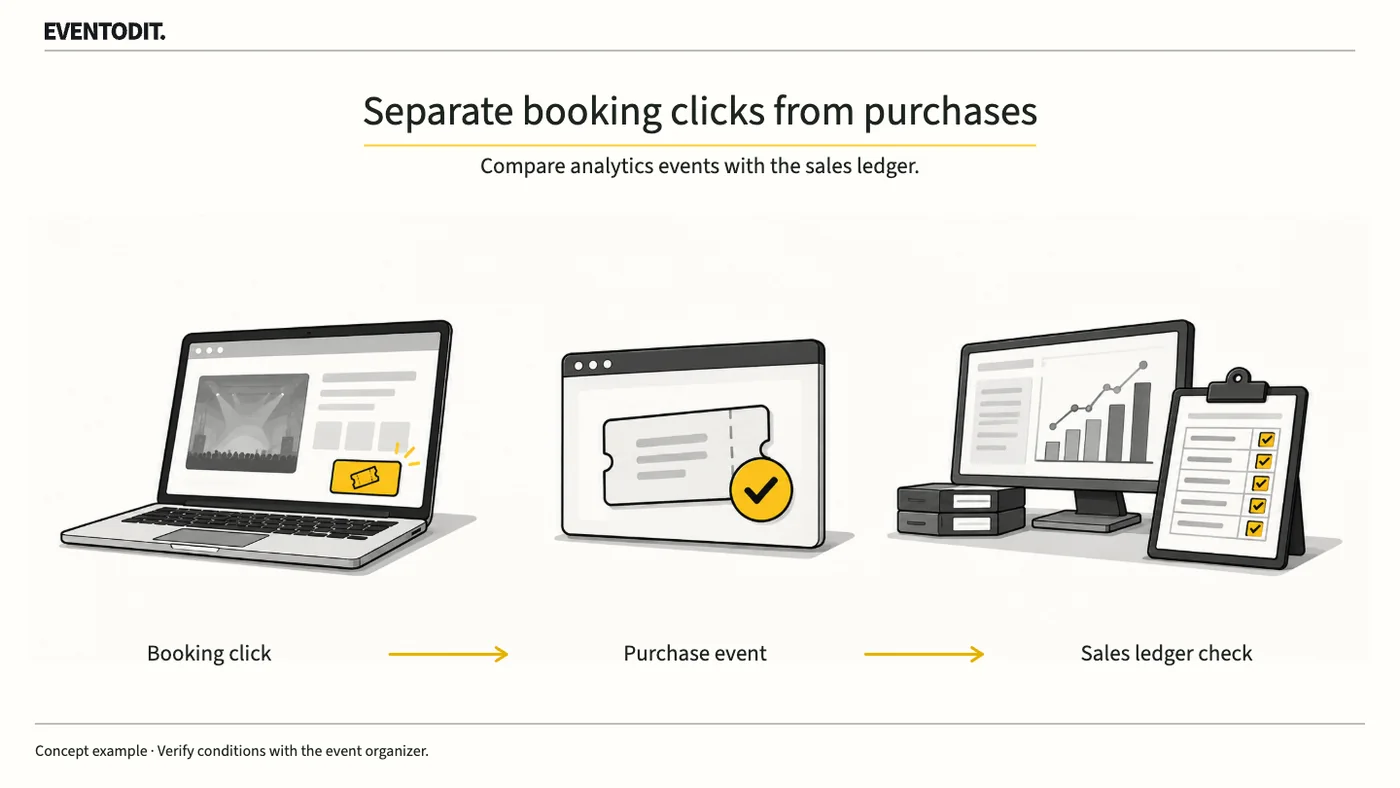
External ticketing and cross-domain purchase measurement checks
Report separately the clicks, orders, tickets and admissions that the team can actually verify.
Read guideHave a correction or additional evidence? Request a correction