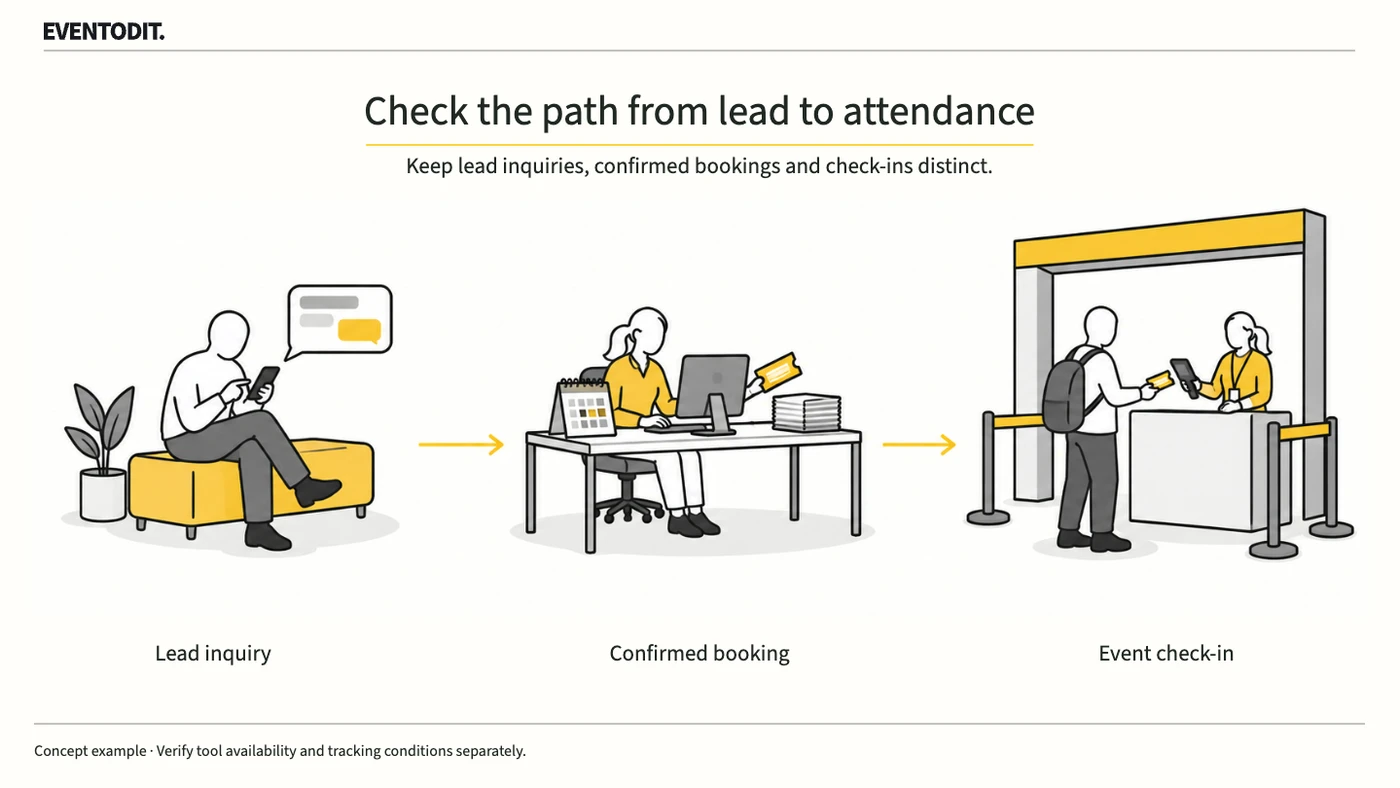
Part 1. Planning and advertising lead
“An enquiry does not guarantee a booking or admission. Confirm feature availability and traffic identifiers first.”
- Separate enquiries from final conversions: Capturing contact details through AI messages or a web form does not mean a seat has been assigned, payment completed or admission recorded. Define completed enquiries, such as programme questions, date checks or booking requests, and do not report them as confirmed bookings or ticket sales.
- Verify the new feature’s actual availability: An existing Instant Form integration does not establish that Agentic Leads is available. Confirm Korean account availability, pricing and booking-system connections in the actual account and current official documentation before deciding to use it.
- Separate traffic identifiers from personal information: Assign campaign, creative and placement identifiers to advertising links and on-site QR codes. Do not place names, phone numbers or other personal identifiers in public URLs; manage any person-level linkage in an access-restricted system.
- Assign retention and access owners: TikTok states that existing Instant Form and messaging leads in Ads Manager are retained for 90 days and that administrator access is needed to download and manage them. Do not assume the same terms apply to all Agentic Leads data: verify retention and access for each collection route and account. Assign an owner and backup schedule to obtain records before they expire.
The following editorial table separates the evidence and owner at each stage.
| Stage | What to confirm | Source of record |
|---|---|---|
| Enquiry received | Enquiry and collection route | Lead collection system |
| Booking confirmed | Session, seat and cancellation | Booking system |
| Admission | Actual check-in and duplicate entry | Venue entry record |
Part 2. Booking and CRM systems
“Storage depends on the collection route. Separate in-app and web forms and align status definitions.”
- Check storage by collection route: TikTok’s lead-data guidance says leads collected using Instant Forms and TikTok messaging sync to Ads Manager and Leads Center, while leads collected directly on an advertiser’s website do not automatically sync to those tools. Test storage and access permissions for the actual form and account.
- Distinguish lead receipt from conversion feedback: When examining existing Instant Form direct integrations, webhooks or external tools, separately verify the connection receiving leads in the booking system and the connection sending later booking or cancellation signals back to the advertising system. One working connection does not establish that the other works.
- Restrict personal data and align statuses: Manage person-level identifiers in the access-restricted booking system. Align definitions and update owners for enquiry received, booking pending, booking confirmed and payment completed across systems.
- Set duplicate and cancellation rules: One person may enquire through several channels or cancel after booking. Deduplicate under the approved identification and access rules, and document how cancellations affect booking and performance counts.
The following editorial example compares online and offline traffic with enquiry, booking and admission records.
Scroll sideways if needed to compare the branches.
- Online ads and contentIdentify source by campaign and creative.
- Offline material and QRIdentify source by placement and medium.
- Traffic recordSeparate channels and observation windows for one campaign.
- Enquiry intakeRecord receiving system, owner and enquiry status.
- Confirmed bookingCheck session, seat and cancellation in the booking system.
- Admission confirmationApply check-in and deduplication rules for the same window.
EVENTODIT application design. Verify feature availability and actual account/system links first.
Part 3. Venue operations and performance analysis
“Do not manufacture conversion rates from unrelated totals. Follow the same enquiry cohort through booking and admission.”
- Define the cohort and observation deadline: Do not compare today’s enquiries with all admissions to the event. Define the cohort of enquiries received during a specified period and the deadline for observing their bookings and admissions.
- Compare stage records side by side: Compare ad and QR traffic, enquiry records, confirmed sessions and seats in the booking system, and venue check-ins using approved identifiers and access permissions. Mark records that cannot be linked as missing rather than guessing.
- Separate check-ins and re-entry: Distinguish advance bookings, on-site registrations and re-entry. Apply the agreed booking-register matching and duplicate rules. Do not assume an unverified admission originated from an AI enquiry.
- Report definitions and tracking limits: Report enquiries, confirmed bookings and actual admissions alongside the intake period, observation deadline, cancellation and duplicate rules, and unlinked system gaps. A trackable conversion alone does not establish that advertising caused it.
Use the form for the next handover
Use the [Lead, booking and entry connection log](/en/templates/lead-booking-entry.html) for the records described here. The XLSX contains Blank, Example and Instructions sheets. Write your event in Blank; the fictional example is a guide to what to enter.
Verify storage, admin access and retention for every capture route. Use permitted fictional IDs to test lead receipt and return signals separately.
CRM sends results and open items to advertising, booking, on-site and analysis leads. Share personal records only within authorised access.
Final check before use: Before running a TikTok Agentic Leads or lead-collection campaign, cross-check the definition of a completed enquiry, booking and admission confirmation, storage by collection route and applicable data-retention deadlines.
Conditions for applying this elsewhere
Check actual account/region availability and the booking system first; distinguish in-app and owned-web storage.
Information not established
Korean availability, fees and specific booking integrations for Agentic Leads, plus actual event bookings/revenue, were not verified.
Reference material
- TikTok Newsroom · Agentic Leads and Smart+ Creative Selection announcement, 5 October 2026: planned functions versus existing tools
- TikTok for Business · Lead-data access, revised December 2025: in-app/web collection, 90-day retention and admin permission
- TikTok for Business · Instant Form CRM integrations, revised June 2026: direct connections, external tools and webhooks
- TikTok for Business · One-click CRM integration, revised September 2025: Google Sheets, export and conversion-signal distinction
After reading, complete the next task
Campaign measurement rules covering collection routes, state definitions, responsible systems and counting windows
This article’s template
Lead, booking and entry connection log
A handover record of traceable lead, booking and entry routes for the same observed cohort
Instructions, examples & downloadsRelated templates
Event Results and Counting-rules Record
A record that lets another person reproduce reported figures from the source data.
Use this for: Agree the counting method before the event, then compare registration, scans, surveys and leads afterwards. Use one row for each metric and population.
Instructions, examples & downloadsRelated practical guides
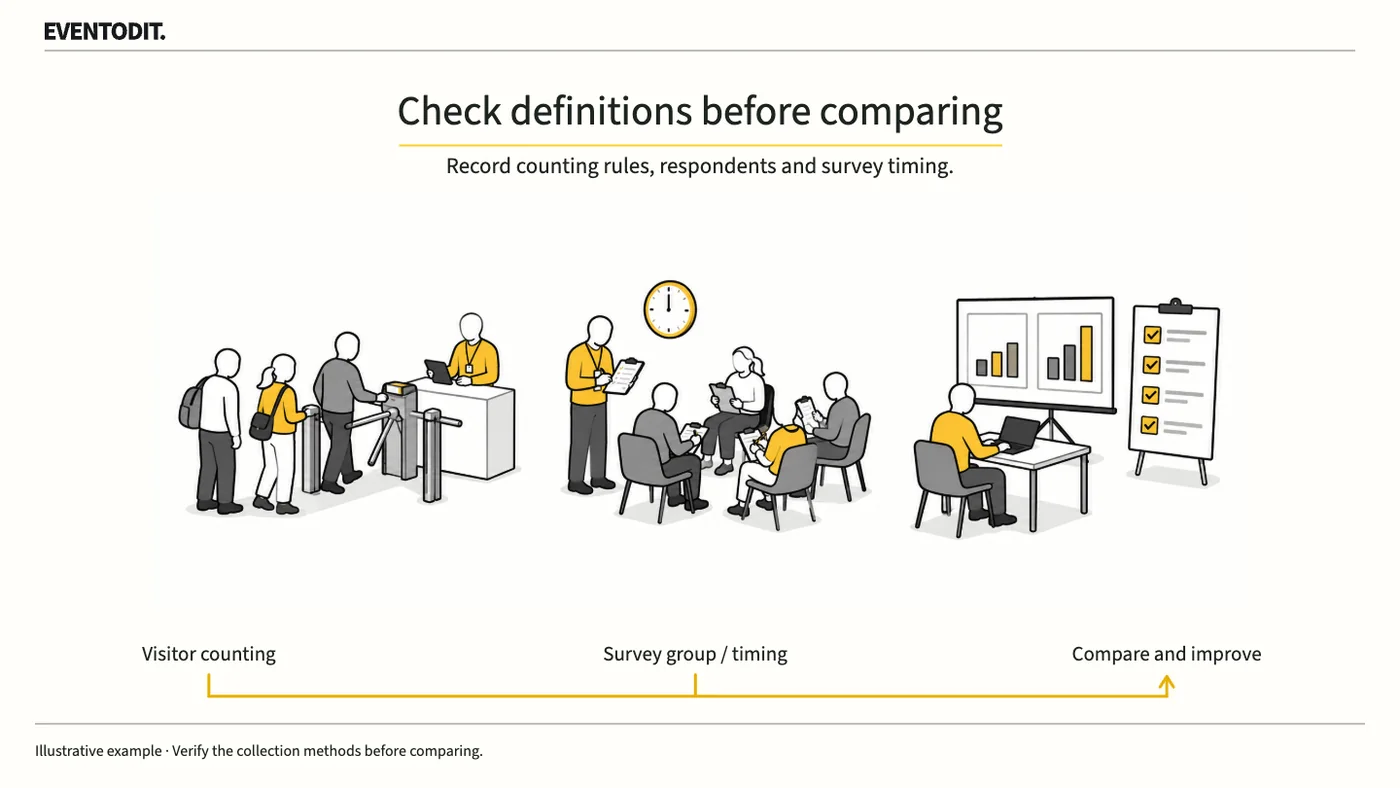
Event Review and Data Evaluation
This year’s attendance and last year’s may not be comparable if the method changed. Establish who was counted or surveyed, when and how, and what is missing before interpreting the result.
Read guideHave a correction or additional evidence? Request a correction