Part 1. Planning and operations lead
“An event name alone does not establish eligibility for a separate profile. Agree access with the venue owner.”
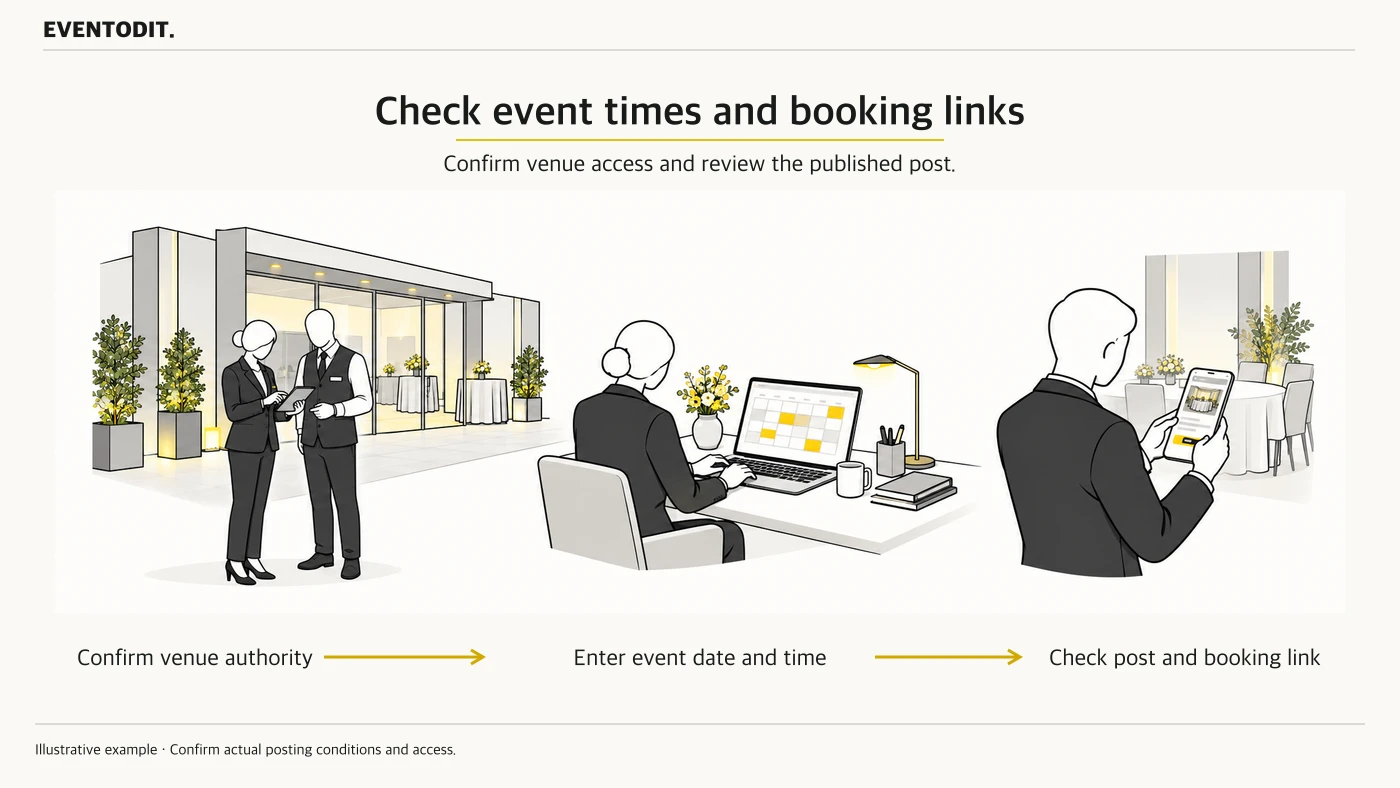
- Check eligibility and authority to represent the business: Google Business Profile is for eligible businesses. Do not assume that a temporary pop-up or rented event qualifies for its own profile. Before creating a profile at a venue address, check the actual business eligibility and authority to represent the venue against Google guidance and with the venue owner. Permission to use the venue alone does not establish eligibility for a separate profile.
- Assign publishing and update responsibilities: If an event agency agrees to use the venue’s existing profile, agree the post content, publishing schedule and person responsible for changes with the venue manager beforehand. Confirm approval from the owner or authorised representative and the required access.
- Distinguish featured placement from ordinary posts: Google says a particular mobile featured-post function for events is available in English to single-location food and drink businesses in the United States, United Kingdom, Canada, Australia and New Zealand. Do not treat it as an ordinary post feature or promise automatic featured placement as a guaranteed outcome for a Korean event.
Part 2. Marketing and promotion
“Check the actual start and end times as well as the event dates.”
- Check the dates and times: Google says that if the start or end time is omitted, an event post can appear to run for 24 hours on its event dates. Compare the approved running schedule and enter the start date, end date, start time and end time.
- Separate event times from venue business hours: Do not overwrite a venue’s regular business-hours field with the hours of one event session. Google advises that some event venues with varying activity schedules or appointment-only operations should not provide regular hours. Do not treat this as a blanket prohibition for every venue; check the business’s actual operations and applicable Google guidance, and manage event hours in the post.
- Synchronise schedule and sales changes: If the event is postponed, cancelled or its hours change, confirm the official schedule and notice, then promptly update the event post. If booking closes or tickets sell out, check with operations and update the post’s information, recording the person and time of the change.
Part 3. Web publishing and quality assurance
“Pressing publish is not completion. Check the booking link and public status yourself.”
- Compare the booking link and information: If using a booking action button, open its destination on a phone or other device before publication. Check that the event name, venue, date and registration conditions match the approved information. A working link and a completed booking are separate states.
- Check post status and the public display: Google reviews posts against its policies. Check the Live status and the actual display in Search or Maps separately. If a post is Pending or Not approved, review the reason and correct it. Do not record a click on publish as proof of publication or audience reach.
- Separate operating records and outcomes: Record the publisher, check time, public address, link test and schedule changes. Treat post visibility and link clicks separately from bookings and attendance, and compare actual bookings with the available booking records.
- Record what is unverified in the Korean environment: If the menus, featured function or actual publication result for a Korean account have not been checked, do not assume they are available. Verify them in the relevant account and region.
Final check before use: Before posting, confirm agreement on access with the venue manager, and the approved start and end times. If using a booking button, check its link’s content and operation. After posting, check the publication status and public display separately.
Use the form for the next handover
Use the [Event post timing and publication checklist](/en/templates/business-profile-post-log.html) for the records described here. The XLSX contains Blank, Example and Instructions sheets. Write your event in Blank; the fictional example is a guide to what to enter.
Record post ID, profile and owner, then confirm required authority. Compare start and finish times, URL and conditions with the approved register.
Marketing hands the register and public checks to the venue/account manager and coordinates booking-status updates with booking staff.
Conditions for applying this elsewhere
A Google Business Profile for an eligible business, managed by its owner or authorised representative. Features may vary by account and region.
Information not established
The menus, availability and publishing result were not tested with a Korean account.
Reference material
Have a correction or additional evidence? Request a correction