Part 1. Planning and programme lead
“Do not send clock times alone. State the reference time zone and schedule the presentation and rehearsal separately.”
- Establish the reference zone and schedule: State the event location’s time zone, date, start and end in the programme and invitation. Register the main presentation and technical rehearsal as distinct appointments with clear session names.
- Compare the actual moment: The organiser’s and speaker’s calendars can show different clock times depending on their display settings. Different numbers do not establish an error; identical numbers do not establish the same moment. Check that both appointments identify the same start and end instants.
- Check the local date as well: Depending on the speaker’s location on the day, the same appointment may fall on the previous or following date. Compare both date and time with the intended programme.
- Control changed versions: When a time changes, update the existing event where possible and notify attendees. Check that old and new entries do not coexist confusingly; if a separate invitation is needed, track cancellation or removal of the old one.
Part 2. Invitation systems and dispatch
“Distinguish the calendar display setting from the event’s own time zone, and check for floating time.”
- Set the event time zone: Changing the calendar’s overall display zone is different from setting an individual event’s zone. In Google Calendar on a computer, check the Time zone option beside the event time against the event’s reference zone.
- Inspect iCalendar time representation: Under RFC 5545, a local DATE-TIME without a time-zone reference is floating time. To communicate a fixed instant, use UTC or local time with a valid time-zone reference. UTC uses a Z suffix and must not have TZID. Where a time-zone reference is used, check that the corresponding time-zone definition matches. Do not approve or reject a file solely on whether TZID appears. A zone written in the description is separate from the event’s actual time representation.
- Test with an internal account: Before sending to speakers, receive an invitation configured in the official system in an internal review account and compare the saved start and end against the programme. Correct the system configuration and retest rather than informally editing file syntax.
- Verify actual calendar interoperability: Behaviour can vary across the sending system and recipient app. Test the actual accounts and receiving environment for time-zone display, event updates and notifications; leave unverified configurations open.
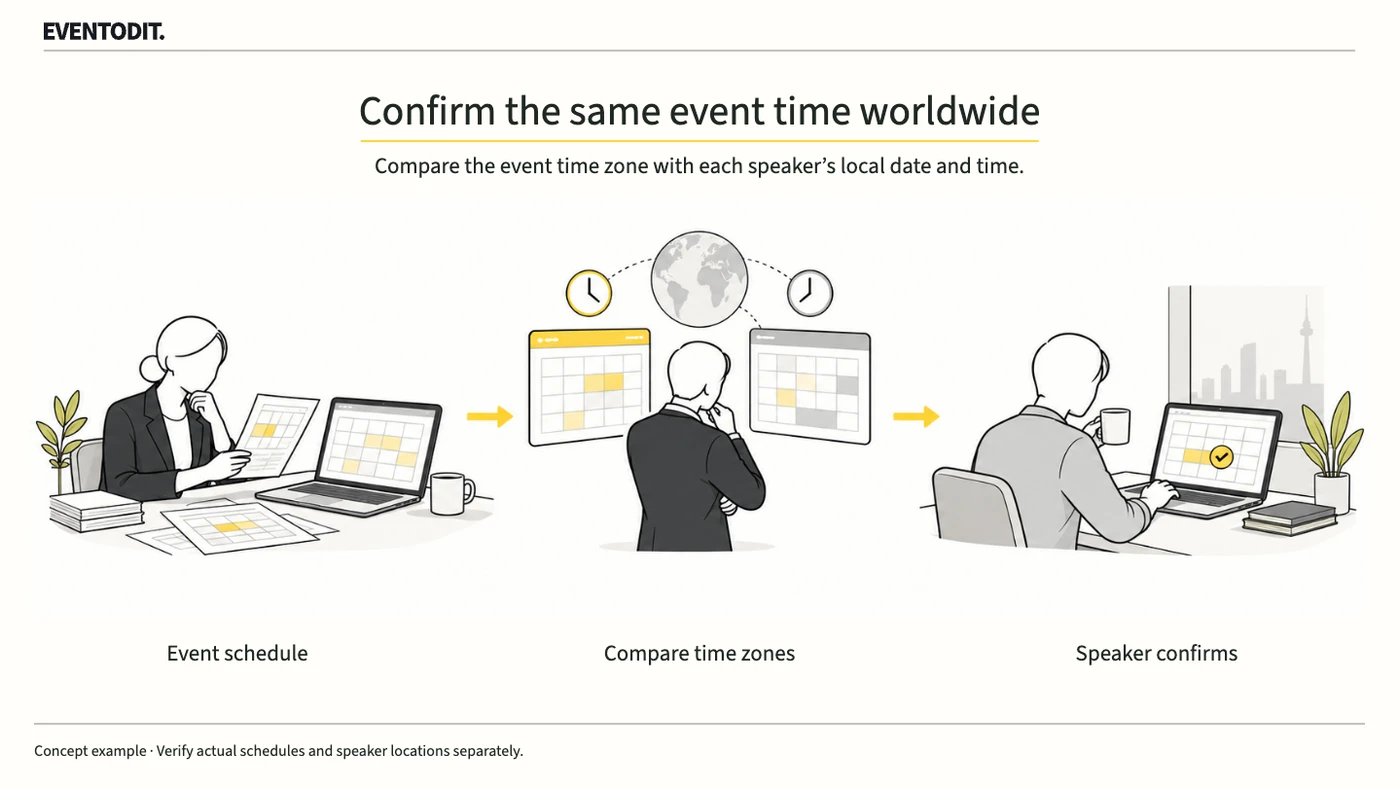
Scroll sideways if needed to compare the branches.
- Check organiser displayCompare the event time zone with the production schedule.
- Check speaker displayThe speaker confirms the calendar display zone and local date/time.
Clock readings need not match. Confirm that both appointments identify the same actual instant.
Part 3. Speaker coordination and operations
“Check the speaker’s location on the day and calendar display settings, including the date they see.”
- Check location and daylight saving: Confirm the receiving account and the location from which the speaker will join on the event date. Travel and daylight-saving changes make a familiar offset unreliable; convert using the actual date. Check whether the calendar display zone differs from the speaker’s location.
- Obtain the speaker’s displayed details: Ask the speaker to confirm not just acceptance but the calendar’s displayed time zone, local date, start/end and session name for both rehearsal and presentation. Request only the necessary details in a reply or screenshot and compare them with the programme.
- Compare both checks before final confirmation: Run the organiser’s reference check and the speaker’s display check in parallel. If the appointments do not identify the same instant, correct the system and recheck both sides before confirming attendance times.
- Retain records and open questions: Record the reference zone, start/end, speaker-confirmed display and outstanding questions. After a change, confirm that the old invitation was updated or cancelled and no confusing duplicate remains.
Use the form for the next handover
Use the [Calendar invitation time-zone checks](/en/templates/calendar-timezone-verification.html) for the records described here. The XLSX contains Blank, Example and Instructions sheets. Write your event in Blank; the fictional example is a guide to what to enter.
Use separate IDs for rehearsal and presentation and verify the event’s UTC or valid TZID. Compare zones, dates and start/end times after actual calendar receipt.
Speaker staff send the final event ID and both-party checks to the programme team. Hand over unresolved location/time-zone questions with owners and deadlines.
Final check before use: Before sending international conference invitations and confirming speaker times, cross-check the reference zone and speaker’s displayed date and time, the calendar file’s UTC or valid time-zone reference, and the procedure for clearing obsolete invitations.
Conditions for applying this elsewhere
Distinguish Google Calendar computer instructions from iCalendar time representation. Check the actual event and receiving account.
Information not established
No particular cross-application compatibility, speaker receipt or attendance has been tested or confirmed.
Reference material
Have a correction or additional evidence? Request a correction