Part 1. Programme and reporting lead
"Resetting polls does not reset participant counts. Define the live-event reporting baseline before choosing a session."
- Distinguish poll results from participant analytics: Slido’s poll reset removes poll responses but does not reset the Analytics counts for joined and engaged participants. Do not treat the participation metrics as empty merely because rehearsal votes have disappeared from the display.
- Define the live-event reporting scope: Decide before the event which measures will appear in the report. Slido participation metrics are not the same as physical attendance. If the tested session is reused, record that the figures include testing; do not present them as a separated live-only count.
- Decide whether to retain or duplicate the session: First decide whether a live-event count separate from rehearsal is required. If retaining the session, document the scope and limitations of the participant analytics that remain. If a fresh baseline is needed, check the plan and duplication availability before preparing a new session.
- Define completion of handover: Pressing Reset alone does not complete the task. The programme lead must be able to explain to the team which rehearsal data remains and which session will be used for the live event.
Part 2. Slido operations and data lead
"Export results before resetting, and distinguish deleting questions from archiving them."
- Export needed results first: Identify the session and results to remove, export anything that must be retained, and open the downloaded file to check its contents. Slido exports require a paid plan, and a one-time plan applies to the upgraded session. Check download availability in the actual account before the event.
- Select exports and protect personal information: In Analytics exports, distinguish overall poll results, participant-level responses and Q&A, and select only what is needed. Restrict recipients and access to files containing names or other identifying information.
- Distinguish deletion from archiving: Deleting a question permanently removes it from Analytics. Do not confuse deletion with archiving when the purpose is only to hide a question from the audience.
- Restore items not copied to a duplicate: Existing Analytics, poll responses and submitted questions are not copied into the new session. Individual poll locks, hidden-result settings and invited co-host access are also not copied; inspect the duplicate and apply the required settings again.
- Check plan eligibility and retain the original: Using a duplicate with a one-time plan may require another one-time plan or an annual plan. Do not erase the original results before confirming that duplication and the necessary features are available.
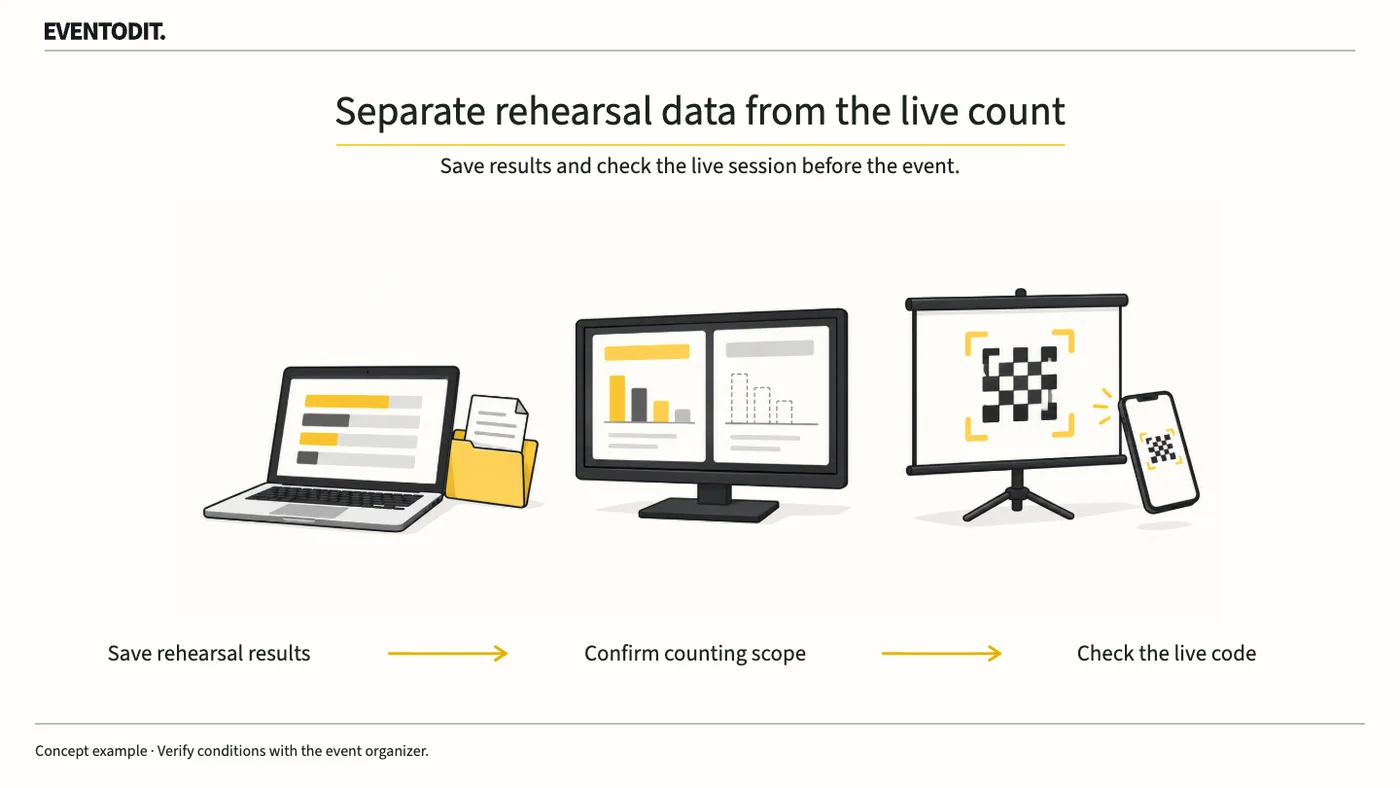
- Agree retention and reporting scopeThe programme owner retains required results and defines the live-event baseline.
Retain existing baseline
Fresh baseline needed
- Check duplication and prepareConfirm plan availability, then inspect the duplicate’s name, dates and code.
- Review live settings and linksRecheck locks, hidden results, co-hosts, presentation links and QR destinations.
If duplication is unavailable, reconsider the reporting method. Do not present test-inclusive figures as live-event-only metrics.
Part 3. Presentation and event operations
"Matching questions do not mean the setup is ready. Verify the final session links in slides and QR codes."
- Match the duplicate with presentation materials: Check the duplicate session’s name, event dates and participation code. Even if the questions match, verify that presentation slides and venue QR codes lead to the actual live-event session.
- Check co-host access and poll state: The programme and presentation leads should jointly verify the session name, dates, participation code, active polls, result visibility and co-host access to the administration screen.
- Separate content rehearsals from final connection checks: Running another mock poll in the final session creates new test data. Distinguish content rehearsals from the connection check immediately before the event. Joining as a participant for a connection check can also affect the joined count, so record whether anyone joined and check the effect of the test.
- Retain the handover record: Bring together the location of exported files, the session to be used, reset items, remaining analytics limitations in a reused session, and changes to links and QR codes. Share the record with the operating team.
Use the form for the next handover
Use the [Poll reset and live-session handover](/en/templates/poll-session-reset-handover.html) for the records described here. The XLSX contains Blank, Example and Instructions sheets. Write your event in Blank; the fictional example is a guide to what to enter.
Open exports first and distinguish deleted responses from retained metrics. Choose retention or duplication and check actual entitlements and settings.
Data staff send export locations and reset scope to programme staff. The site team receives the live ID, QR/settings and limitations of retained metrics.
Final check before use: Before the live event begins, cross-check the limitations of participant analytics remaining after a poll reset, the retention of required results, settings to restore after duplication, and the session links in slides and QR codes.
Conditions for applying this elsewhere
Uses Slido’s official web-management guidance. Verify export and duplication plan restrictions and actual account capabilities.
Information not established
No account or session has been operated. Official pages disagree on automatic code behaviour after duplication; inspect the actual session instead of assuming a change.
Reference material
Have a correction or additional evidence? Request a correction