Part 1. Planning and Session Lead
"Do not wait for the final version. Early access to provisional materials gives interpreters time to prepare."
- Share provisional versions early and in stages: Waiting until the final presentation file arrives leaves interpreters less time to analyse terminology and context. As AIIC recommends, send a draft or provisional copy as early as possible and clearly mark unverified figures and wording so interpreters do not have to guess.
- Supply context beyond the slides and a glossary: Following AICE guidance, provide the programme, speaking languages, interpreted rooms or booths, speaker list, the script the speaker will actually read, acronyms and background material. In a glossary, connect original terms, preferred spellings and explanations for institutional or product names that speakers frequently mention but that may not appear on screen.
- Control material security and access: Distinguish documents commissioned for translation from materials supplied for interpreting preparation. Assign an official storage location for each session and designate who may download the files so confidential material is not circulated indiscriminately through personal messaging.
- Set distinct handover milestones: Do not record only the presentation start time in the event schedule. Agree separate milestones with the interpreting team for the first delivery of materials, the deadline for final changes and the team briefing, considering preparation needs and confidentiality.
AIIC Asia-Pacific explains that slides, background materials and scripts help interpreters understand speakers' intentions and institutional terminology. AIIC France also recommends sending even provisional versions to the team through the organiser as early as possible.
Part 2. Technical and Broadcast Lead
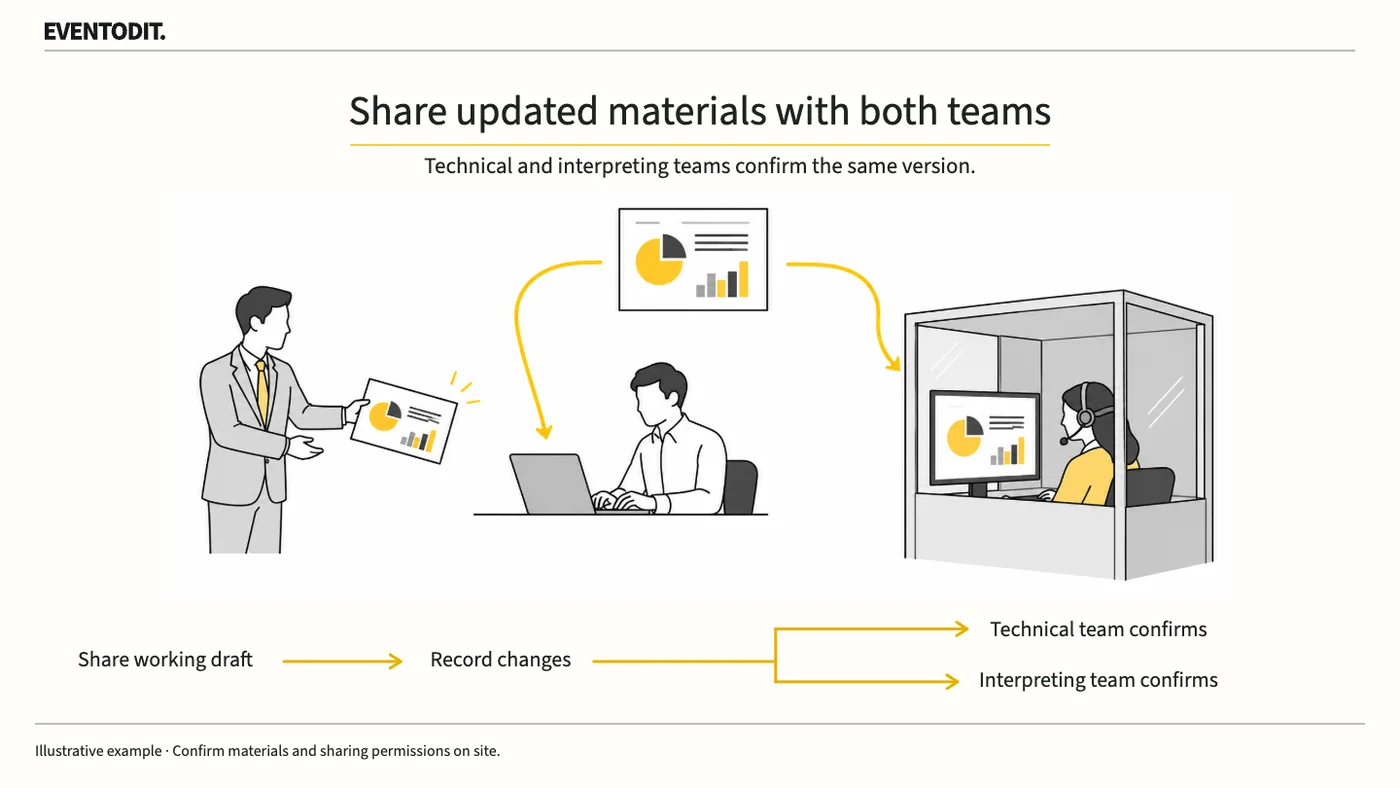
"Replacing the playback file is not enough. Technical staff and interpreters must share the same version."
- Update the playback and preparation copies together: If a speaker changes a file on site, replace not only the broadcast and playback PC copy but also the interpreters' preparation copy with the same revision promptly.
- Discuss video and demonstrations technically in advance: AIIC France recommends consulting the interpreting team leader in advance about video or demonstrations. In addition, conduct a technical check before the session. Do more than confirm playback: check dialogue and captions, any additional speaker commentary, and the broadcast and listening routes for interpreted audio.
- Specify the details of each change: Do not merely send a replacement file. The technical lead and materials owner should identify changed slide numbers, old and new figures or institutional names, speaking context and video playback segments.
| Change | Information to send together | Checking role |
|---|---|---|
| Speaker or presentation language | Name, role and language actually used | Session coordinator |
| Figures or institutional names | Old value, new value and speaking context | Materials owner |
| Video or demonstration | Dialogue, availability of captions and playback segment | Technical lead |
Scroll sideways if needed to read every column.
Scroll sideways if needed to follow each role.
- Speaker / session: Approve the revisionIdentify file version and changed figures or terms
- Technical team: Replace the playback copyConfirm the file version actually shown
- Interpreting liaison: Update interpreting materialsAcknowledge receipt and understanding of changes
- Speaker / session: Share effective timeCheck all three teams hold the same version
- Speaker / sessionApprove the revisionIdentify file version and changed figures or terms
- Technical teamReplace the playback copyConfirm the file version actually shown
- Interpreting liaisonUpdate interpreting materialsAcknowledge receipt and understanding of changes
- Speaker / sessionShare effective timeCheck all three teams hold the same version
Columns identify roles. Read steps from top to bottom; arrows show the handover direction.
Set security requirements and revision deadlines against actual operating conditions.
Part 3. Interpreting Operations and On-site Management
"An upload notification is not enough. Obtain an acknowledgment through a single liaison."
- Establish one liaison and require acknowledgment: Following AICE's recommendation, use one official point of contact between organisers and interpreters. Send the effective time and changed slides through that liaison rather than scattering updates among staff, and obtain the interpreting team's acknowledgment that it has received and checked the changes.
- Brief the team on Q&A interpreting and equipment: Interpretation direction can change in real time during questions. At the on-site briefing, check that speakers who need to hear foreign-language questions have working receivers, that questioners can be seen and that a microphone delivery route is available.
- Review outstanding last-minute information: After handing the final presentation and glossary to the booth, reconfirm video playback and the Q&A operating plan with the interpreting team leader. Promptly report and coordinate any unconfirmed changes with the responsible staff and interpreters to reduce information first encountered during the session.
Final check before use: Before the session starts, cross-check that the technical playback PC and interpreting booth have received the same revised presentation version and that the video and Q&A arrangements have been agreed in advance.
Conditions for applying this elsewhere
For multilingual meetings using human interpreters. Agree staffing, working conditions and confidentiality in the contract.
Information not established
Preparation deadlines, fees, language combinations and meeting outcomes for a particular interpreting service have not been verified.
Reference material
- AIIC Asia-Pacific — FAQ about interpreting: advance materials, terminology preparation and interpreting arrangements. Checked 2026.10.23.
- AICE, Spain — Advice for organisers: interpreting liaison, programme, presentation materials and changes. Checked 2026.10.23.
- AIIC France — Parler en public: early provisional materials, advance discussion of video and briefing the team leader. Checked 2026.10.23.
After reading, complete the next task
Session material register, glossary, revision receipt records and interpreter briefing notes
This article’s template
Interpreter and Technical Team Presentation-version Check
A session record of the presentation material and changes the speaker, technical team and interpreters will use.
Instructions, examples & downloadsRelated practical guides
Event Cue Sheet Changes and Reapproval
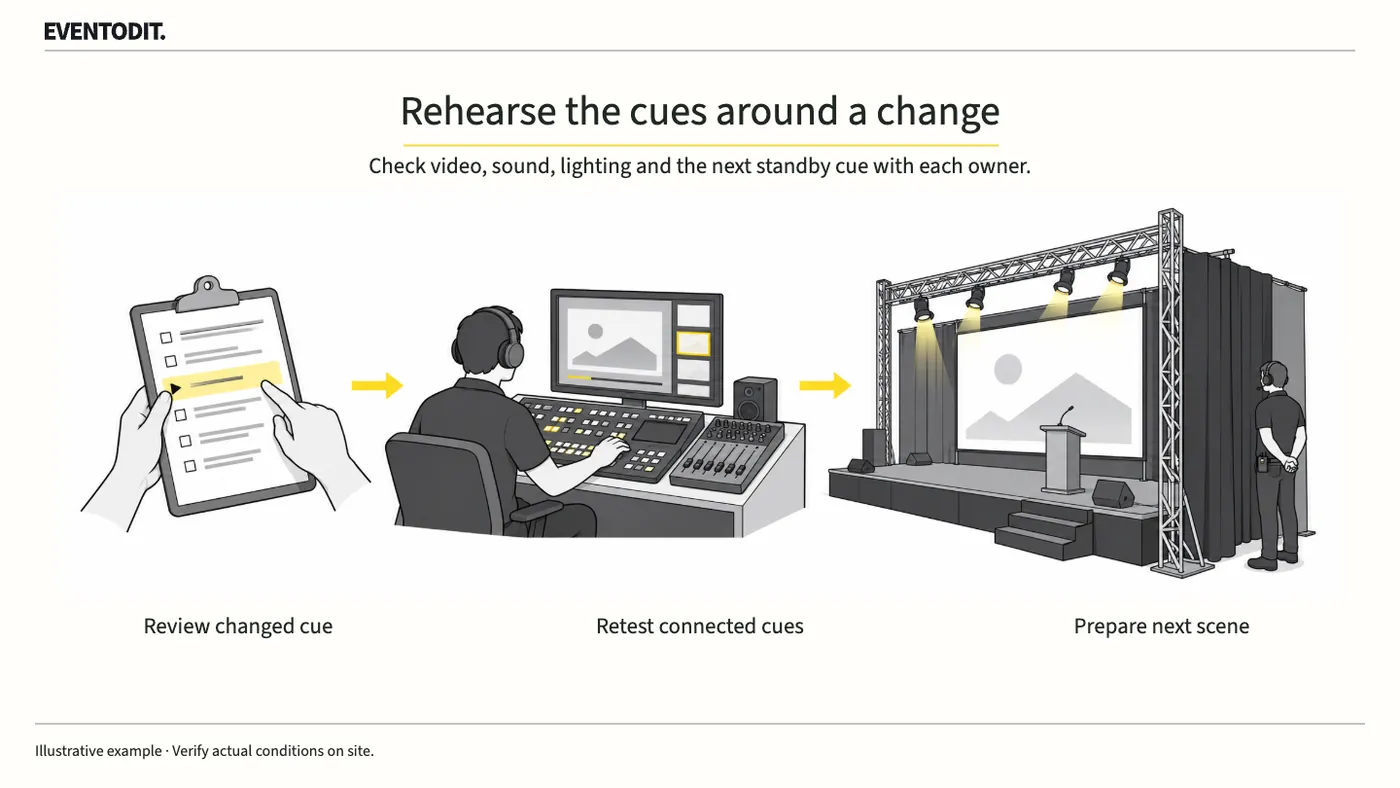
Changing a video’s length or a performer’s order can affect sound, lighting and standby calls. Ask the affected teams to check, rehearse the transitions around the revised scene, then distribute the approved cue sheet.
Read guide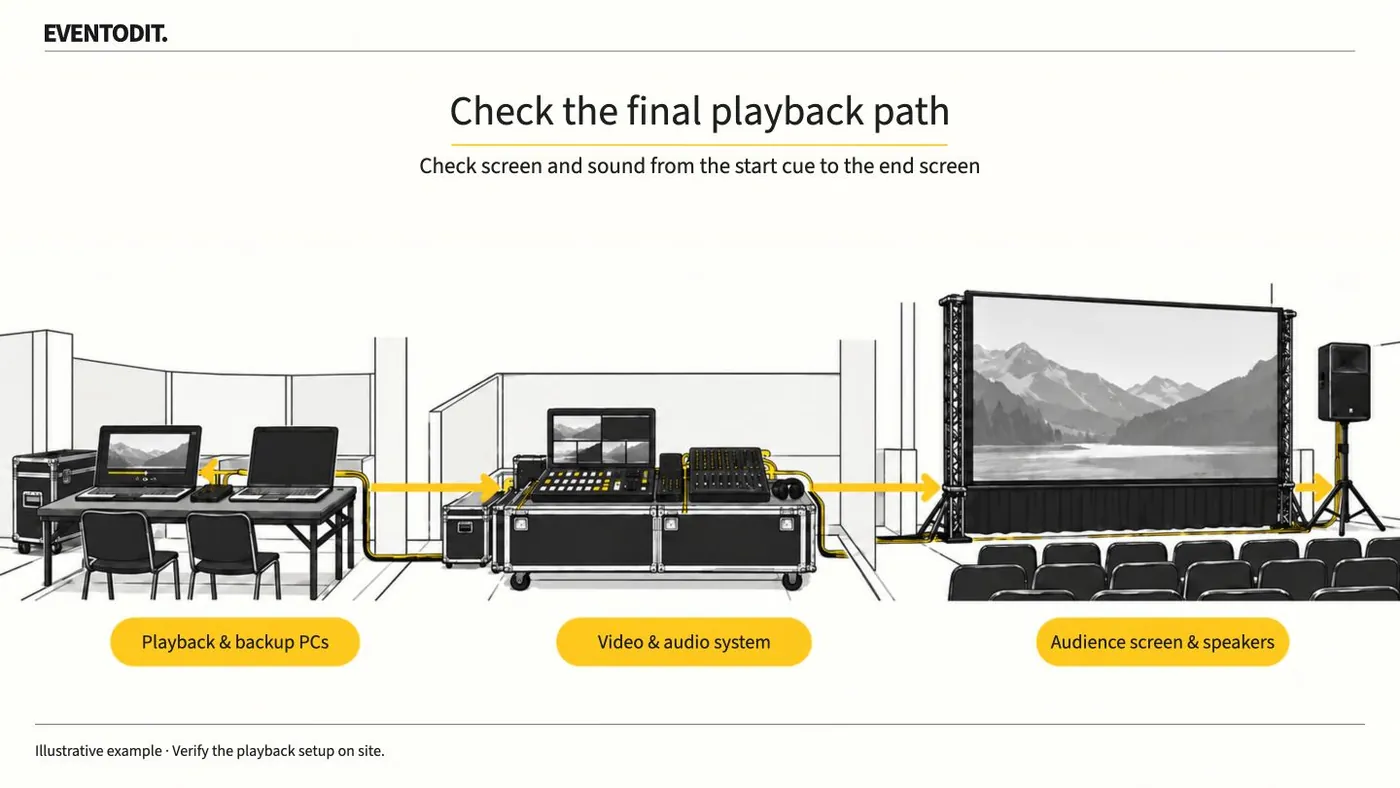
Event Video Acceptance and Playback
Play delivered video on the event PC and check the audience screens and speakers. Test from the start cue through the final screen change, then identify the file approved for playback.
Read guideHave a correction or additional evidence? Request a correction