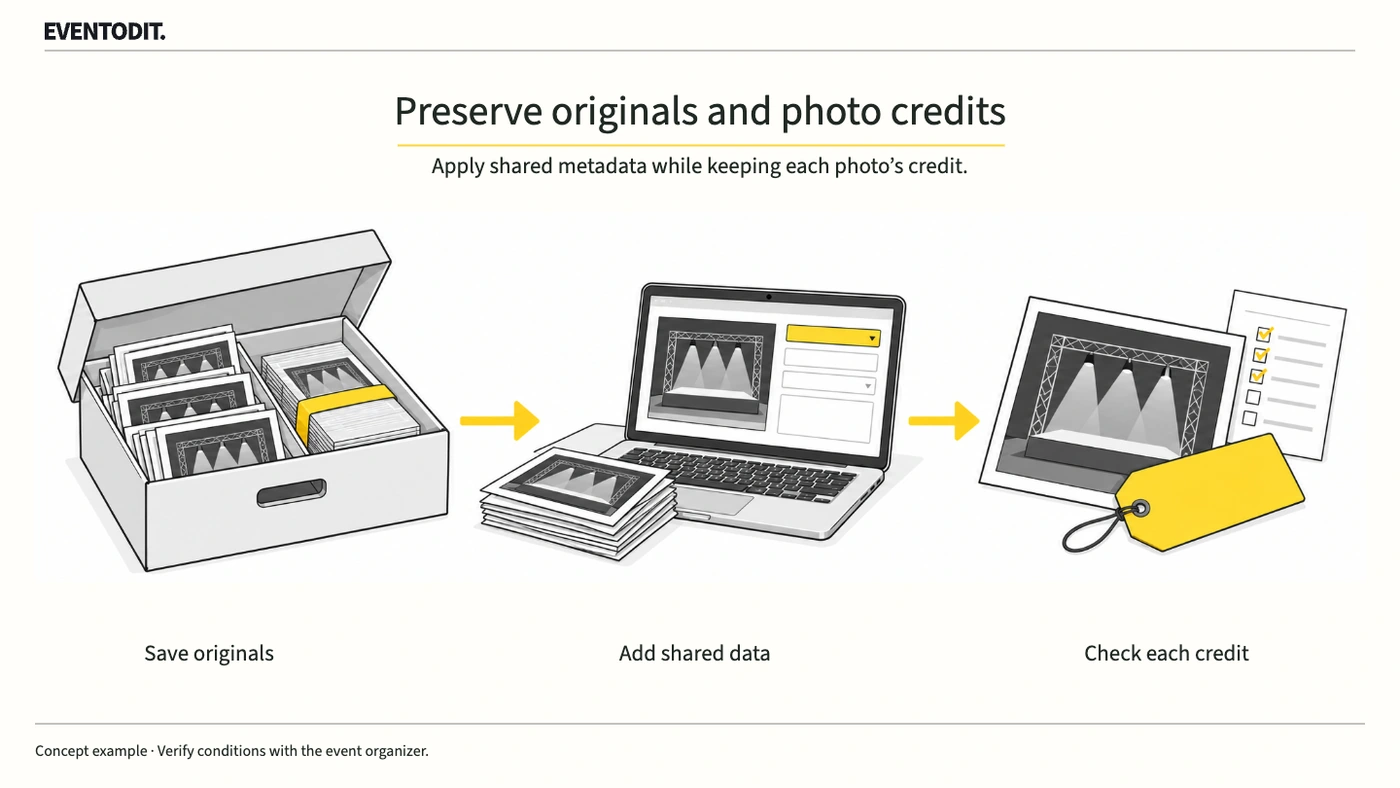
Part 1. Planning and photo procurement and delivery
“Keep unmodified originals first, and do not standardise unconfirmed credits to the organiser’s name.”
- Preserve originals and establish a baseline: Before any batch operation, safely retain copies of the unmodified originals and create an independent list of creators, publication credits and usage terms by filename.
- Respect supplier-specific differences: Photos from the same event may have different suppliers, credit wording and usage conditions. Do not standardise unconfirmed information to the organiser’s name. Ask the supplier and record the person responsible for the reply and the confirmation deadline.
- Separate metadata entry from permission: Entering a rights holder or creator in a metadata field does not create a new licence. Link each file’s recorded rights information to the contract or written evidence supporting the actual permission.
- Do not infer attribution or terms: Editors and delivery staff must not guess why suppliers use different names or credits. Confirm the differences directly with each supplier and agree the wording.
- Document delivery checks: Prepare a file-level register connecting original and revised values, permission evidence and checks of the final exported file; hand it to distribution and web teams.
Part 2. Metadata editing and template review
“A checked empty field can erase existing data. Select common fields carefully and compare working copies.”
- Prevent unintended batch overwrites: Values entered through Adobe Bridge File Info for multiple files can overwrite existing values in the selection. Limit the scope before adding common event information so individual photographer and credit information is not erased.
- Distinguish append from replace: Adobe describes Append Metadata as applying template metadata where a file has no existing value or property, and Replace Metadata as replacing existing metadata with the template’s values. Select the method for the task and check its scope and results on copies.
- Control checked empty fields: A checked field left blank in a template can erase an existing value when applied. Review the common fields, checked empty fields and replacement scope together.
- Test on working copies and compare: Apply changes to copies rather than originals first. Compare before and after values for each file to confirm that common event information was added and individual credits and usage terms were preserved.
- Stop and restore if values are lost: If a comparison reveals unintended replacement or deletion of credits or terms, stop the batch operation and determine the restoration scope using the preserved originals.
- Keep IPTC fields distinct: Creator records the creator; Credit Line gives the requested publication credit; Copyright Notice records the copyright notice; and Rights Usage Terms describes terms and instructions for use. A photographer’s name cannot stand in for all four fields.
- Preserve the file baselineRetain originals and record creator, credit and usage terms.
- Select common fields onlyReview checked empty fields and replacement scope.
- Apply to copies and compareCompare existing and revised values for each file.
- Recheck the deliveryMatch exported-file metadata with the delivery inventory.
Part 3. Press distribution, web publication and review
“Do not approve from the editor alone. Compare the final exported files and the live web display.”
- Recheck metadata in the final exports: Credits verified in the editor may be omitted during export. Reopen the actual files produced in the agreed format and export settings, and compare each photo’s metadata with the delivery register.
- Cross-check press and website credits: Compare the visible credit in press materials and on the official website separately with the embedded metadata and the supplier’s agreed usage conditions.
- Recognise the limits of management forms: An XLSX checklist or CSV register is a tool for managing and comparing records; it does not establish photo rights or replace a contract. Where rights or publication conditions are uncertain, check the original agreement.
- Preserve versioned checks and hand over: Record the exported file’s verification result, approval time and reviewer. Hand over the rights instructions so they remain available for later reuse and press distribution.
Final check before use: Before editing event-photo metadata in bulk and distributing files externally, cross-check the preserved original copies, common fields selected, and preservation of each photo’s credit and usage terms.
Conditions for applying this elsewhere
Confirm actual credits and use conditions with the supplier. Metadata entry does not create permission.
Information not established
No particular photo terms, owner, Bridge operation or final file has been verified.
Reference material
After reading, complete the next task
File-level original/revised values, permission evidence and export checks
This article’s template
Event Photo Credits, Usage and Delivery Check
A shared list of per-file credits, permitted uses and approval or hold status for photo editors and publishers.
Instructions, examples & downloadsRelated practical guides
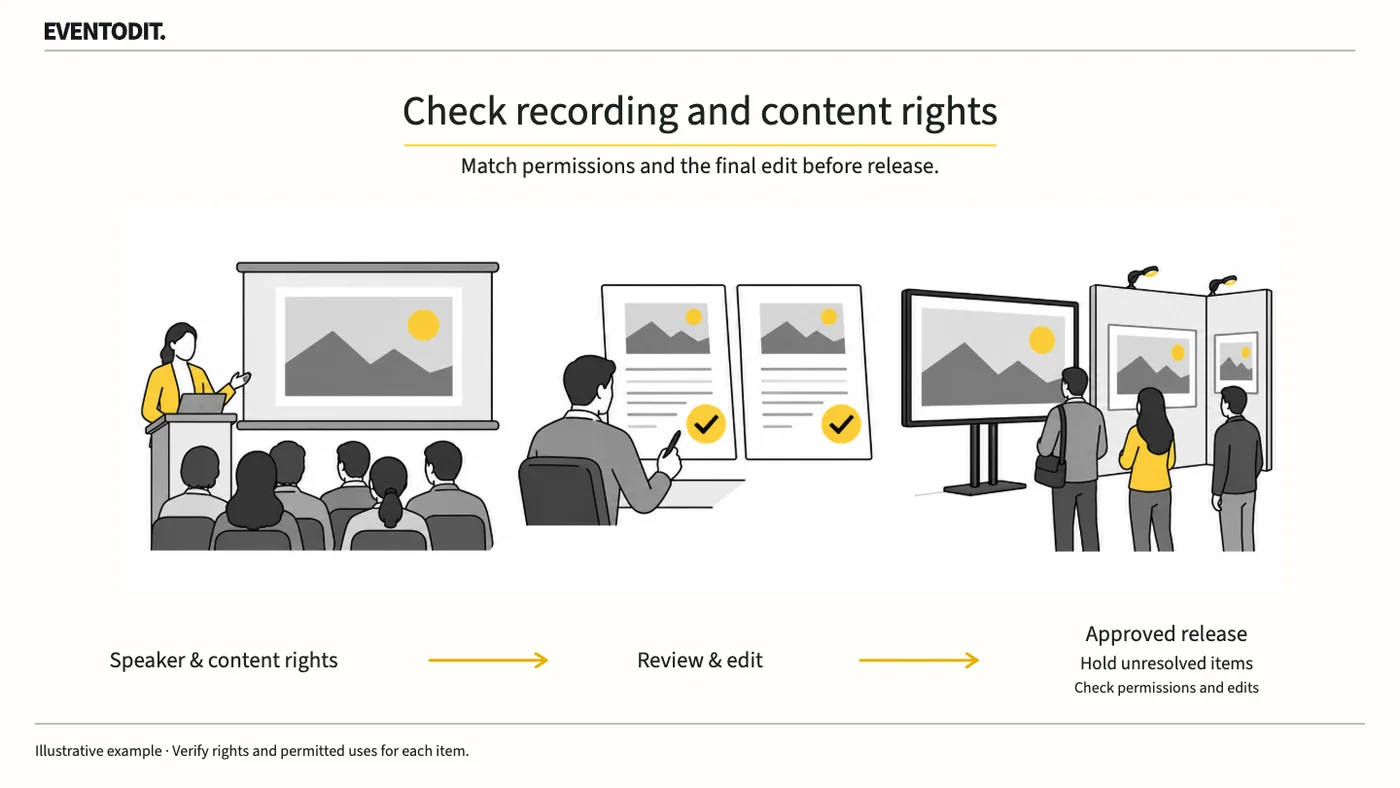
Presentation Video Publication and Rights Review: A Practical Guide by Role
A speaker’s consent to recording does not automatically cover photographs or music in the slides. Check permission separately for livestreaming, on-demand video and promotional clips.
Read guideHave a correction or additional evidence? Request a correction