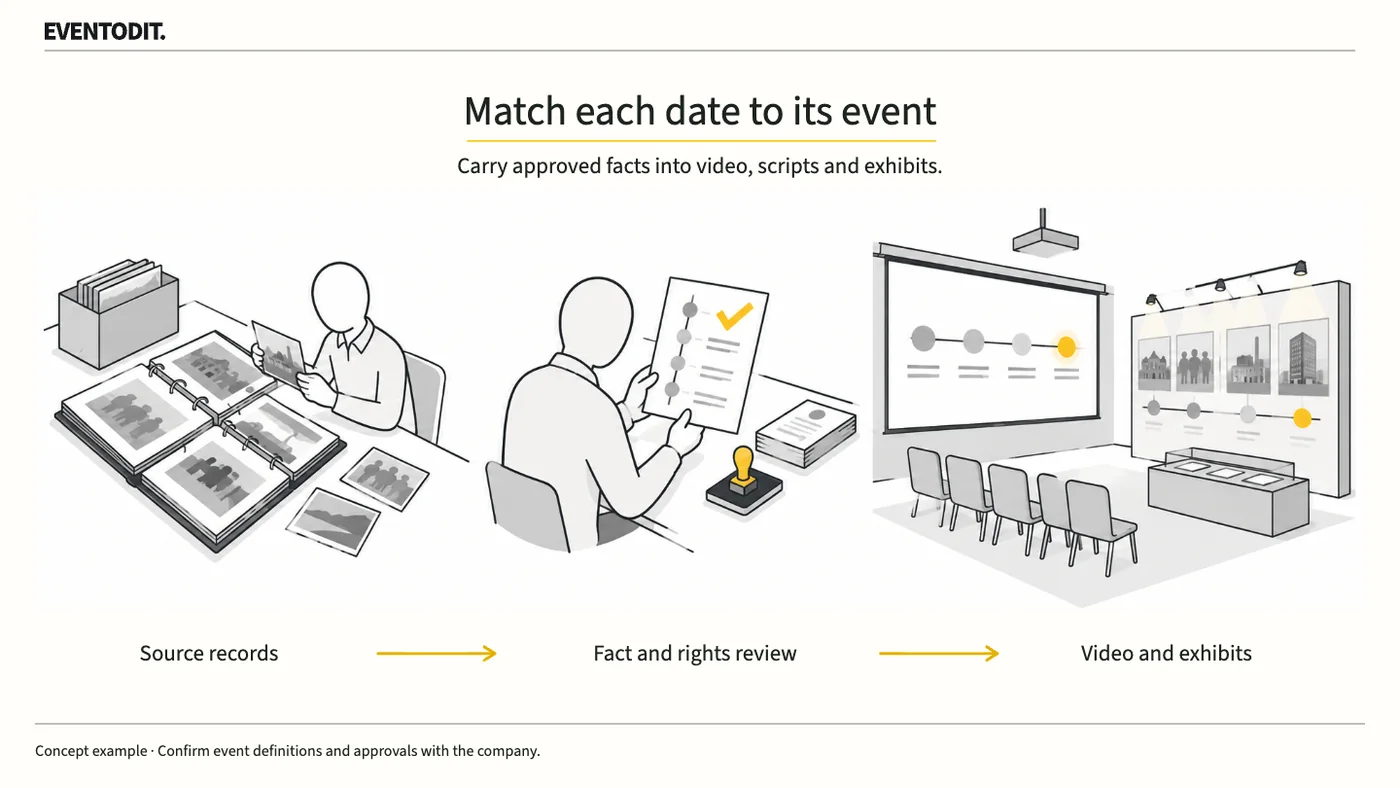
Part 1. Planning and Event Lead
"Do not enlarge years in ways that blur distinct events. Calculate the anniversary from one approved reference point."
- Distinguish events with different reference dates: Samsung Electronics’ official IR history illustrates that its foundation in 1969, listing in 1975 and corporate name change in 1984 are separate events. Enlarging the year while minimising the event name can make different historical milestones appear to share one starting point. Agree a specific sentence identifying the organisation and event for each scene.
- Approve and calculate the anniversary reference: When a narrative combines group and individual legal-entity histories, current brands and former names, define with the company what continuity is being described. Calculate an anniversary number only after the company has formally approved the event and reference date.
- Do not invent a month and day or delete a conflicting year: If a source states only a year, an editor or planner must not invent a specific month and day. Do not discard one source merely because years differ; compare the original records to determine whether each date refers to the start of business, incorporation, start of production or a name change.
- Separate legal incorporation from the historical starting point: Article 172 of Korea’s Commercial Act provides that a company comes into existence through incorporation registration at its principal office. It does not prescribe a brand launch date or a company’s commemorative reference date. Distinguish the legal formation scene from the historical milestone the company commemorates, and consult the company’s legal or qualified reviewer when legal meaning is in question.
- Hold unsupported promotional claims: Do not confirm claims such as ‘first’, ‘only’ or ‘industry leader’ merely to meet a production deadline when sources conflict or objective evidence is unavailable. Ask the publication owner to decide whether to narrow the wording, hold the scene or set a deadline for further verification.
Part 2. Corporate Communications, IR and Legal Approval
"Do not mistake a material supplier for an approver. Approve event facts and rights to use materials separately."
- Split claims into verifiable facts and track the register: Divide narration and display-panel copy into individual verifiable facts with fact IDs. Link each statement to its source location and verification date, and clearly retain unanswered questions as open items.
- Separate source-owner and publication-owner responsibilities: Assign the source-owning department to review the event and evidence, and the publication owner, such as communications or IR, to review public wording and official naming. Do not treat the person who merely supplied the material as the final public-release approver.
- Separate factual verification from permission to use works: Confirmation that a historical date or event is accurate does not also approve copyright or image rights for archive photographs, news footage or disclosure documents used in the scene. Review factual confirmation and rights to use materials as separate items.
- Control rechecks when public source text changes: Identify and recheck the individual facts affected by a revision to source text intended for public release. Do not incorporate unapproved private history or material with an unclear source into the production before final written confirmation from an authorised reviewer.
Scroll sideways if needed to compare the branches.
- Corporate source recordsOrganisation, event, supported date and source location
- Public wording reviewCheck names, text and date precision
- Publication approvalApproval role, version and held items
- Approve the factual registerLink each fact ID to its evidence and approval record
- Map each media useConnect video scenes, script passages and display positions
- Recheck affected outputsCompare the revised versions of every affected medium
Part 3. Video, Script, Exhibition and Site Operations
"Correcting video captions alone is not enough. Synchronise the revised fact register with the host script and on-site exhibition."
- Manage one correction list across media: When a date or event name changes in the fact register, do not stop after editing a caption. Find the same fact in video narration, the host’s script, exhibition panels, distribution brochures and press releases; add all affected locations to one correction list and update them together.
- Manage output versions and withdraw older copies: Record a version number and formal approval time rather than relying on an ambiguous filename marked ‘final’. For panels or printed material already produced, record whether replacement is required and who approves the cost. Assign someone to retrieve old versions on site and stop their use.
- Cross-check final files on event playback equipment: Replacing a file in cloud storage or on a production computer does not complete the on-site check. Verify on the actual output screen that the latest revision has been transferred to both the main and backup playback devices used at the event.
- Retain before-and-after wording and file references: To show exactly which proof an approver confirmed, record the old and revised wording, applicable video timecodes and filenames against the fact register, and hand over the record.
Final check before use: Before final printing or presentation of the anniversary film, displays and host script, check that historical dates and event definitions, departmental approval authority and corrections across all media have been reconciled.
Conditions for applying this elsewhere
The actual company must review and approve its reference point. Distinguish legal formation from brand or business history, and factual approval from asset permission.
Information not established
No particular client’s commemorative reference, internal approval process, private history or asset permissions have been established.
Reference material
After reading, complete the next task
Fact ID, source location, approval role, media location and revision check record
This article’s template
Anniversary Fact Check and Wording Approval
A record linking each history claim to its source, approved wording, media locations and correction results.
Instructions, examples & downloadsRelated practical guides
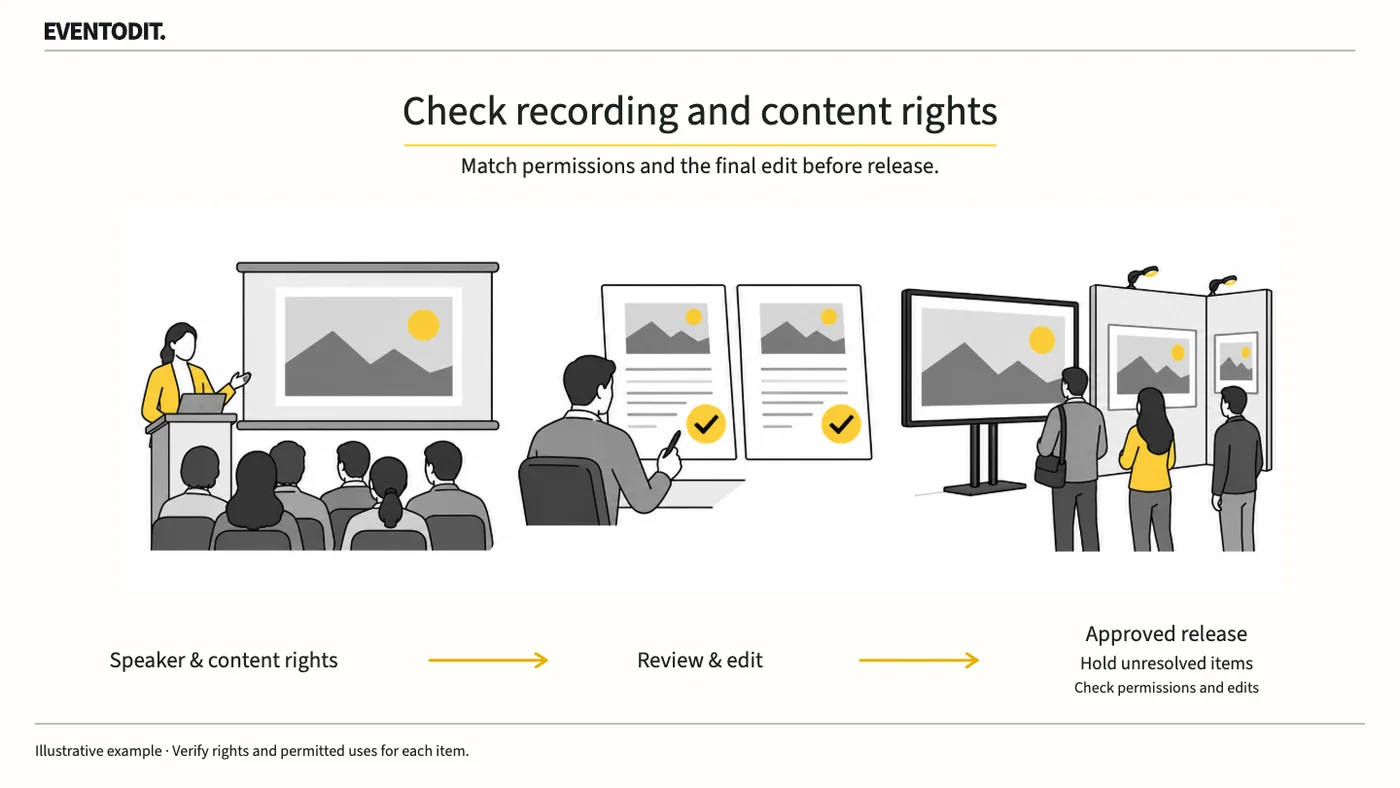
Presentation Video Publication and Rights Review: A Practical Guide by Role
A speaker’s consent to recording does not automatically cover photographs or music in the slides. Check permission separately for livestreaming, on-demand video and promotional clips.
Read guide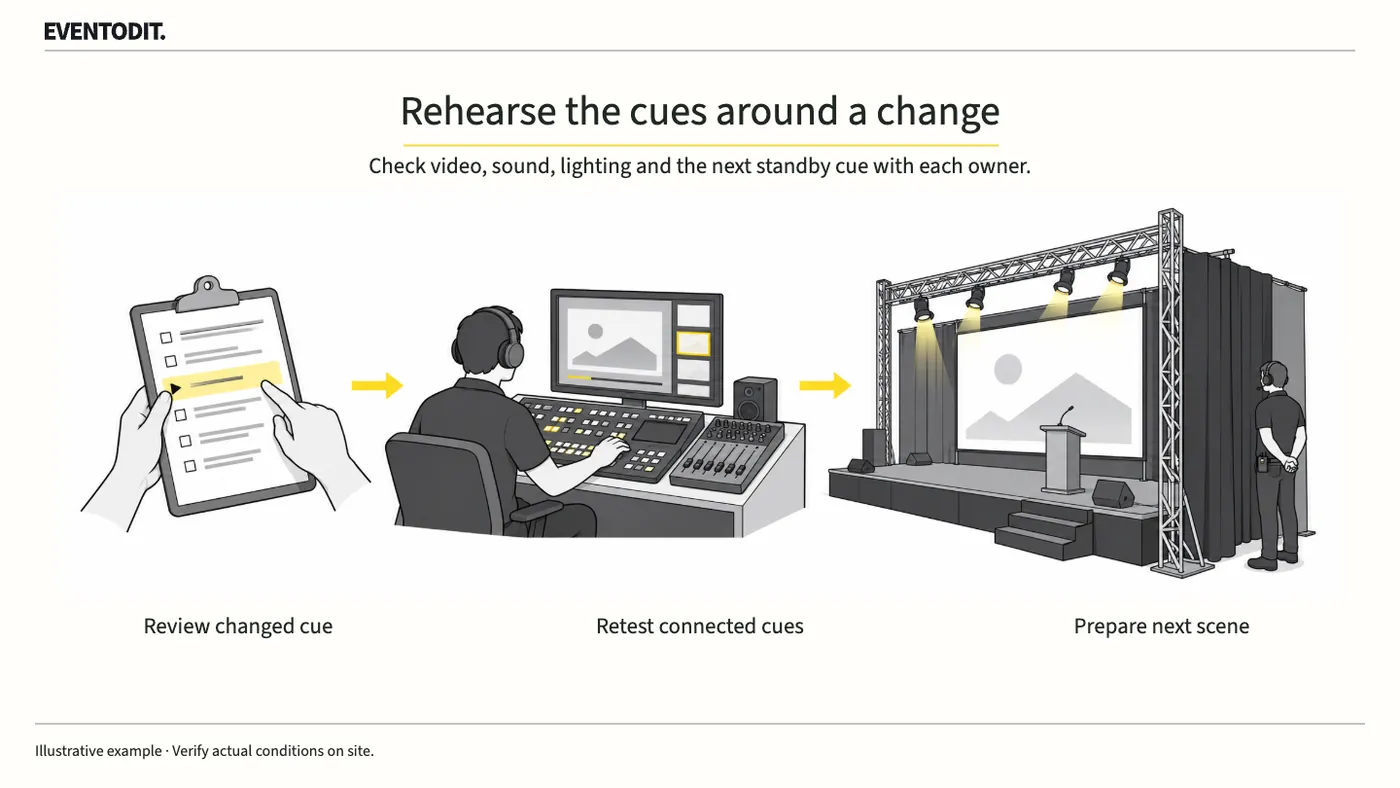
Event Cue Sheet Changes and Reapproval
Changing a video’s length or a performer’s order can affect sound, lighting and standby calls. Ask the affected teams to check, rehearse the transitions around the revised scene, then distribute the approved cue sheet.
Read guideHave a correction or additional evidence? Request a correction