Part 1. Planning and Show Lead
"When equipment stops, designate the decision-maker and a message that reassures the audience."
- Establish decision-making for failures: When backup equipment is unavailable or immediate recovery is impossible, designate in advance the person with final authority to pause or continue the event so that a decision is not delayed.
- Prepare a holding message: Put a backup message in the cue sheet in advance so the host can bridge the interruption or ask the audience for understanding if picture or sound is lost.
- Include the failure protocol in the cue sheet: After technical rehearsal, do more than list approved files. Document the person responsible for switching to the alternative system and the radio call phrase to use during a failure, then distribute the cue sheet.
Part 2. Video, Audio and Lighting Directors
"Pressing the backup button is not the end. Check what reaches the audience."
- Test normal playback and connected transitions: Do not stop at testing individual equipment in isolation. Together, test continuous cue transitions from the preceding scene to the next against the host's words, and check that systems work together smoothly.
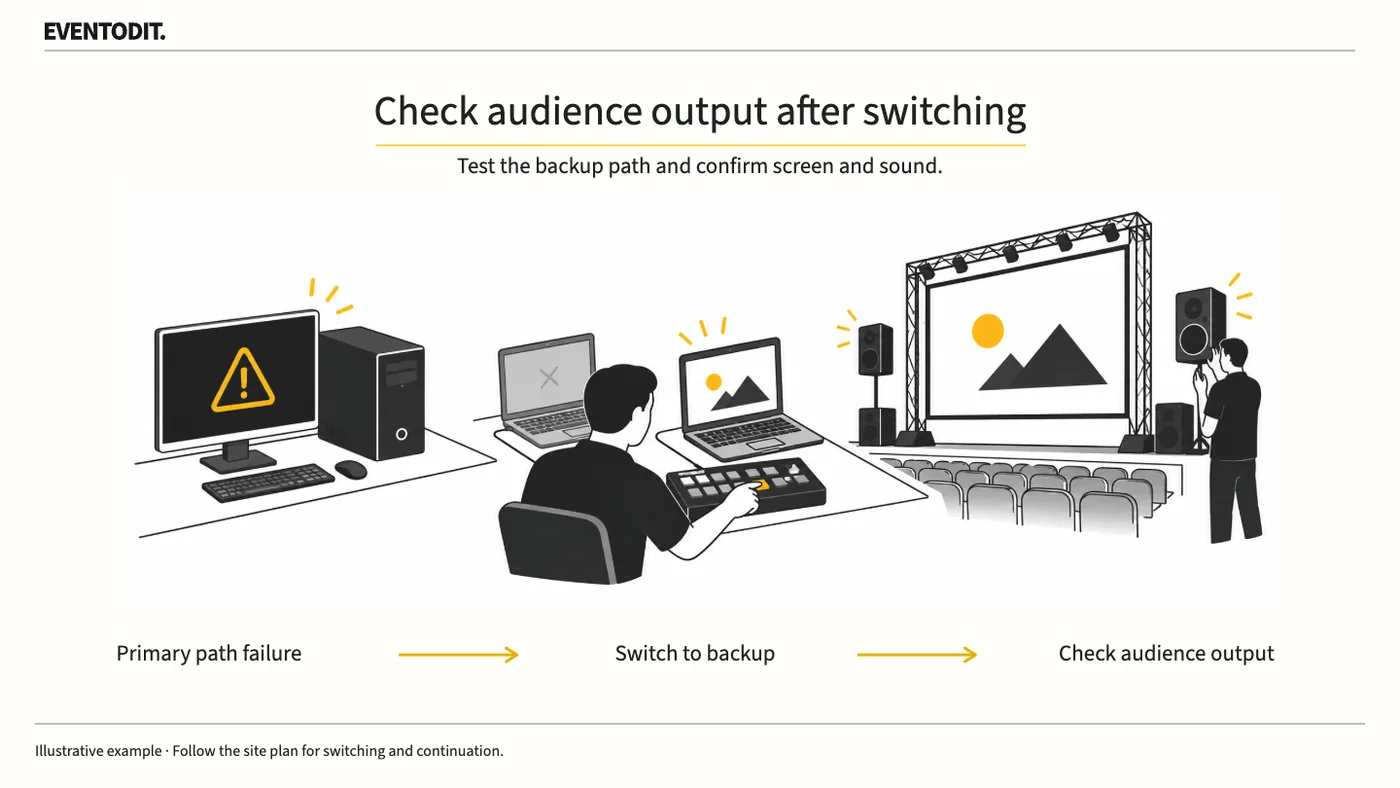
- Reproduce critical failures and switch to the backup route: Deliberately simulate a failure that could immediately affect the audience, such as loss of output from the primary playback device, and rehearse the recovery route for switching promptly to the backup device.
- Check the final audience output after switching: Do not rely on the control-position monitor after switching to backup equipment. The video lead must check the actual audience screen and the audio lead must listen to the audience speakers before treating recovery as complete.
Simulate failures under the technical team's control, following the venue's safety and equipment procedures and the relevant contract conditions.
Scroll sideways if needed to compare the branches.
- Check normal playbackVerify audience video, audio and lighting
- Test the alternativeCheck failure call and backup route; recheck audience video and audio
Part 3. Floor and Stage Management
"Practise the agreed procedure for who to signal and what signal to use when something goes wrong."
- Define cue calling and execution roles: For each cue number, distinguish the person calling the cue from the person operating the equipment. Agree in advance where to check and what result to expect.
- Record and report unresolved faults: Record the affected cue, time, symptoms and action taken during technical rehearsal. Promptly report issues that cannot be resolved on site to the person who approves the event opening, and arrange alternatives.
- Decide how to proceed after recovery: Once the backup system is active after a failure, the stage manager should assess the stage and audience situation, promptly decide whether to resume the interrupted cue or move to the next one, and give the signal.
Final check before use: After rehearsal, check that the show cue sheet includes the person responsible for switching during a failure and the procedure for activating the backup system.
Conditions for applying this elsewhere
Where multiple systems such as video, audio and lighting respond to the same show cues
Information not established
No standard equipment configuration, backup provision or fault-recovery time is specified.
Reference material
After reading, complete the next task
Cue-by-cue normal and failover results and opening approval record
This article’s template
Technical Rehearsal Backup-switch Test Log
Backup-switch results by cue, including routes on hold and retest evidence.
Instructions, examples & downloadsRelated practical guides
Event Video Acceptance and Playback
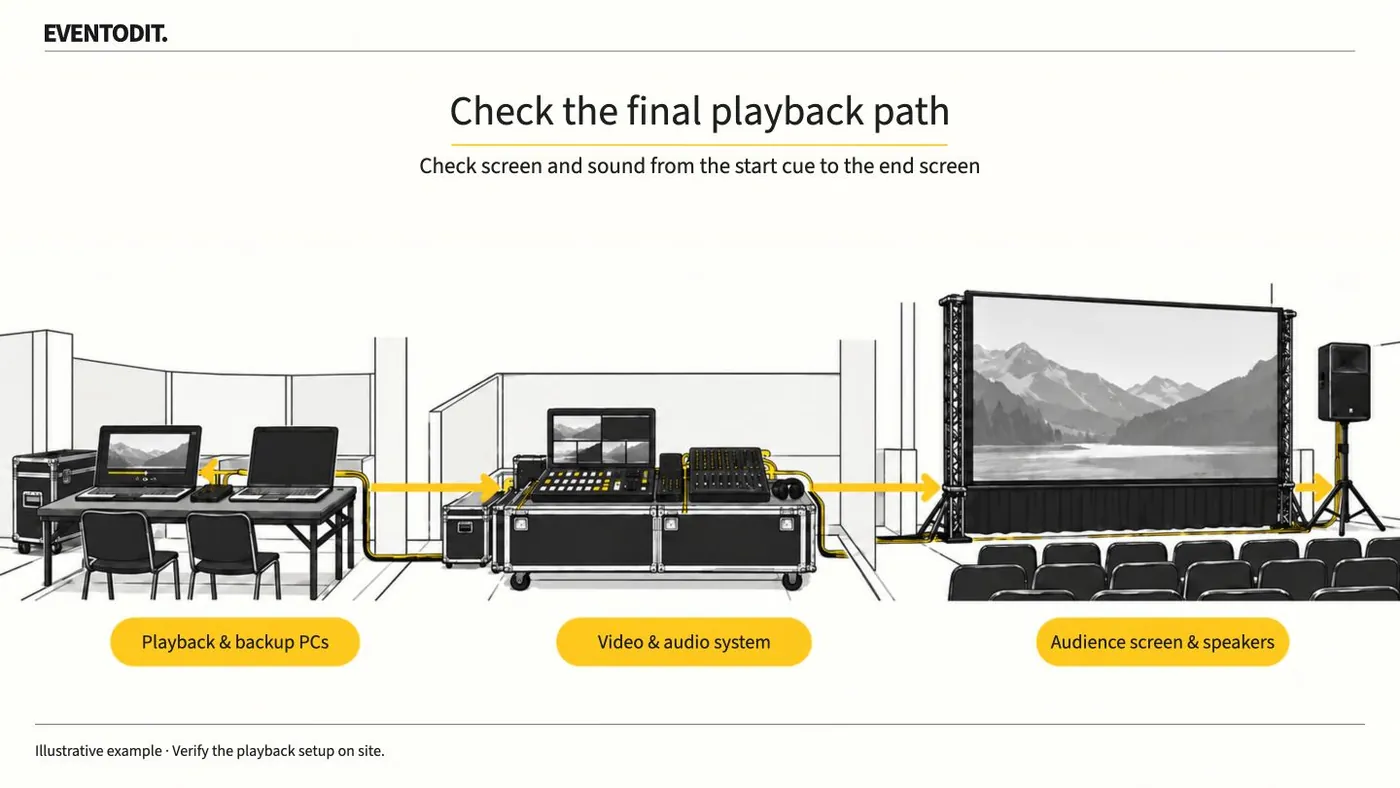
Play delivered video on the event PC and check the audience screens and speakers. Test from the start cue through the final screen change, then identify the file approved for playback.
Read guideHave a correction or additional evidence? Request a correction