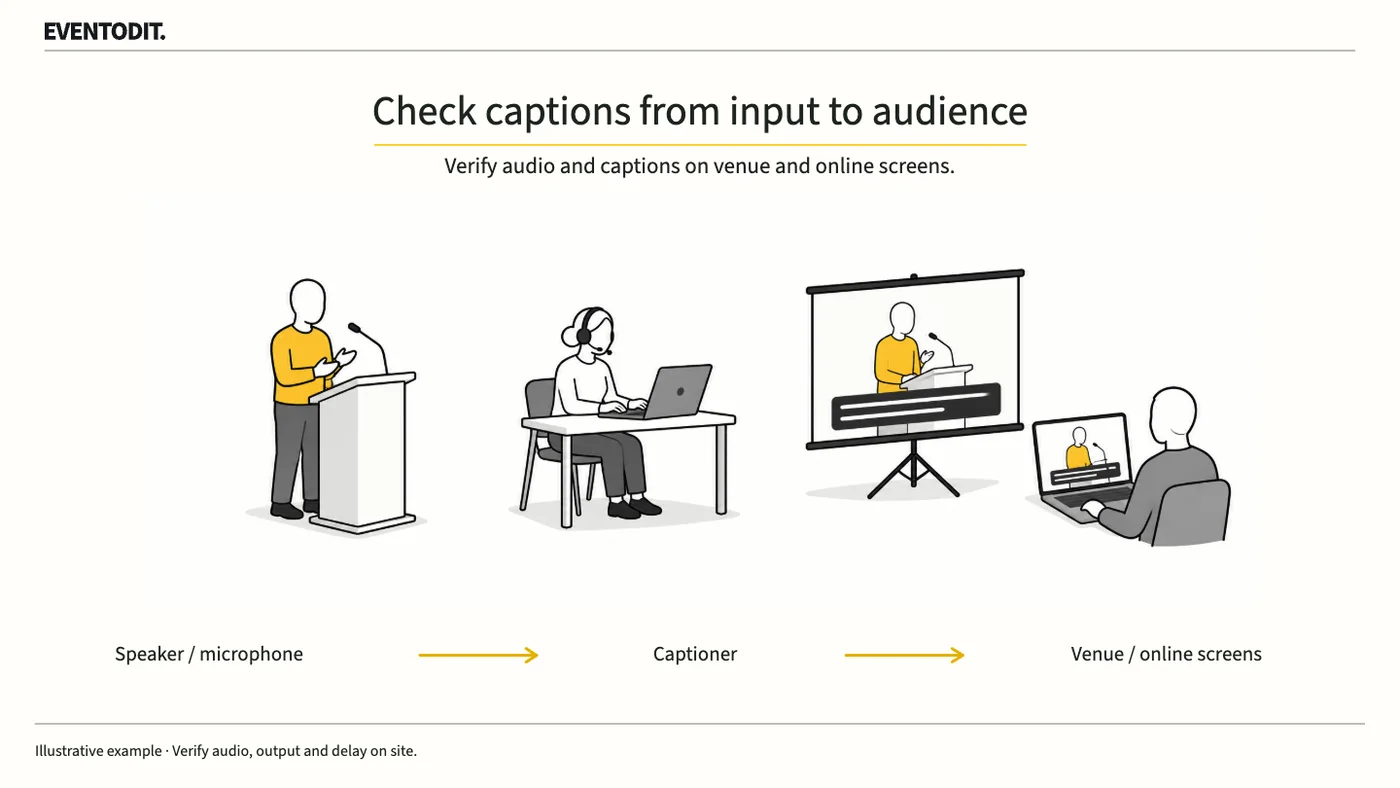
Part 1. Planning and Accessibility Lead
"Define what speech will be captioned and where the captions will appear."
- Map speech sources to caption coverage: Do not simply write “provide live captions” in the order. For each session, specify whether coverage includes presenters' microphone audio, panel discussions, audience questions and audio embedded in played video.
- Share proper nouns and presentation materials in advance: Send the captioner presentation materials or scripts containing speaker names, technical terms and abbreviations that may be difficult to recognise. Establish a contact route for notifying them when materials change.
- Specify final caption delivery routes: Distinguish whether captions will appear on the venue's main audience screen, only on the online broadcast, or on other agreed outputs, and assign an acceptance owner for each route.
When defining accessibility caption coverage, also identify sound information needed to understand the content. Check prerecorded video's embedded captions for overlap with or omissions from live captions. W3C's explanation of live captions concerns synchronised media broadcast on the web; this on-site procedure does not determine legal duties or certification compliance for Korean in-person events.
Part 2. Audio and Caption Input and Output Technicians
"Sound from the speakers does not mean the captioner can hear it."
- Verify a remote captioner's reception: Independently of whether venue speakers work, test the separate audio feed to ensure that the captioner's headset clearly receives presenters, audience microphones and video audio.
- Handle audience questions without a microphone: A captioner cannot hear an unamplified audience question that does not reach their feed. Assign a microphone runner or rehearse the host repeating the question into a microphone when one cannot reach the audience member.
- Monitor automatic speech recognition: Do not finish acceptance just because an AI caption service is switched on. Assign a person to monitor recognition errors in real time and correct them promptly.
The audio and caption suppliers should confirm the connections and stable internet needed for remote delivery, the service's real-time correction capabilities and each person's role before the event. Test whether the service permits corrections and whether those corrections reach the final audience display.
Part 3. Video and Broadcast Output Technicians
"Confirm that the captioner's words reach the audience screen in full."
- Inspect venue and broadcast screens for clipping: Even when the captioner sends accurate text, visually check the main audience screen and online broadcast for clipped wording, font problems, line-break errors and layout interference.
- Check for interference with presentation materials: On a shared screen, display the presentation and captions together and check whether the caption box obscures lower text or diagrams in the slides.
- Agree and record latency: Agree in advance on an acceptable delay between speech and the appearance of captions. During rehearsal, measure and record whether the actual delay meets that agreed criterion.
If viewers must enable captions on an online platform, test the feature with audience permissions. Record venue and online route results separately, and agree latency tolerances for the event and service conditions.
- Test each speech inputSound and programme teams: use actual presentation, question and playback routes
- Compare reception and textCaptioner: record audio heard, text sent, speaker labels and corrections
- Check audience routesVideo and broadcast: verify room displays and online screens with attendee permissions
Failed or untested
Meets conditions
- Approve delivery scopeOperations lead: confirm results and versions by session, input and screen
Test the display routes actually promised for the event and record agreed criteria and unresolved items.
Final check before use: During technical rehearsal, cross-check that the same test utterance travels without omission from the captioner's reception to the final audience display.
Conditions for applying this elsewhere
For lectures, discussions and hybrid sessions offering live captions. Determine connections and performance conditions using actual equipment, services and user needs.
Information not established
This material does not establish event-specific accuracy, latency, costs, staffing or Korean legal duties. Actual broadcast and user-test results need separate records.
Reference material
- W3C WAI — Making Events Accessible: captioner connections, audio reception, audience displays, advance material and audience questions. Checked 2026.10.22.
- W3C WAI — Captions/Subtitles: accessible caption scope, on-site and remote delivery, and automatic-caption accuracy. Checked 2026.10.22.
- W3C WAI — WCAG 2.2 Understanding SC 1.2.4 Captions (Live): captions for live synchronised media, speaker identification and important sounds. Checked 2026.10.22.
Have a correction or additional evidence? Request a correction