Establish the basis for deadlines and who is responsible
The schedule owner gathers the event scope sheet, draft program, venue-use replies, contractual deadlines, and the time each team needs for its work. Record the version and date checked for each source. Distinguish fixed times from those that are still proposals. If a venue's handback deadline is moved as though it were an internal target, it can look as though the schedule was changed without the venue's agreement.
Task owners provide the inputs they need, how long the work will actually take, and who must check it. The schedule owner brings this information together. Someone with the appropriate authority decides whether to change a deadline or the scope. Include the time an approver needs to respond. Only then can you tell when production can actually begin.
Split tasks where their status changes
A broad task such as "prepare materials" makes it hard to tell what is finished. Split the work at each change in status, such as approval, production and testing, and final confirmation. Give each task an ID and state in one sentence what is needed before the next task can start. For example: "M02 can start only after the approved file from M01 has been received."
Sending an email does not mean approval is complete. Receiving a file does not mean testing is complete. Completion requires a reply or confirmed results.
Work backward from the final task
Start with the fixed final task and calculate the time needed for the tasks before it. Check whether the durations provided by task owners include revisions and handoffs. Keep waiting time, working time, and buffer time separate. If an input has not yet been finalized, the start of the task that uses it must also remain unconfirmed.
Check whether two tasks can run at the same time. Different task owners do not automatically make parallel work possible. If tasks use the same equipment or reviewer, record when each needs that resource.
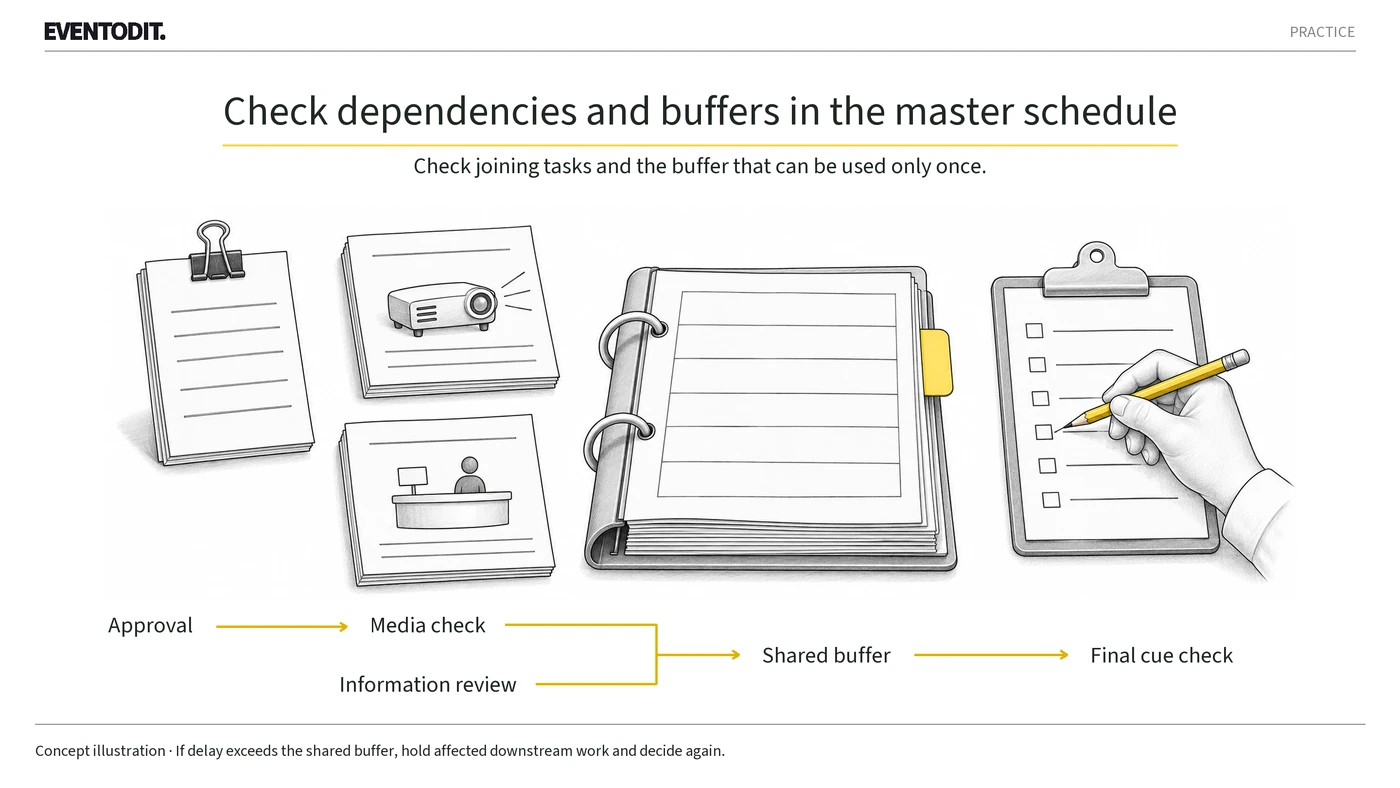
Count a shared buffer only once
When two paths converge before the same task, use the later finish time. Do not add the durations of the two paths together to determine when the next task starts.
Manage buffer time in one place as well. If the buffer is 30 minutes, assuming that several tasks can each run 30 minutes late counts the same time more than once. Keep one record of who will use the buffer, how much has been used, and how much remains.
Fictional example: a late approval delays the final check
The following corporate forum is a fictional example created for explanation. All dates, task owners, replies, durations, and results are assumptions. Assume that the venue's terms fix the final check on 14 Jan at 15:30–16:00. The technical lead has said that the media check takes three hours after receiving the approved file.
| Record | Baseline schedule | Start condition |
|---|---|---|
| M01 Final materials approval | 14 Jan by 12:00 | Approved file and version required |
| M02 Media check | 12:00–15:00 | Starts only after receiving the approved materials from M01 |
| M03 Participant information review | 13:00–14:00 | Runs independently of M02. Inputs and task owners must be independent |
| B01 Shared buffer | 15:00–15:30 | A period after M02 and M03, before M04 |
| M04 Final cue check | 15:30–16:00 | Requires both a passing result from M02 and the reviewed copy from M03 |
Scroll sideways if needed to read every column.
If M01 approval arrives at 12:30, M02 is expected to finish around 15:30. Using all 30 minutes of the shared buffer keeps M04 on schedule. However, M04 does not start until M02 is complete and its passing result has been received.
If M01 approval arrives at 13:00, M02 is expected to finish at 16:00. Even after using the 30-minute buffer, M04 is delayed by 30 minutes. Do not arbitrarily shorten M02 to two hours and 30 minutes. Making the numbers fit by skipping checks or assigning two simultaneous tasks to the same person serves no purpose. Instead, develop alternatives such as reducing the scope, changing the task owner, or moving the final check, then obtain the task owner's response and any required approvals.
Separate actual completion from forecast completion
A forecast finish time of 15:30 does not mean you can enter 15:30 in the actual completion field. Record actual completion only after the result has been confirmed. Get progress updates at set times and update the next task's start conditions each time.
When something changes, do not just edit the entry for the delayed task. Trace the impact from M01 through M02, the buffer, and M04. Keep the unaffected M03 on its existing schedule after confirming that its inputs and task owners remain unchanged. Do not shift every task back without a reason.
Hand over the updated version and pending items together
Keep the baseline schedule rather than deleting it. Create a new version for the revised schedule and record the reason for the change and its date. The schedule owner sends the new version to task owners. Each task owner checks their start conditions, preceding results, and outstanding checks, then acknowledges receipt.
Acknowledging receipt is not authorization to proceed. The handoff should include the task IDs that changed and those that stayed the same, the replies and file versions supporting the change, the remaining buffer, and the owner and deadline for the next check.
Practitioner checklist
- Are fixed final times clearly distinguished from times that are still proposals?
- Does every task have an ID and a start condition stated in one sentence?
- Do the durations provided by task owners include review and handoff time?
- Has the same buffer time been counted only once across tasks?
- Are forecast completion and actual completion recorded in separate fields?
- Have all affected tasks and documents been checked again after the change?
- Is there a record that the receiving task owners have checked the new version?
Conclusion
A master schedule is the reference for managing when the next task can begin. Work backward from the final time, count buffer time only once, and record actual results separately from forecasts. A change review is complete only when task owners are looking at the same version and have checked the remaining conditions.
*The dates, task owners, replies, durations, and results for this forum are fictional and provided for explanation.*
Conditions for applying this elsewhere
Use after obtaining evidence for scope, venue and contractual deadlines and team durations. Run work in parallel only with independent inputs and resources; scheduled times alone do not permit successors to start before required results arrive.
Information not established
The procedure and B01 allowance are editorial adaptations of official principles. The schedule, roles, replies, three-hour and 30-minute durations, and results in the forum example are fictional. Thirty minutes is not a recommended standard, risk-analysis result or scheduling software's total-float calculation. Foreign guidance does not establish Korean legal obligations. The existing form does not calculate, reschedule or approve automatically; this article's trial files are not offered as separate public downloads.
Reference material
- Government Project Delivery · GovS 002 v2.1 — planning, dependencies, decision activities, change and traceability (7.2 and 7.6–7.9; published 1 Sep 2025, modified 29 Mar 2026; checked 4 Nov 2026)
- US GAO · Schedule Assessment Guide, GAO-16-89G — shared total float, contingency distinctions and progress records (published 22 Dec 2015; printed pp.96, 117–119 and 125–126; checked 4 Nov 2026)
- UK HSE · Managing an event — phased coordination and on-site monitoring (updated 12 Oct 2024; checked 4 Nov 2026)
After reading, complete the next task
A baseline linked to prerequisite results, shared-buffer use, actual/forecast/hold states, changed and retained IDs, and receipt of the applicable version
Related templates
Master schedule, prerequisites and reply log
A connected schedule and change record from early decisions through settlement
Use this for: Use from the planning draft through venue/supplier replies and post-event submissions.
Instructions, examples & downloadsRelated practical guides
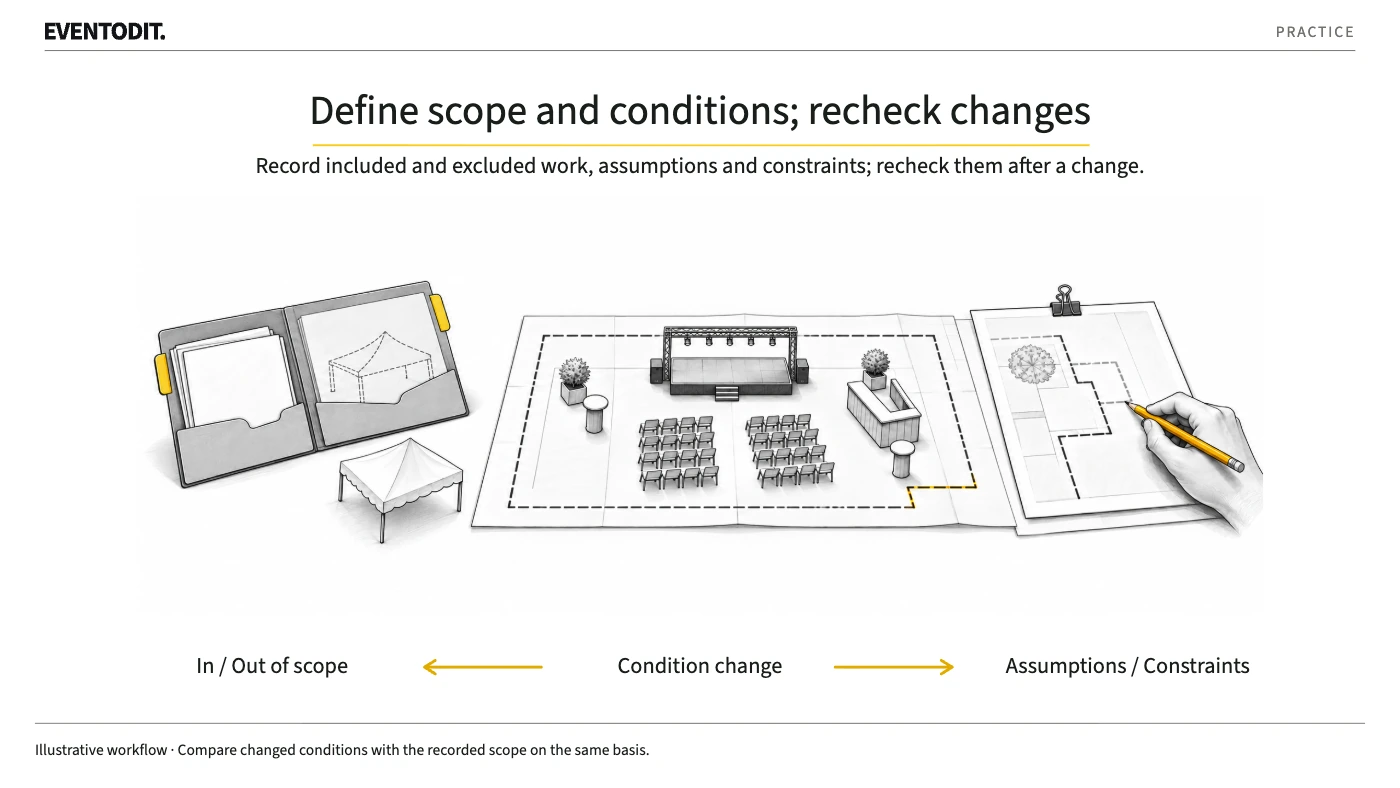
Define a task's boundary by where it ends, not just what you take on
Give teams a common baseline for their work, its endpoint and work not yet promised.
Read guide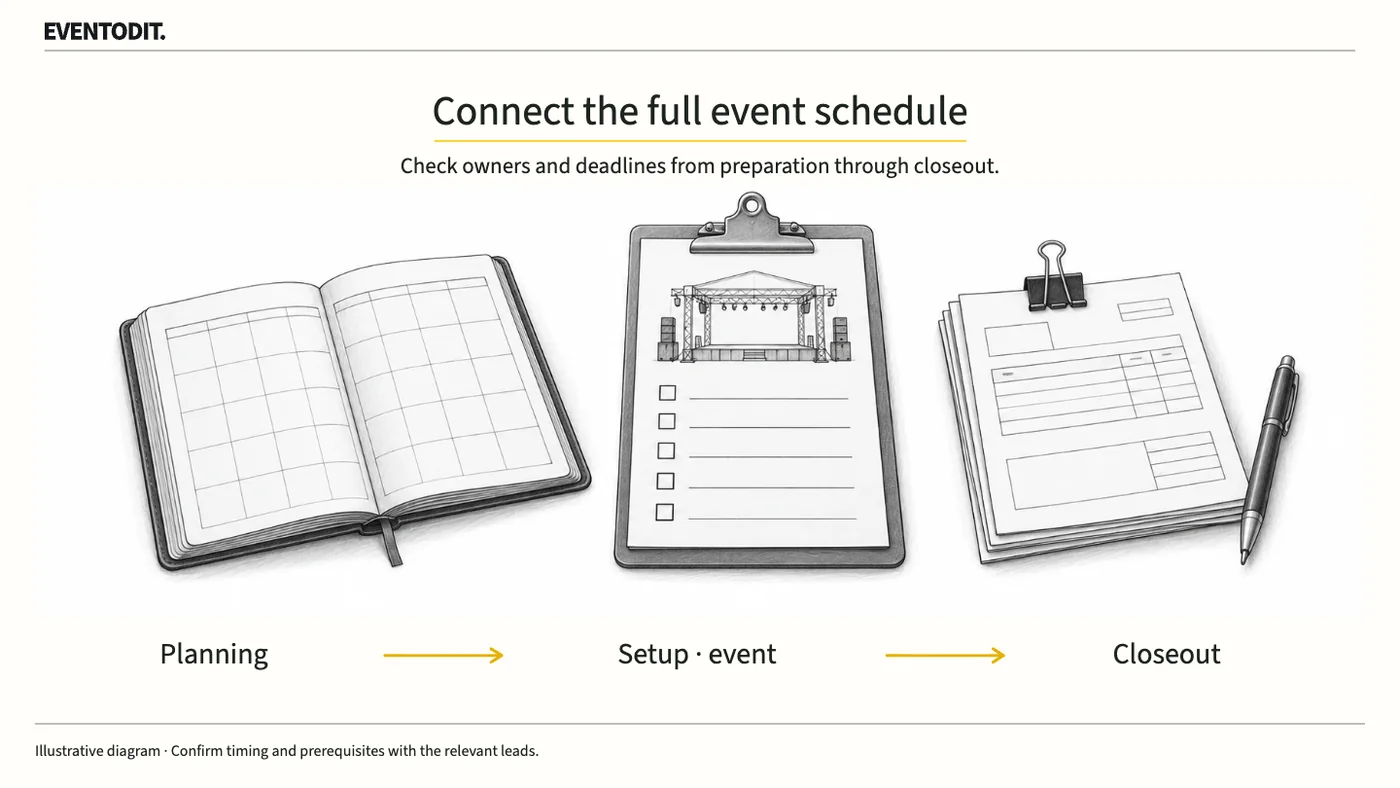
Build an event master schedule from preparation to closeout
Build an event master schedule covering preparation, setup, live operations and closeout. Record task owners, prerequisites and reply deadlines, using the fictional example and schedule log.
Read guideHave a correction or additional evidence? Request a correction