
Giving participants missions and asking them to create their own content, such as photographs or videos, is an excellent way to increase engagement at corporate brand events and large workshops. At Samsung Members Connect, held in New York in July 2025, more than 70 global influencers photographed the city on team missions, then watched the results together and voted on them at the gala dinner on the final day.
A proposal can summarise the programme in a single line: “Take photographs around New York during the day, then gather at night to choose the best work.” From an event planner’s perspective, however, this process is far from simple. Selecting the strongest work from hundreds of photographs taken by many people on their own smartphones and displaying it in the format required by the main stage’s large screen involves a demanding race against time and a precise data handover process.
1. Decoupling production and travel: “When the tour runs late, editing time disappears”
Travel time is the biggest variable in an outdoor mission.
- Design separate timelines: In a sequence such as Samsung’s advance workshop (planning), Epic Tour (shooting) and Gala Night (screening), delays to vehicle journeys or the tour steadily erode the time participants have to select and edit photographs. The planner needs to secure separate slots for “travel and shooting” and “selection and submission (editing).” If the tour runs late, protecting the final file-submission deadline must take priority, even if that means substantially reducing the shooting mission. This control keeps the evening gala’s cue sheet from falling apart.
2. Final-version handover: submission complete does not mean screening complete
One of the most frequent on-site problems occurs when a participant’s submitted file fails to open or appears corrupted on the stage screen.
- Control specifications and metadata: If participants submit photographs in different ways, through KakaoTalk, email or AirDrop, the stage video team (VJ) will spend all its time organising files. The planning team needs to set up a designated cloud folder in advance and enforce a consistent filename rule, such as [TeamName_PhotoTitle_SubmissionTime].
- Cross-checking and rehearsal: Receiving the files is not the end of the task. The operations team’s “final selection list” must be checked against the “actual playback files” loaded into the stage video system, item by item. To prepare for late requests such as “Please use a different photograph instead,” precise version control must show exactly which file in the existing list is being replaced.
3. Separate performance metrics: “The number of pieces of content produced” is not “the event’s reach”
When preparing the post-event report, it is important to avoid drawing excessive connections between figures.
- Filter vanity data: The fact that participants took and submitted hundreds of photographs and that the on-site response was positive does not, by itself, prove that the brand increased sales or global reach. Recording “participant numbers,” “final files submitted” and “works actually screened on stage” separately is far more useful when estimating the budget and time for the next event.
4. A four-stage protocol for on-site content production and screening
When planning a programme that presents participant-created work on stage the same day, the practical team needs the following four stages.
| Stage | Working standard |
|---|---|
| [Stage 1: Confirm the format from the end point] | First check the Gala Night stage screen’s aspect ratio (for example, 16:9) and system environment, then distribute photo and video shooting guidelines that match those specifications at the participants’ advance workshop. |
| [Stage 2: Announce a hard-stop deadline] | Set an absolute cut-off, such as “Submissions close at 5 p.m.,” regardless of the tour schedule, and clearly state the rule that files arriving after it will be automatically excluded from the evening screening list. |
| [Stage 3: Digital handover and sign-off] | The submissions lead sends the compiled file index to the stage video director. The director then opens the thumbnails in the system and checks that the files play correctly before the two exchange approval. |
| [Stage 4: Manage files in line with the cue sheet] | If a replacement is requested after the final screening version is fixed, prohibit verbal requests and require a written record that explicitly identifies the version (v2) before revising the cue sheet. |
Planner’s note: a complete feedback loop starts with cool-headed file management
When a photograph you took appears on a large screen in front of dozens of fellow participants and receives their cheers, brand loyalty and satisfaction reach their peak. This is the power of an immediate feedback loop.
To create that warm and moving moment, however, the planner and video director behind the stage must fight a cold, dry battle over files: standardising folder names, recovering corrupted files and chasing deadlines. The real magic that lifts the raw emotion created on site into polished stage content lies in meticulously configured cloud folders and an Excel handover register.
Conditions for applying this elsewhere
For invited participants producing content and sharing it at the same event.
Information not established
Team and output counts, submissions per team, file specifications, deadlines and editing-support staffing were not established in the public account. Participant totals are not counts of completed works, and sharing and voting do not establish increased reach, sales or satisfaction. Scheduling and file checks are editorial recommendations, not Samsung’s unpublished timings or internal process.
Reference material
Next tasks and related resources
Production schedule, final photograph list and playback-check records.
Related templates
Video File Handover & On-site Playback Approval
A record showing that the approved file is the one used in the playback settings and on both main and backup machines.
Use this for: Use a row for each cue to distinguish film, subtitle and language versions and track retests after late replacements.
Instructions, examples & downloadsRelated practical guides
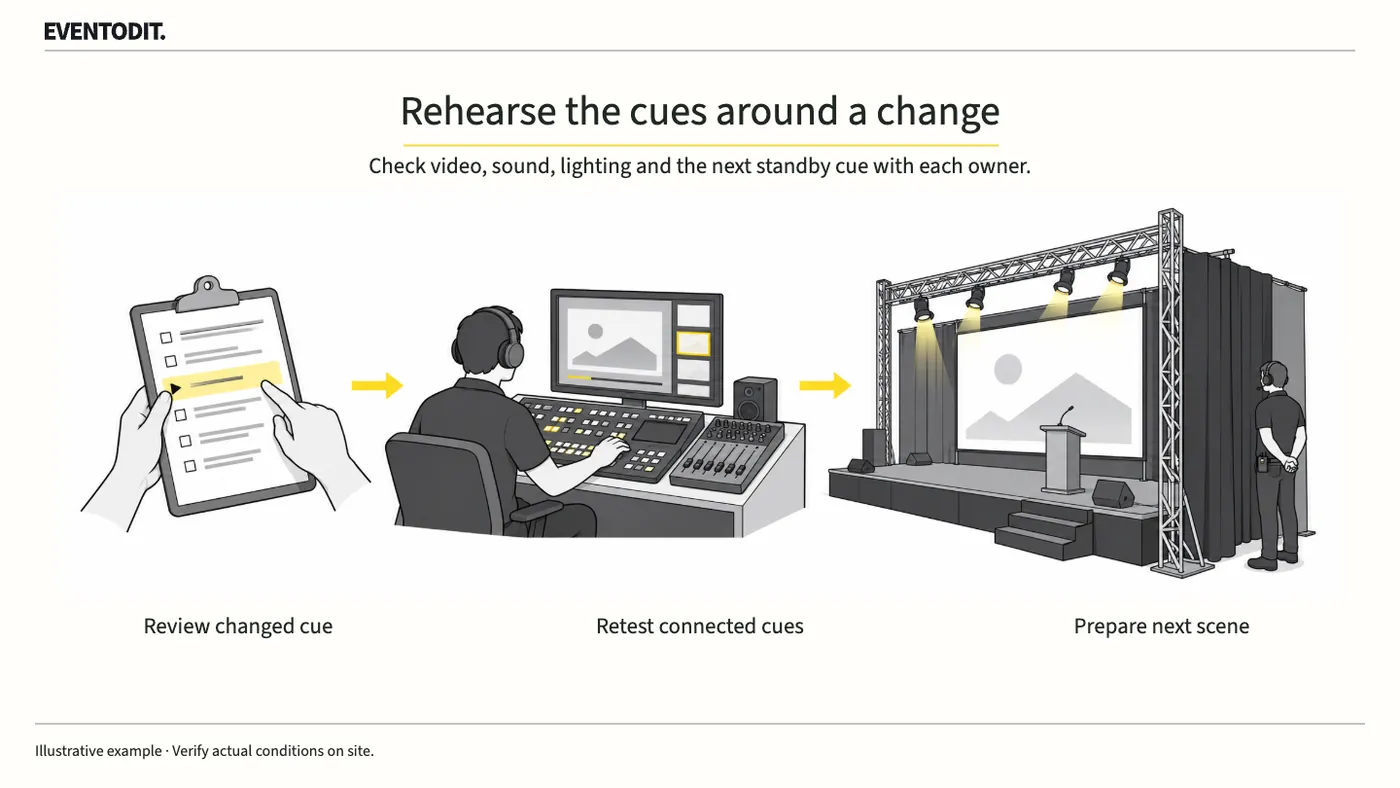
Event Cue Sheet Changes and Reapproval
Changing a video’s length or a performer’s order can affect sound, lighting and standby calls. Ask the affected teams to check, rehearse the transitions around the revised scene, then distribute the approved cue sheet.
Read guide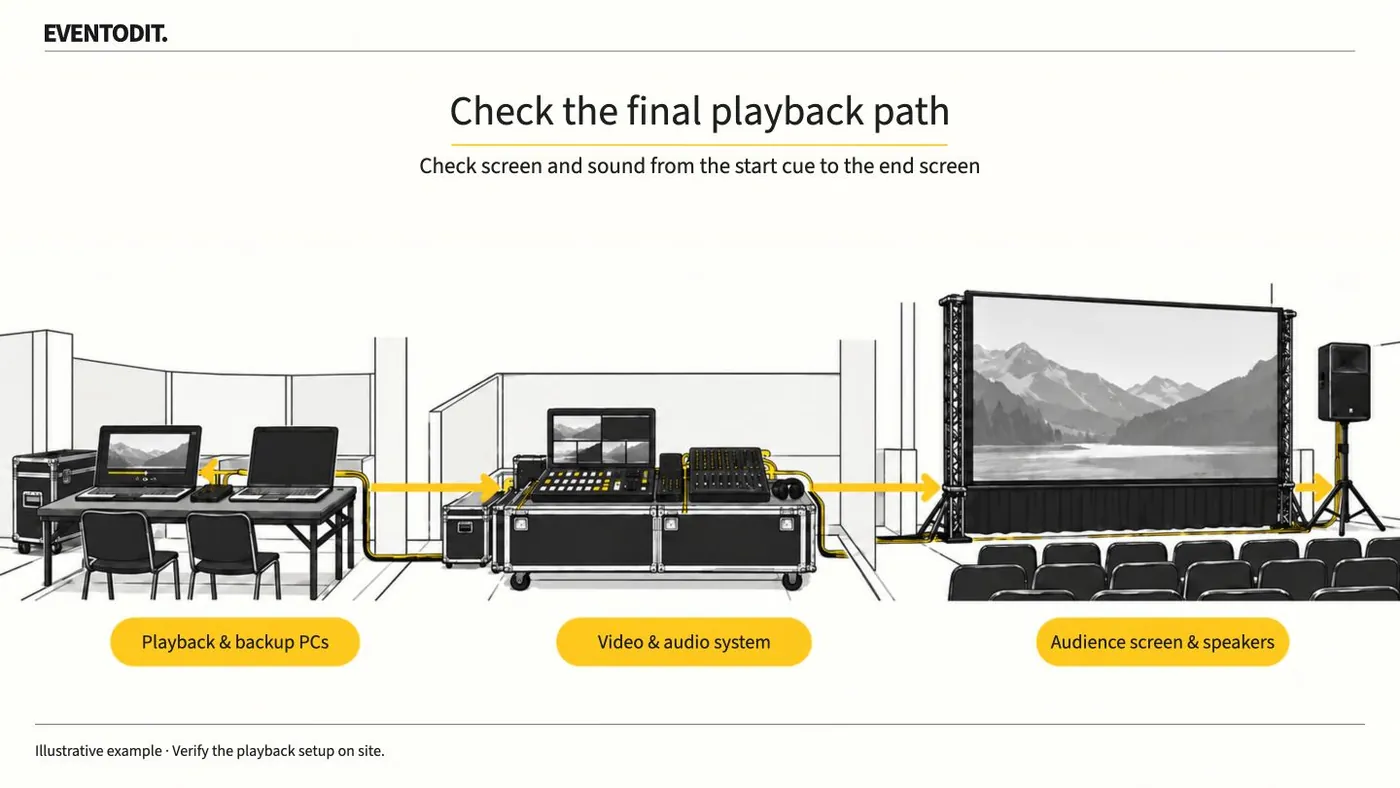
Event Video Acceptance and Playback
Play delivered video on the event PC and check the audience screens and speakers. Test from the start cue through the final screen change, then identify the file approved for playback.
Read guideHave a correction or additional evidence? Request a correction