Part 1. Planning, procurement and programme lead
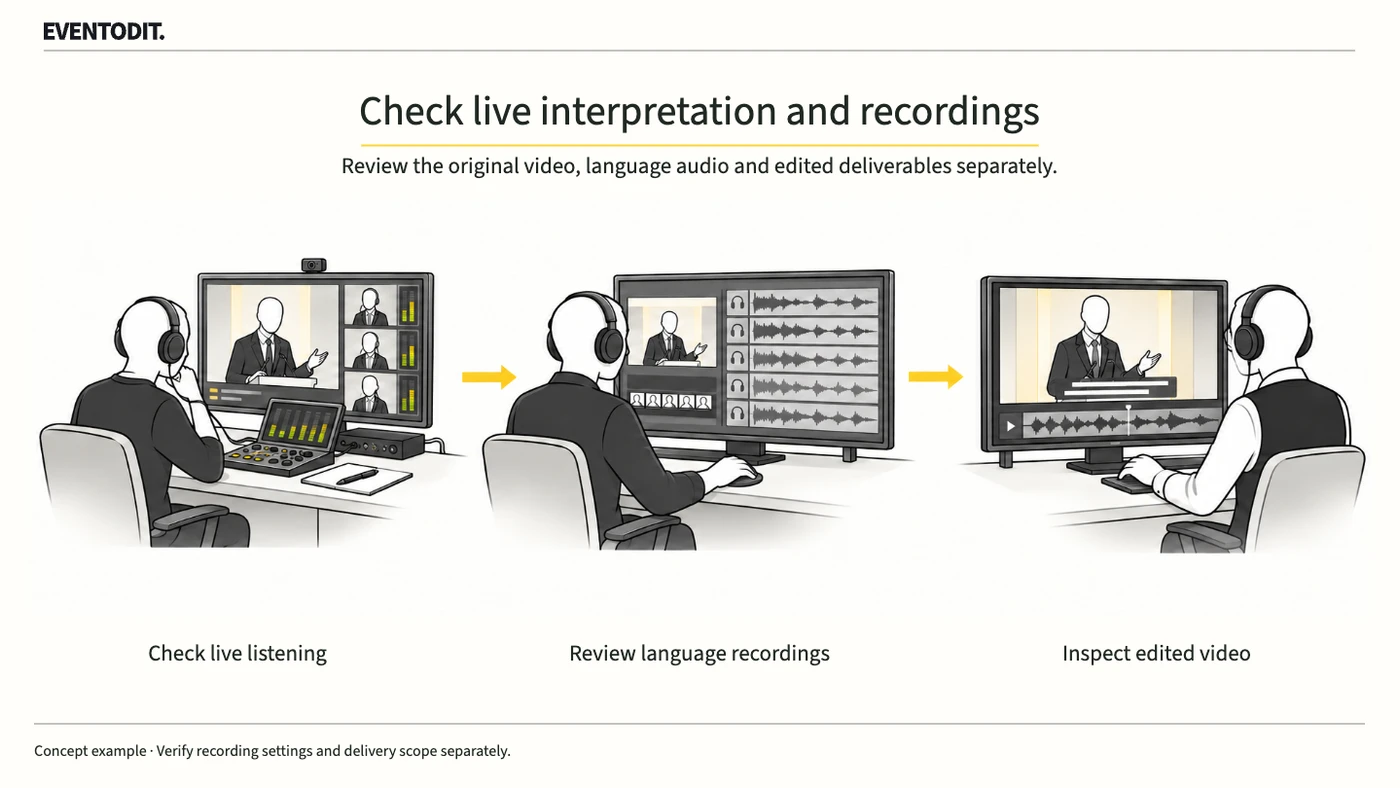
“Live listening and recording delivery are separate. Define original video, language audio and edited deliverables first.”
- Separate listening from delivery: Hearing interpretation during the event does not establish that language-specific replay files are complete. Check live reception and subsequent file creation and delivery separately for each language.
- Commission each deliverable: Specify in the contract whether the producer must provide original-language video, separate language audio, or edited videos with interpretation tracks, and in which languages. A separate audio file is not a finished edited video.
- Distinguish cloud and local recordings: Zoom says cloud recordings of interpretation sessions can record original audio and interpretation. Local recording captures audio the recorder can hear but does not independently record multiple language channels. Do not assume either method automatically completes every deliverable.
- Separate file receipt from publication rights: Receiving a file does not establish permission to publish it. Separately review the contract and permitted use of speaker and interpreter audio and video and third-party slide materials. Track outstanding permissions and unfinished editing.
- Combine independent checks: Review live listening, processed cloud files and any local backup separately, then collect results and outstanding editing or retests by language and deliverable.
Part 2. Host account and recording technical lead
“Do not substitute a test on another account. Verify the actual host account’s interpretation recording settings and conditions.”
- Verify the host account: If separate cloud interpretation audio is required, enable Record language interpreter in Zoom’s cloud recording settings. Confirm interpretation and cloud-recording eligibility, plan and storage on the account that will host the event. A selected option alone does not establish that files were created; check a rehearsal result.
- Check account and group locks: If an administrator locks a setting, a host cannot change it independently. Ask the actual host account’s administrator to confirm its applied state and any required change. A successful test on a different account is not proof of this account’s eligibility.
- Check meeting type and application: Zoom requires interpretation to be set up for a scheduled meeting or webinar using an automatically generated meeting ID. It cannot be used with a personal meeting ID or instant meeting. The mobile and web apps cannot initiate or manage interpretation, though attendees can listen through them. Interpretation is available in the main session; do not assume it is available in breakout rooms.
- Define any local backup: Assign the device and operator and specify which listening channel the backup records. Check whether original audio is mixed in the actual listening settings; one local recording does not independently save every language channel.
- Track files and gaps: Record event, session, language, file type, account, recording time and processing status. Log interruptions or missing interpretation with their timecodes and follow-up owner; do not assume another language automatically fills a gap.
Part 3. Venue audio, stream and multilingual recording review
“Do not approve by filename. Listen to the audio and check editing offsets and required passages.”
- Separate live and post-event records: Record live listening at the venue and online independently from review of processed recording files, even if one person performs both checks.
- Rehearse shared computer audio: Zoom warns that computer audio shared while interpretation is active is heard by participants at 100%, potentially creating an imbalance, and recommends avoiding audio sharing during interpretation. If video playback is needed, agree the method with the sound and interpretation teams and rehearse each receiving path.
- Test recording on the actual host account: In a scheduled rehearsal using the host account and interpreters, record an original-language passage and language channels. After cloud processing, download the original material and contracted language files and listen to the same passage across them. For the event files, review the full audio for content, gaps and interruptions.
- Verify edited alignment and content: Check each edited language video for correct video and audio start points, editing offsets, transitions and retained passages. Interpretation naturally follows the original speech, so do not require exact lip synchronisation with the speaker. Correct unintended offsets or missing sections and review the revised output.
| Deliverable | Result to check | Follow-up if unconfirmed |
|---|---|---|
| Original recording | Required video, shared content and original audio | Check recording-view settings and processing; retest |
| Language audio | Contracted file, content and continuity | Trace channel, account settings and server processing |
| Edited language video | Unintended offsets and required passages retained | Correct the edit and review the revised output |
Scroll sideways if needed to read every column.
Scroll sideways if needed to compare the branches.
- Venue and online listeningCheck speech and interpretation at each receiving position.
- Cloud recording filesAfter processing, check promised files and their actual content.
- Local backupSpecify the listening channel and device where required.
Successful live listening is not completion of every language recording or delivery.
Use the form for the next handover
Use the [Language recording and delivery checks](/en/templates/language-recording-delivery.html) for the records described here. The XLSX contains Blank, Example and Instructions sheets. Write your event in Blank; the fictional example is a guide to what to enter.
Record live listening and file delivery as separate checks. Review complete processed files and log gaps by timecode.
Recording hands file lists, gap logs and account records to editing. The receiver takes over file-level results, limitations and outstanding rights checks.
Final check before use: Before delivering the final materials from a Zoom interpretation event, cross-check the actual host account’s interpretation-recording settings, creation and listening review of each language file, and separate acceptance of edited videos.
Conditions for applying this elsewhere
Confirm account, app and meeting-type eligibility for Zoom interpretation and recording. Separate audio files are not finished videos; publication rights require a separate check.
Information not established
No reader's plan, locked policy, storage capacity, recording files or live event has been tested. The acceptance process is an editorial proposal.
Reference material
After reading, complete the next task
Language/file record of generated outputs, listening results, missing passages, editing tasks and follow-up owners
This article’s template
Language recording and delivery checks
Actual file checks are recorded by language and output.
Instructions, examples & downloadsRelated practical guides
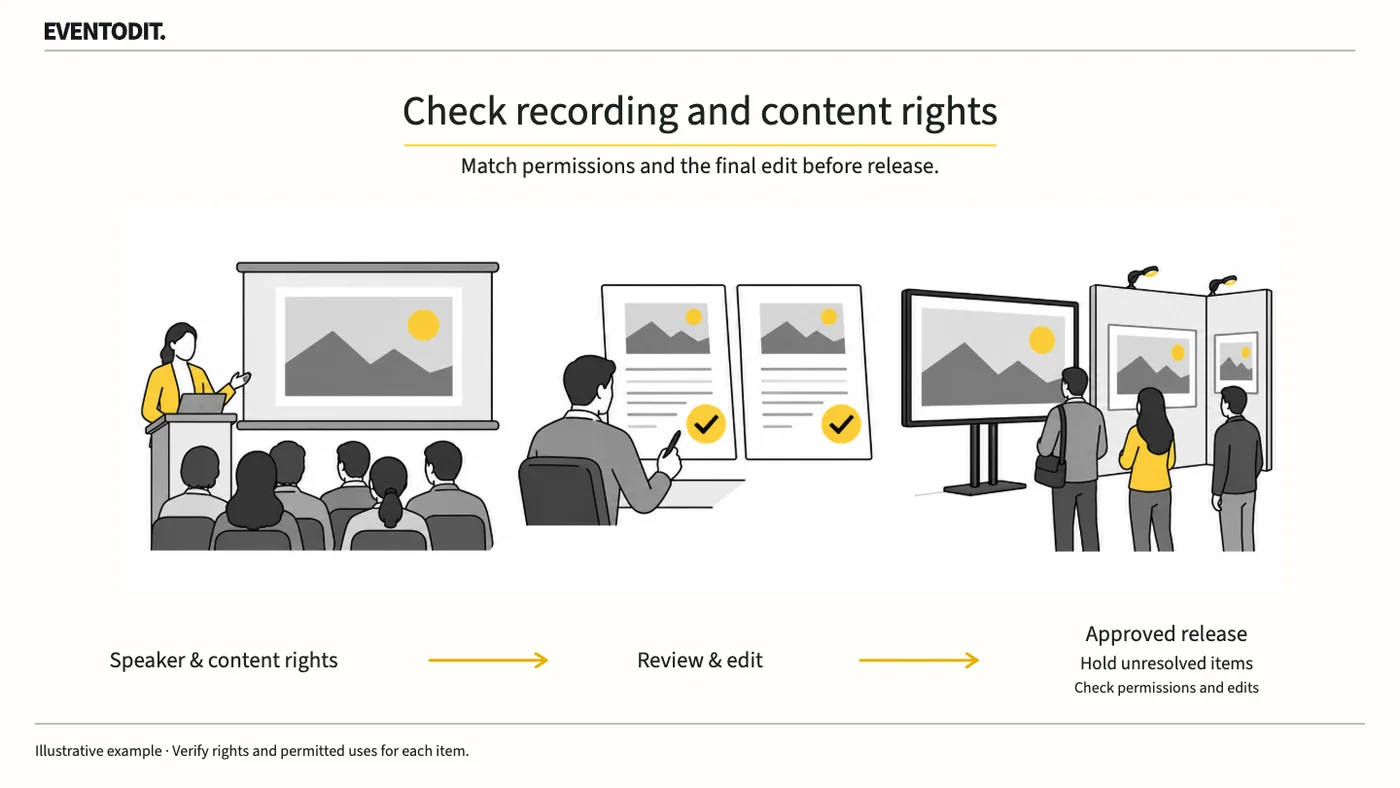
Presentation Video Publication and Rights Review: A Practical Guide by Role
A speaker’s consent to recording does not automatically cover photographs or music in the slides. Check permission separately for livestreaming, on-demand video and promotional clips.
Read guideHave a correction or additional evidence? Request a correction