Guides
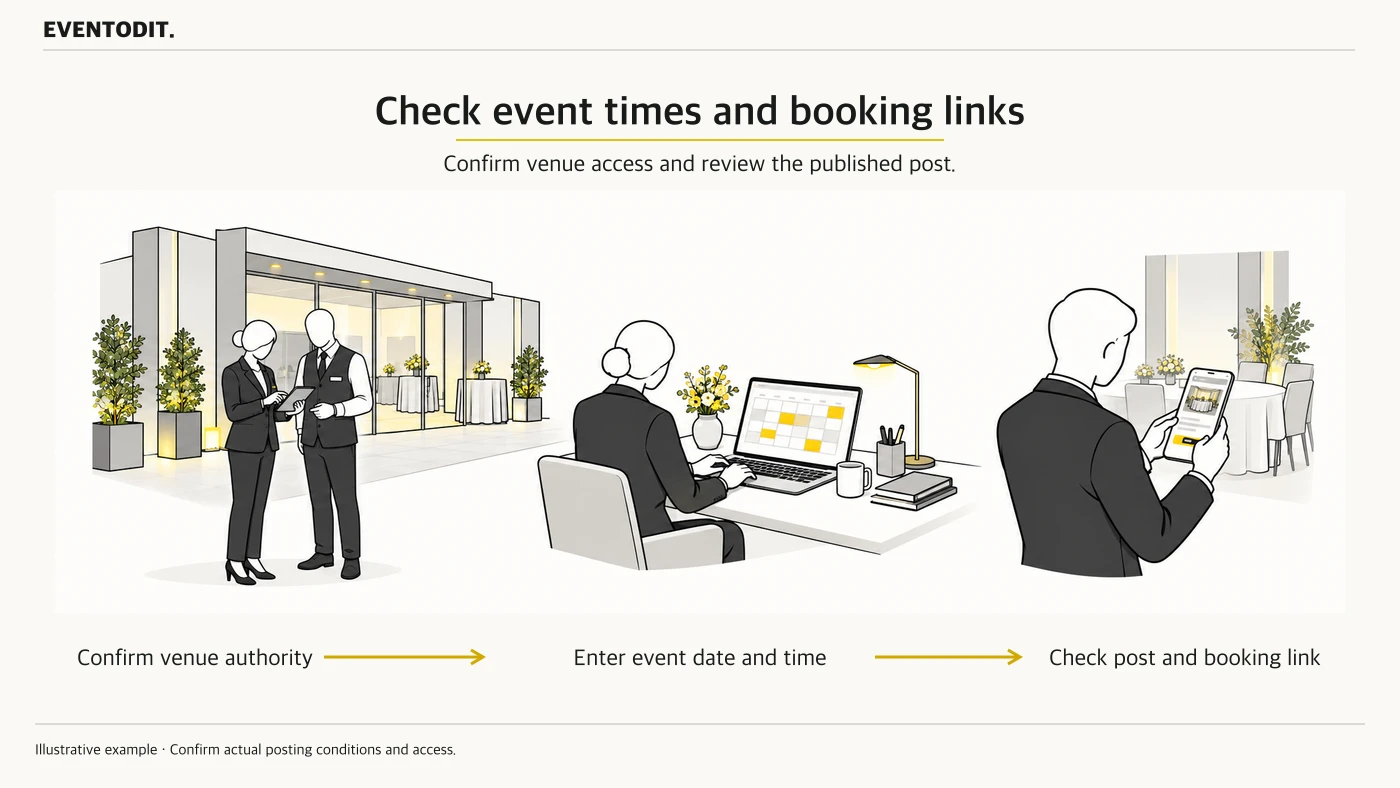
Managing event posts on Google Business Profile
Check event times, booking details and publication status on a venue profile.
Read guideFind out who needs to do what, what to check and how to confirm the work is ready, from planning and marketing to the final review.
7 resources
Closest title and task matches appear firstCheck event times, booking details and publication status on a venue profile.
Read guide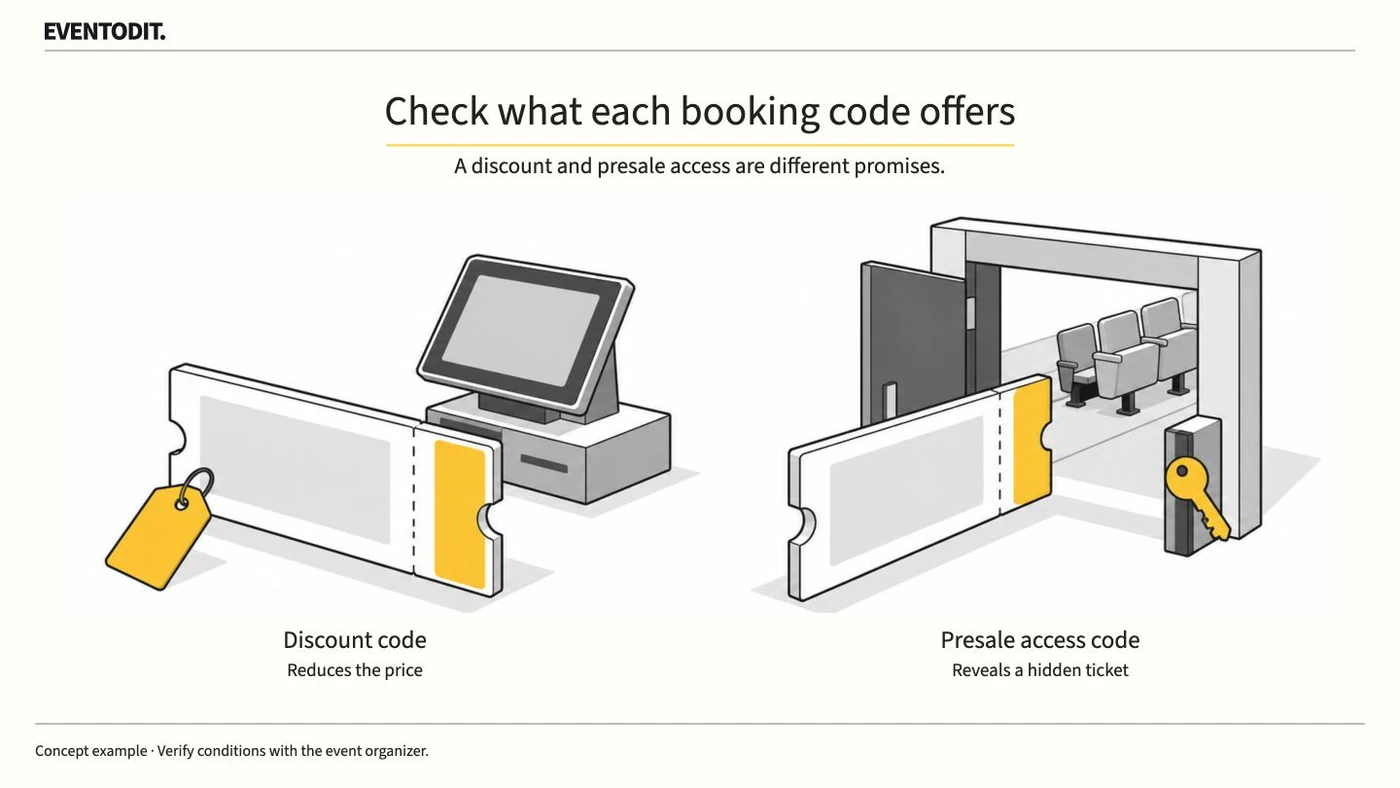
Distinguish the offered discount from early access and check the ticket sale and completion conditions.
Read guide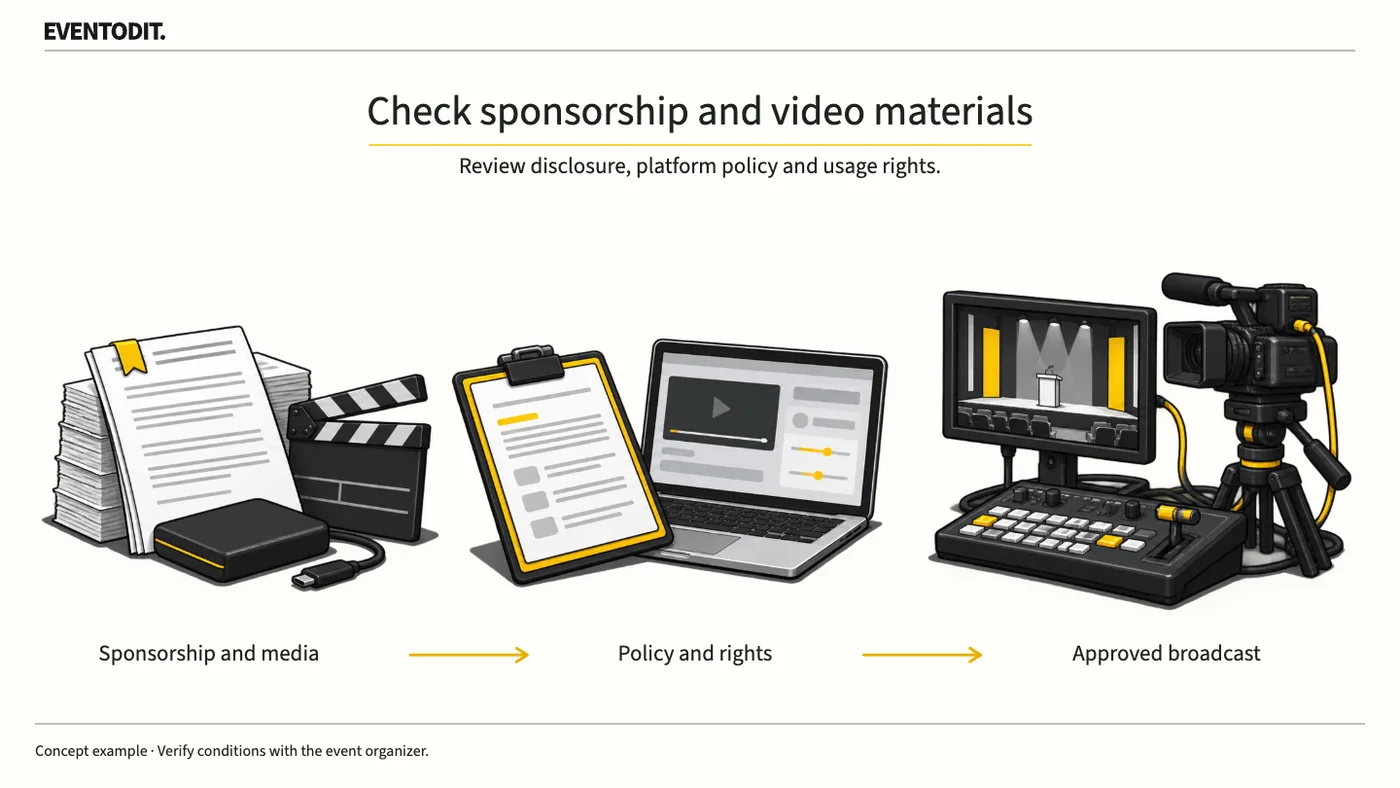
Check sponsorship disclosure separately from the eligibility of embedded material, then hand confirmed files and the cue sheet to production.
Read guide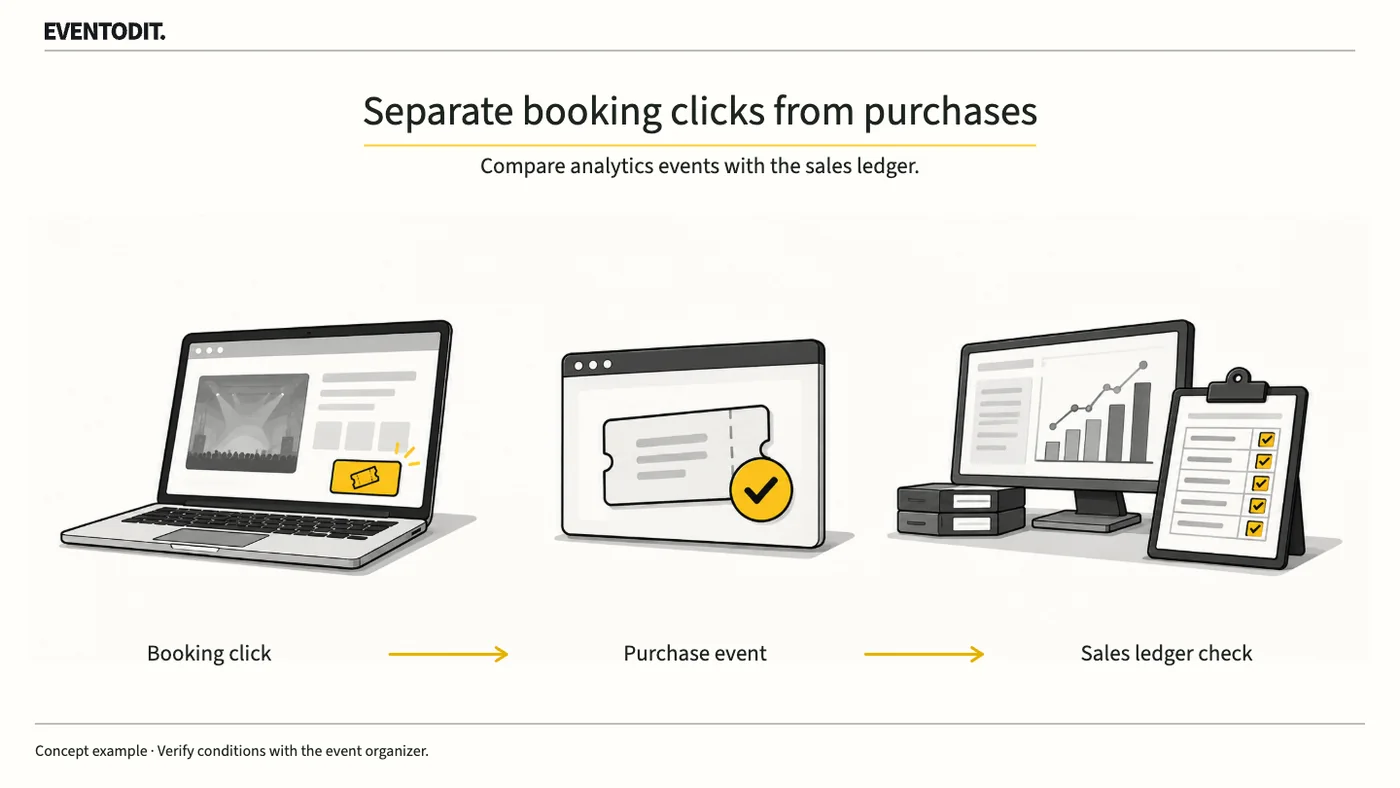
Report separately the clicks, orders, tickets and admissions that the team can actually verify.
Read guide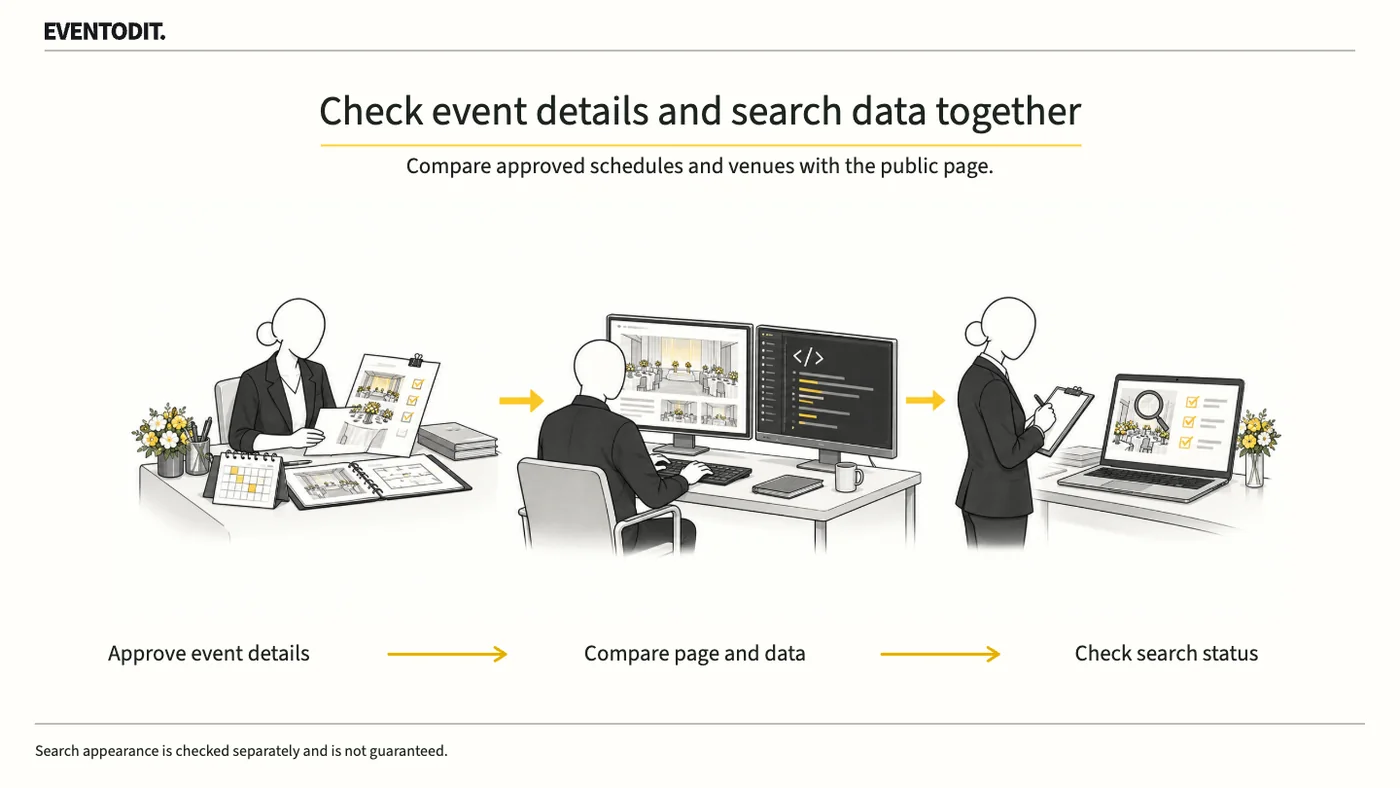
Publicity staff maintain approved session information; production and reviewers compare it with the visible page and search data.
Read guide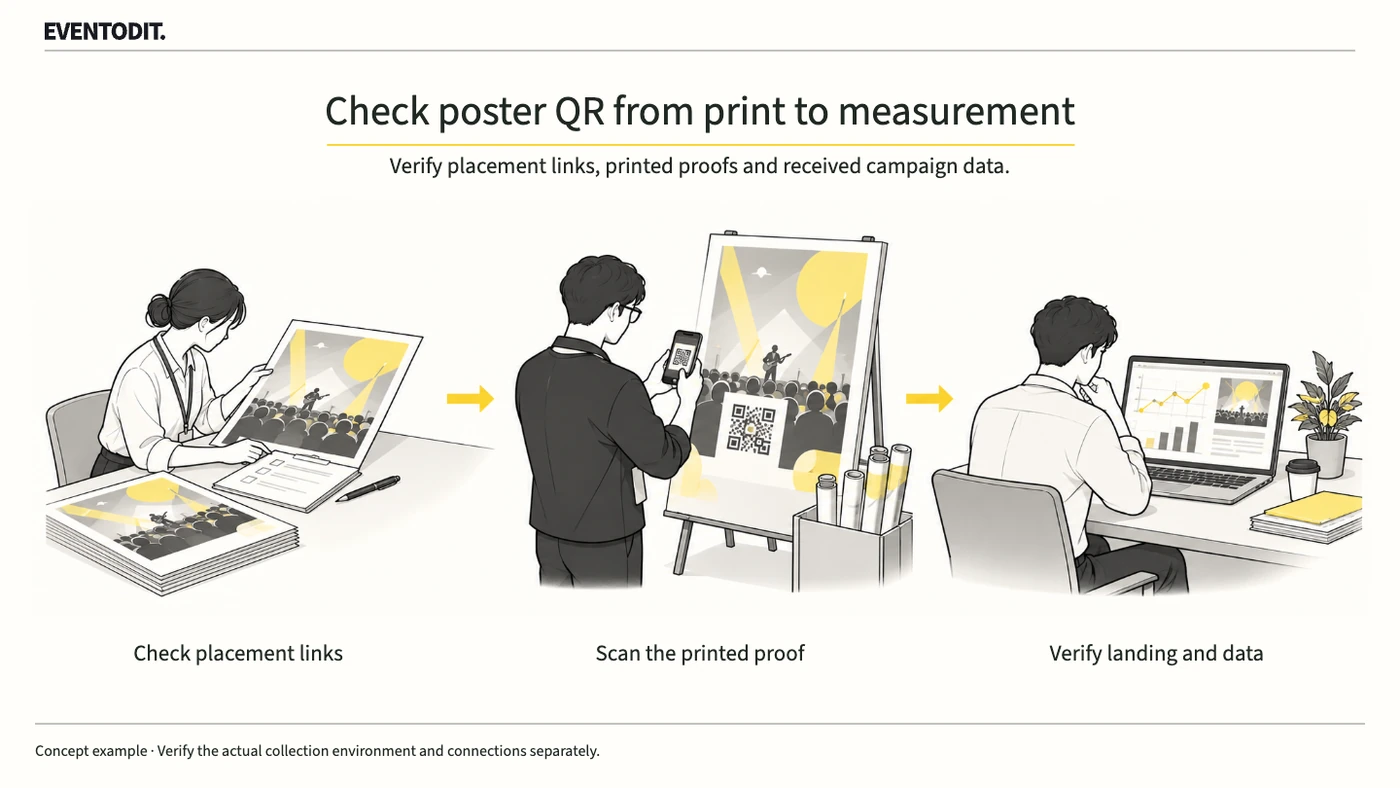
Set placement-specific UTM links for event poster QR codes, scan a printed proof and verify the final page and received analytics values. Record QR traffic separately from bookings and advertising effects.
Read guide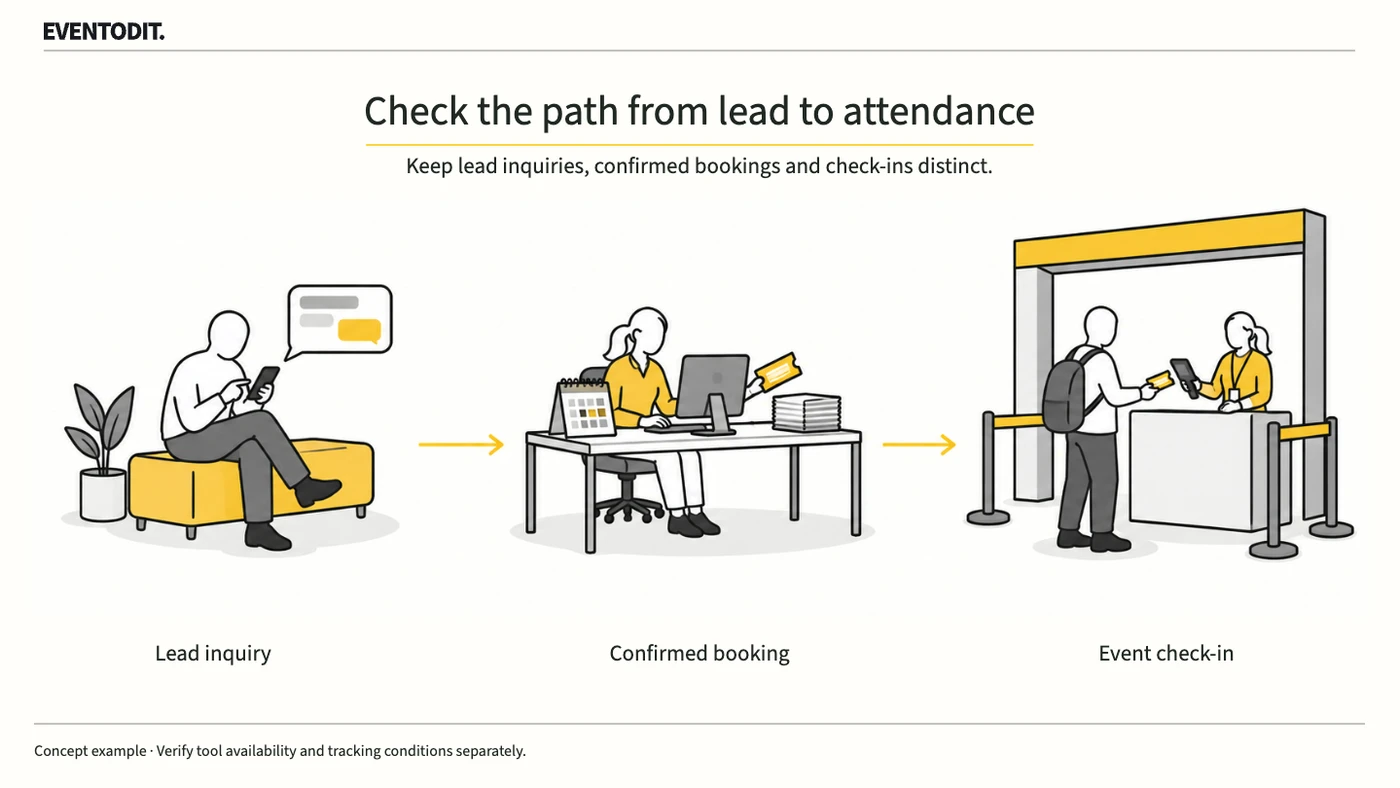
Check account support, then assign enquiry, booking and admission responsibilities and a consistent observation period.
Read guideTry fewer keywords, or clear the stage or task filter.