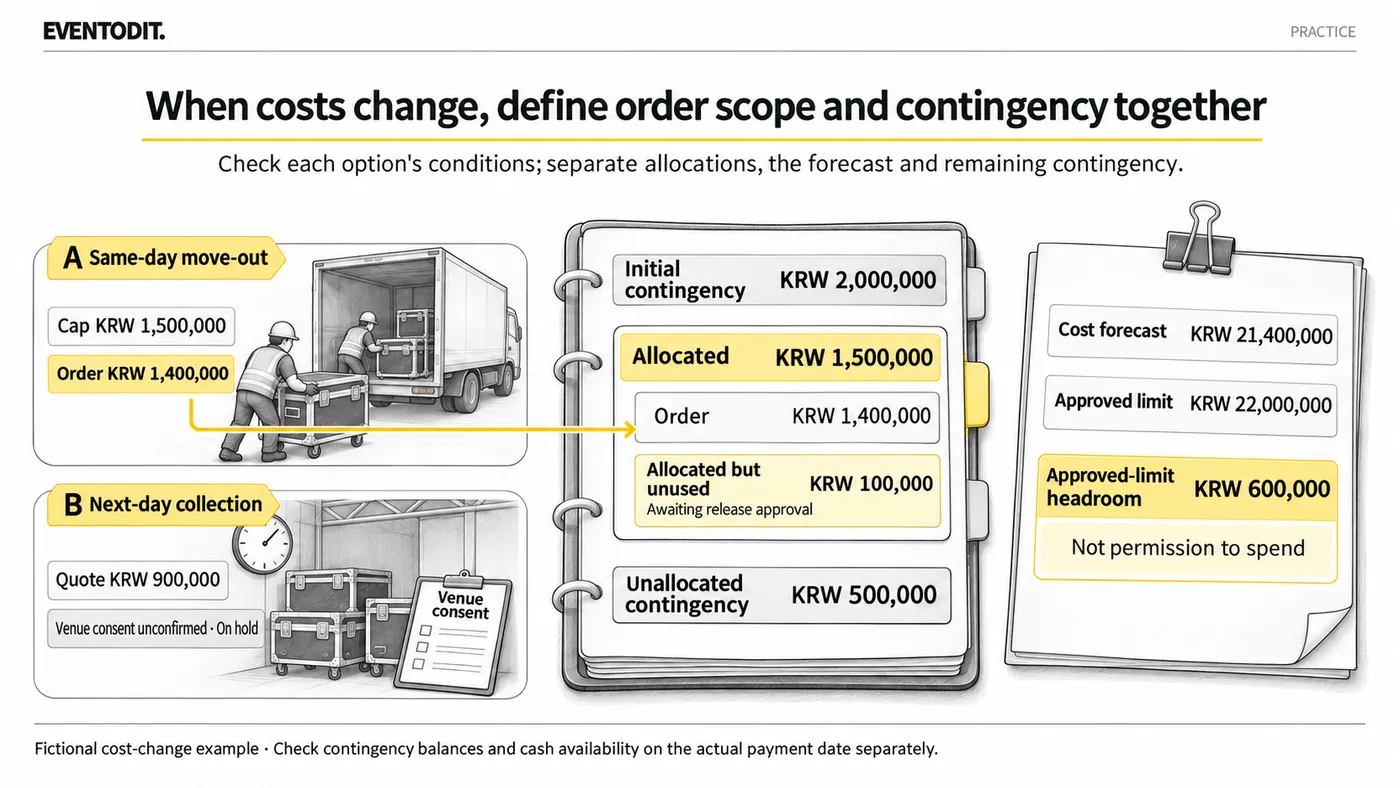
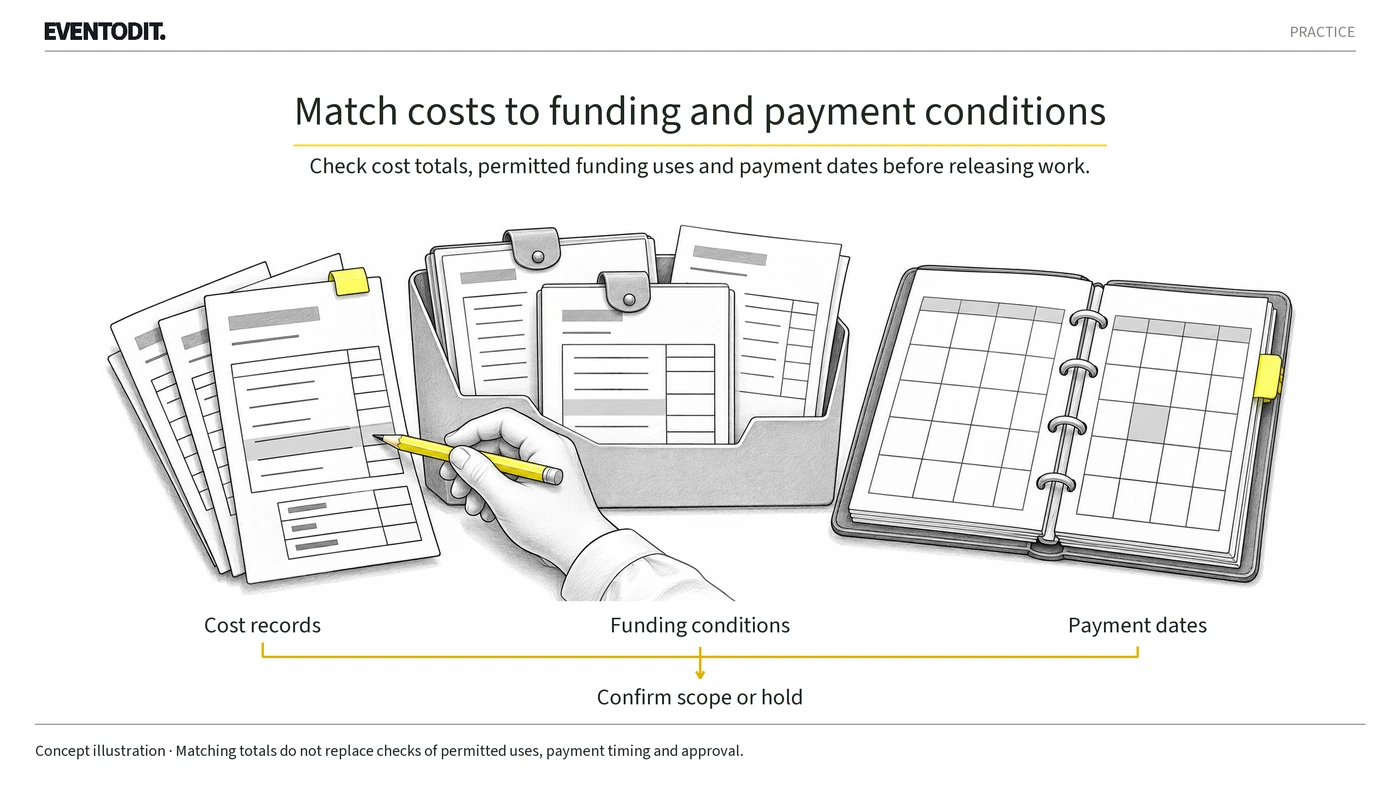
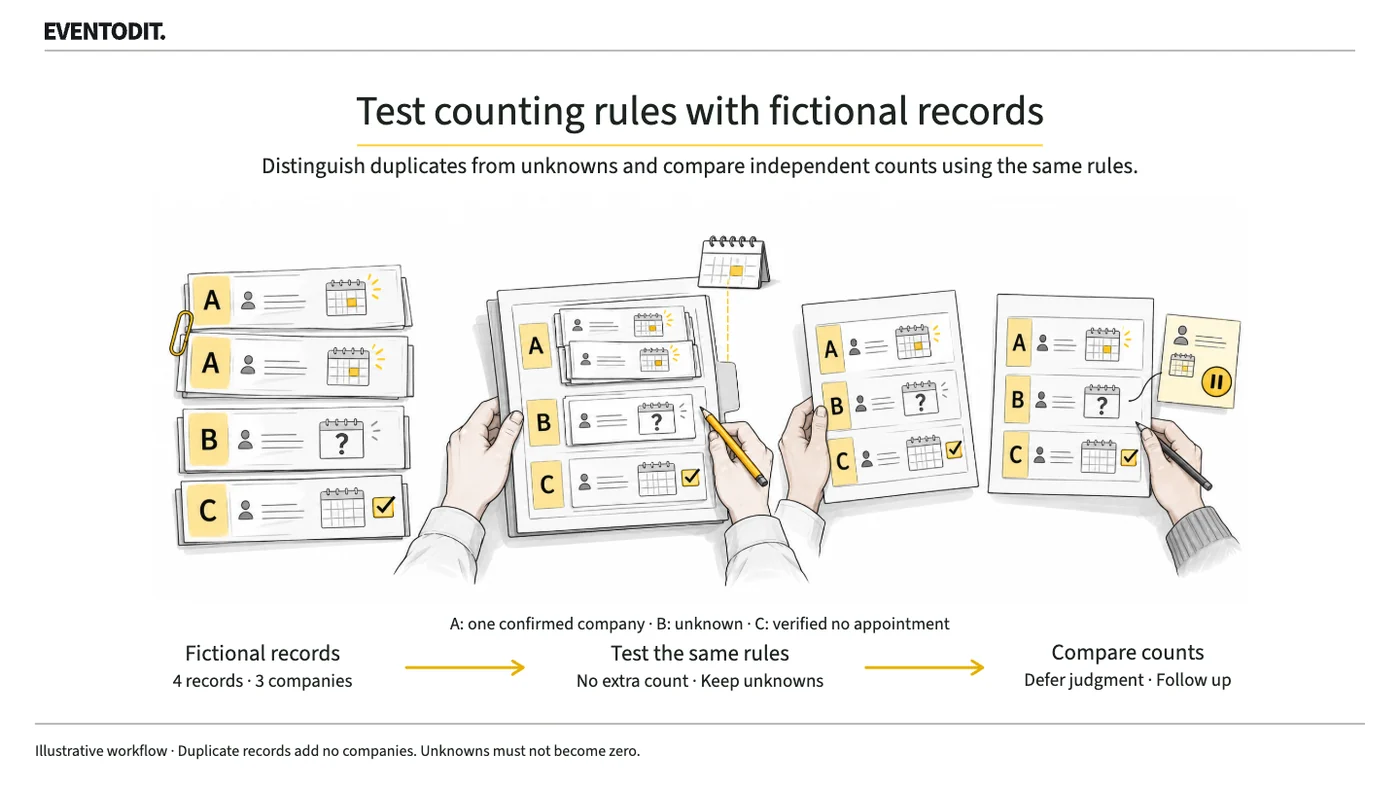
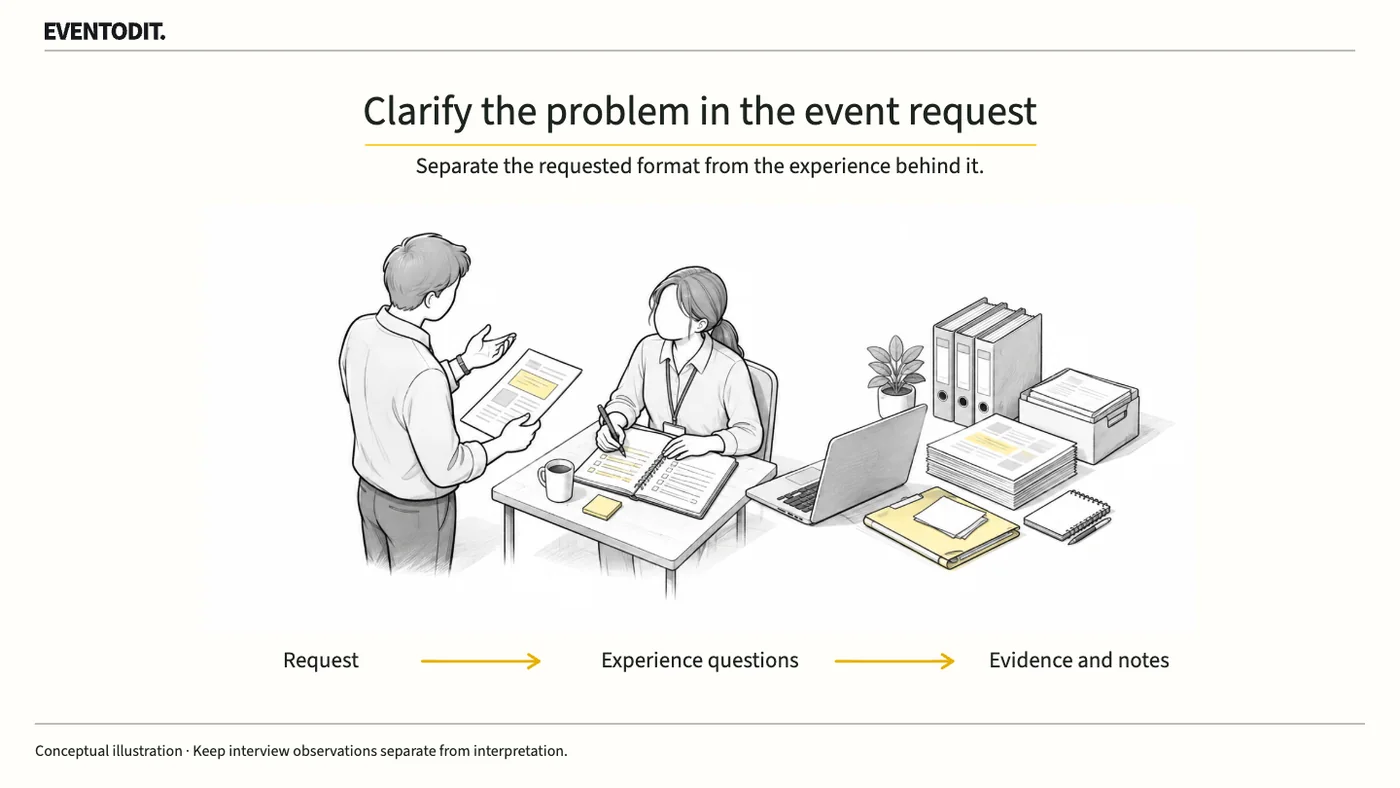
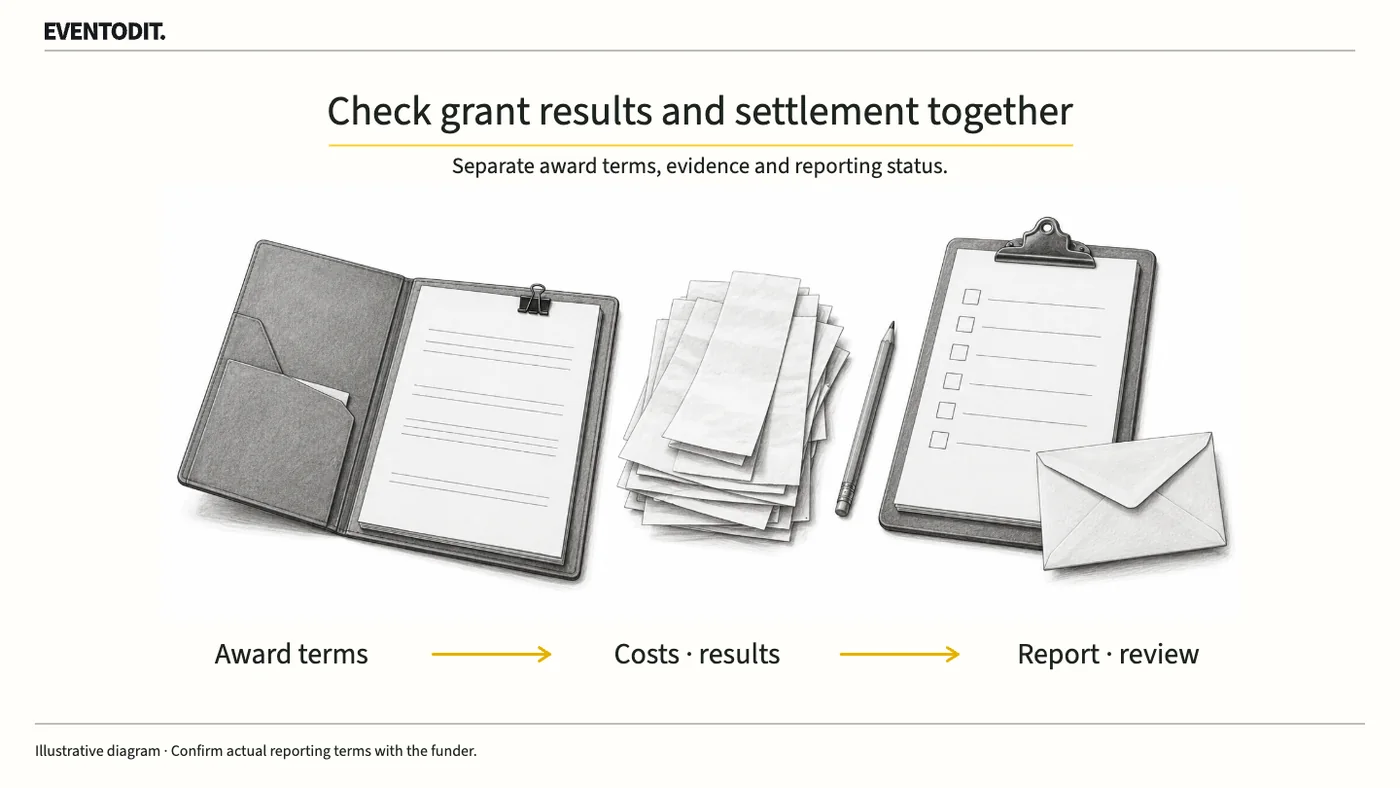
Separate each cost into its pre-tax amount, tax and total payment, then compare available cash with planned receipt and payment dates. Record funding that will not be available when due and any outstanding conditions before seeking approval or releasing spending.
Who needs this Event budget owners, production/operations leads, finance, contracting and payment staff
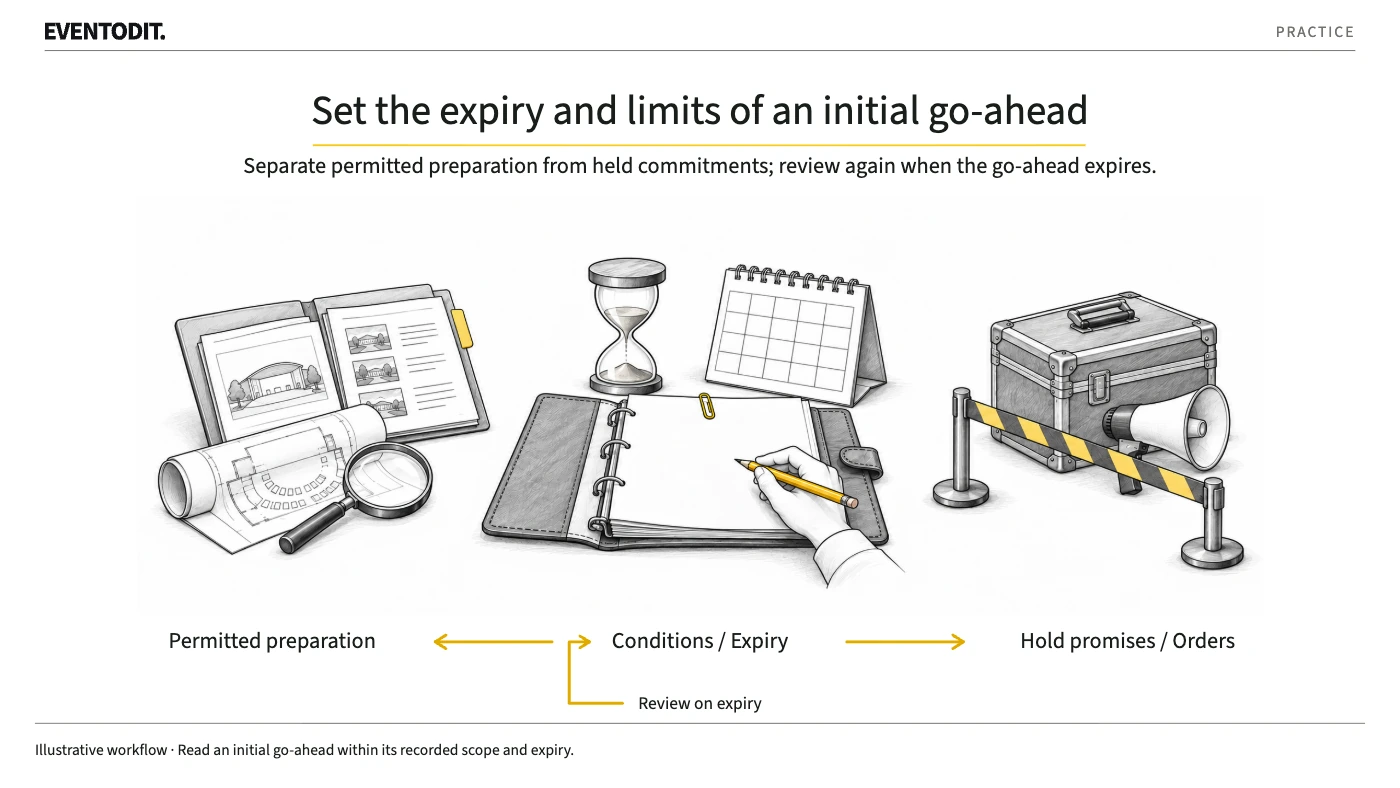
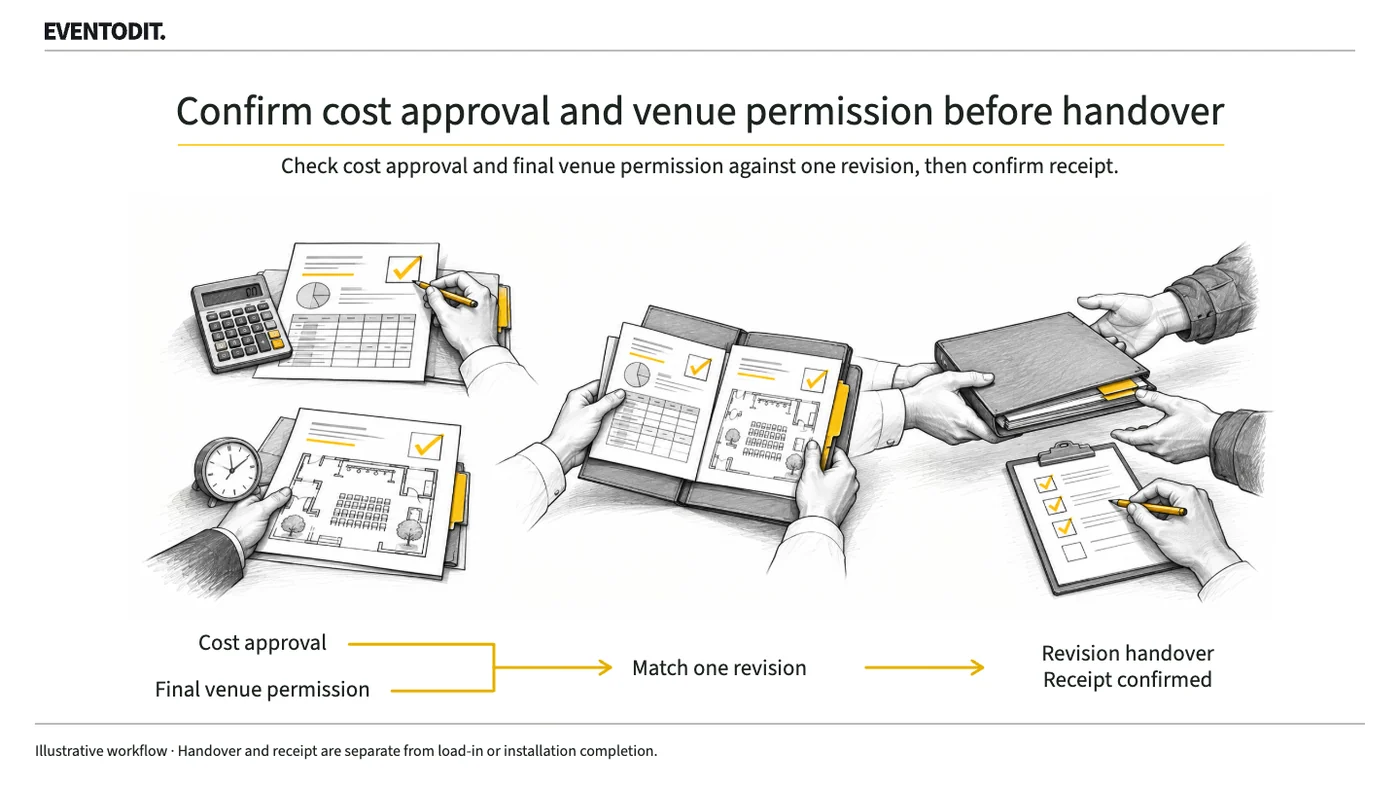
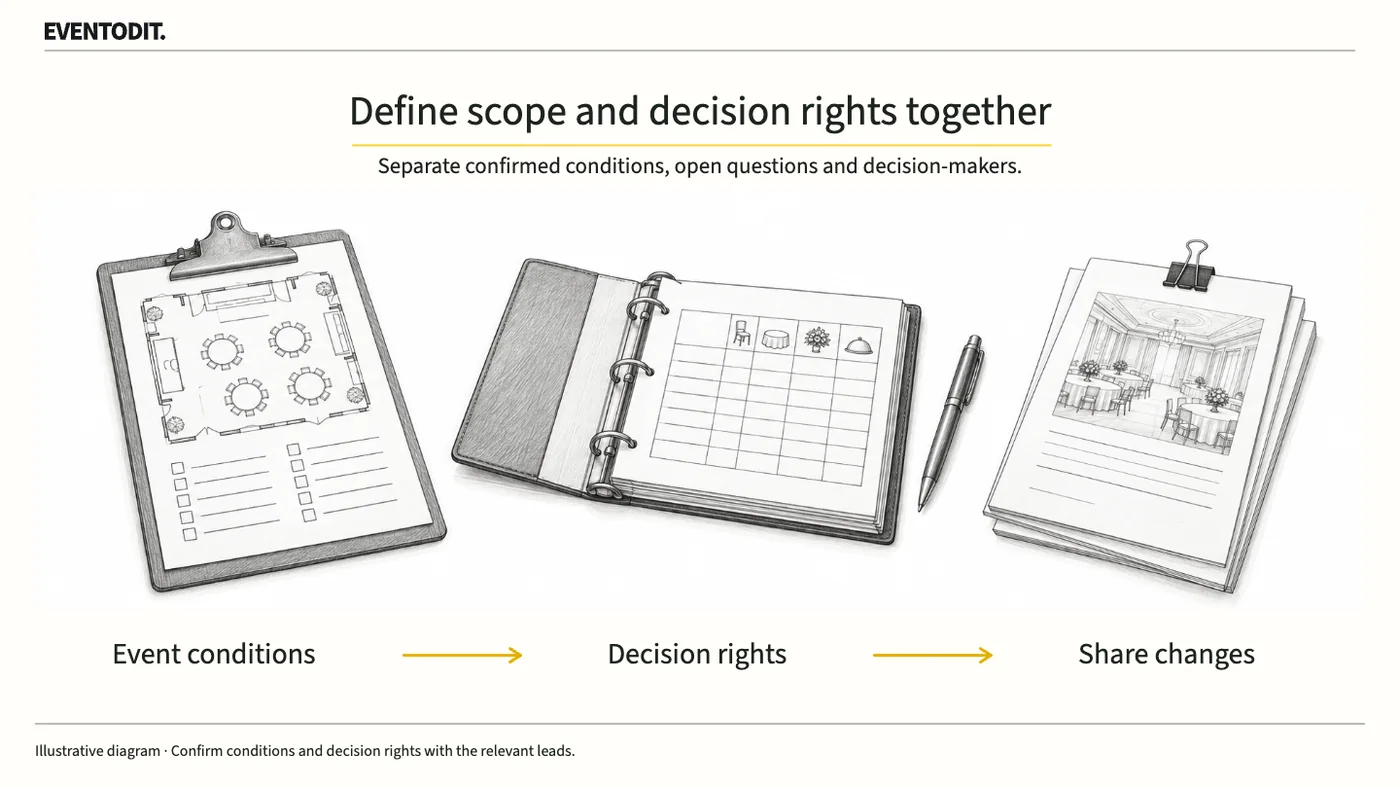
Record condition criteria, evidence, deadlines and decision validity, and complete delivery and receipt checks for hold instructions and review material.
Who needs this Event planning leads, staff preparing initial decisions, and procurement, communications and operations handover owners
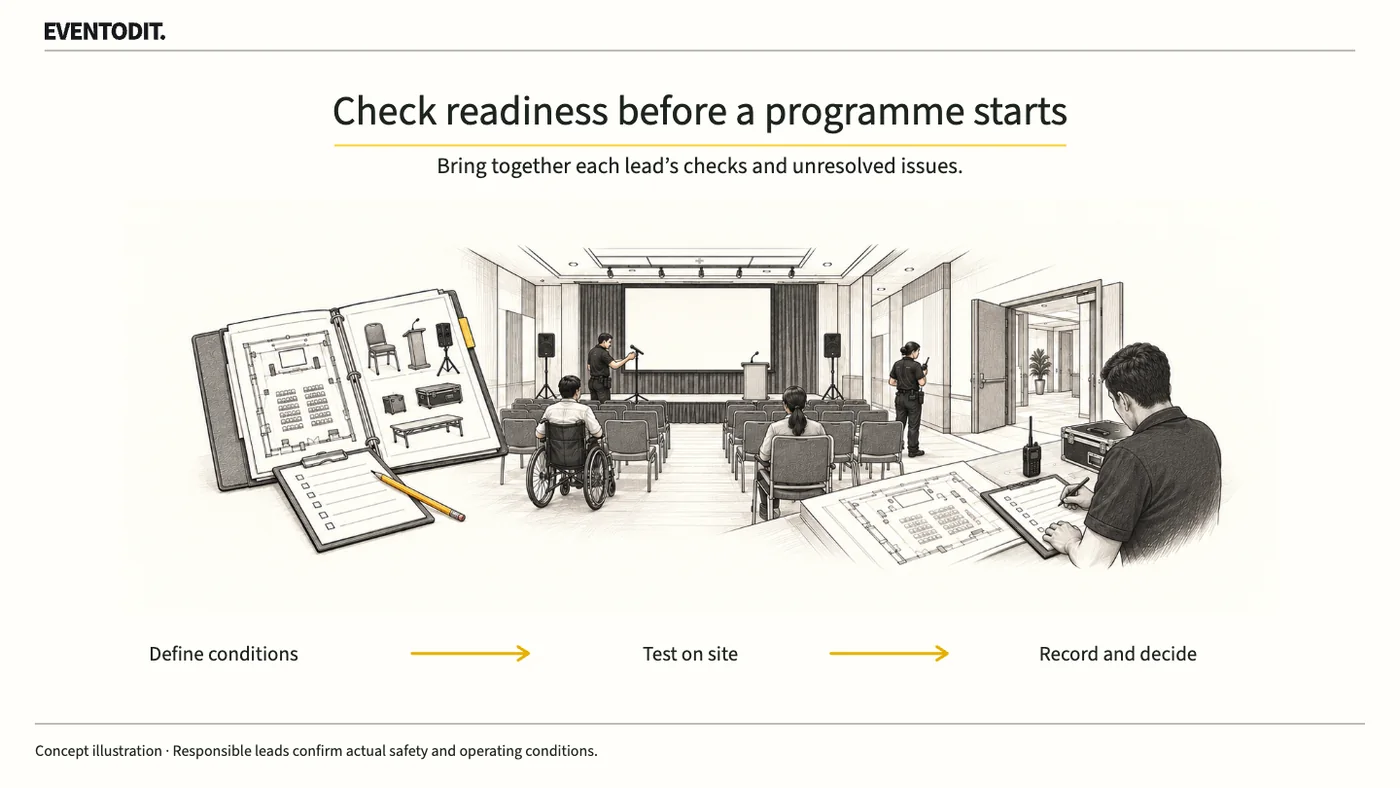
A session or activity is not necessarily ready just because its start time has arrived. Confirm people, space, technology, access and safety with the responsible leads, then record unresolved issues and the start decision.
Who needs this Event organisers, planners, venue managers and operational leads
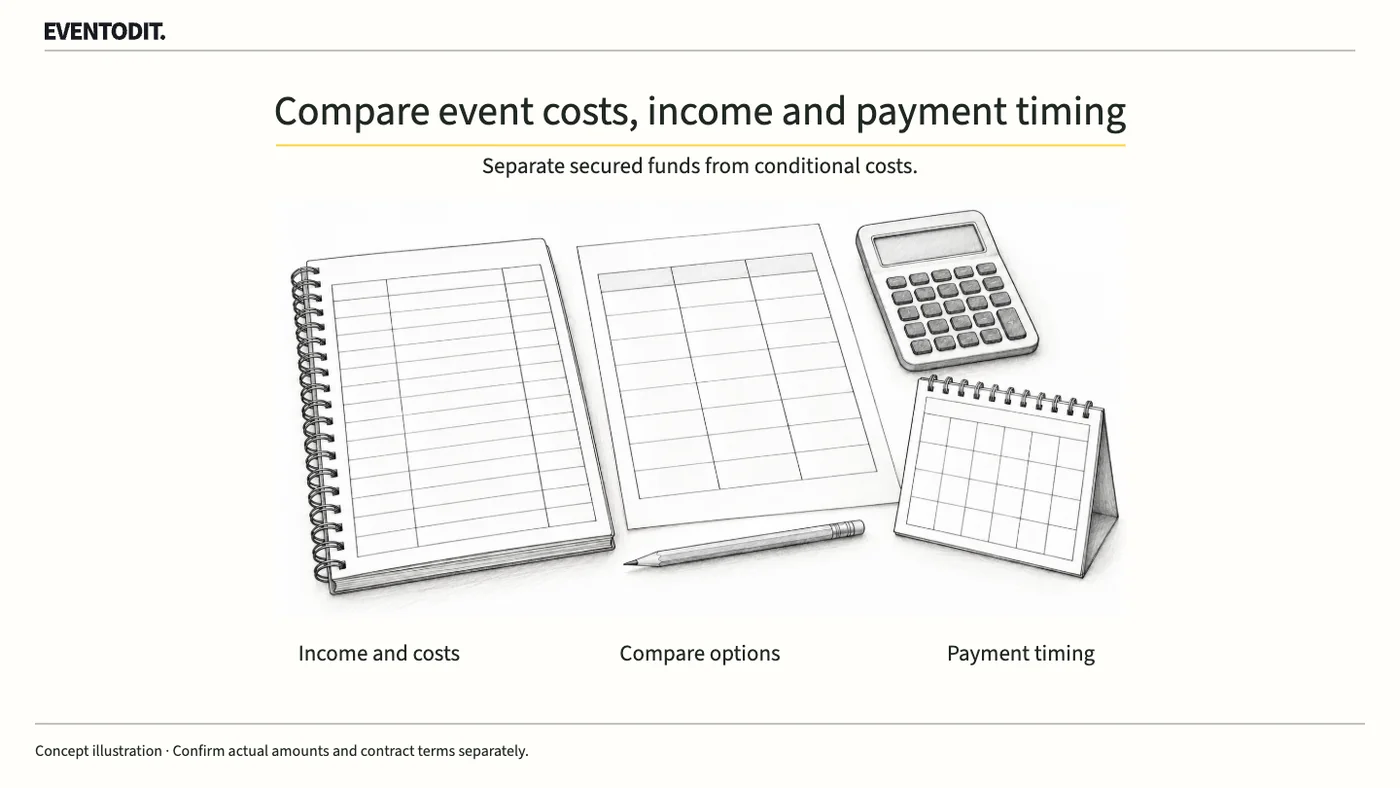
Projected income can exceed costs while cash is still unavailable when payments fall due. Separate confirmed amounts from conditional costs and compare whether each option can be delivered.
Who needs this Event organisers, planners, venue managers and operational leads
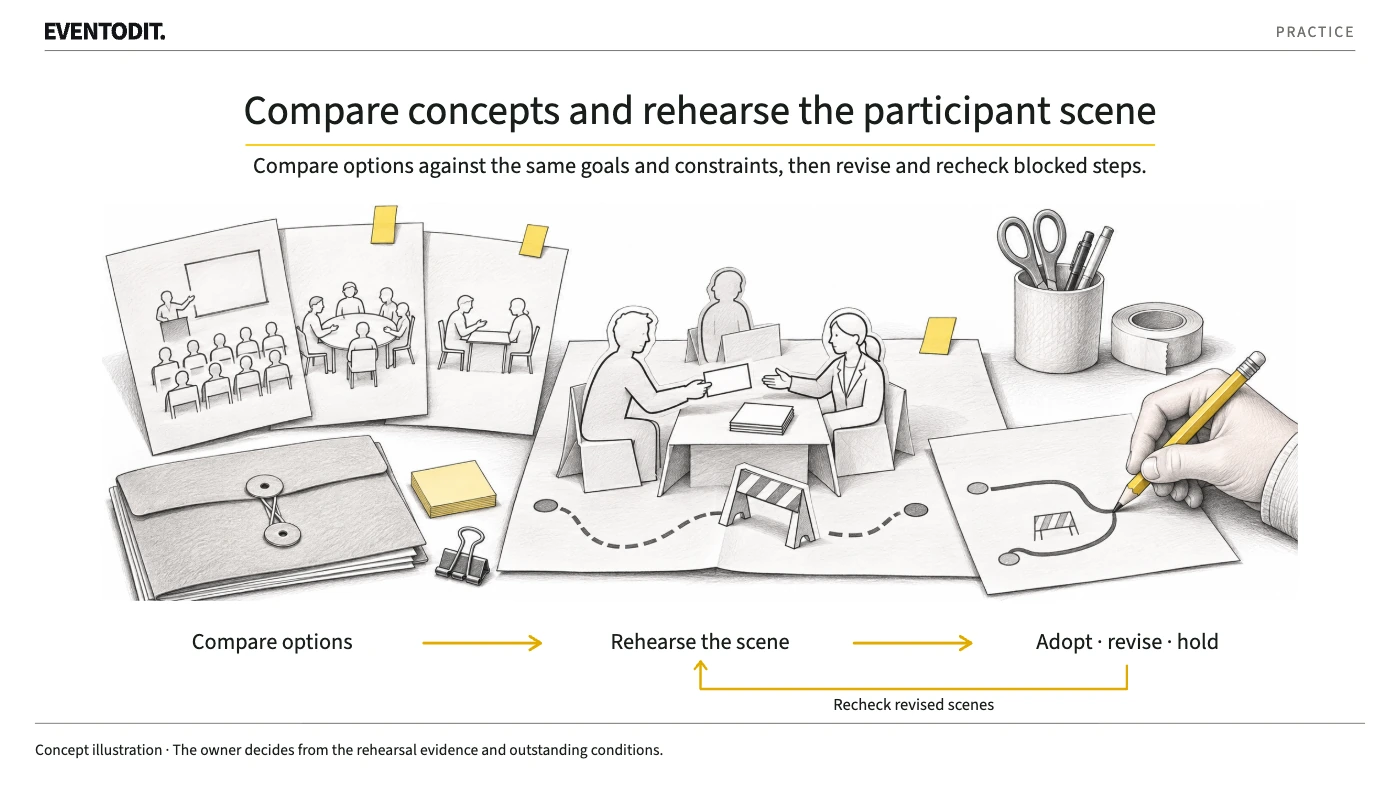
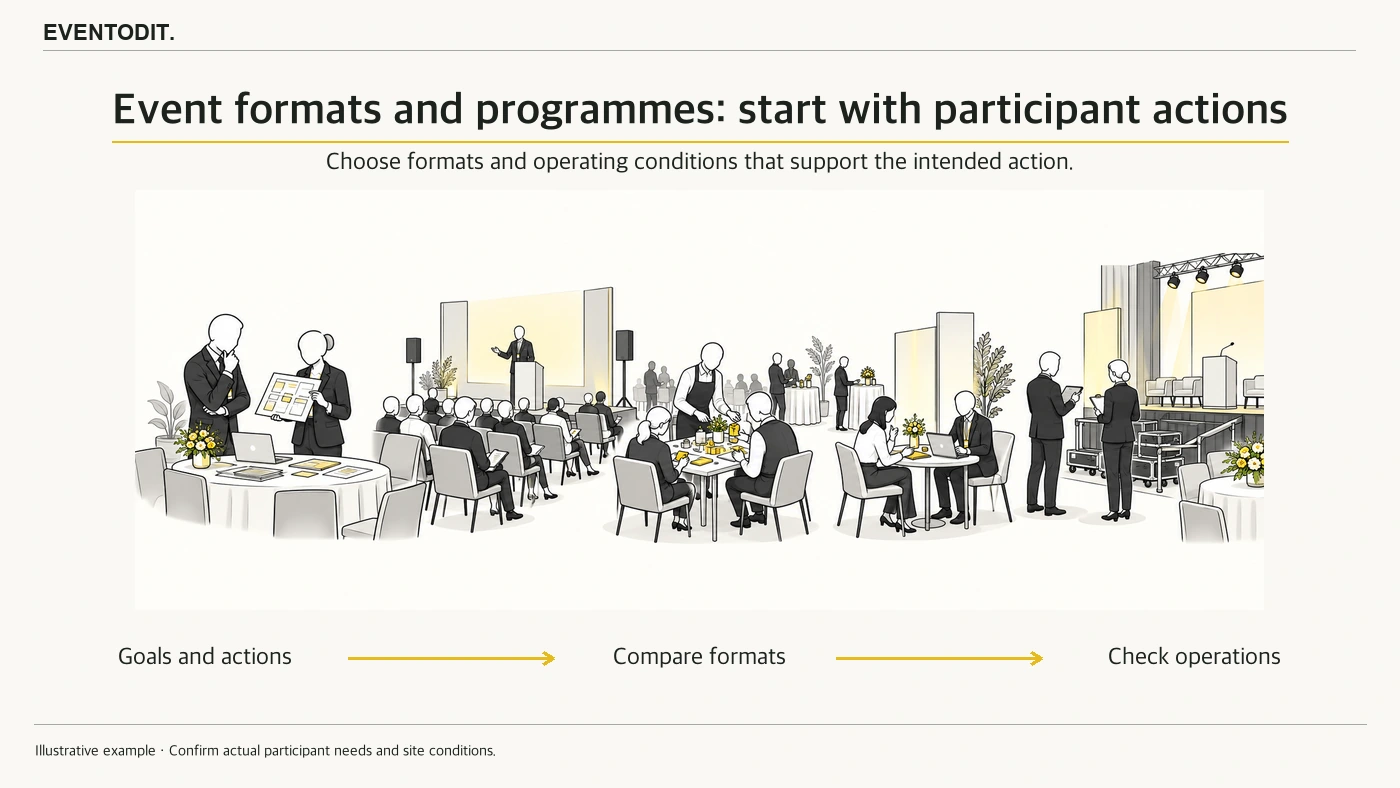
Do not combine talks, activities, meetings and online or in-person participation by habit. Start with the objective and participant actions, then compare space, staffing and costs.
Who needs this Event organisers, planners, venue managers and operational leads
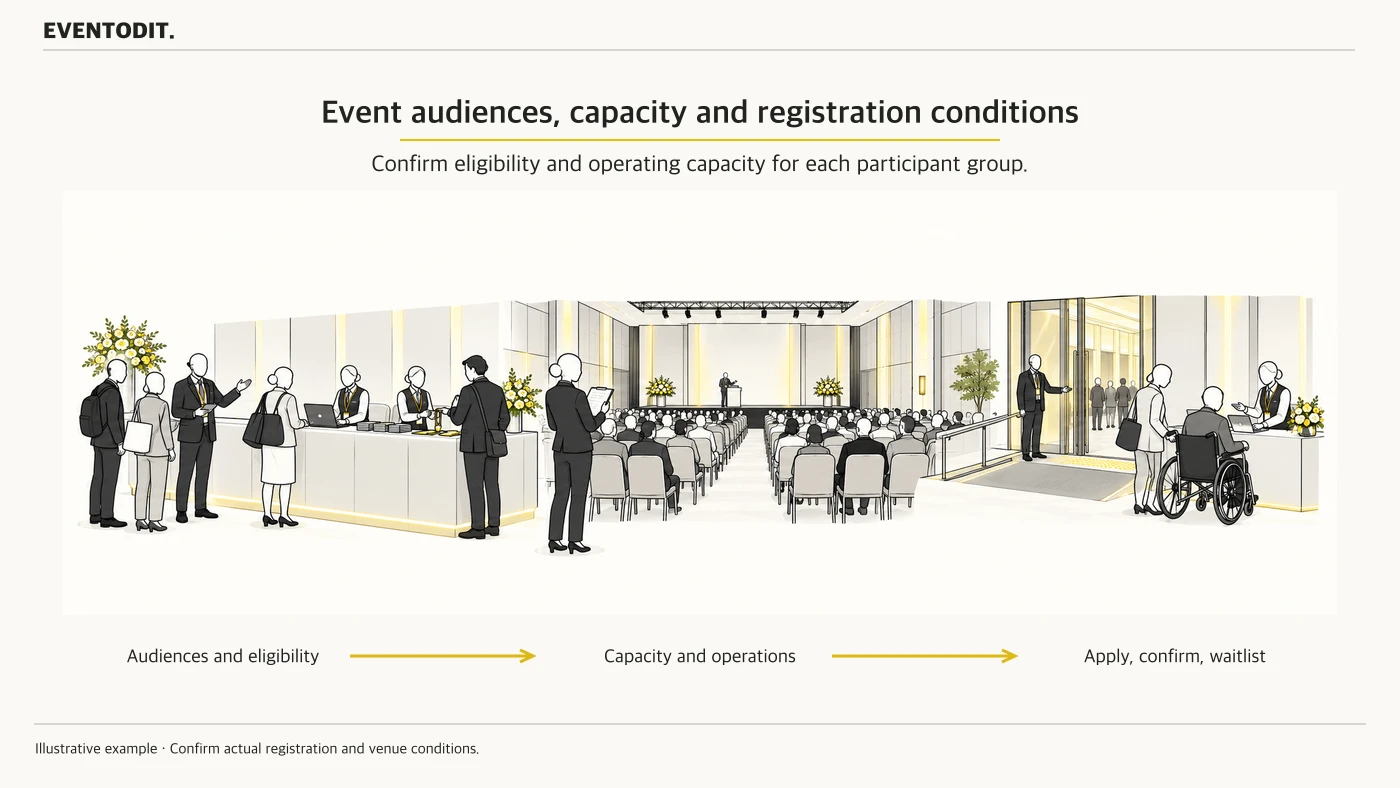
General attendees, buyers, speakers and exhibitors attend for different reasons and need different support. Set eligibility and registration routes for each group, then check workable capacity, waiting-list and accessibility arrangements.
Who needs this Event organisers, planners, venue managers and operational leads
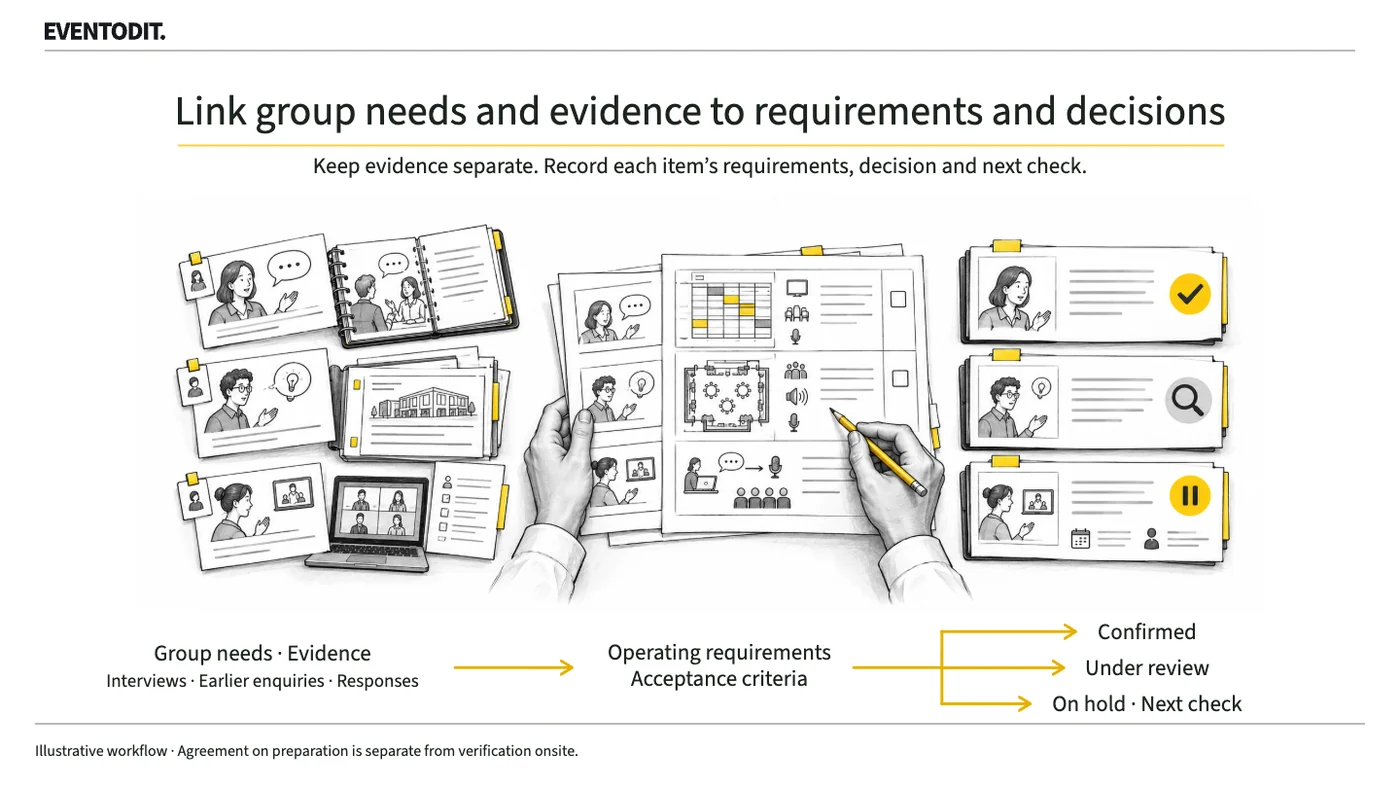
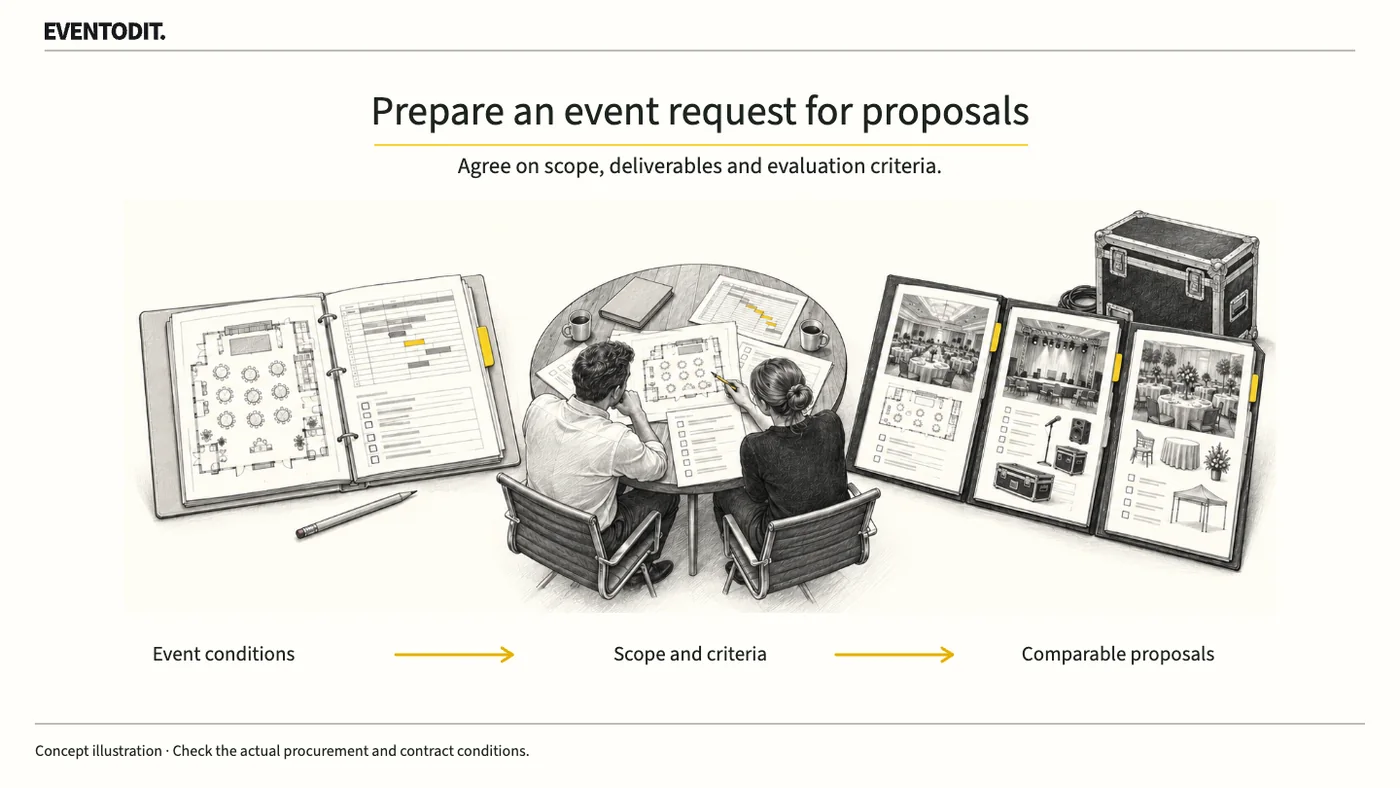
Before asking suppliers for proposals, agree on the event purpose, the work to be commissioned and the pricing basis. Aligning requirements with evaluation questions makes it easier to identify gaps when comparing responses.
Who needs this Event organisers, planners, venue managers and operational leads
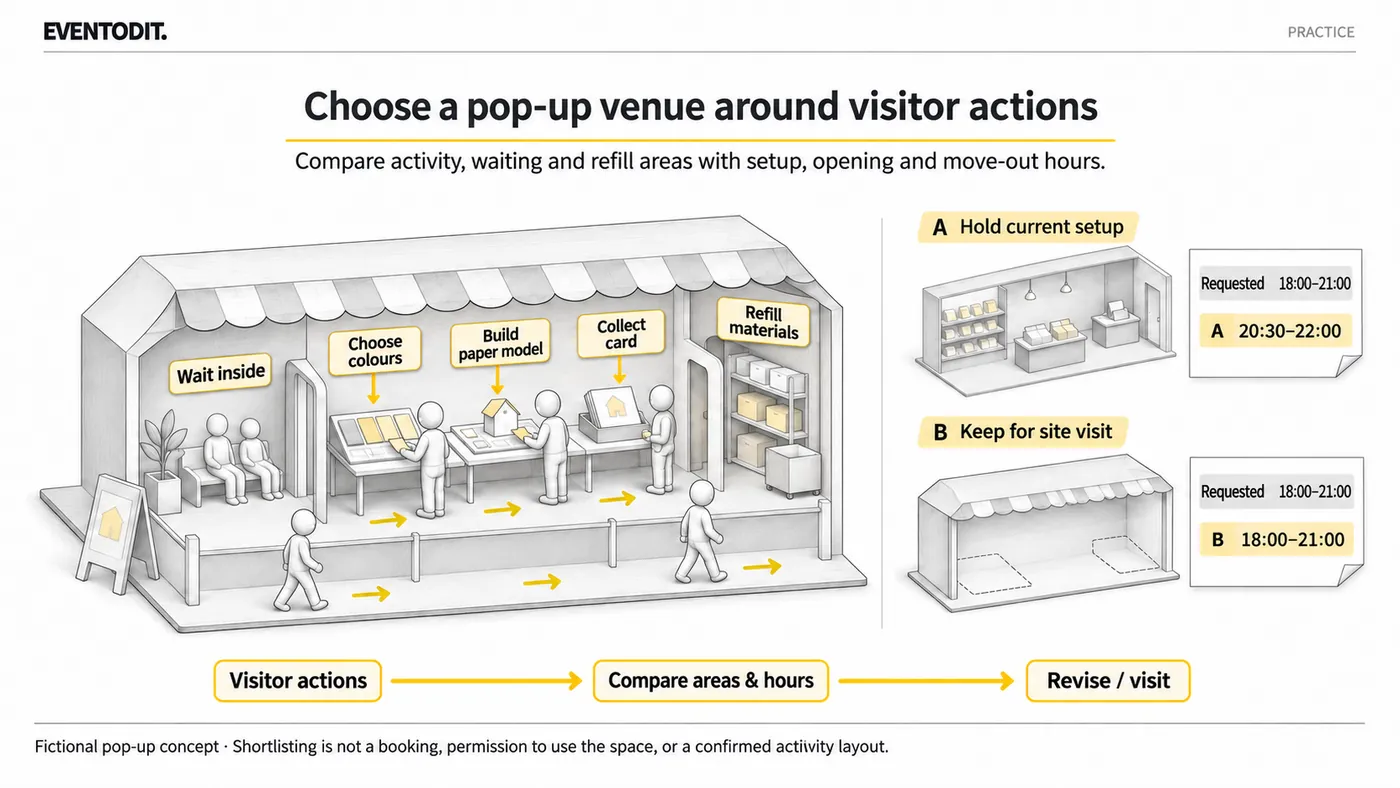
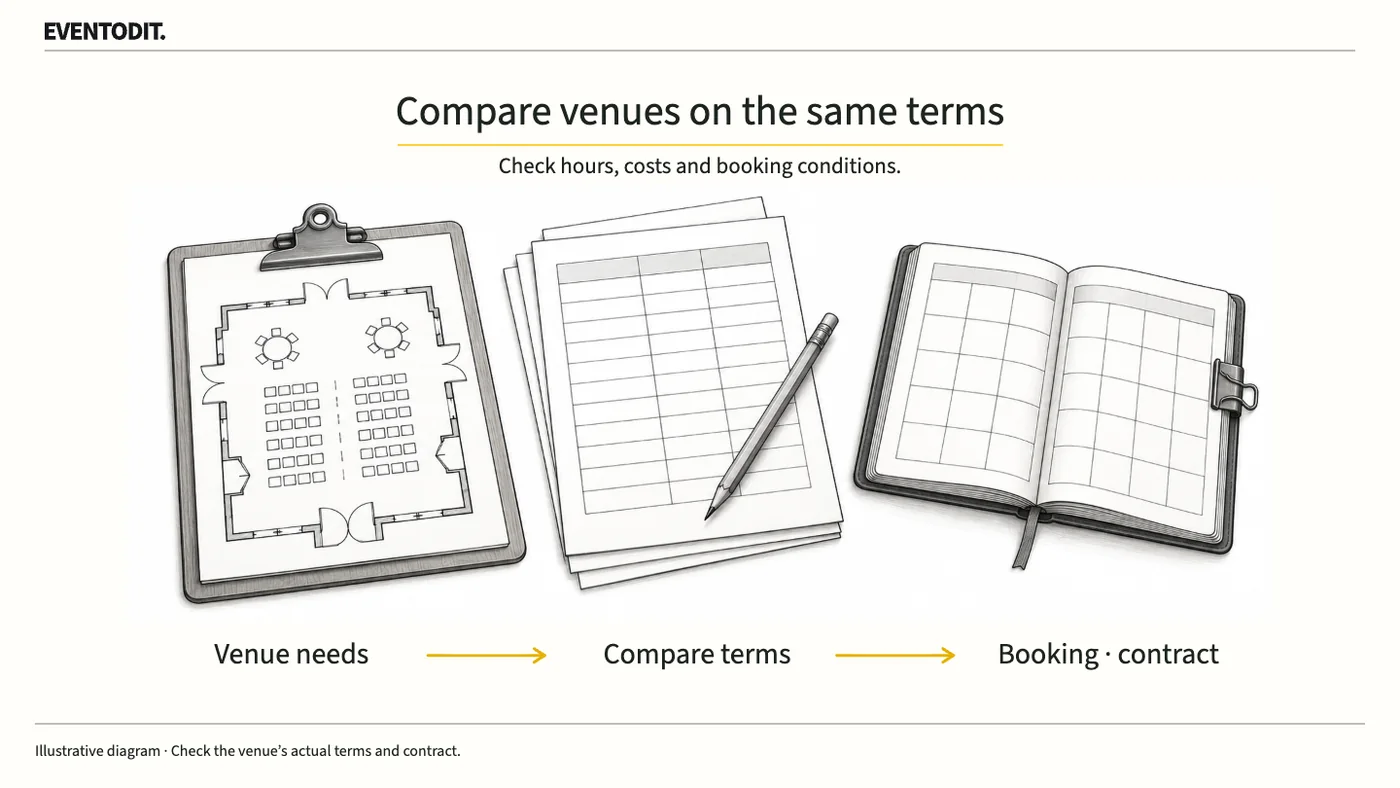
Do not choose a venue on floor area and base rental alone. Compare use hours, surrounding restrictions, extra charges, provisional holds and contract terms consistently.
Who needs this Event organisers, planners, venue managers and operational leads
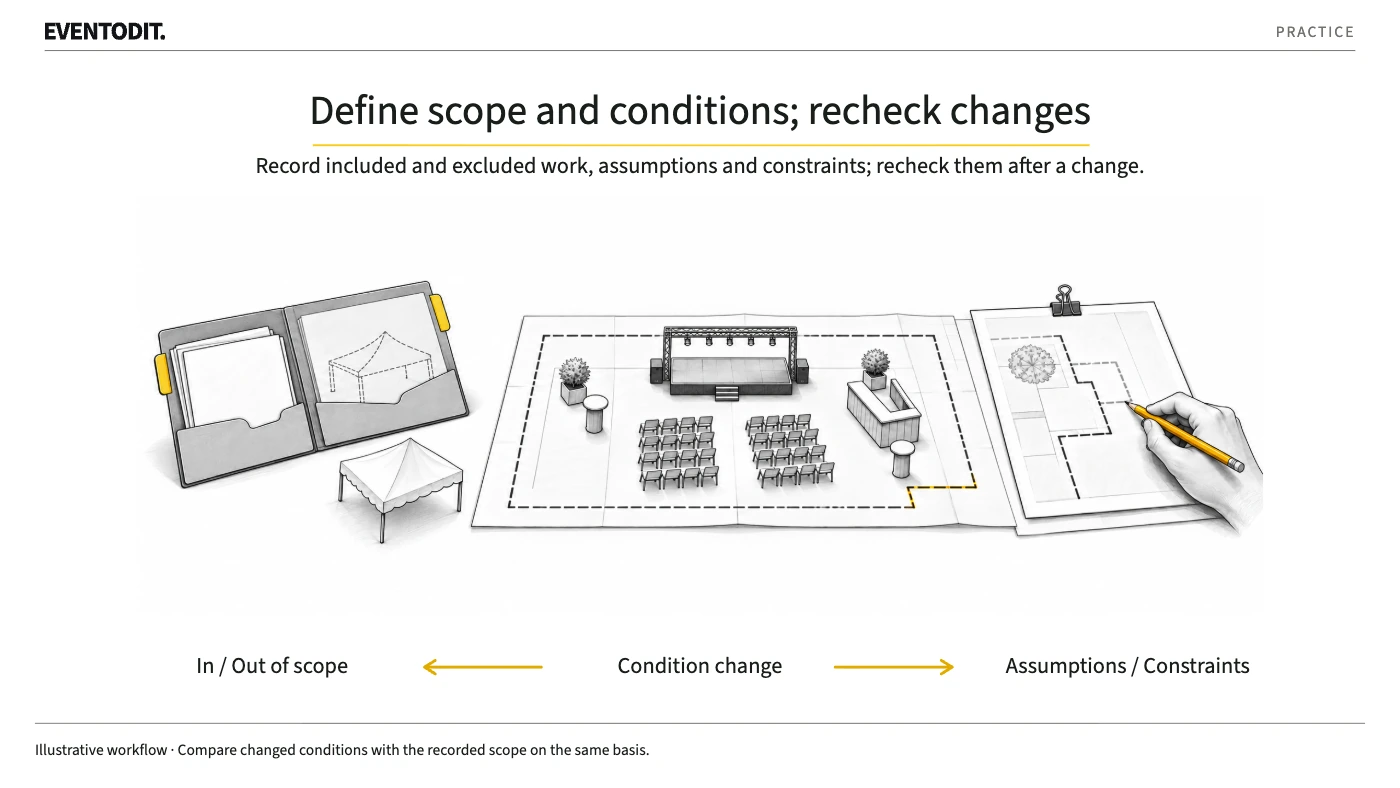
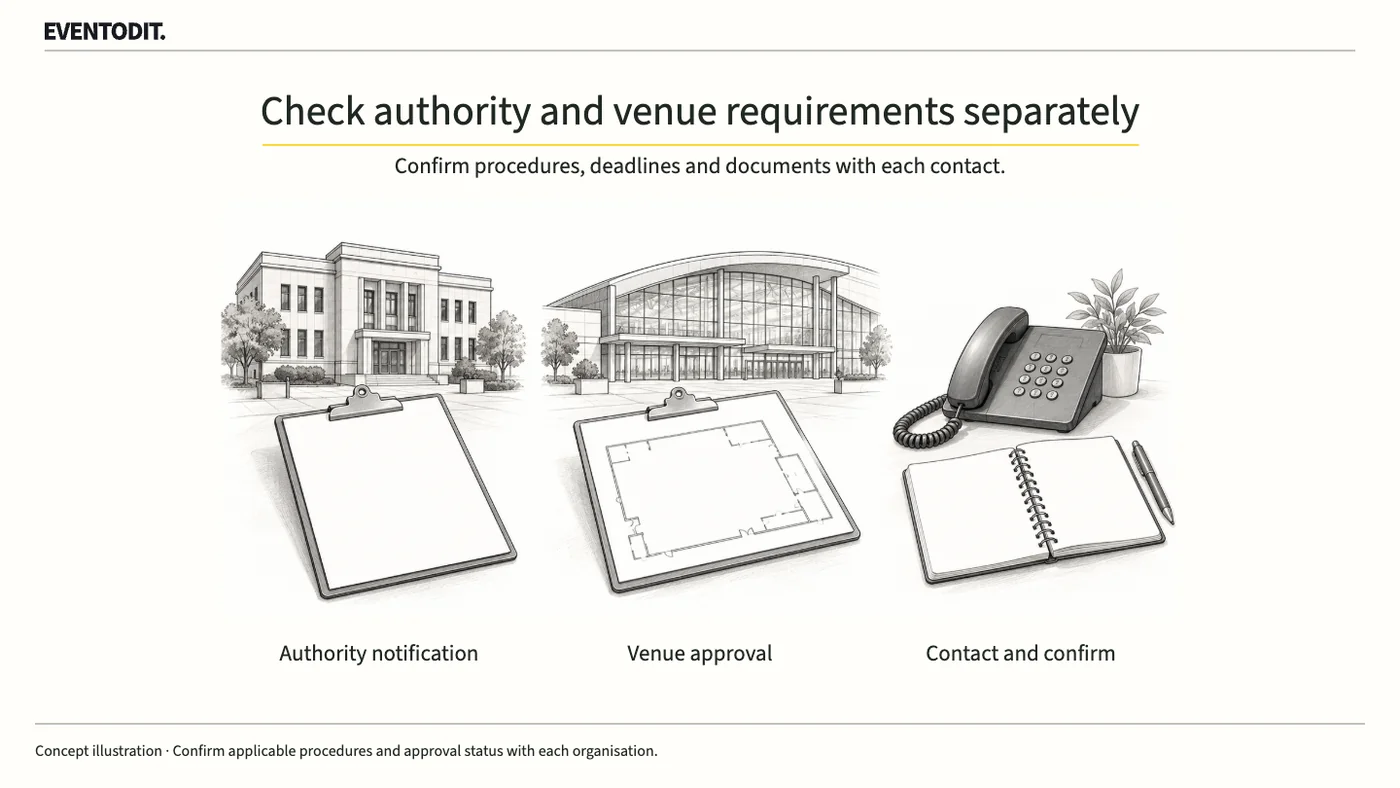
Describe the event and location, then check authority notifications or permits and the venue operator’s work approvals separately. Record receipt, approval and conditions to recheck after changes.
Who needs this Event organisers, planners, venue managers and operational leads
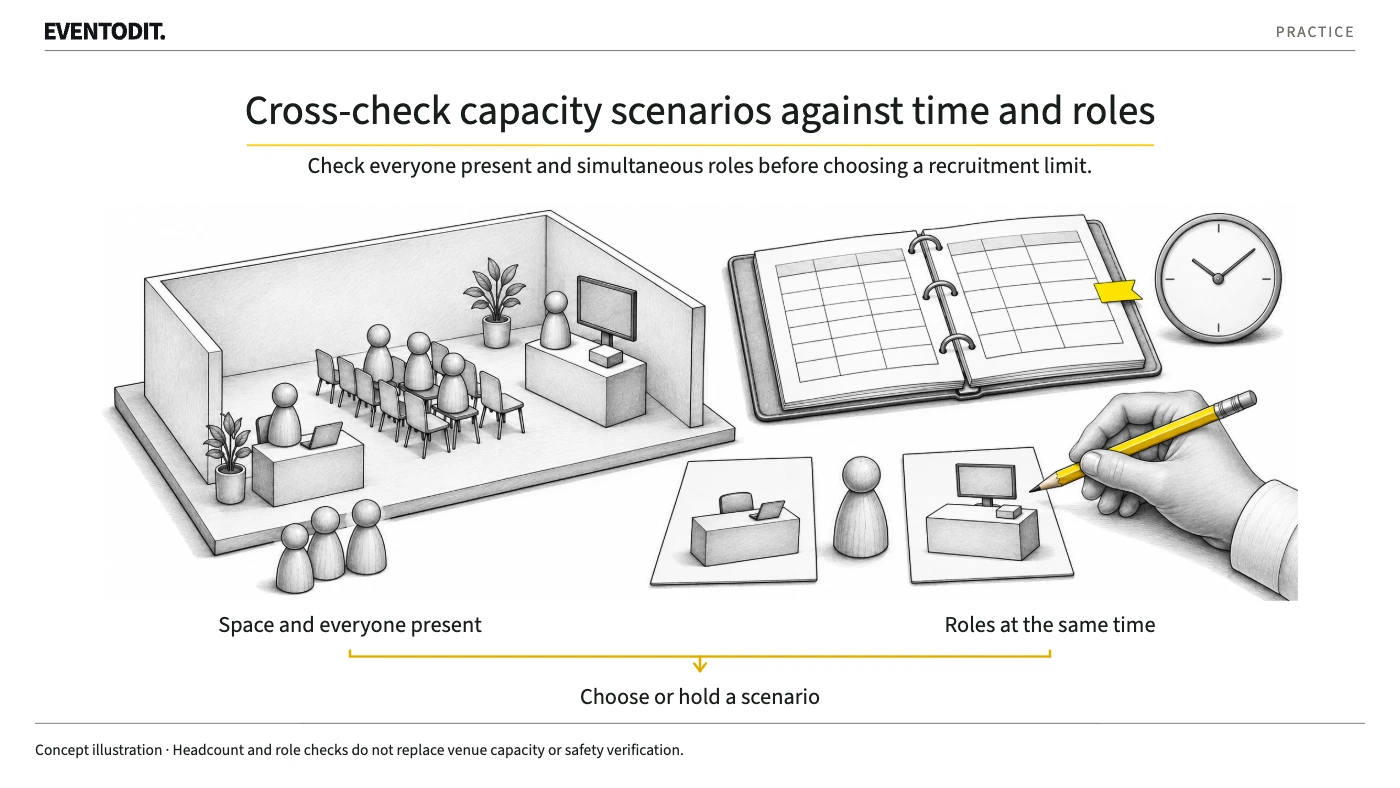
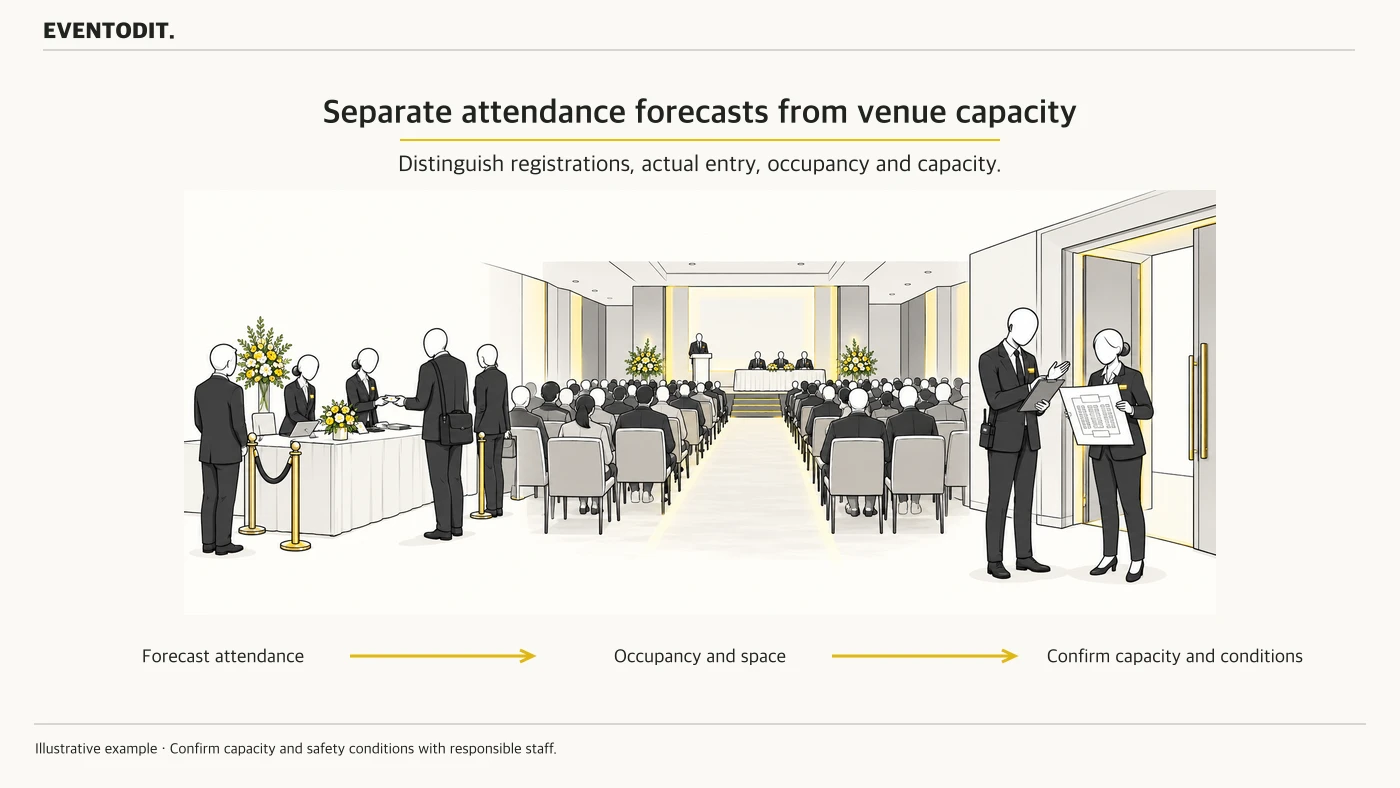
Registrations, people present on site and venue capacity figures for different layouts are not the same measure. Compare evidence-based scenarios and confirm the actual operating conditions.
Who needs this Event organisers, planners, venue managers and operational leads
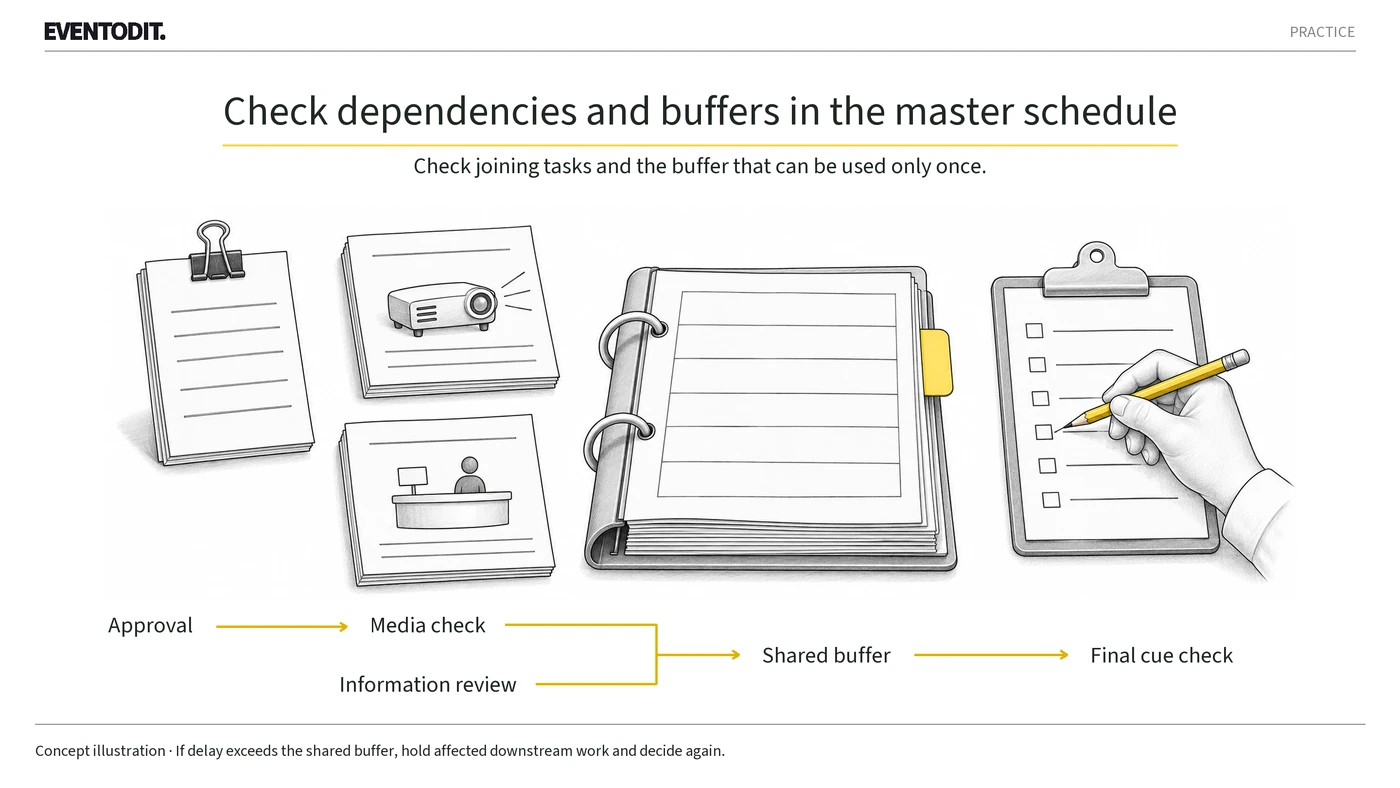
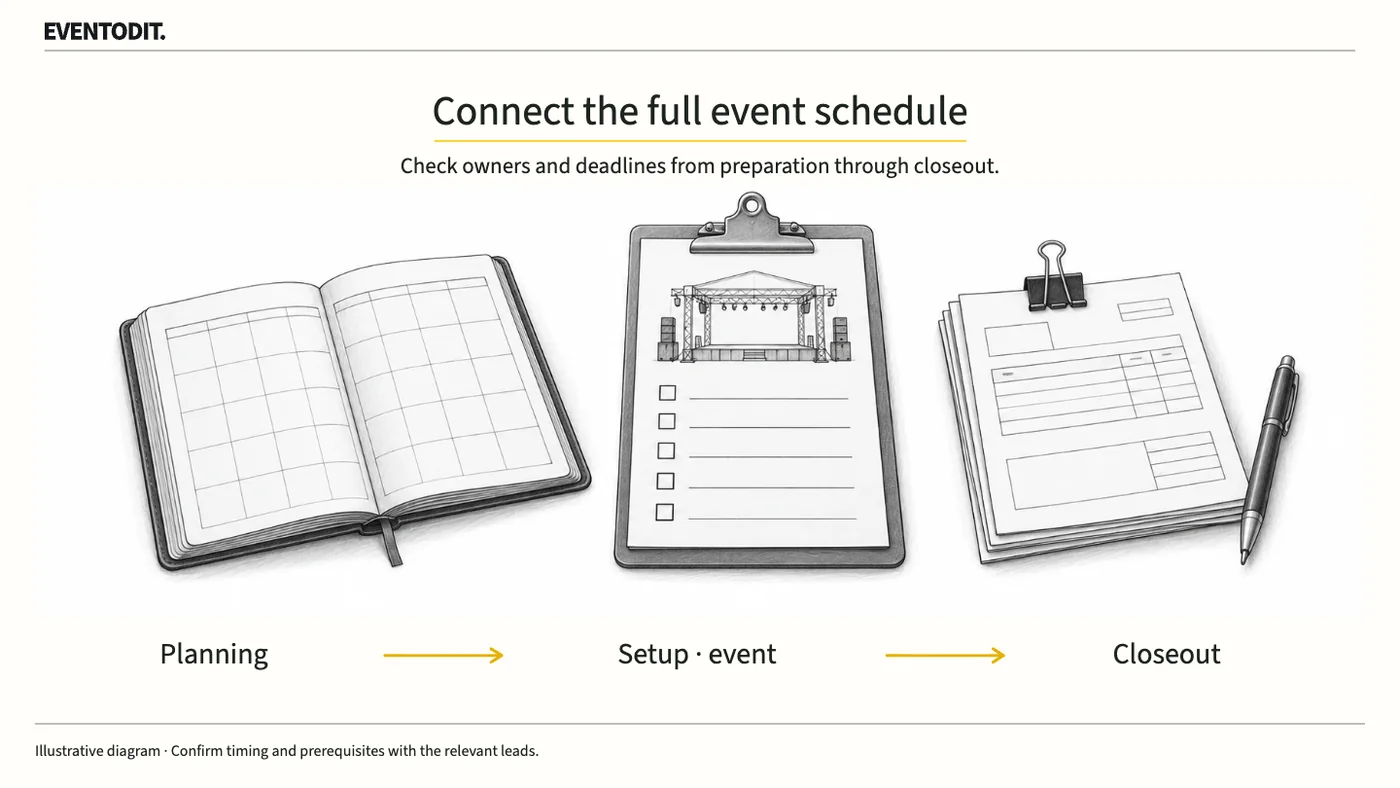
Build an event master schedule covering preparation, setup, live operations and closeout. Record task owners, prerequisites and reply deadlines, using the fictional example and schedule log.
Who needs this Event organisers, planners, venue managers and operational leads
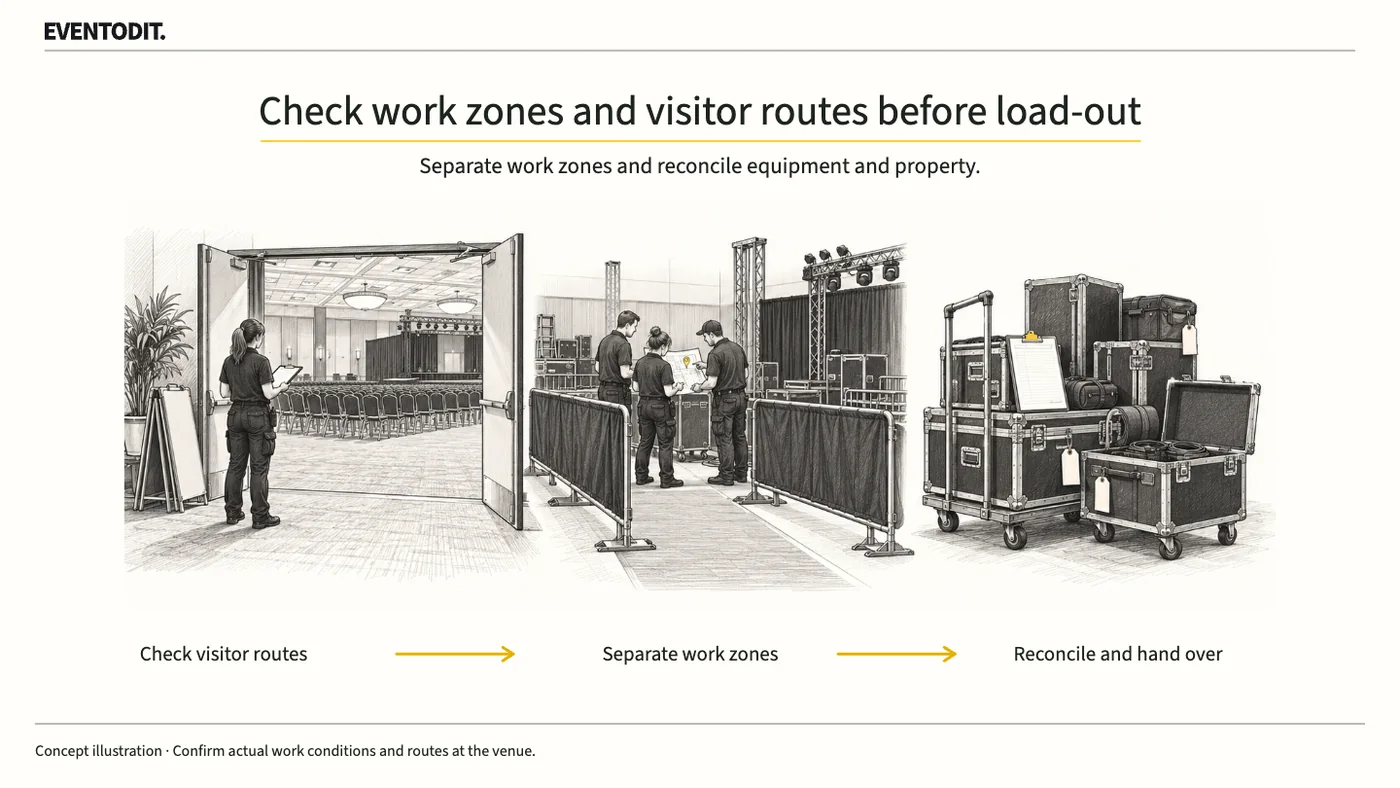
The event’s closing time may differ from the time dismantling can start. Confirm that visitors have left the relevant zone and that venue and work conditions are met, then record where each supplier’s items are handed over.
Who needs this Event organisers, planners, venue managers and operational leads
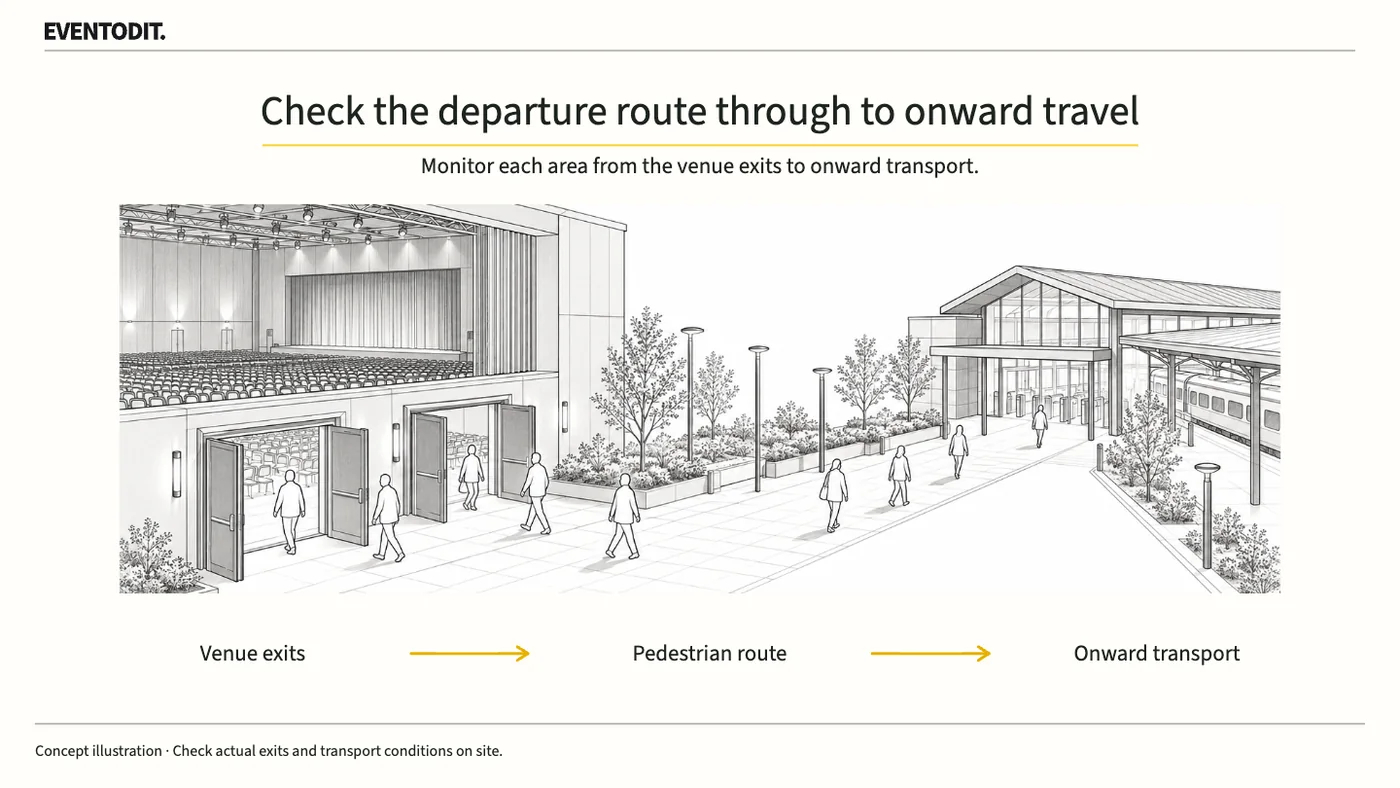
Audience movement continues after the programme ends. Check exits and onward transport in advance, and agree how area reports and the handover to dismantling will work.
Who needs this Event organisers, planners, venue managers and operational leads
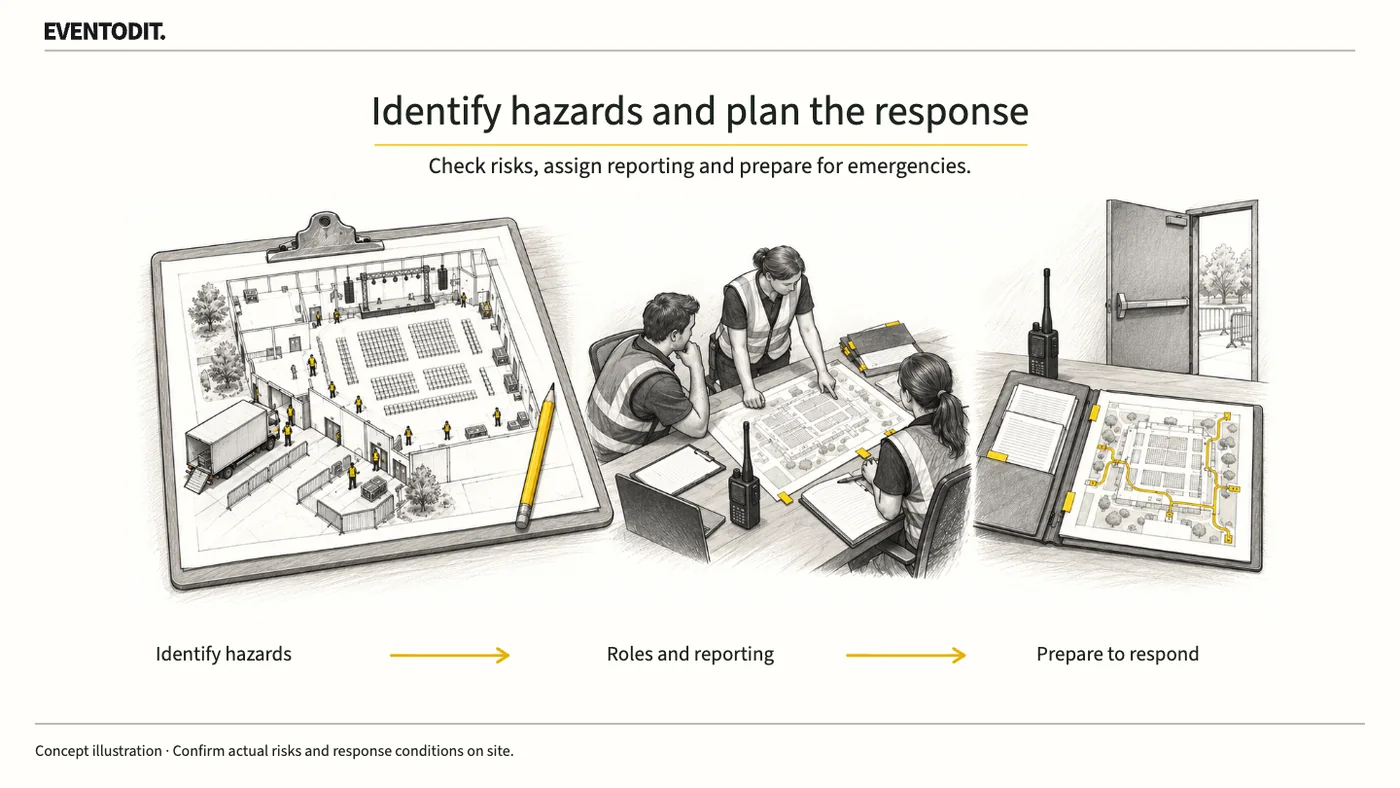
From build-up through departure and dismantling, identify risks to people and the site and agree who observes, reports and responds. Protect people promptly in an emergency and confirm the conditions before restarting.
Who needs this Event organisers, planners, venue managers and operational leads
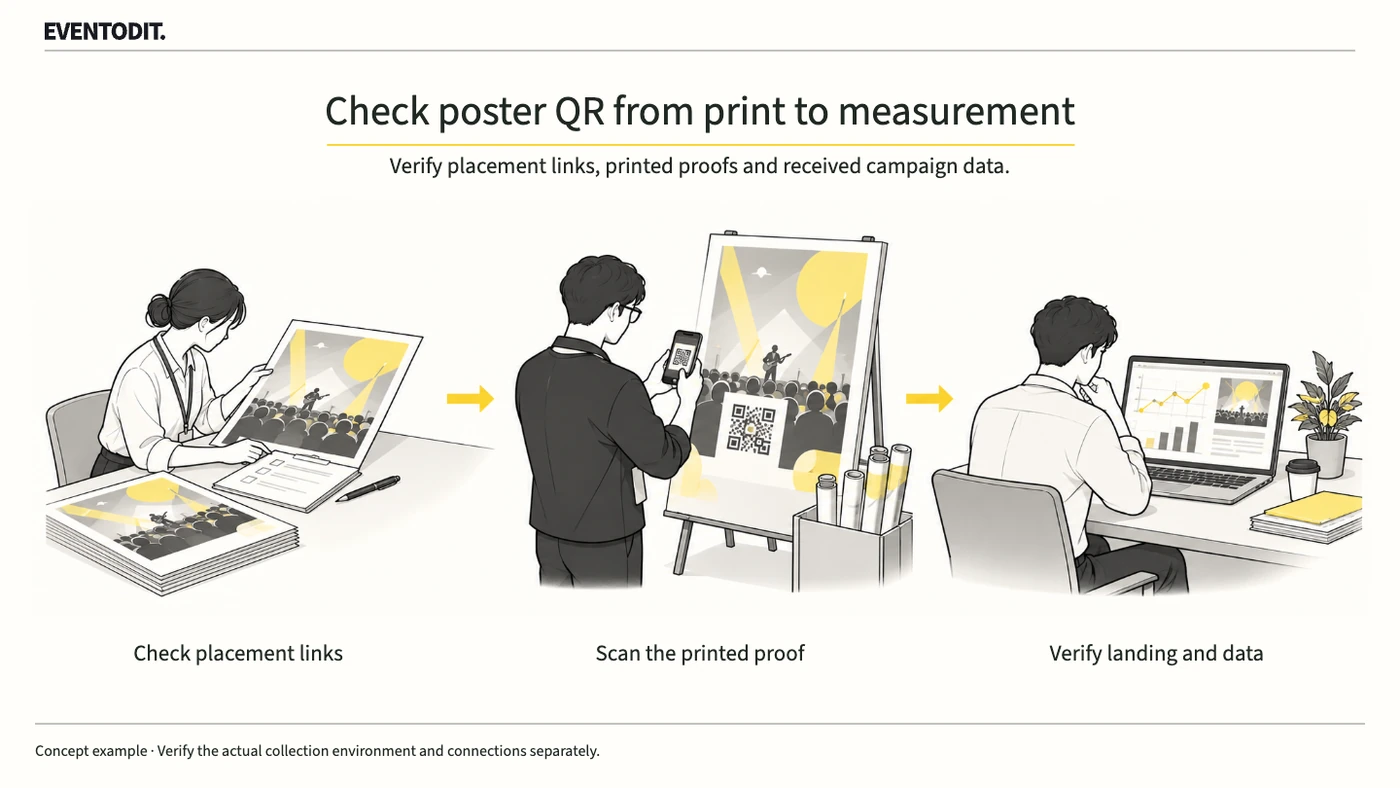
Set placement-specific UTM links for event poster QR codes, scan a printed proof and verify the final page and received analytics values. Record QR traffic separately from bookings and advertising effects.
Who needs this Event publicity, design, web and analytics teams
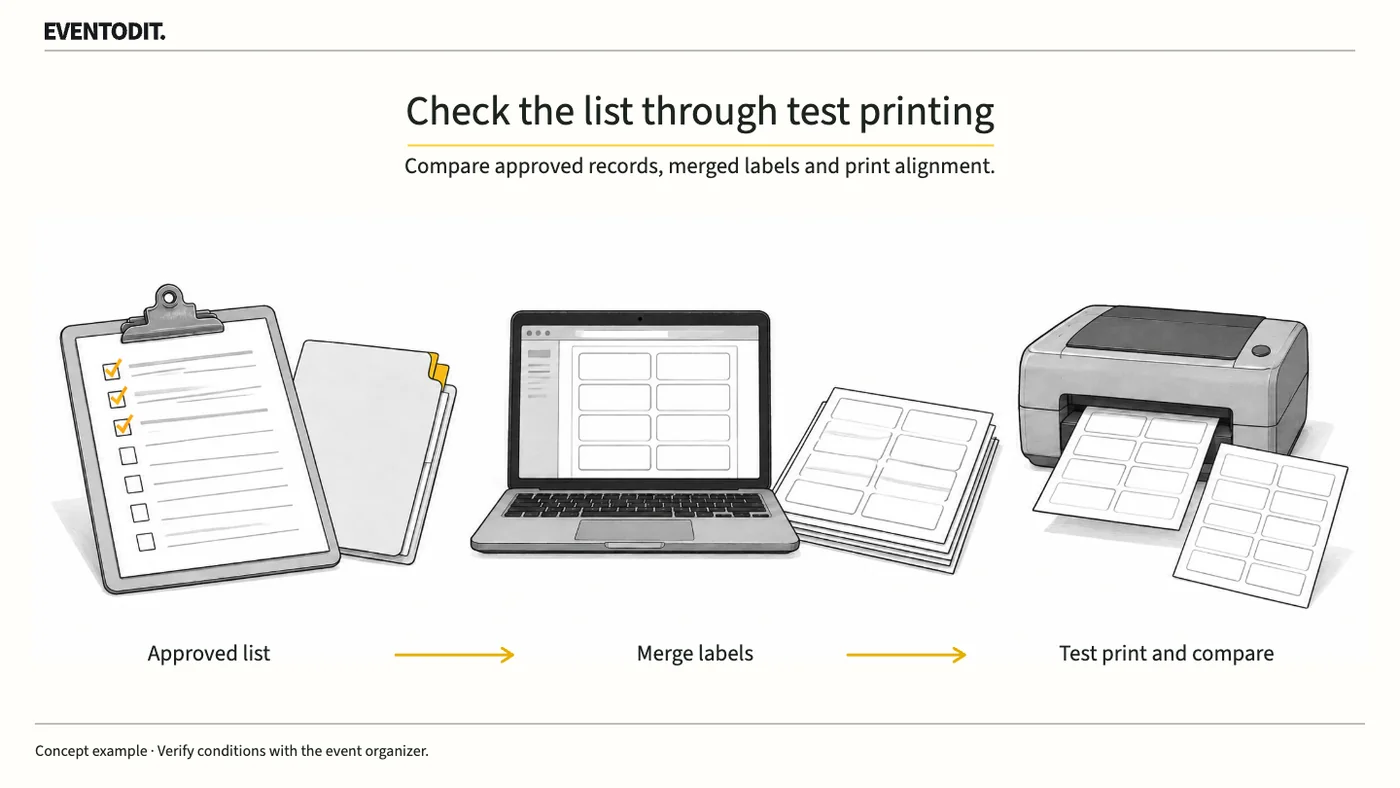
Create name badges in desktop Word from an Excel list, reconcile every approved recipient and test the label alignment before printing. Follow the checks for menus, label stock and all merged records.
Who needs this Conference and corporate-event registration and badge-printing teams
No linked template
Read guide
Guides · No. 060
Published Updated
03 Venue research and booking07 Audience recruitment and promotion+2 more
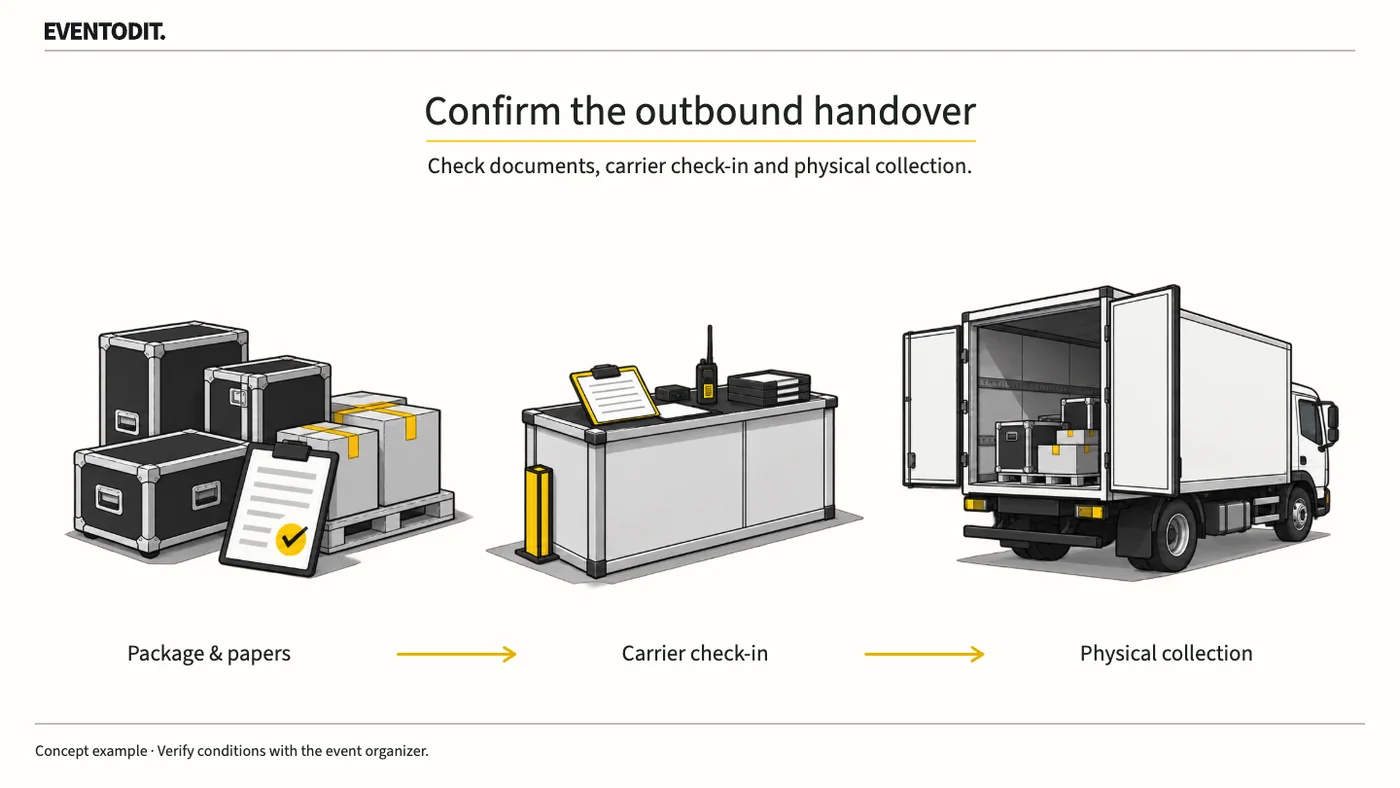
Freight can remain at the venue after transport is booked and release paperwork submitted. Check packing, document acceptance, carrier check-in and physical collection separately, and assign follow-up for anything left behind.
Who needs this Exhibition leads, exhibitor shipping owners and freight contractors
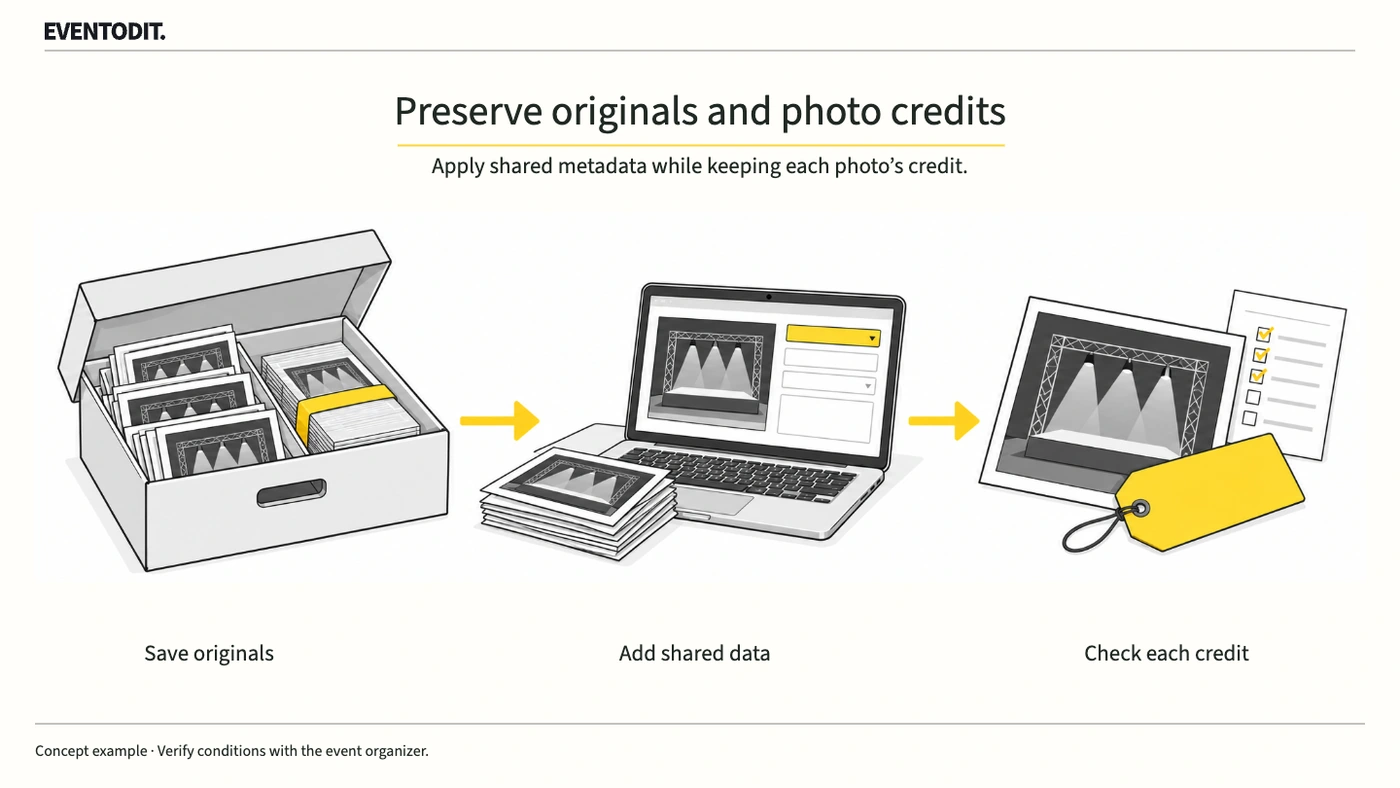
Bulk changes in Adobe Bridge can overwrite existing photographer credits or usage terms. Keep originals, select only the fields that should share a value and compare the result on working copies first.
Who needs this Photo suppliers, event press teams and web editors
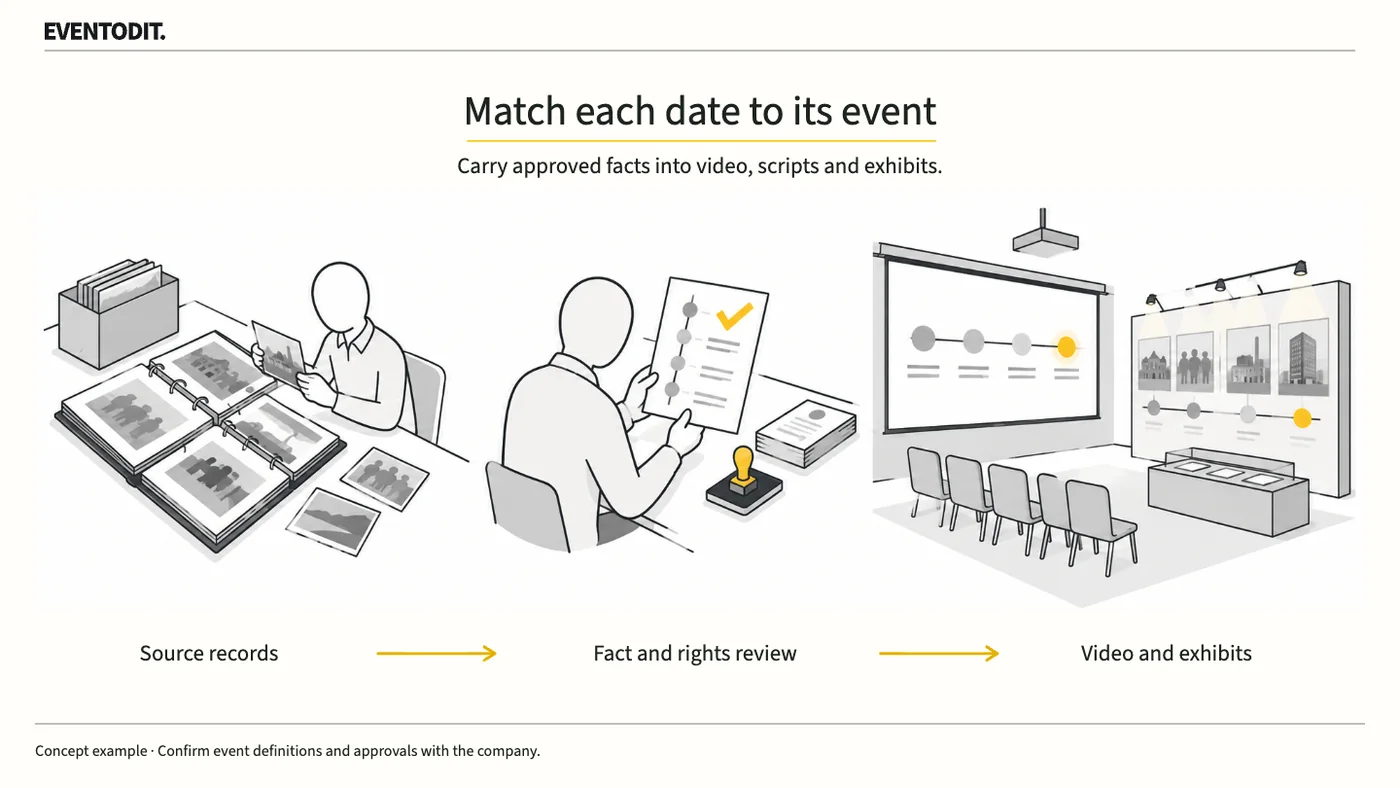
Incorporation, listing, a company name change and a brand launch are different events. Confirm what each date means with the company and use the same account in the film, host script and displays.
Who needs this Anniversary event leads, corporate communications/IR teams and video/display producers
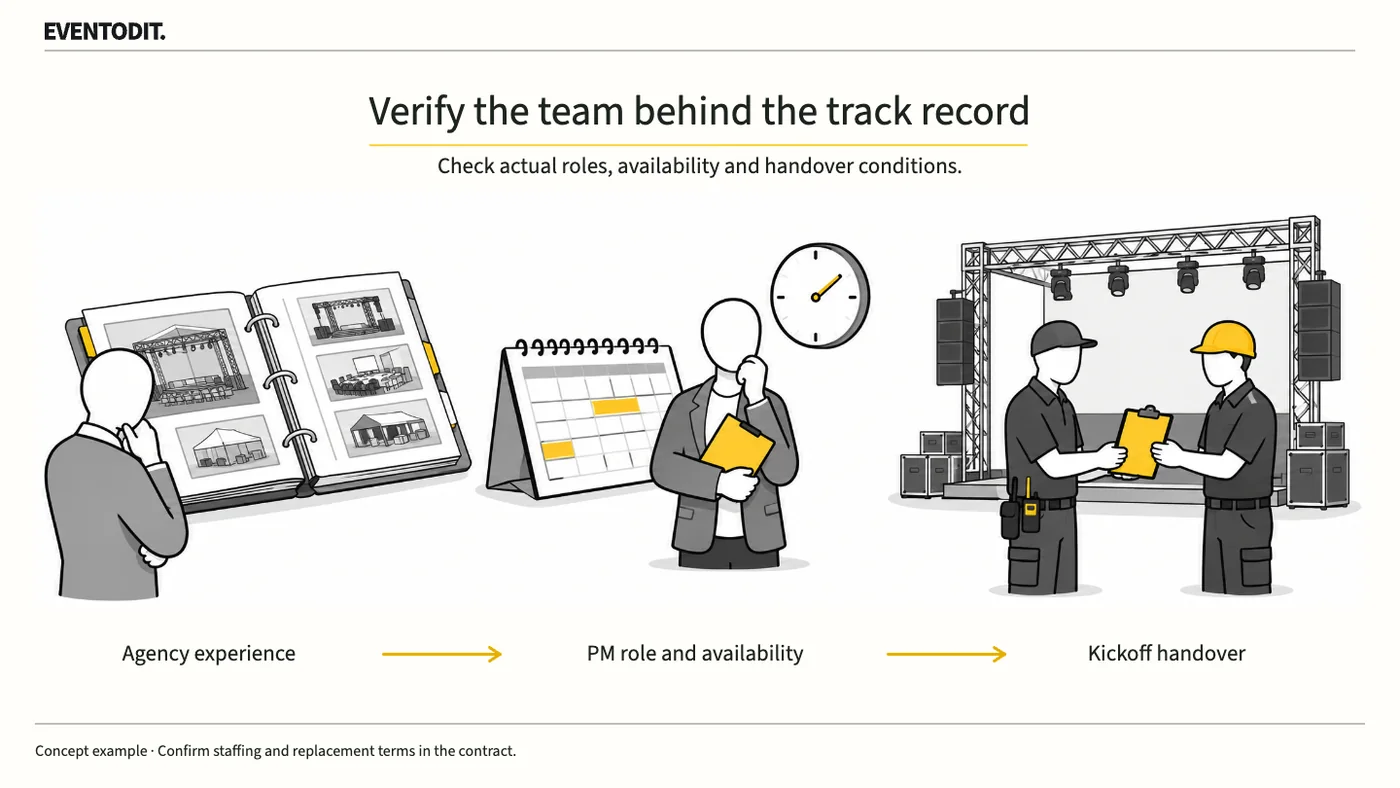
A company’s record on a large event does not prove the proposed team’s experience or availability. Check the PM’s actual responsibilities, availability for this event and the agreed conditions for replacement.
Who needs this Corporate event buyers, agency selection panels and project leads
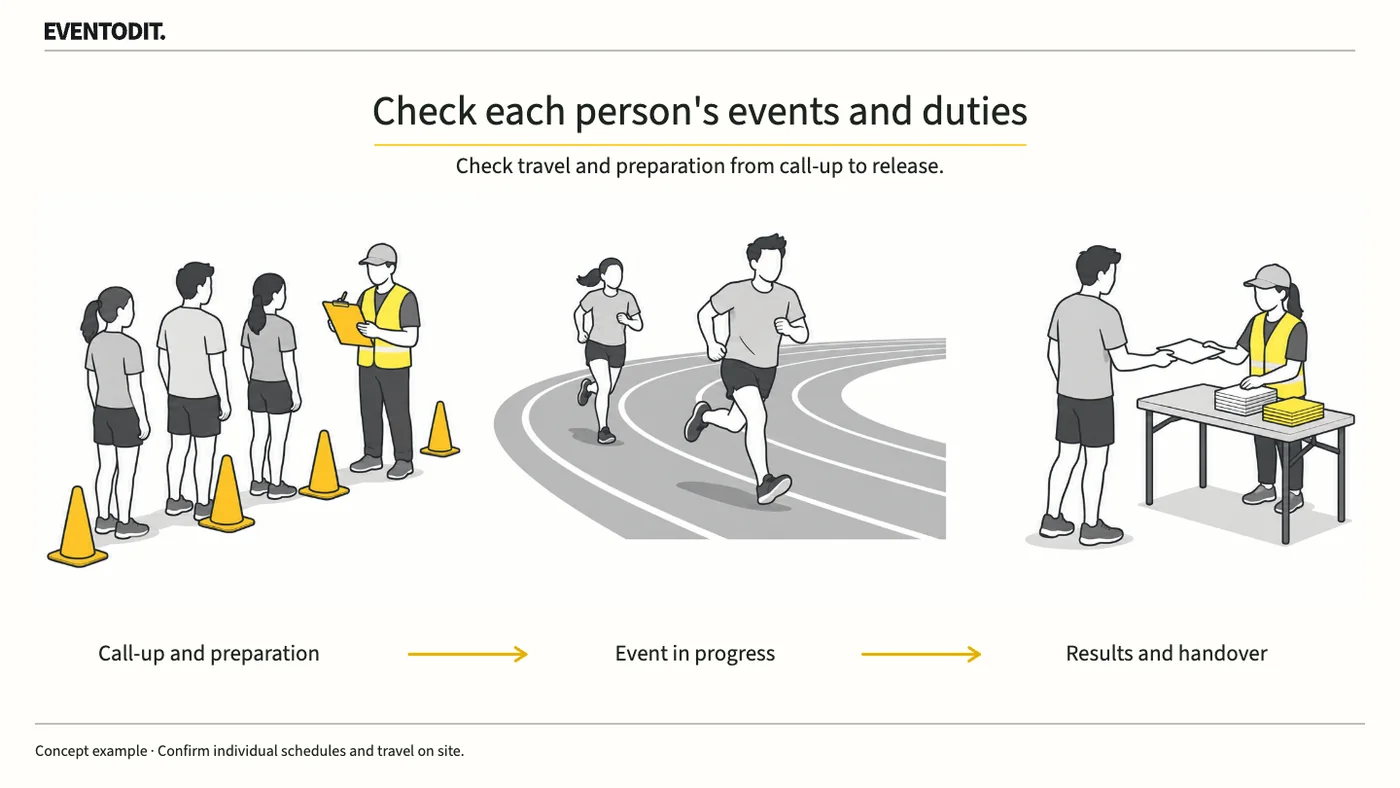
A team schedule can be clear while an individual’s next sport or support role still clashes. Record when each person must report and when they may leave, then check the time needed to move and prepare.
Who needs this Corporate sports day programme owners, competition leads, call marshals and team-information leads
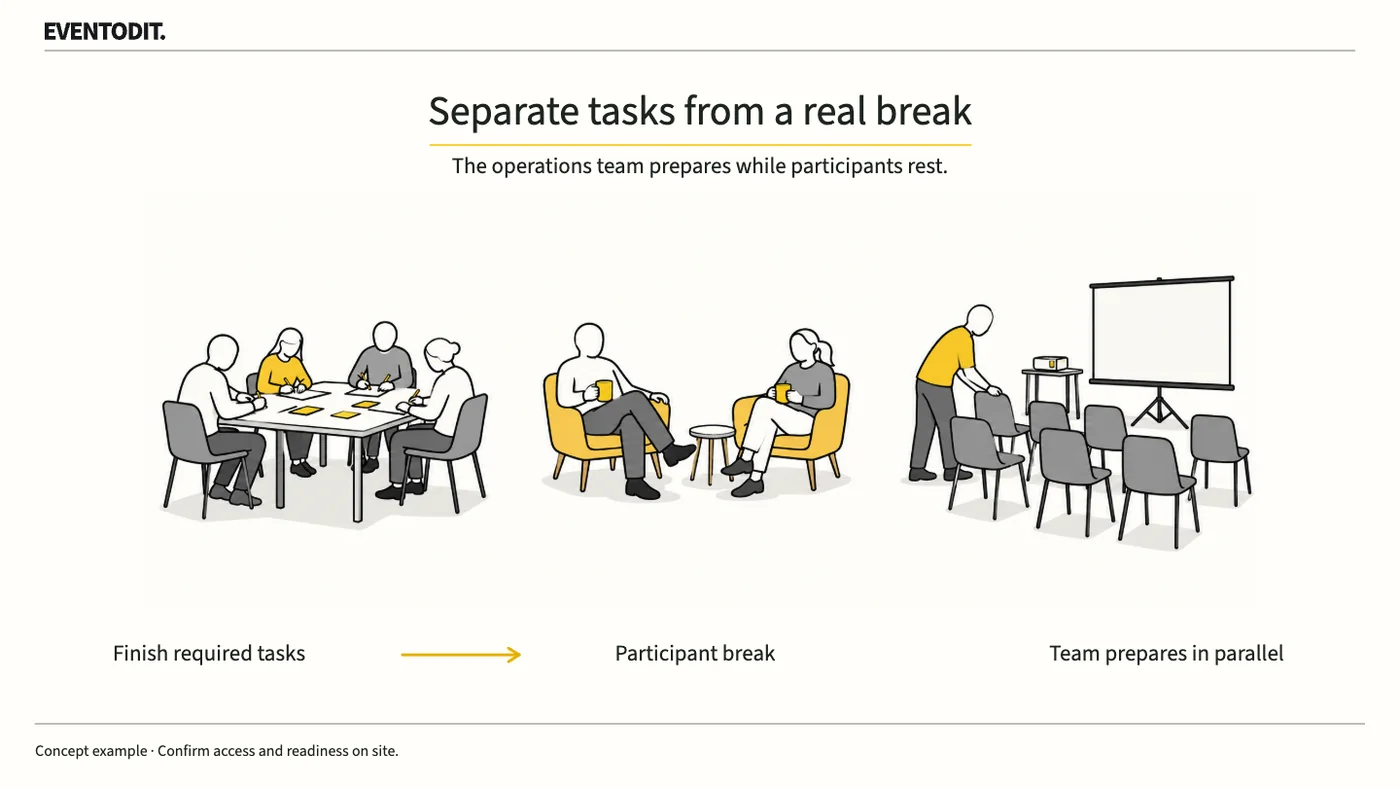
Participants are still working if they must upload photographs, submit outputs or move to another floor. Schedule those tasks separately and show the interval in which no further task is required.
Who needs this Workshop PMs, facilitators, room operators and participant-information leads
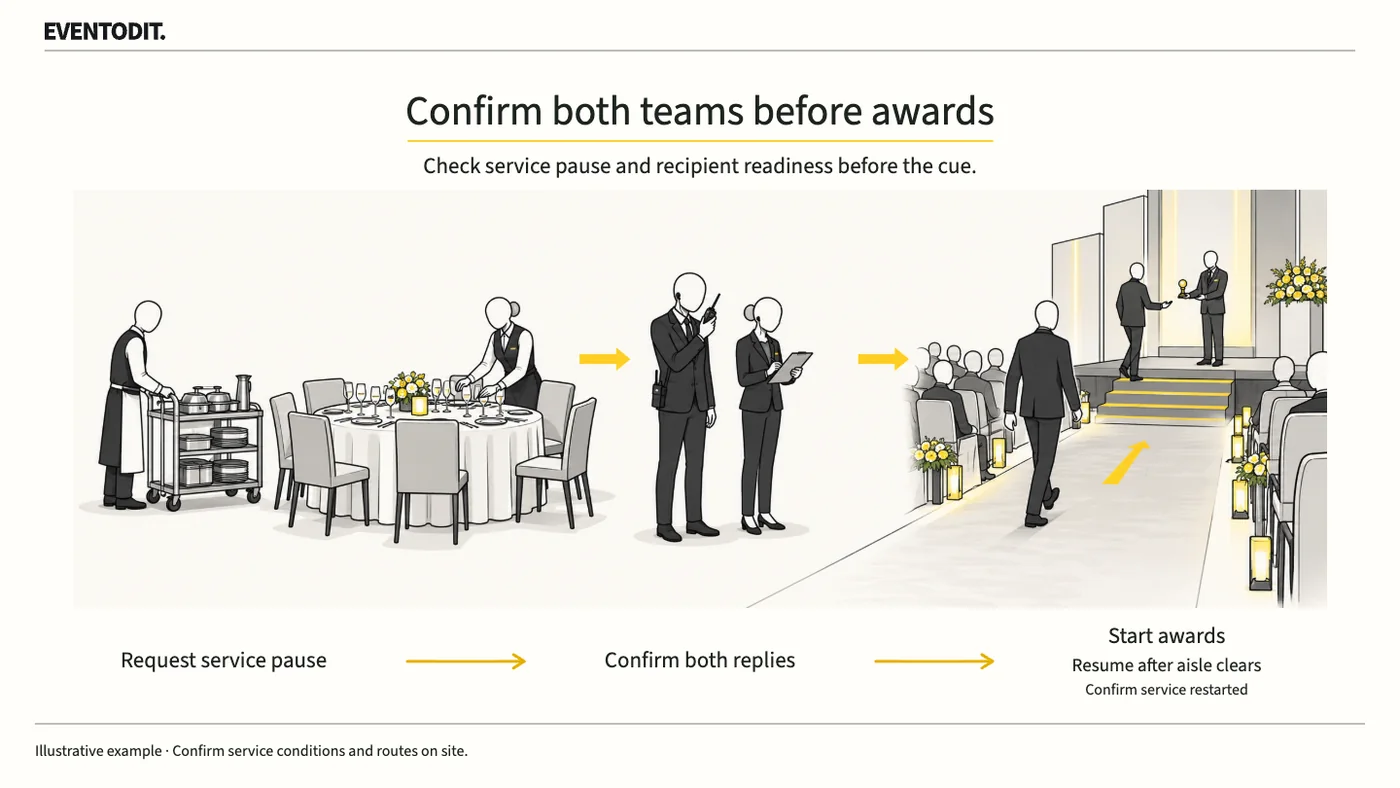
A stage manager’s request to hold service does not mean the banquet team has stopped. Put the affected work and area, the person confirming the hold and the signal to resume into the award cues.
Who needs this Corporate event PMs, stage managers, banquet leads and awardee coordinators
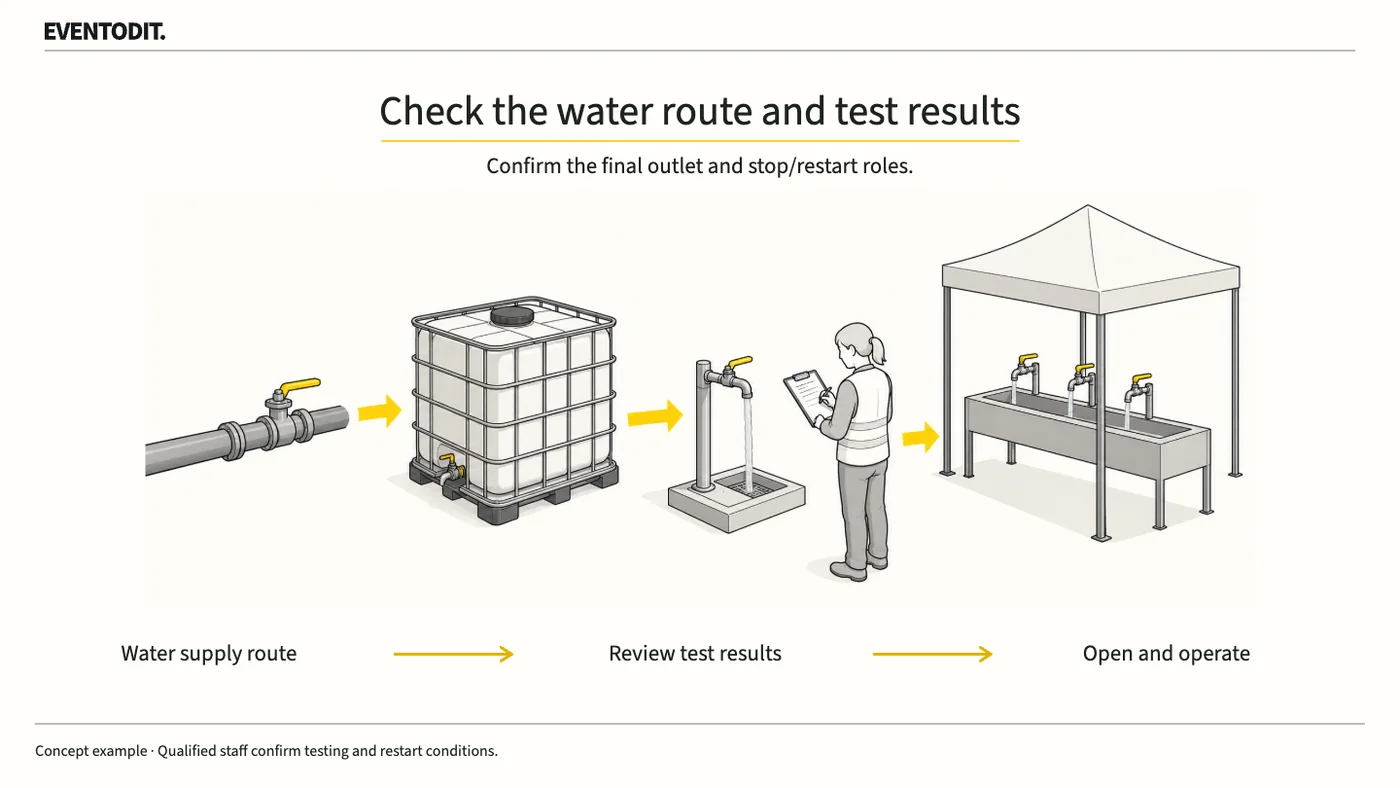
Check the supply route and inspection results before visitors use a drinking-water point. Agree who receives fault reports and who can close or reopen it.
Who needs this Festival facilities, catering and site operations leads; water-supply and inspection personnel
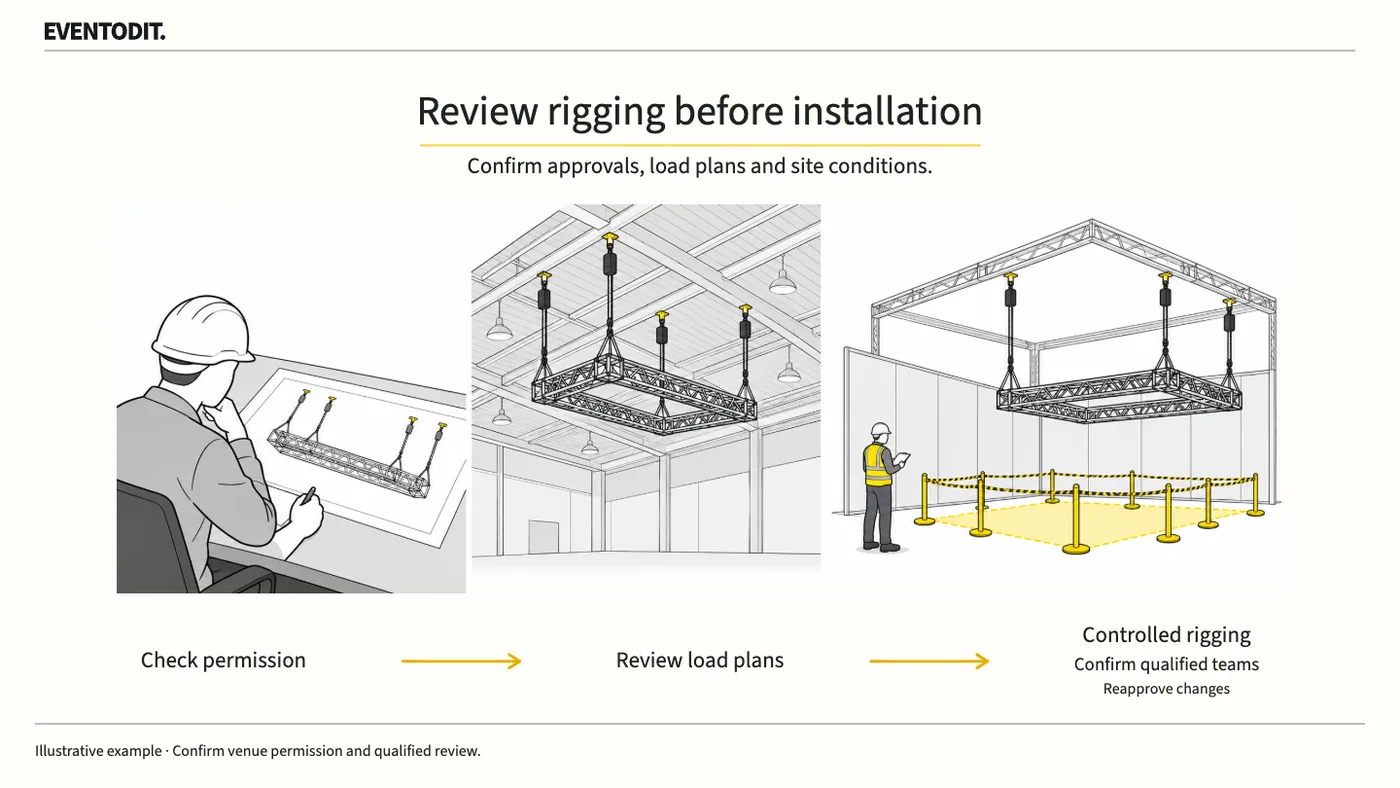
A quotation does not authorise a contractor to suspend equipment from the ceiling. Confirm organiser permission, loads at each suspension point and who the venue allows to carry out the work.
Who needs this Exhibition PMs, exhibitor coordinators, stand designers and rigging buyers
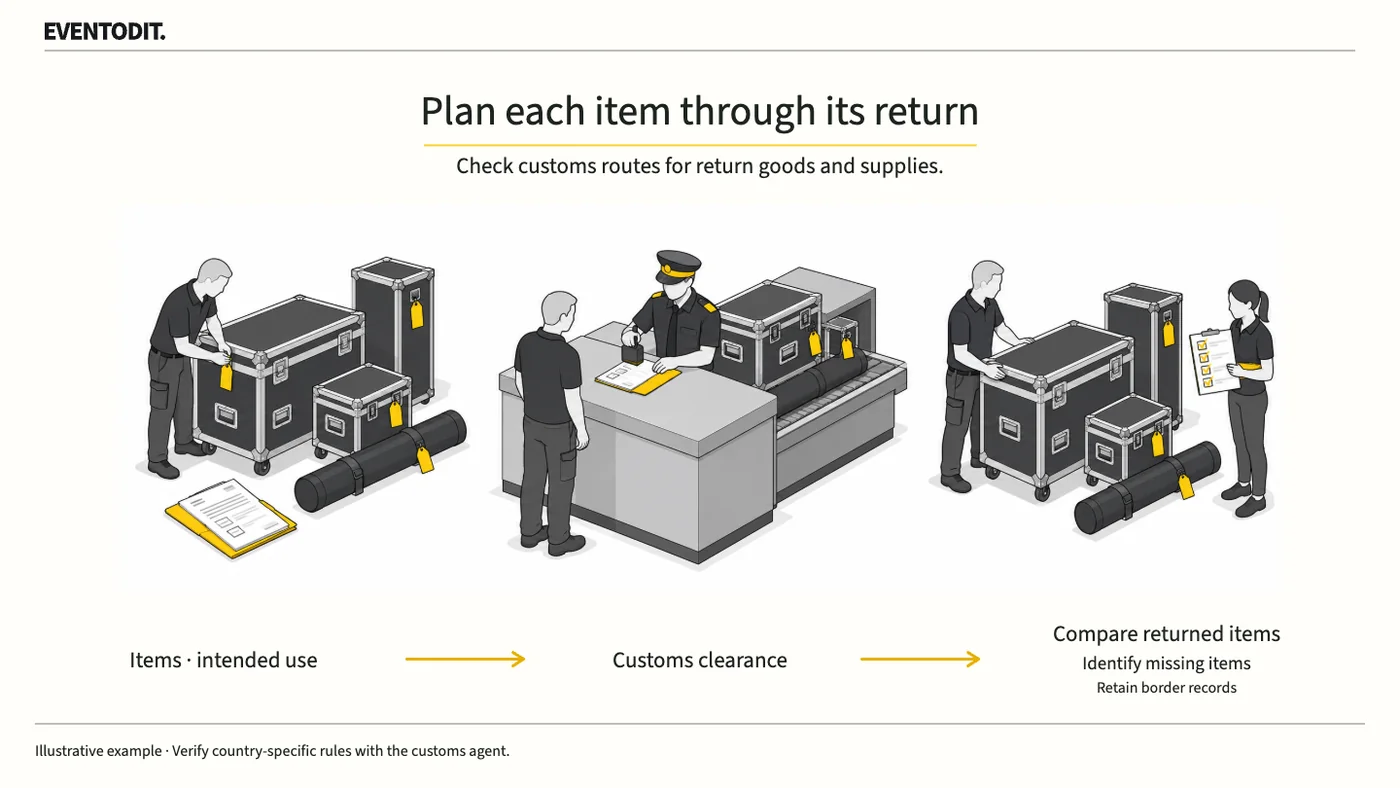
An ATA carnet supports temporary import of goods that will leave the country again. Separate returning equipment from giveaways and consumables, then confirm the customs treatment before packing.
Who needs this Overseas exhibition PMs, logistics teams and customs representatives
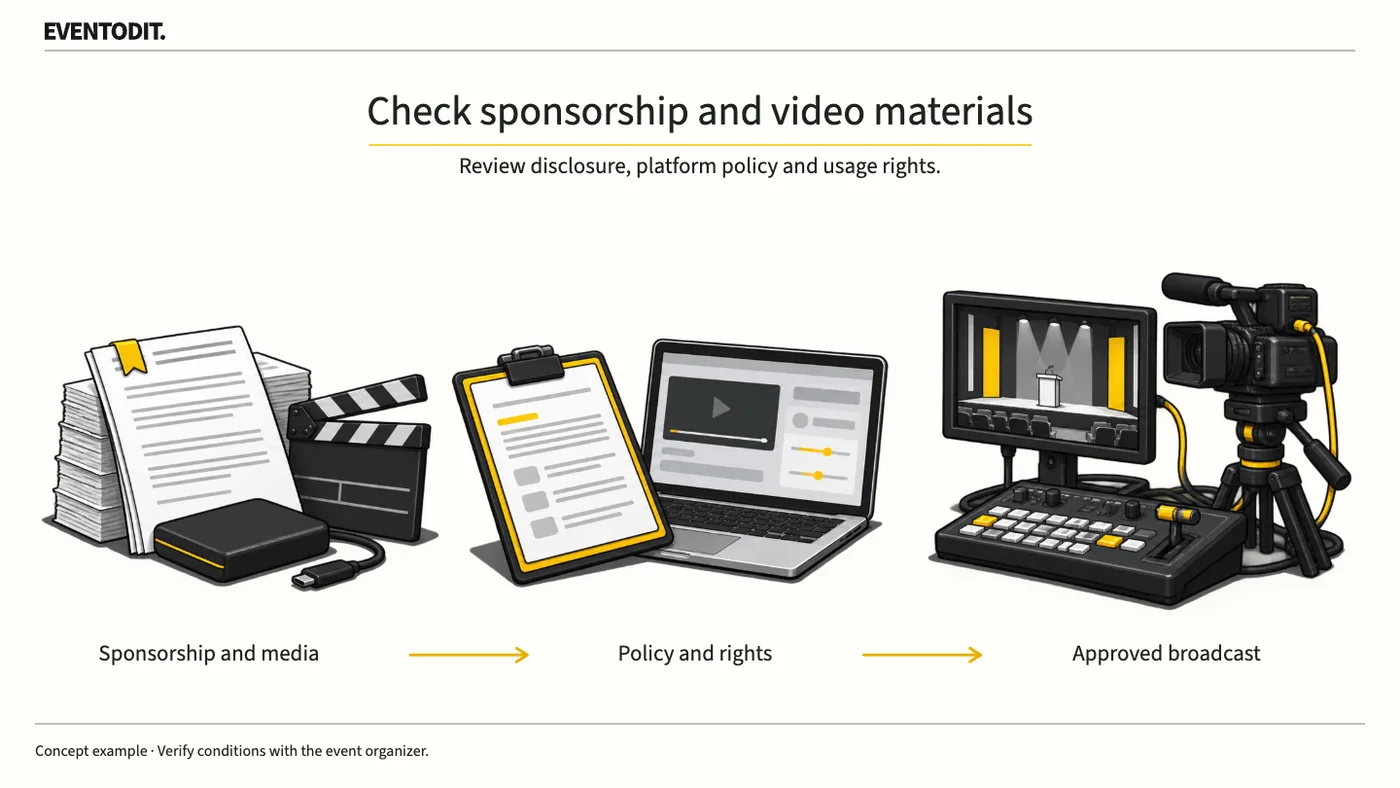
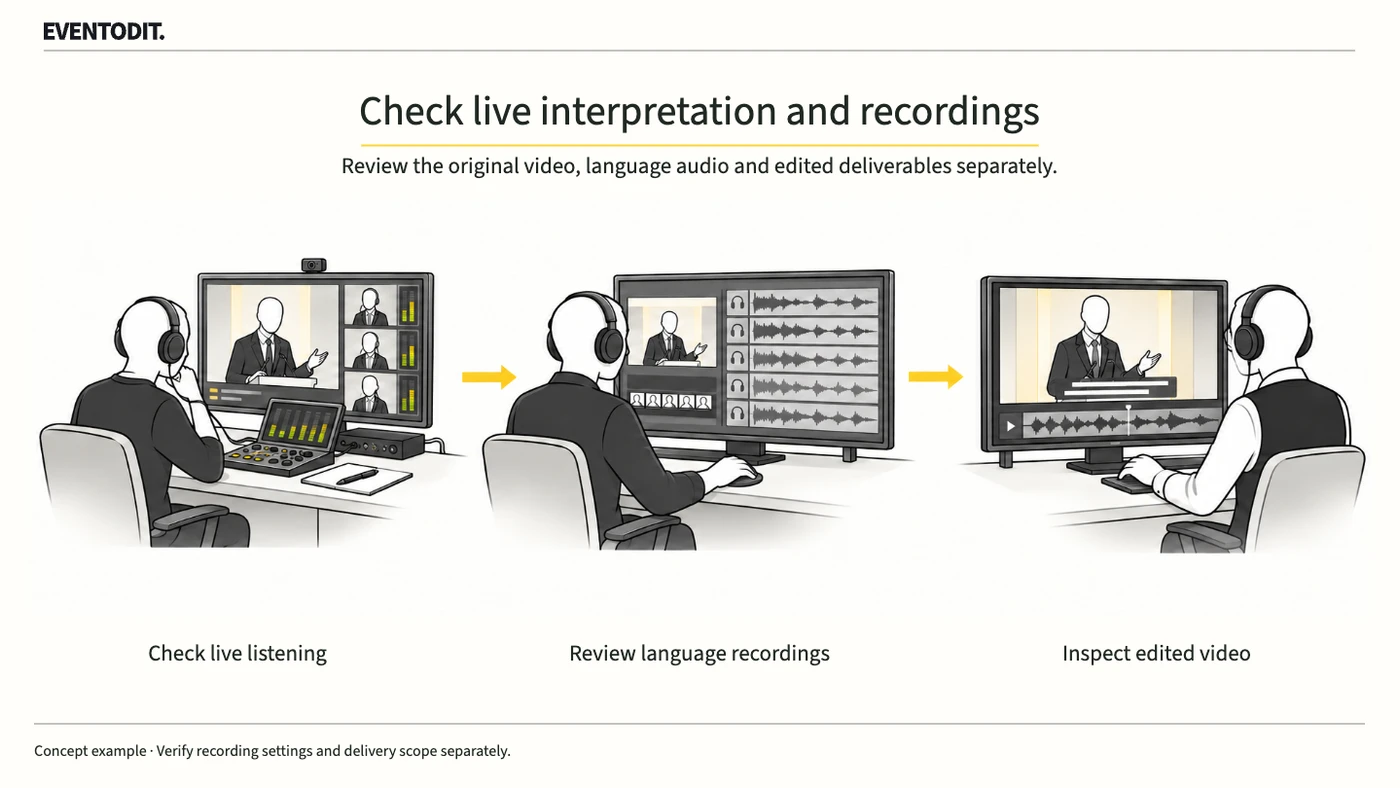
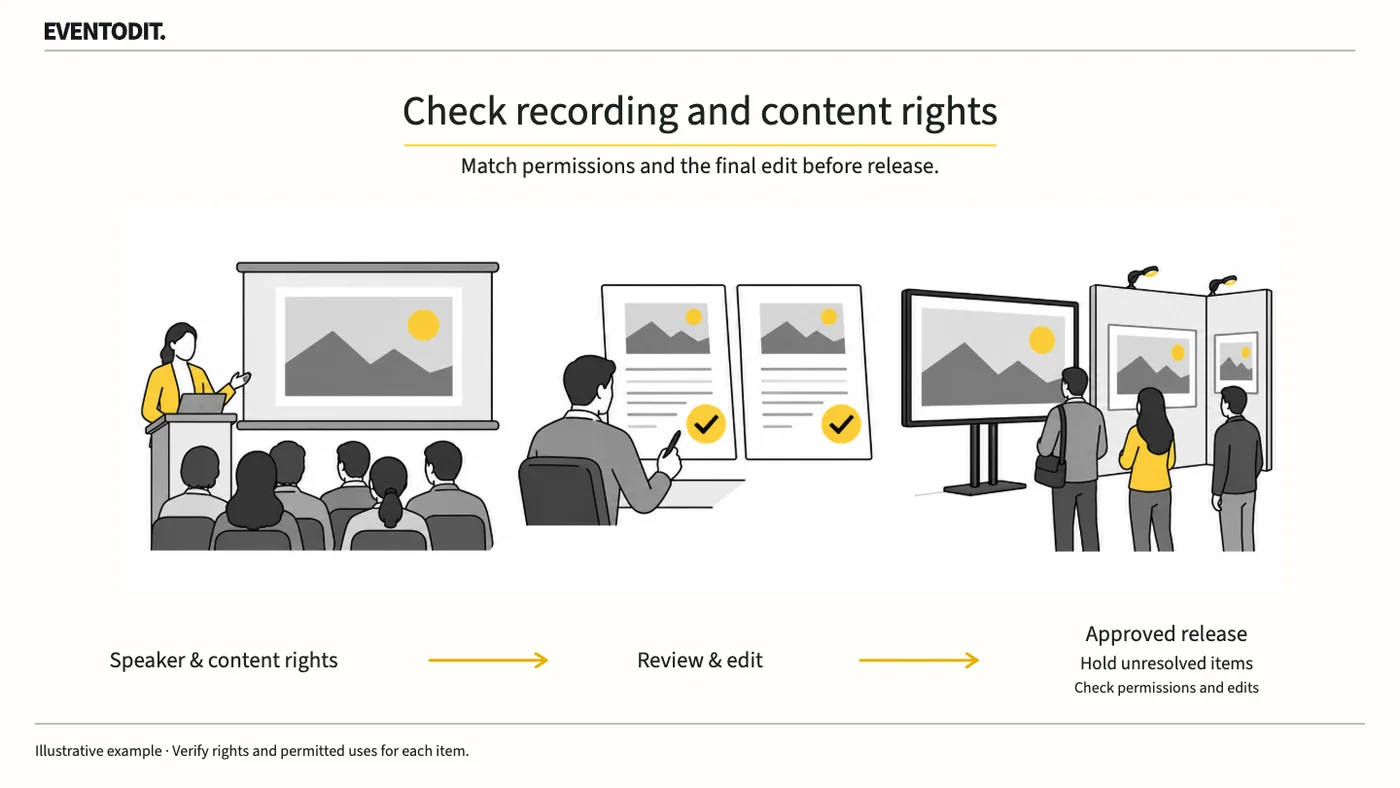
A speaker’s consent to recording does not automatically cover photographs or music in the slides. Check permission separately for livestreaming, on-demand video and promotional clips.
Who needs this Conference programme, rights review, video editing and publishing teams
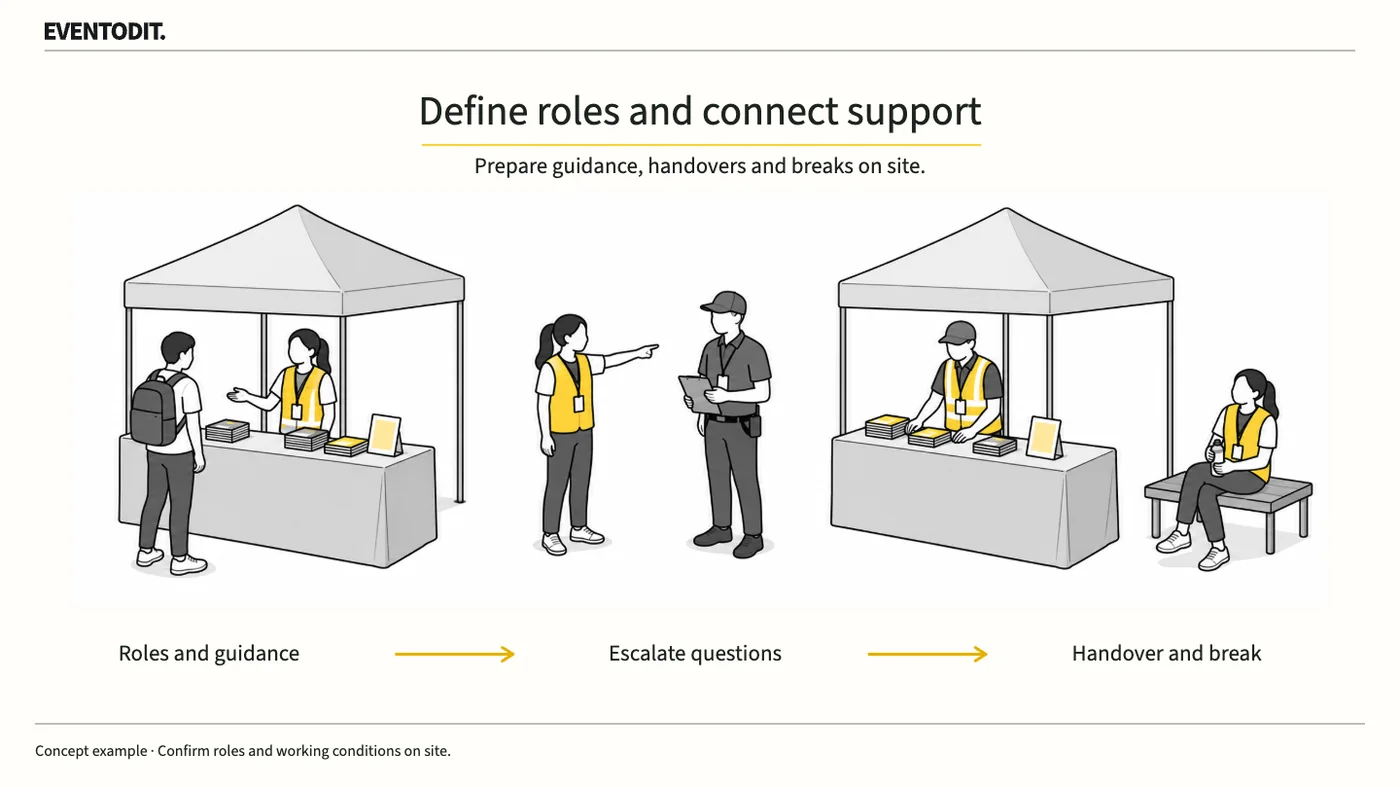
Explain each volunteer’s task and the situations they must refer to a supervisor. Practise directions and calls at the post, then confirm break cover and handover arrangements.
Who needs this Festival staffing leads, volunteer coordinators and zone operations leads
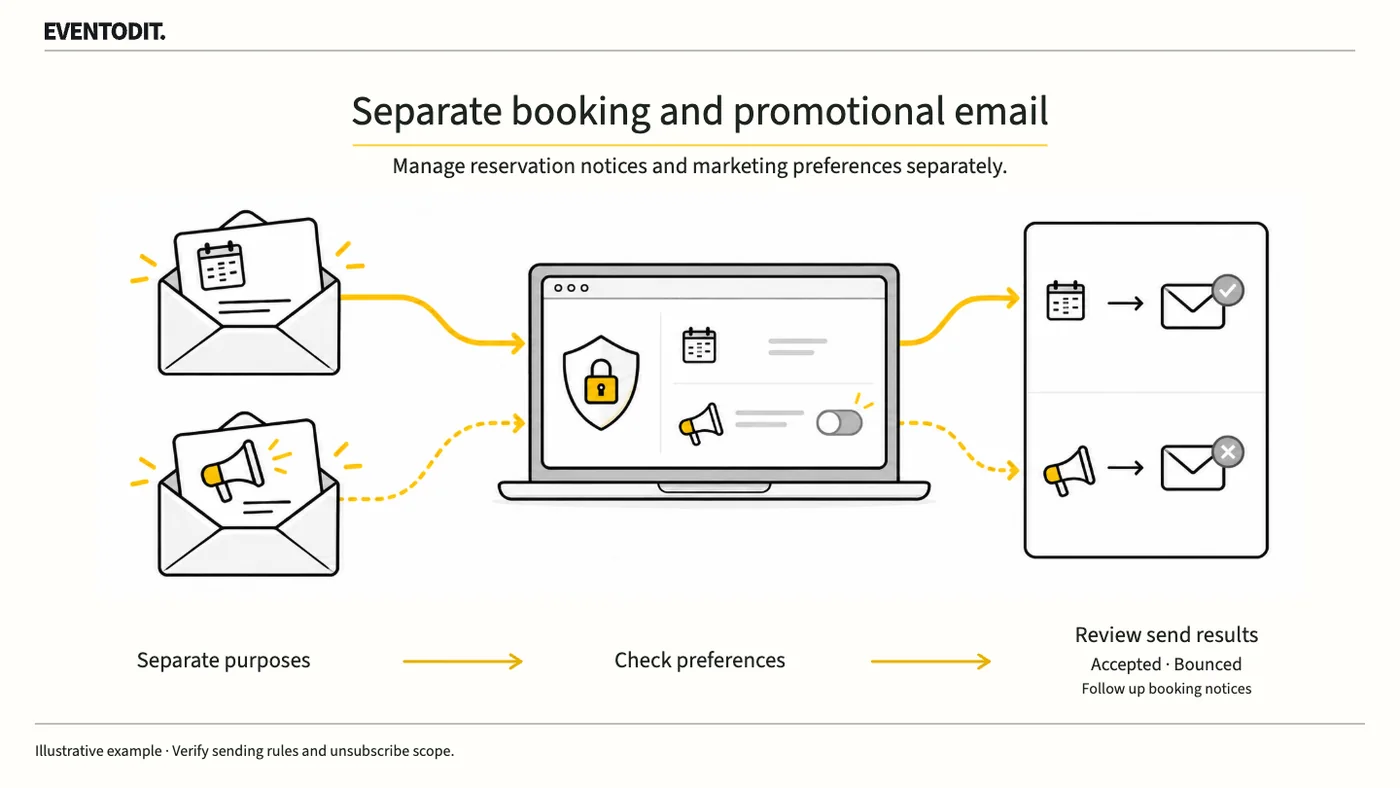
Visitors who unsubscribe from marketing may still need their booking information. Define each message’s purpose and recipient list, then test what an unsubscribe changes using a test account.
Who needs this Registration, CRM, newsletter and promotional operations teams
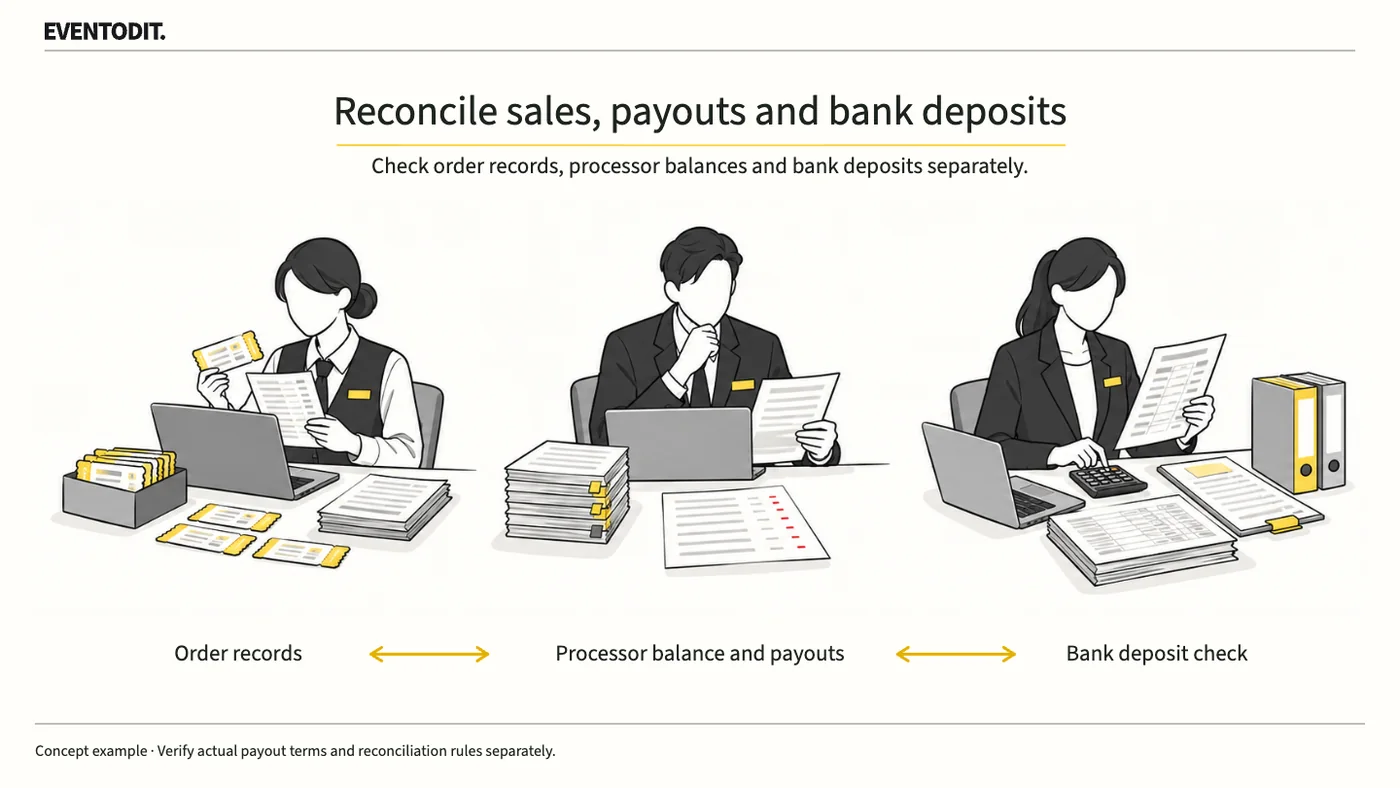
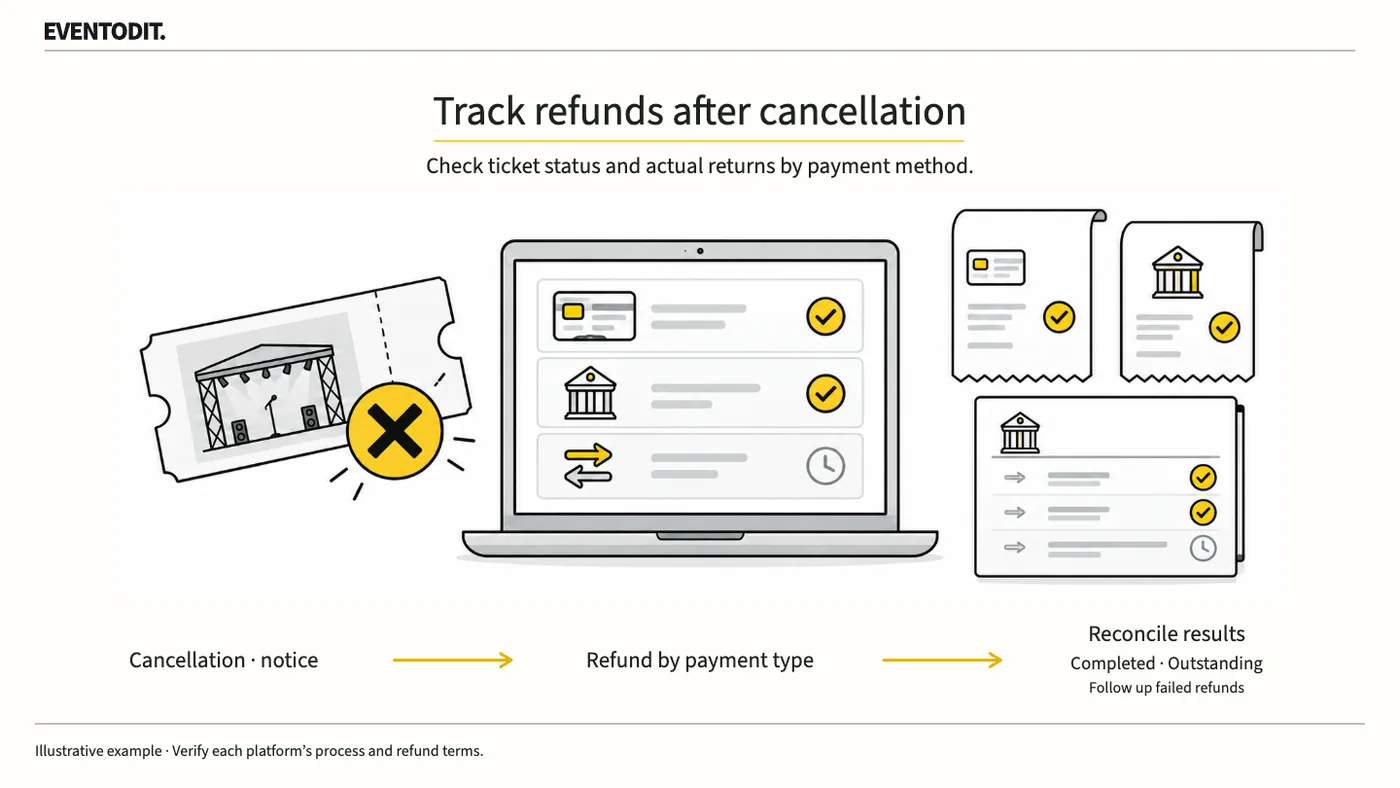
Cancelling an event or invalidating a ticket does not prove that the buyer has received a refund. Check results by payment method and assign someone to resolve failed orders.
Who needs this Ticketing, customer service, accounting and event leads
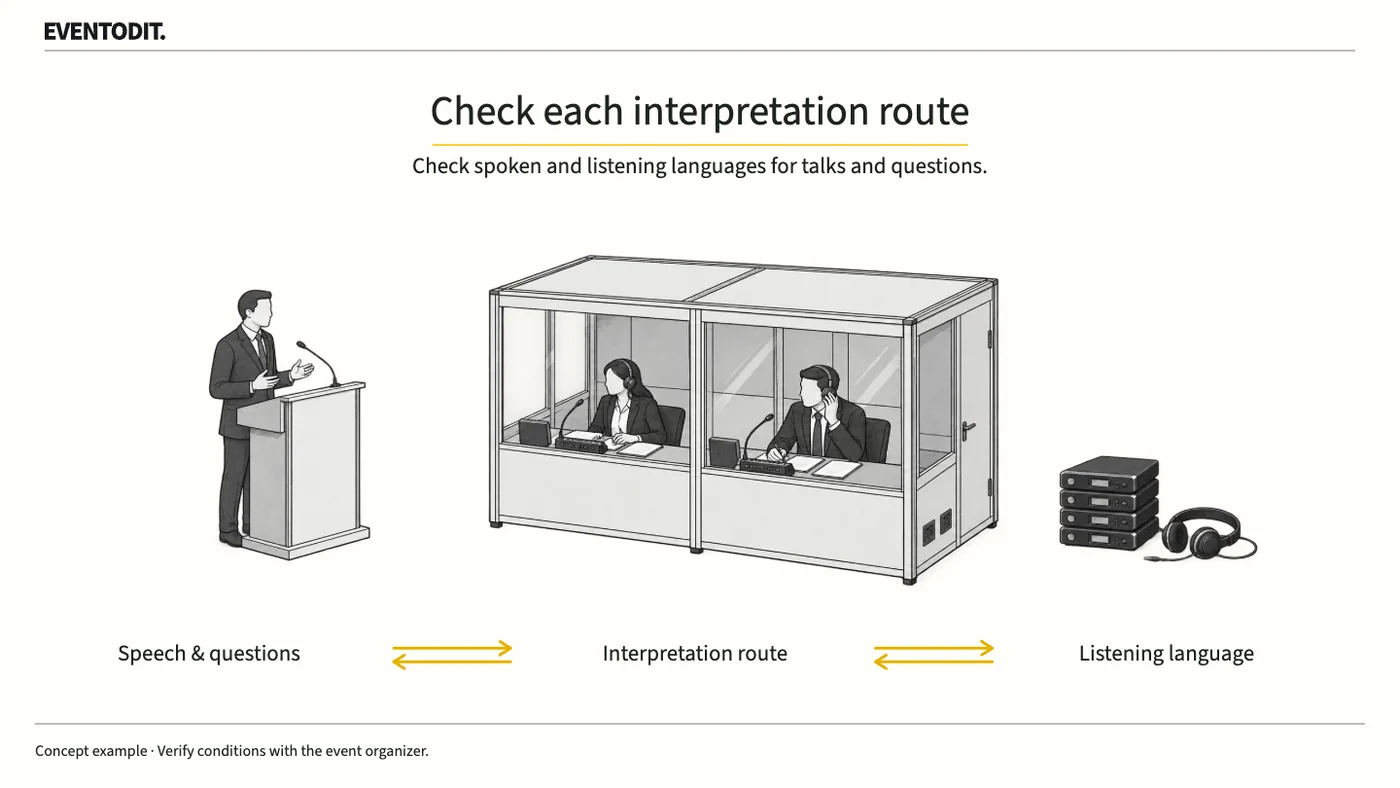
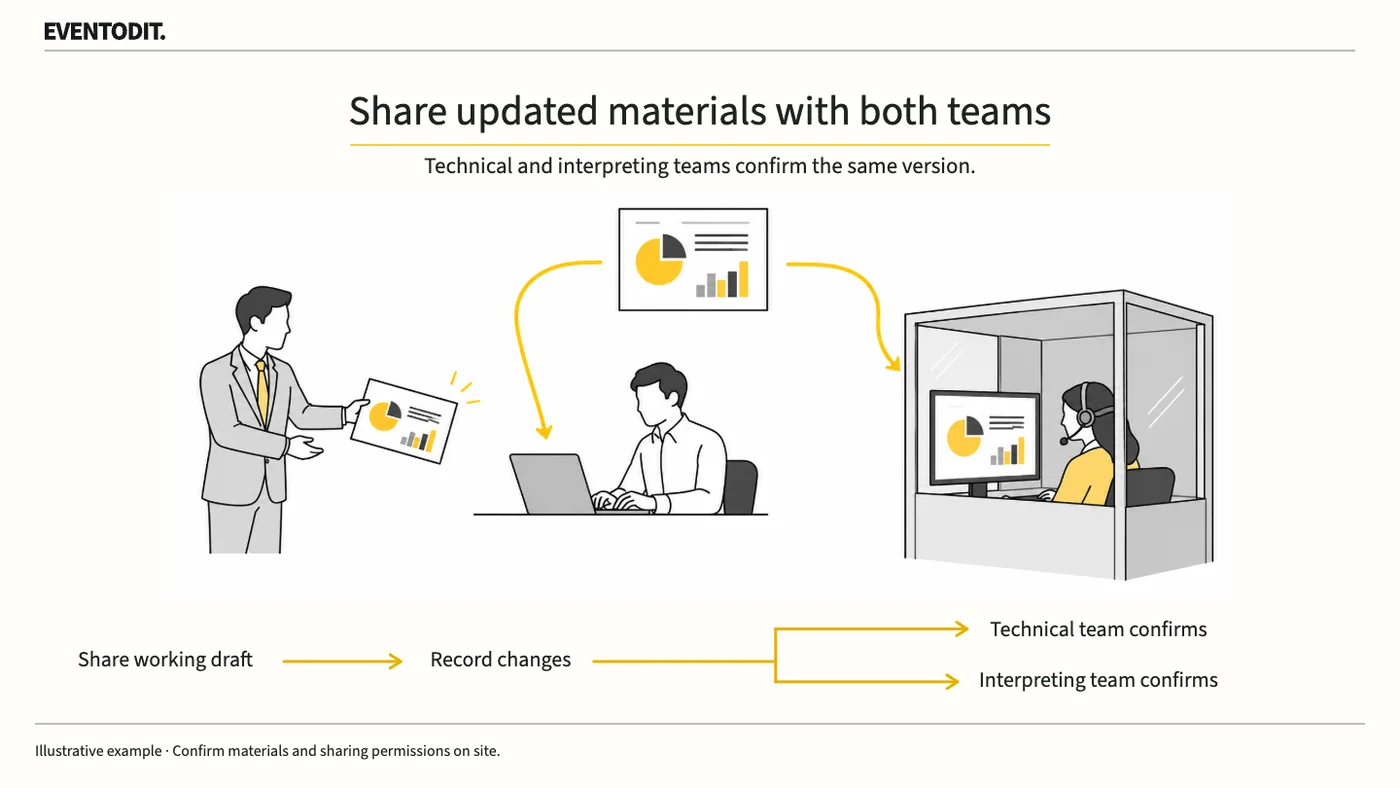
A last-minute slide change can leave interpreters working with different figures or terminology. Send the same revision to the playback and interpreting teams and confirm that both received it.
Who needs this PCOs, session coordinators, speaker managers and interpreting buyers
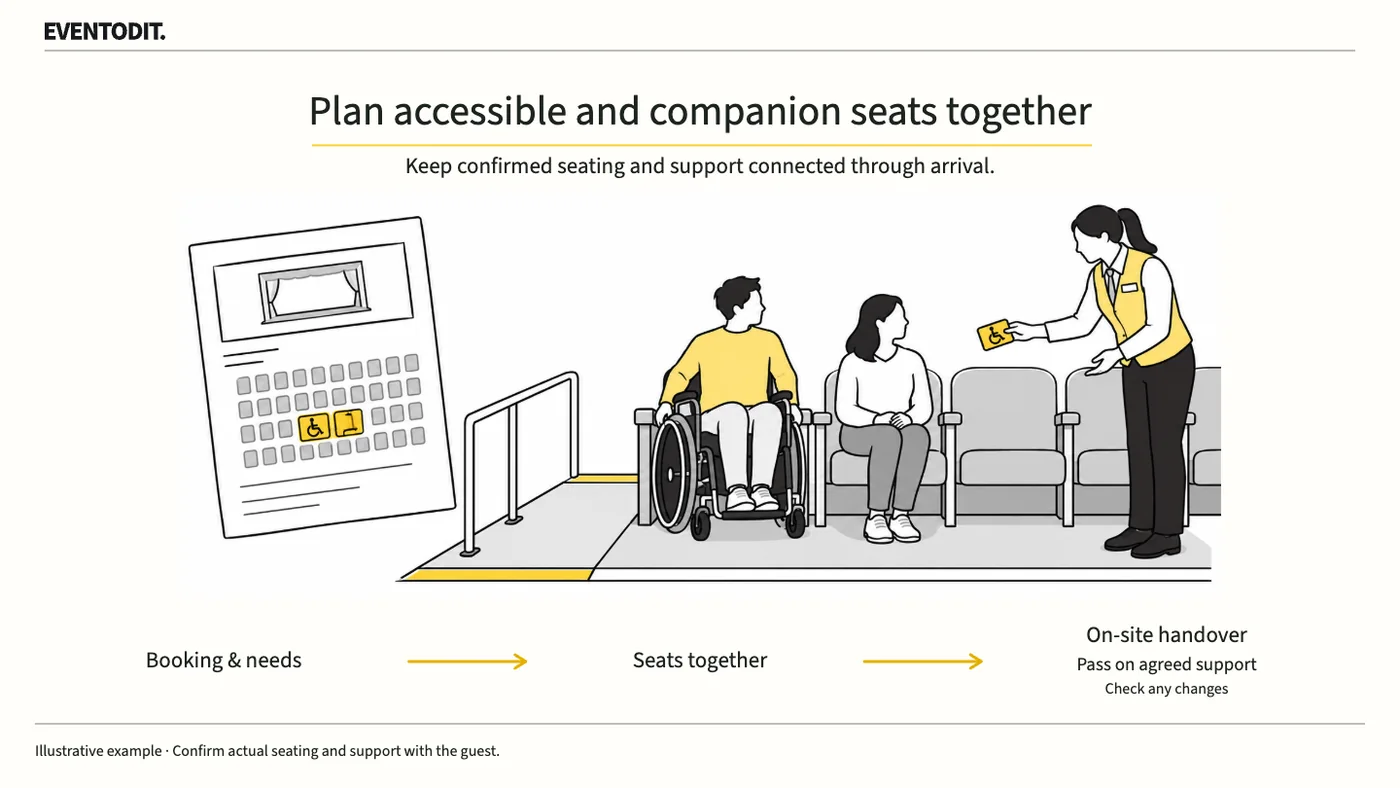
Explain access routes, sightlines and available support when selling accessible seats. Confirm the visitor and companion’s seats, then tell the arrival team what support has been agreed.
Who needs this Ticketing, visitor services, accessibility and auditorium operations teams
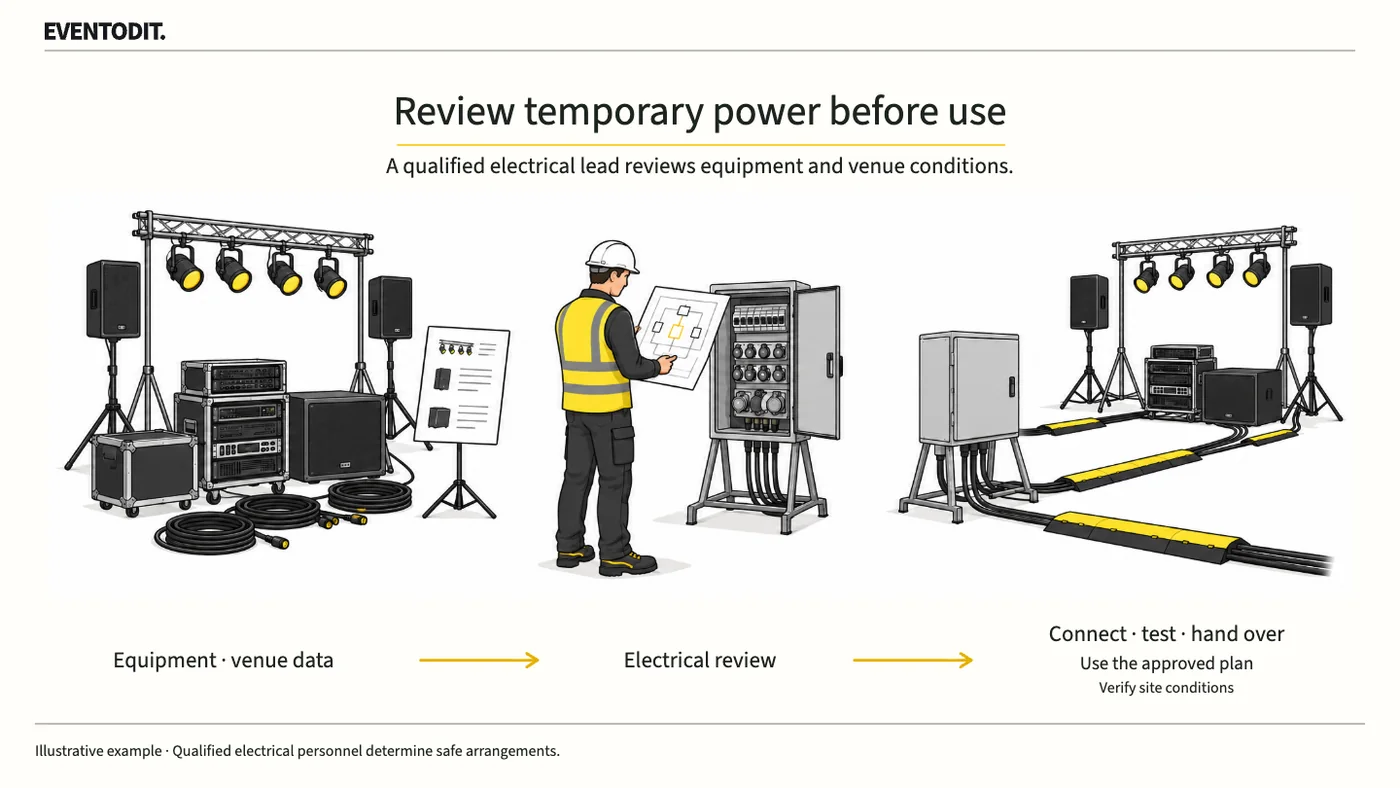
Adding rated power does not establish which equipment a circuit can safely serve. Give the electrical lead the supplier lists and venue supply conditions, then confirm what may be connected and used.
Who needs this Event PMs, equipment suppliers, facilities and electrical teams
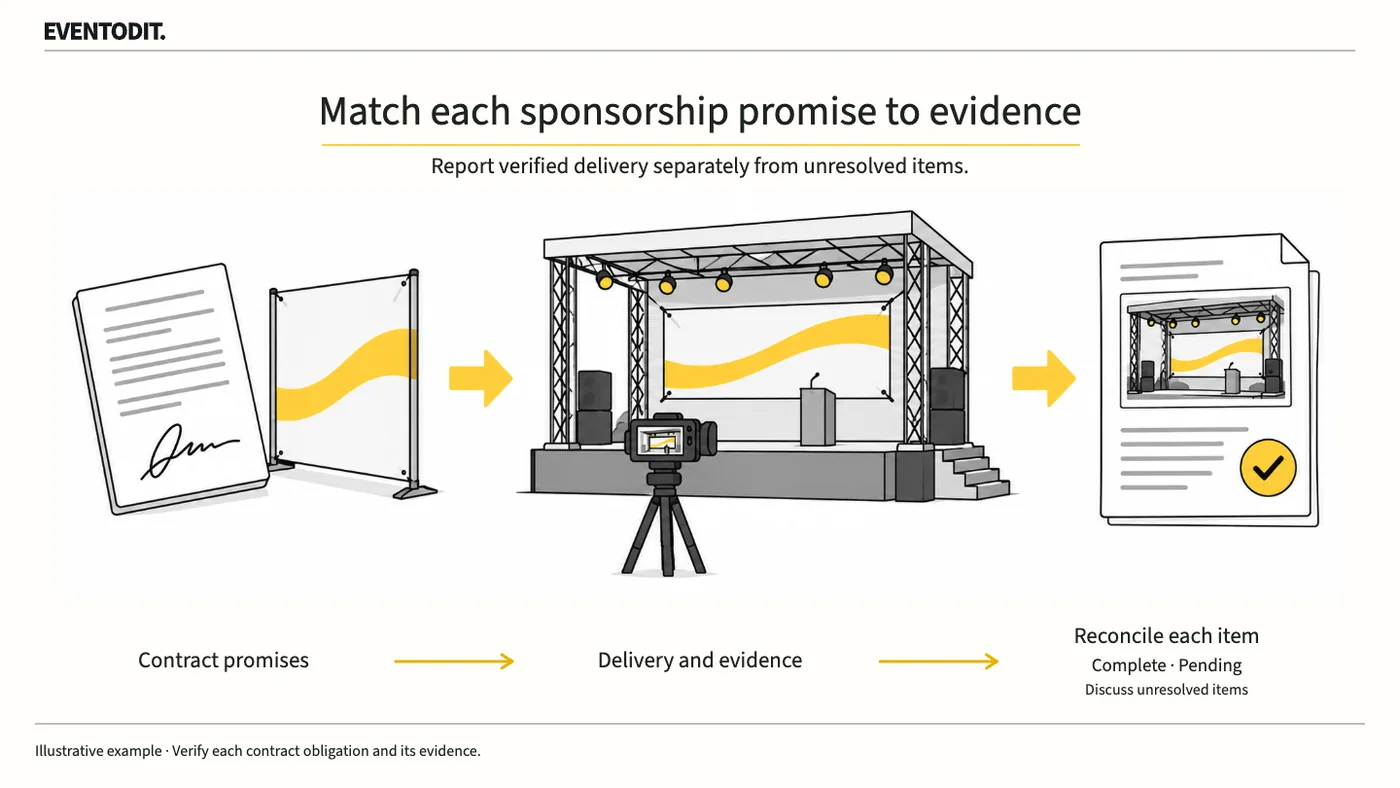
Compare each promised logo placement, banner or pass with evidence of what was delivered. Tell the sponsor which commitments are complete, which lack evidence and which remain unfulfilled.
Who needs this Sponsorship teams, event PMs and settlement staff
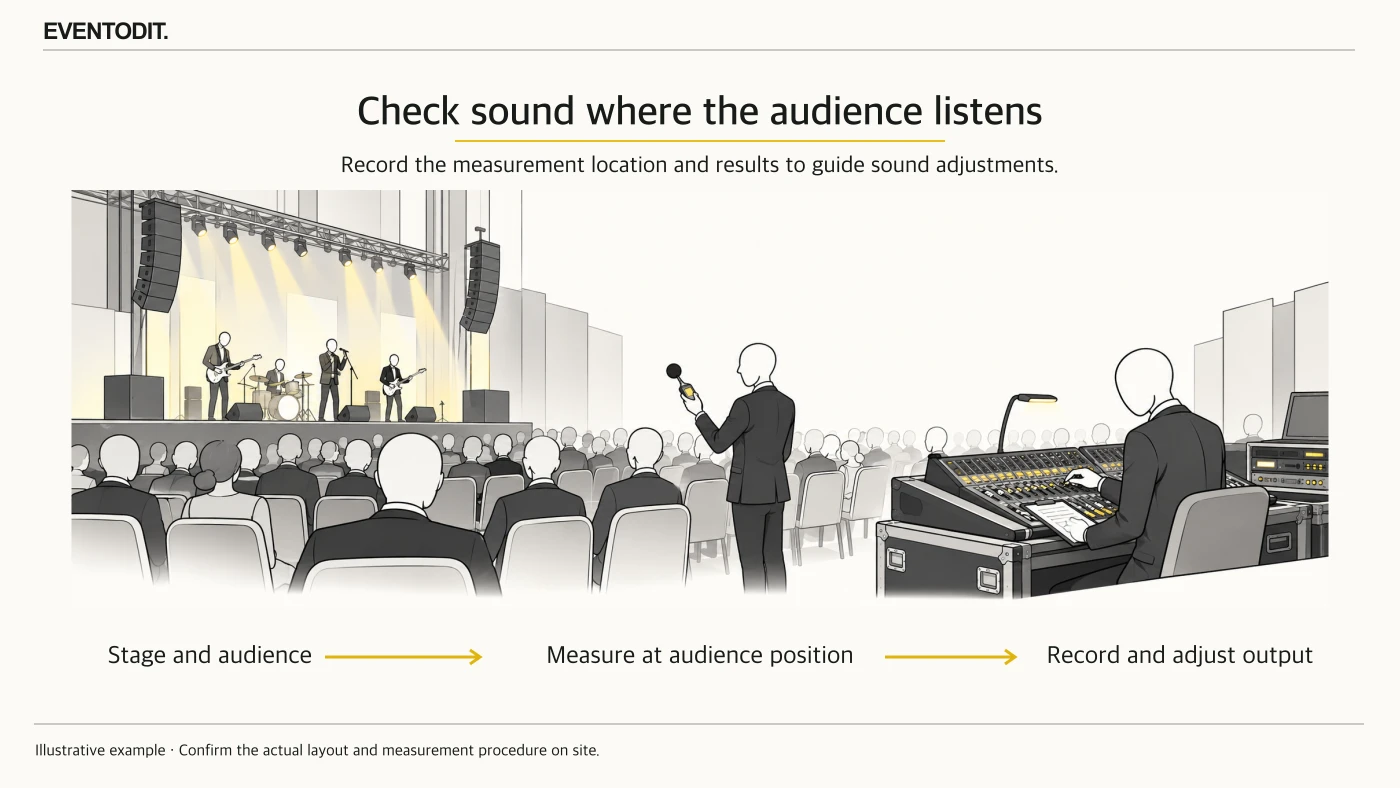
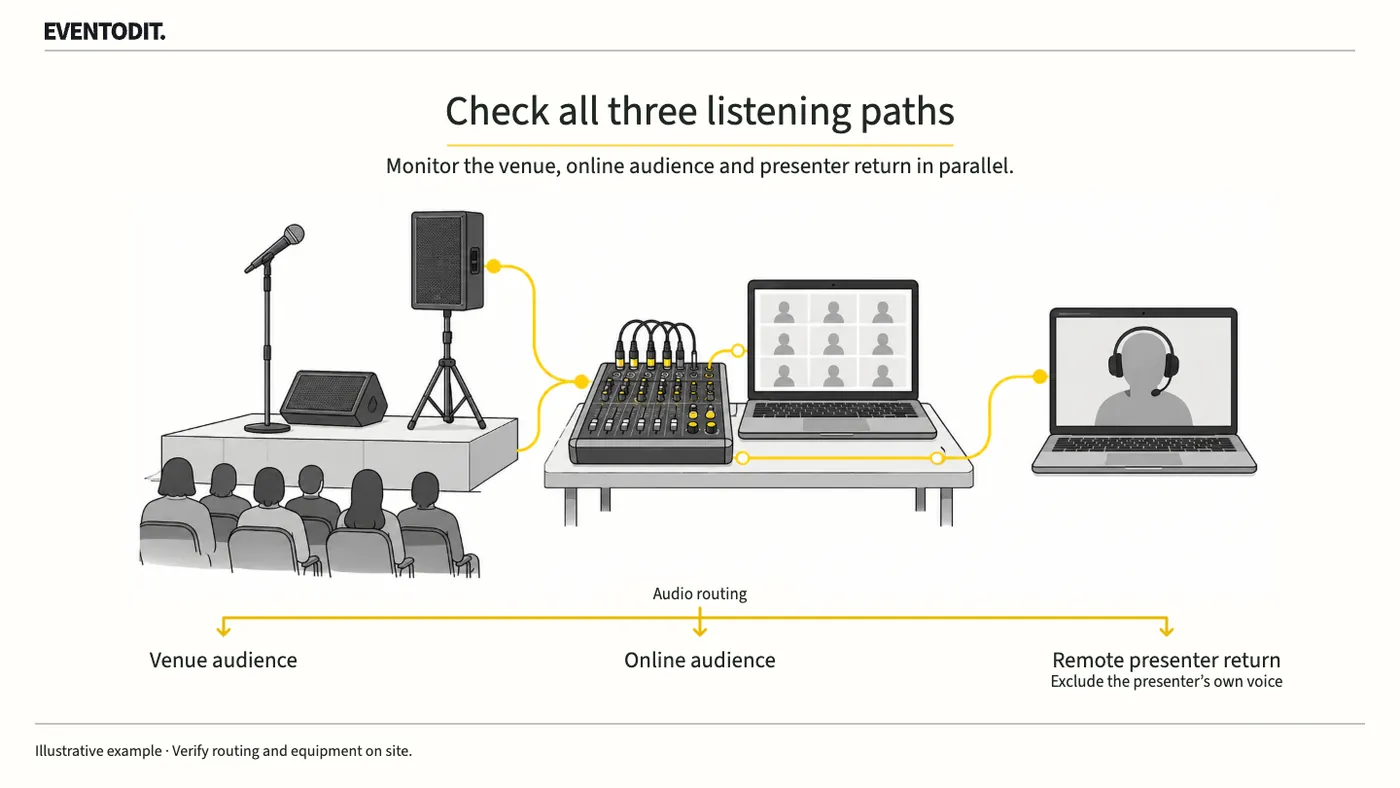
Hearing the remote speaker in the room does not prove that online viewers or the speaker hear correctly. Use the event accounts and equipment to listen from all three positions, including during overlapping speech.
Who needs this Event PMs and sound, broadcast and platform operations teams
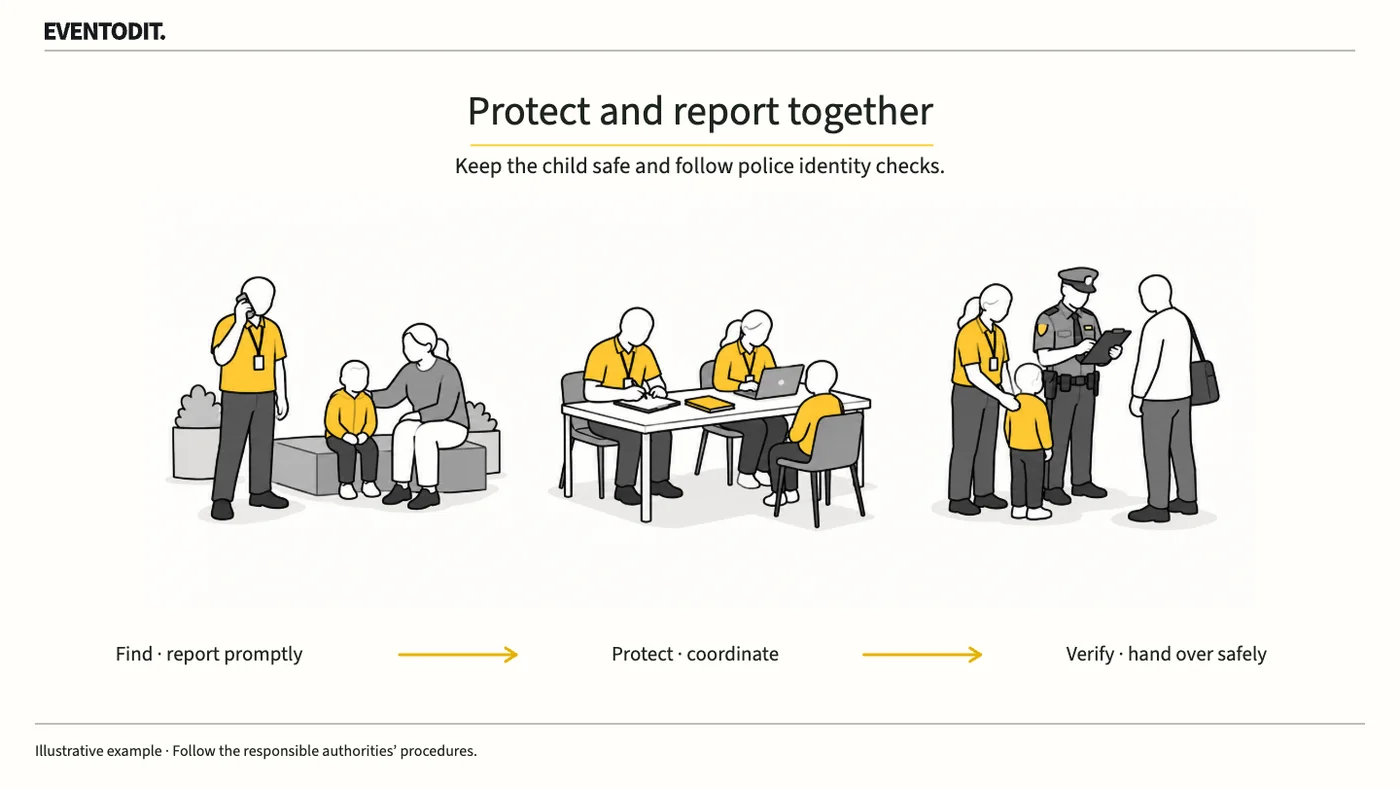
Staff who find a child should protect them and report the situation, while event control tracks who is caring for them. Follow the agreed verification process and police directions before handing the child to a claimed guardian.
Who needs this Safety leads, control rooms, information staff and designated care staff
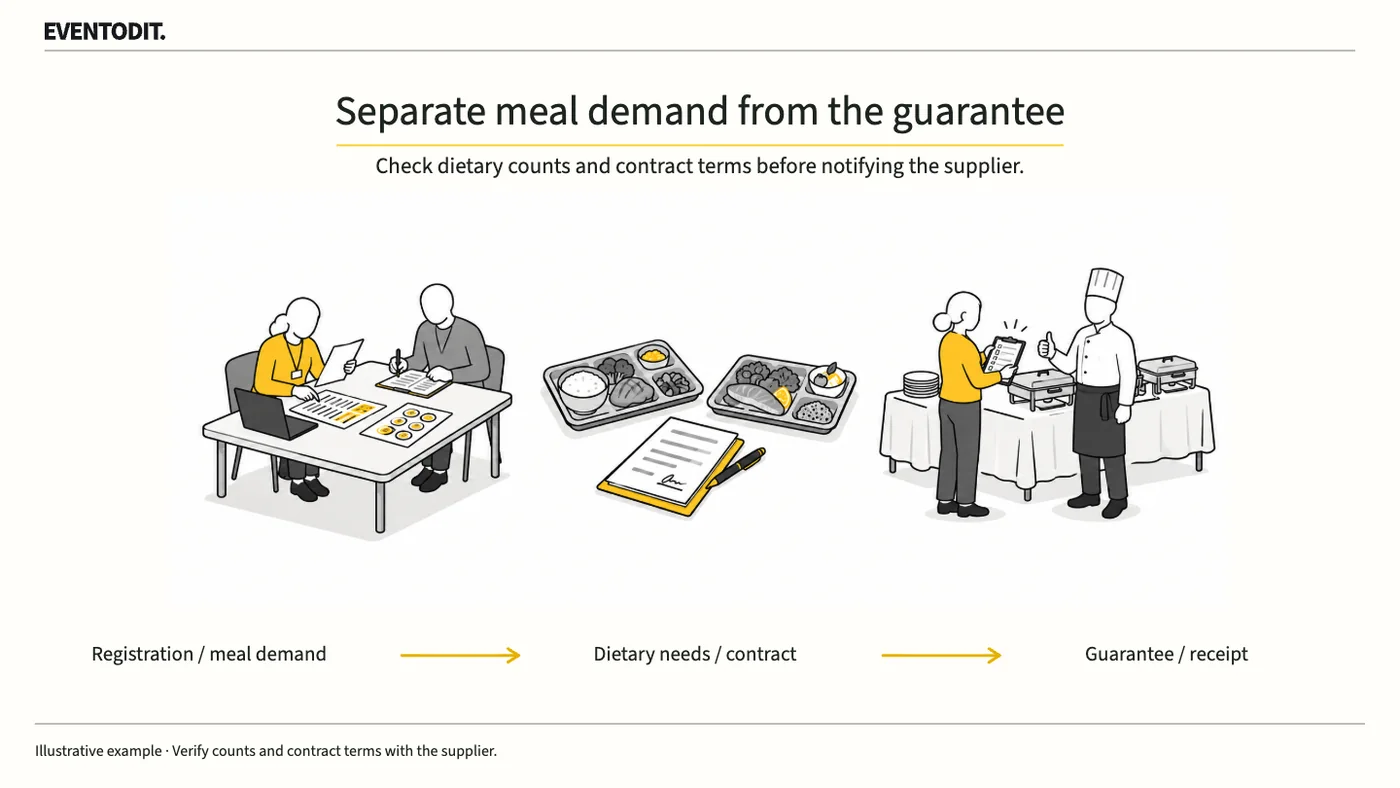
The final guarantee commits the organiser under the catering contract; it is not simply an attendance forecast. Check demand for each meal, the reduction deadline and extra-order terms before confirming it.
Who needs this Event PMs and registration, catering and budget teams
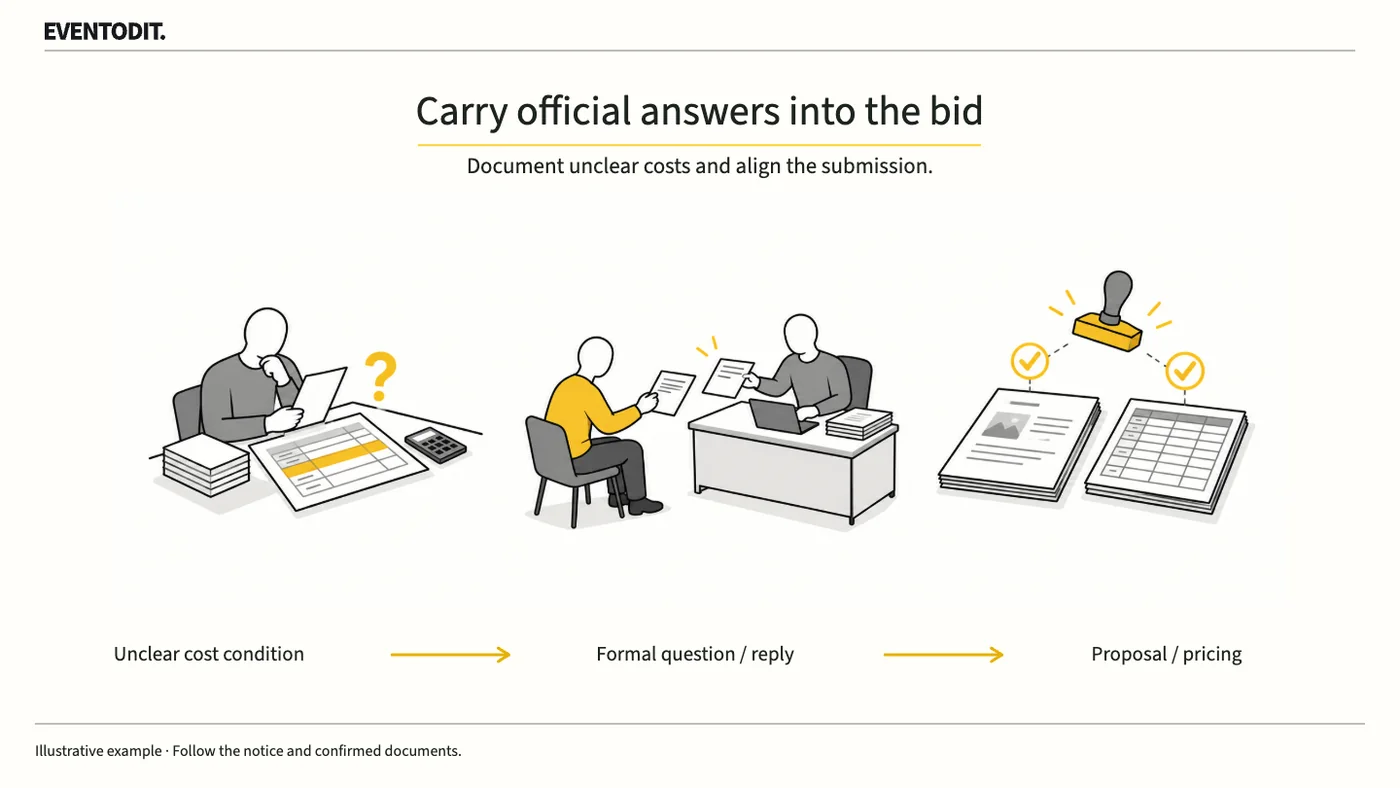
An unclear requirement can change labour costs or equipment standby charges. Ask a specific question through the tender’s stated route, then apply the official answer to both the proposal and price schedule.
Who needs this Proposal PMs, bid teams and estimators
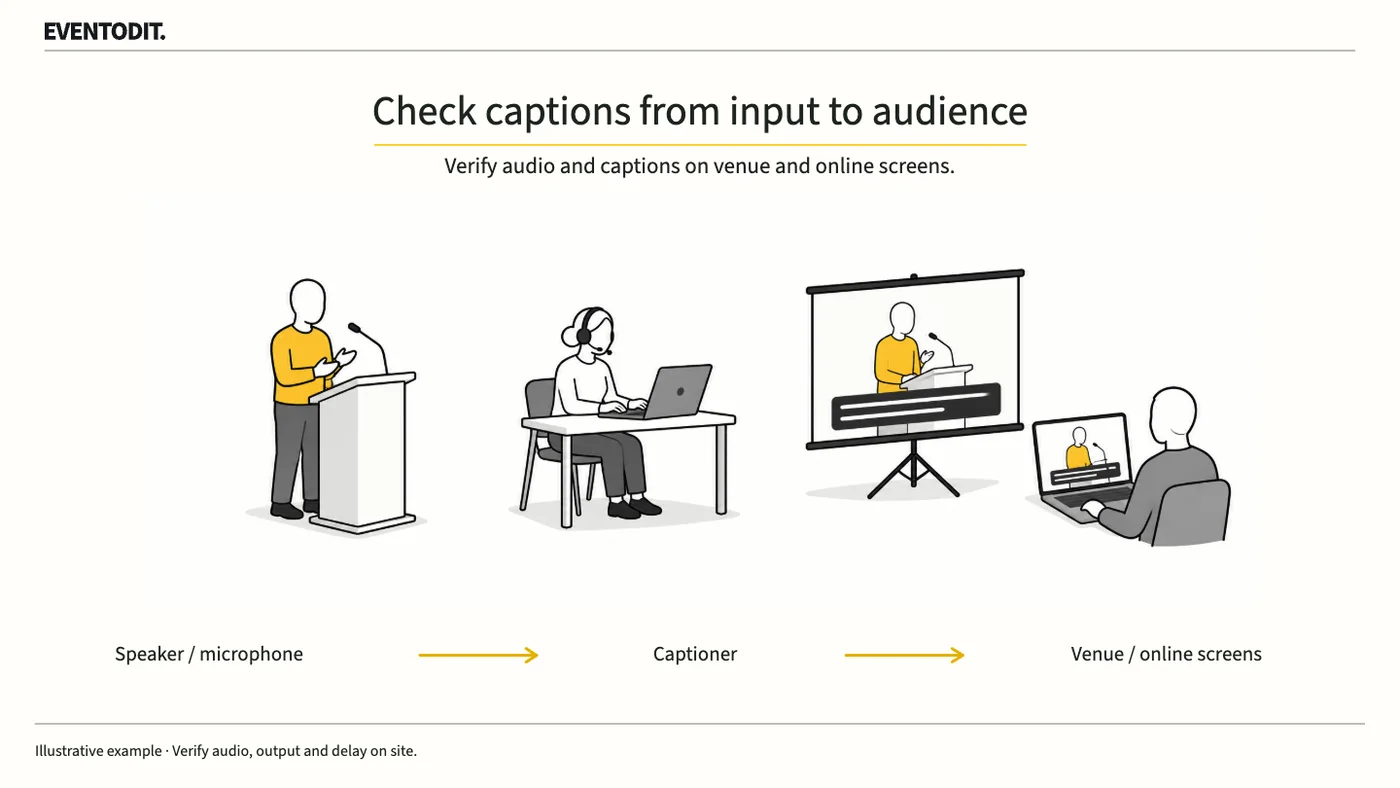
Clear audio for the captioner does not guarantee readable captions in the room or online. During rehearsal, follow the same spoken passage from audio input through caption production to each audience screen.
Who needs this Operations leads, accessibility teams, sound and caption suppliers, video and broadcast teams
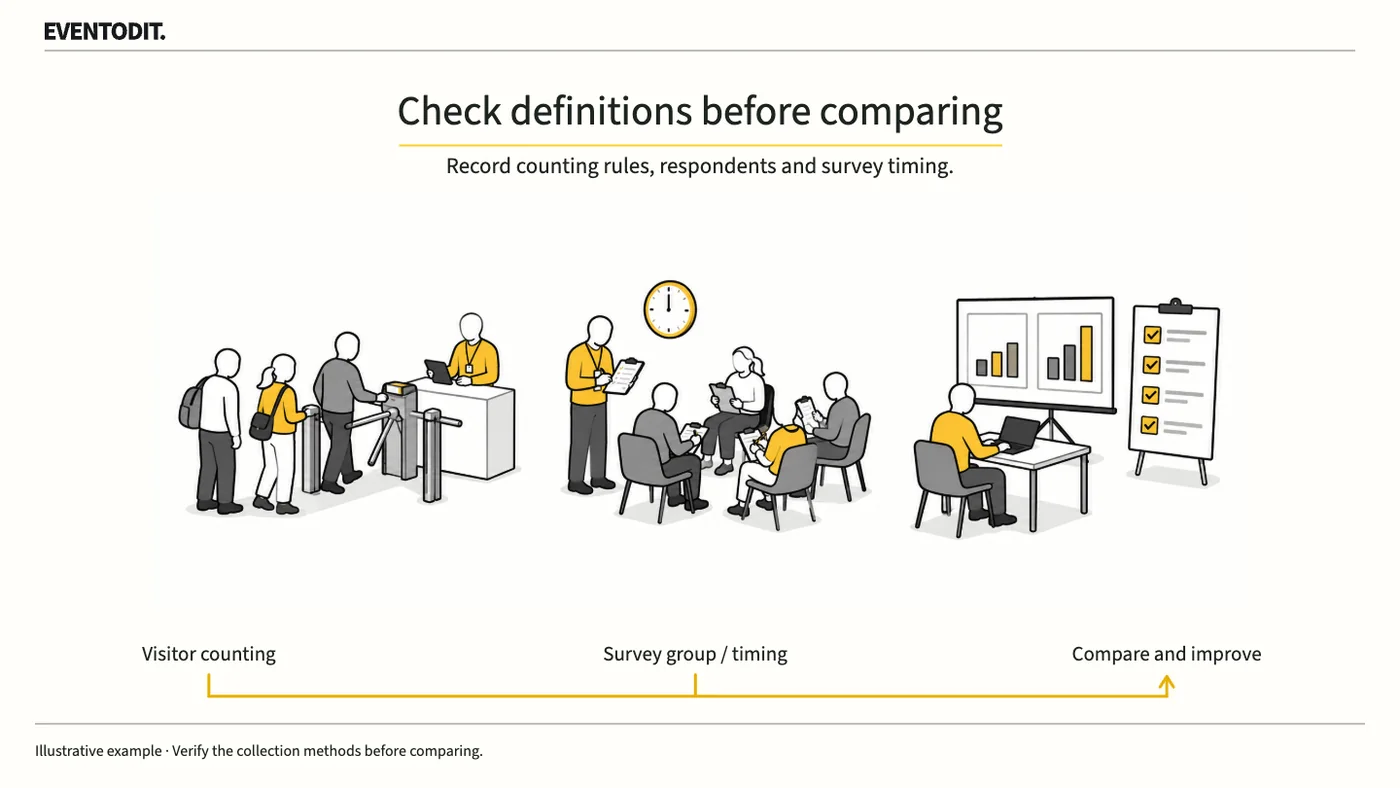
This year’s attendance and last year’s may not be comparable if the method changed. Establish who was counted or surveyed, when and how, and what is missing before interpreting the result.
Who needs this Programme owners, event PMs, evaluators and contracting-authority staff
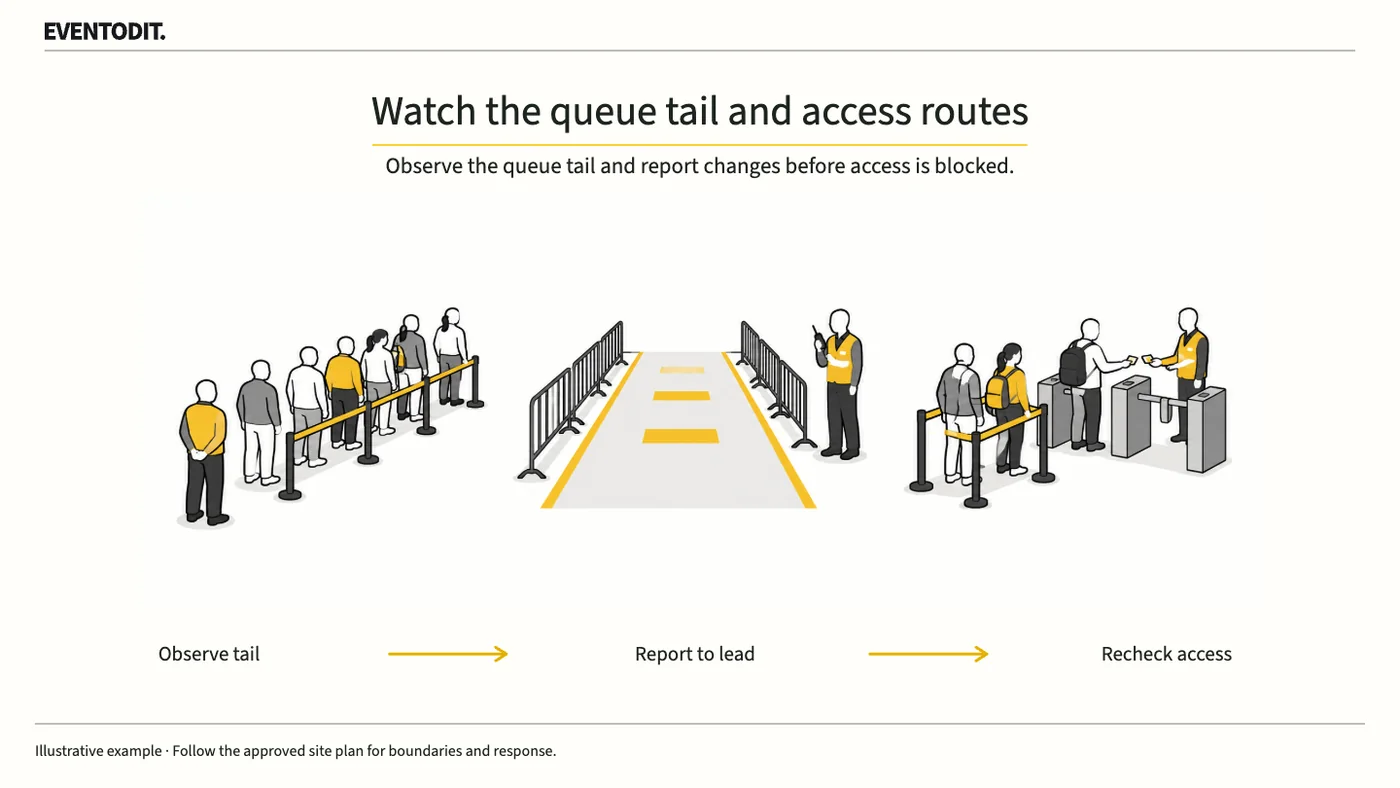
Track the tail of the queue and people spilling out to its sides, not just admissions processed. Agree where staff report a growing queue and who acts before it reaches vehicle or emergency routes.
Who needs this Site leads, admission operations, safety teams and venue managers
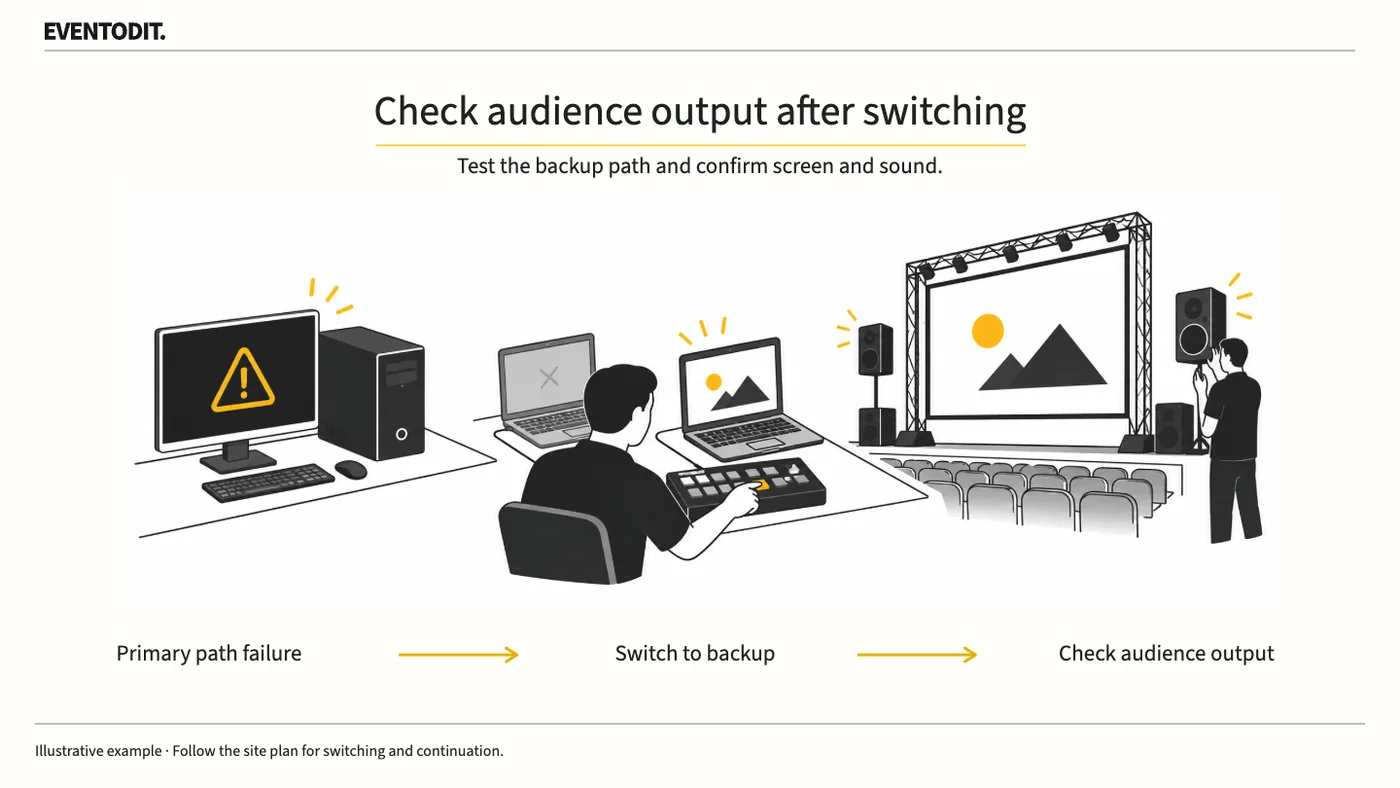
Separate picture, sound and lighting checks do not test the response to a fault during the show. Rehearse who calls the fault and who switches to backup equipment or holds the programme.
Who needs this Stage managers, video, sound and lighting operators, and event PMs
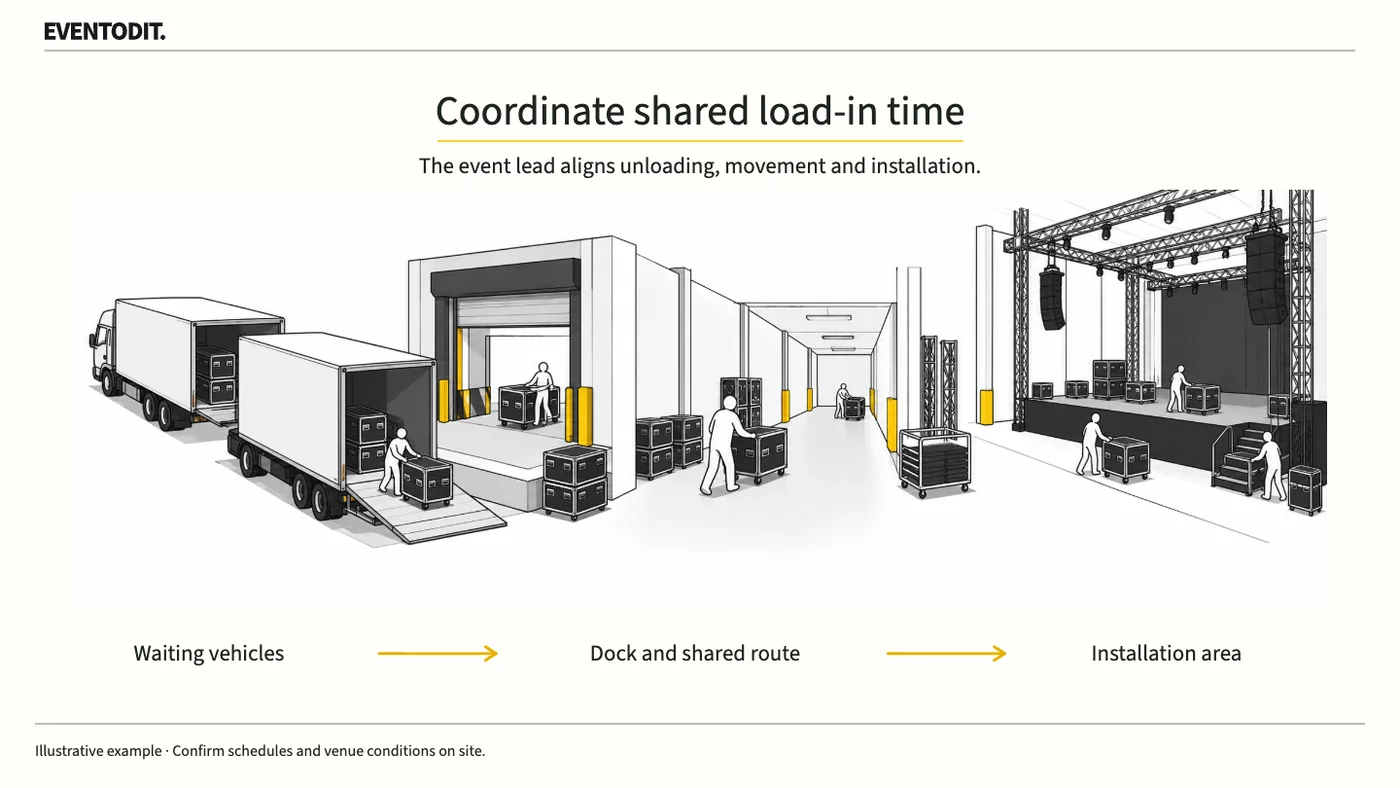
Installation start times alone can hide clashes between vehicles and equipment at the loading bay. Combine arrival, unloading, movement, installation and departure times, then resolve clashes in shared areas.
Who needs this Production PMs, venue operators and stage, video and sound suppliers
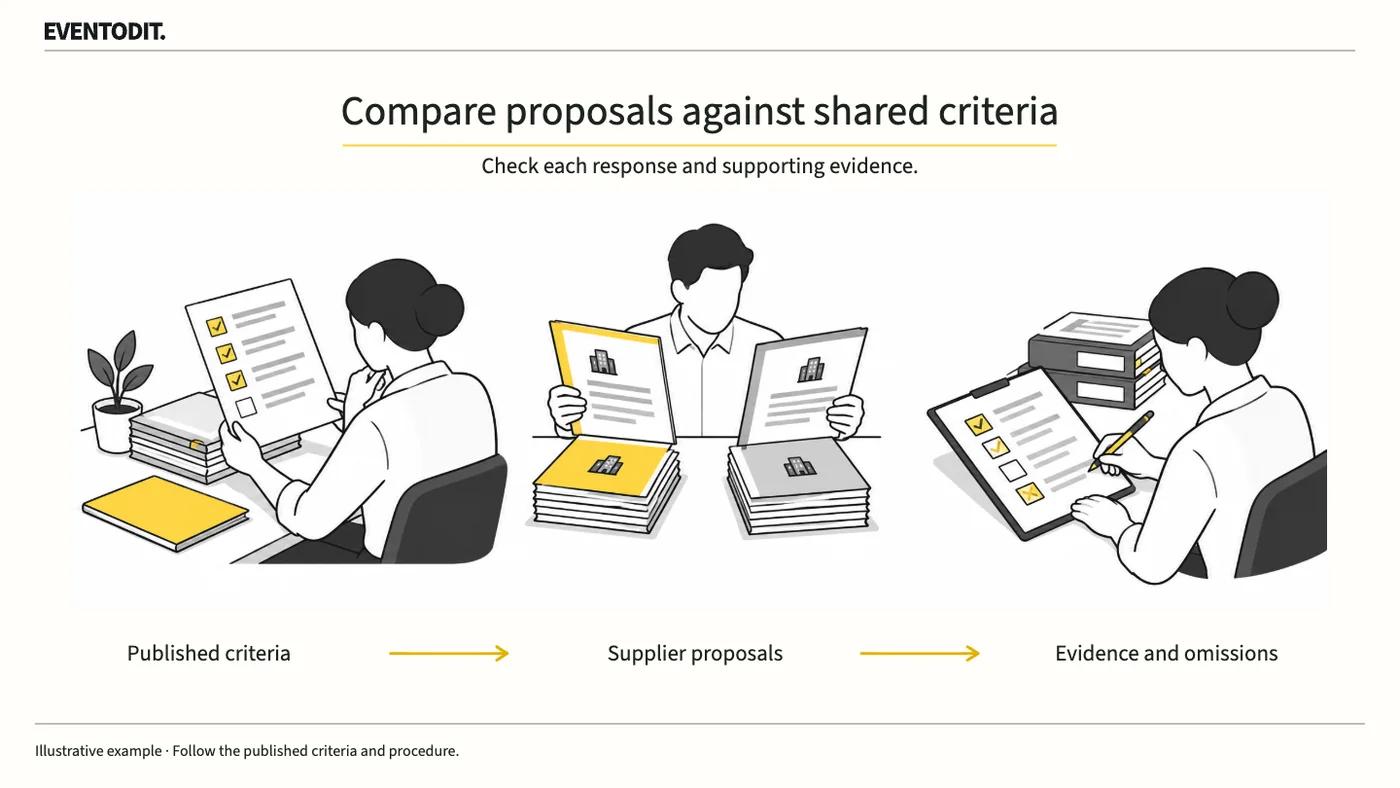
Before reviewing proposals, identify the notice’s evaluation criteria and the evidence needed. Record where each bidder answered and leave missing information visible rather than filling it in by assumption.
Who needs this Contracting-authority staff, evaluation support teams and event PMs
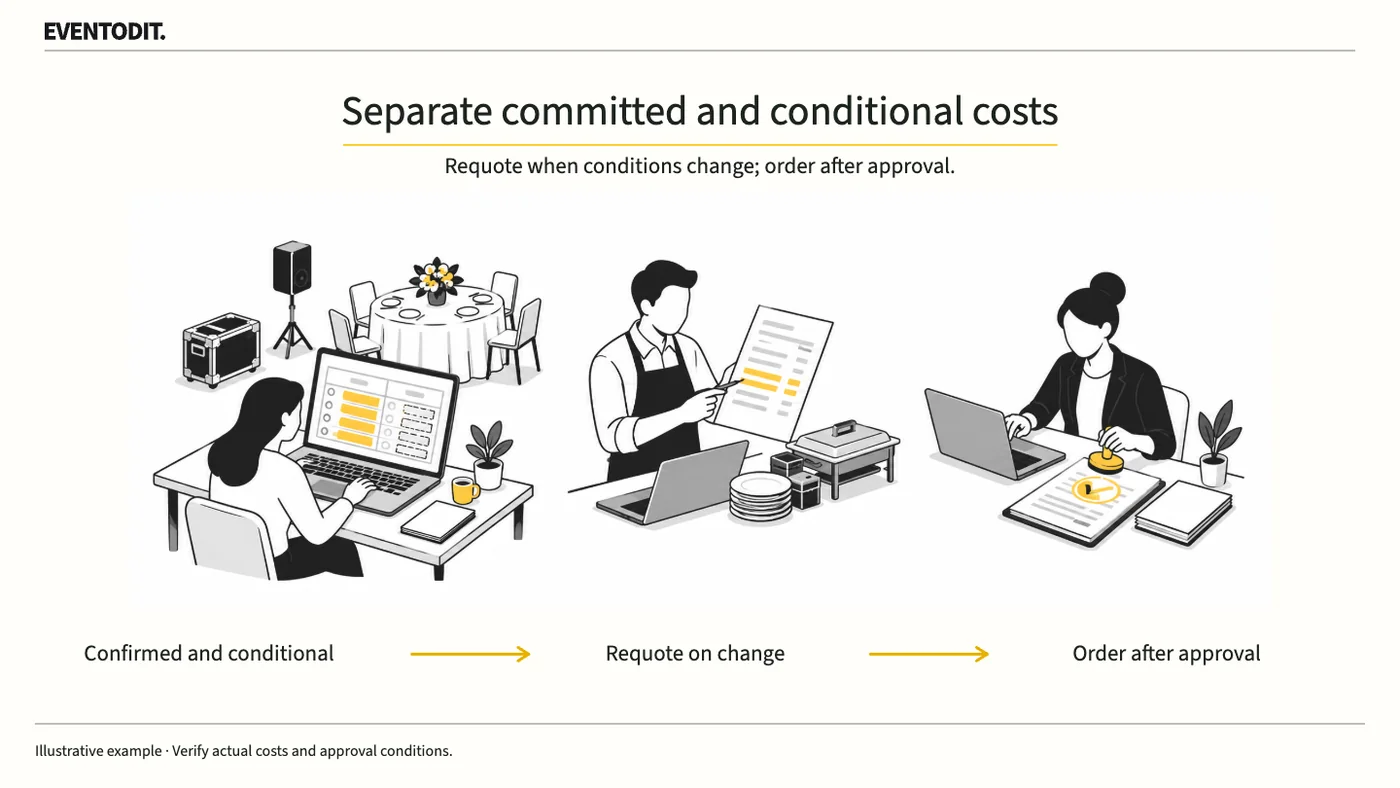
An event budget contains both committed costs and amounts that depend on decisions still to be made. Mark the difference and update the forecast whenever those conditions change.
Who needs this Event PMs, budget owners and procurement teams
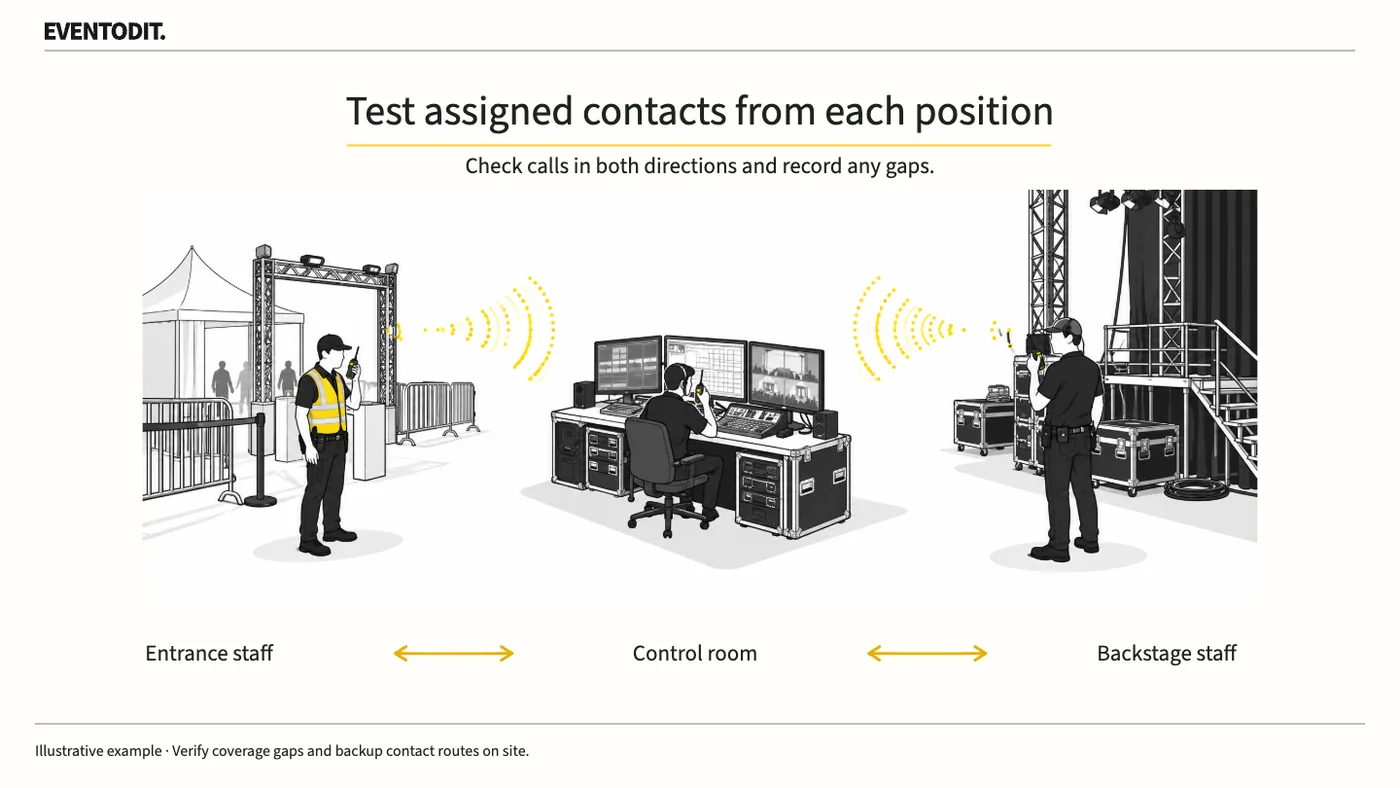
Matching channel numbers do not prove that staff can reach the person they need. Assign a respondent for each task, then test calls and replies from the actual work locations.
Who needs this Operations leads, communications suppliers and zone leads
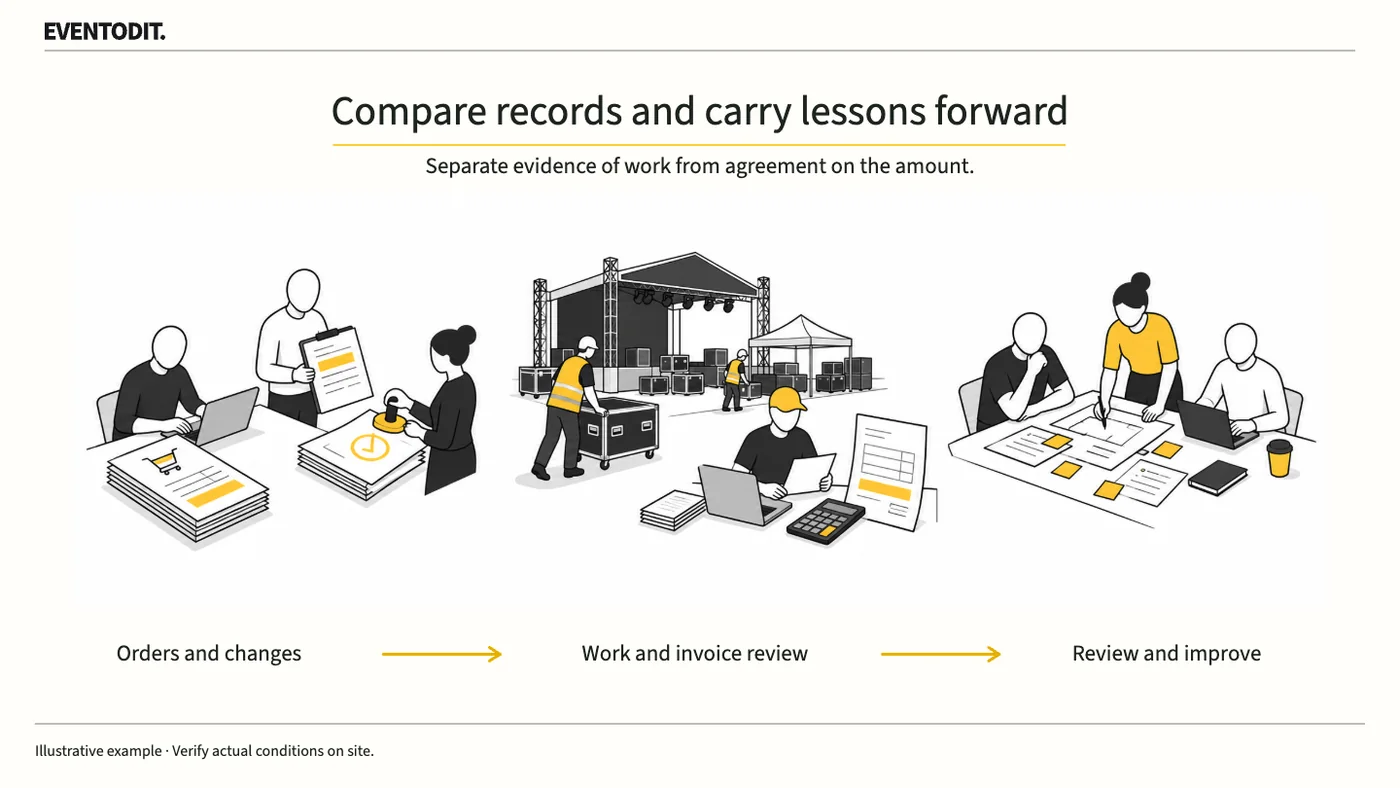
If a supplier’s bill has increased, establish what changed and who approved it. Compare delivery records with the charge, then record changes needed in the next brief as separate debrief actions.
Who needs this Planning PMs, purchasing and settlement teams, supplier leads and debrief facilitators
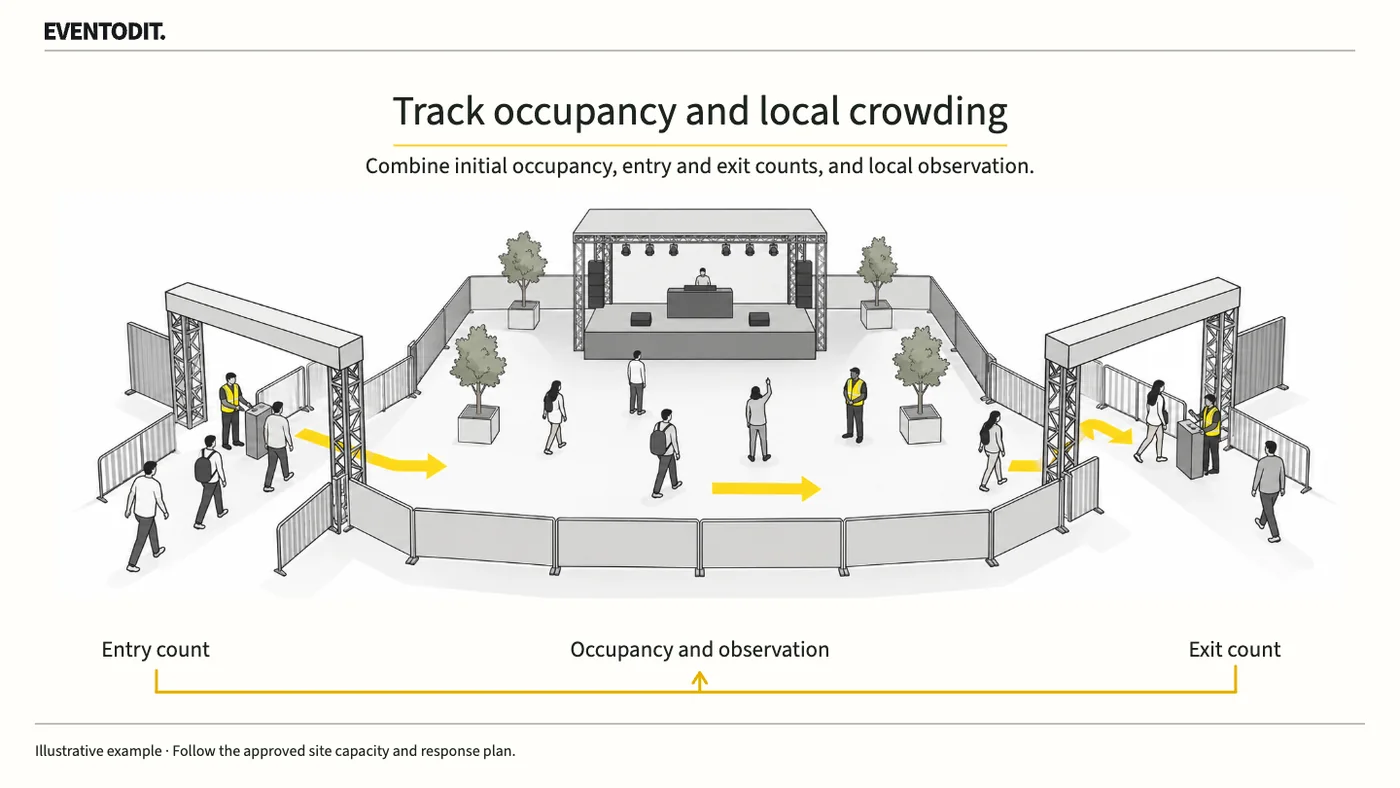
The day’s entry total cannot show which area is crowded now. Event control should compare entry and exit counts with observations from the same period and identify any gaps in the count.
Who needs this Safety leads, entry and exit counters, zone leads and control rooms
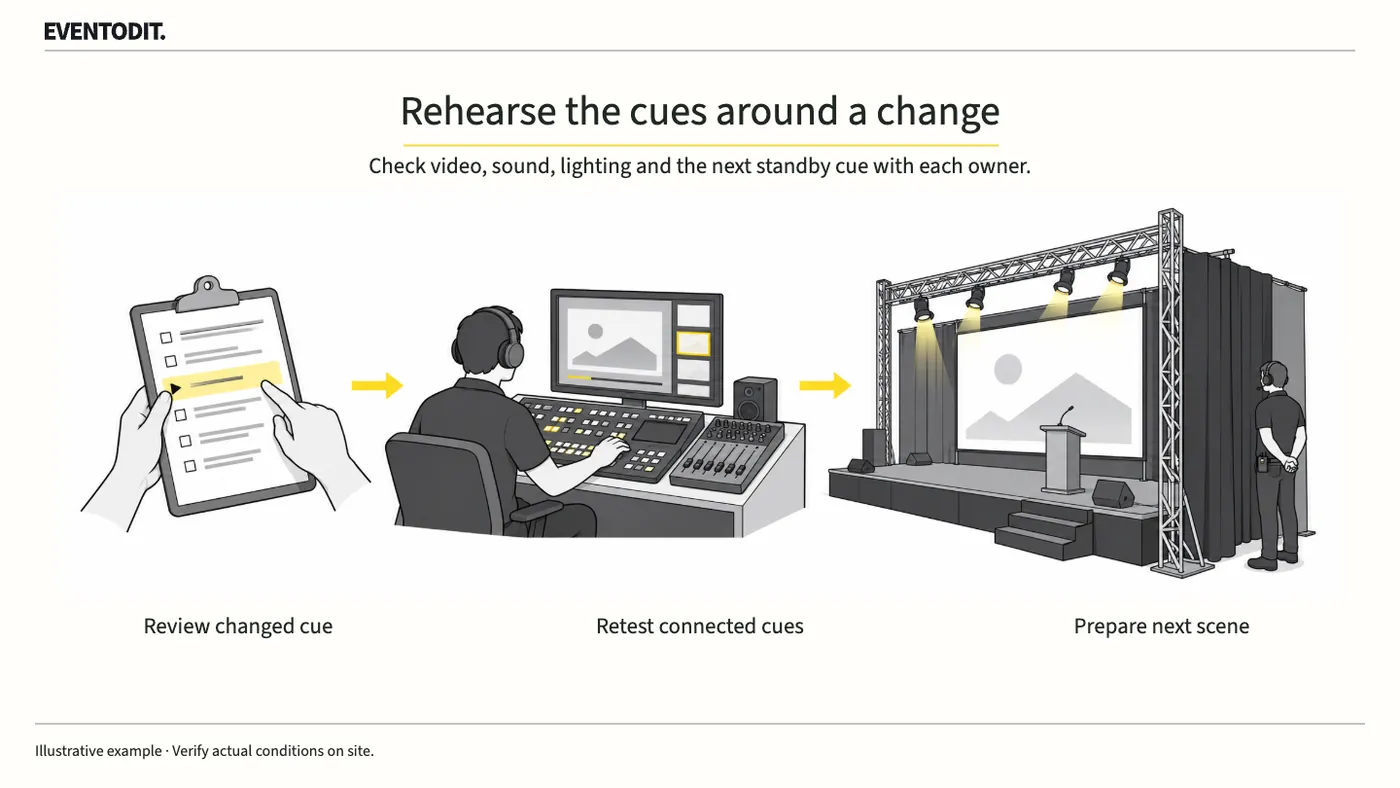
Changing a video’s length or a performer’s order can affect sound, lighting and standby calls. Ask the affected teams to check, rehearse the transitions around the revised scene, then distribute the approved cue sheet.
Who needs this Creative and show leads, stage managers and video, sound and lighting teams
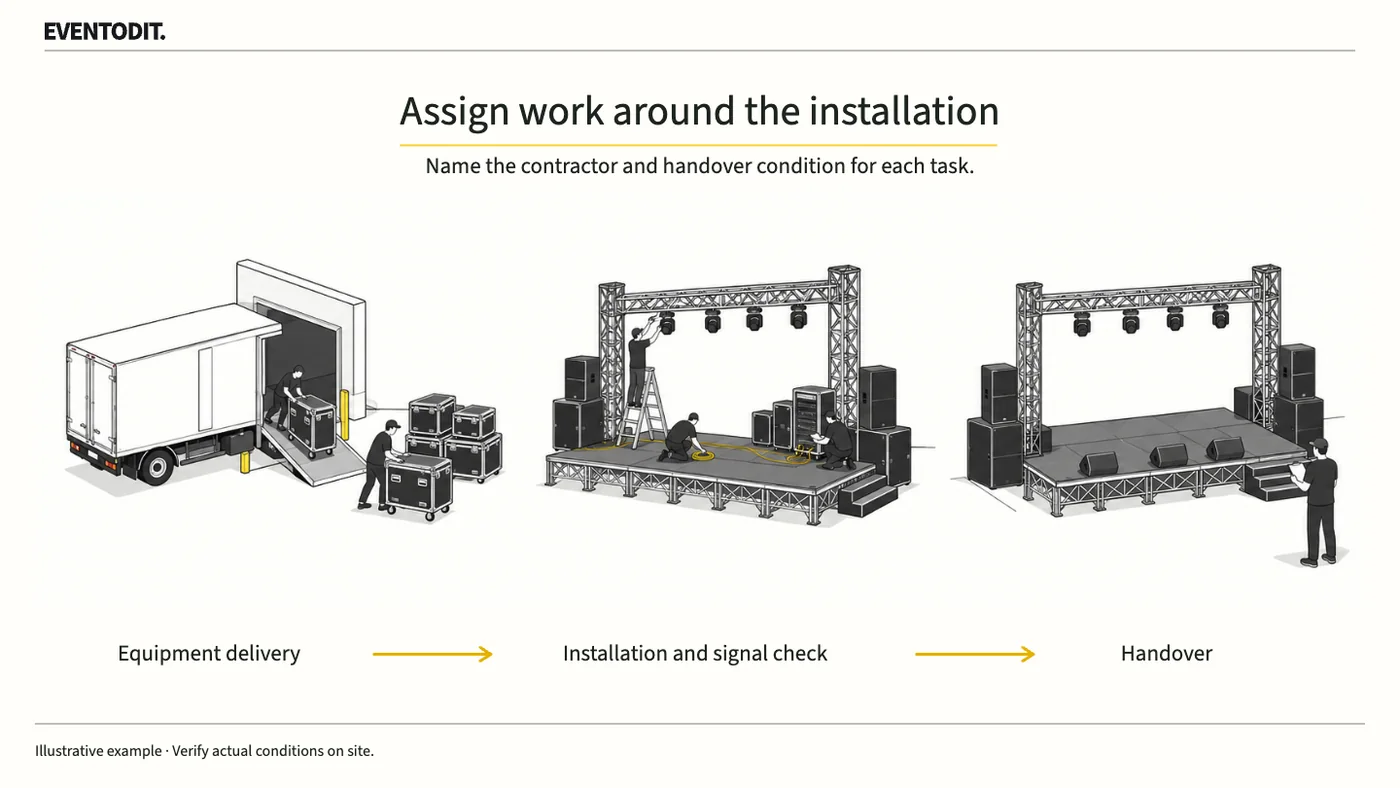
“Equipment installation included” does not assign unloading, power connections, operation or removal. Name the contractor for each task and what they must hand to the next team to expose gaps and duplicate orders.
Who needs this Planning PMs, facilities staff and production or equipment site leads
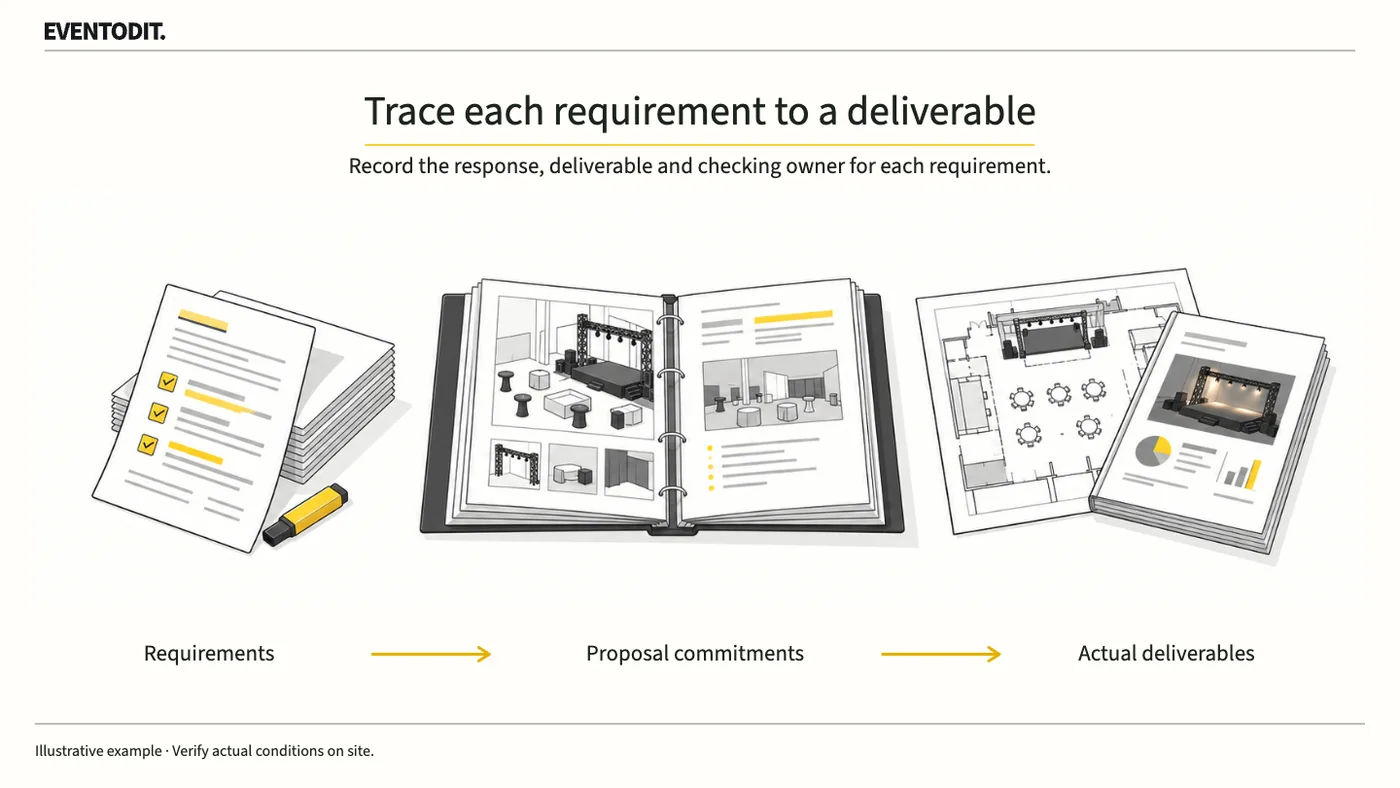
A promise of “smooth operations” does not tell the client what will be delivered or checked. For each requested task, identify the proposal response, output and person responsible for checking it.
Who needs this Proposal PMs, proposal editors and bid administrators
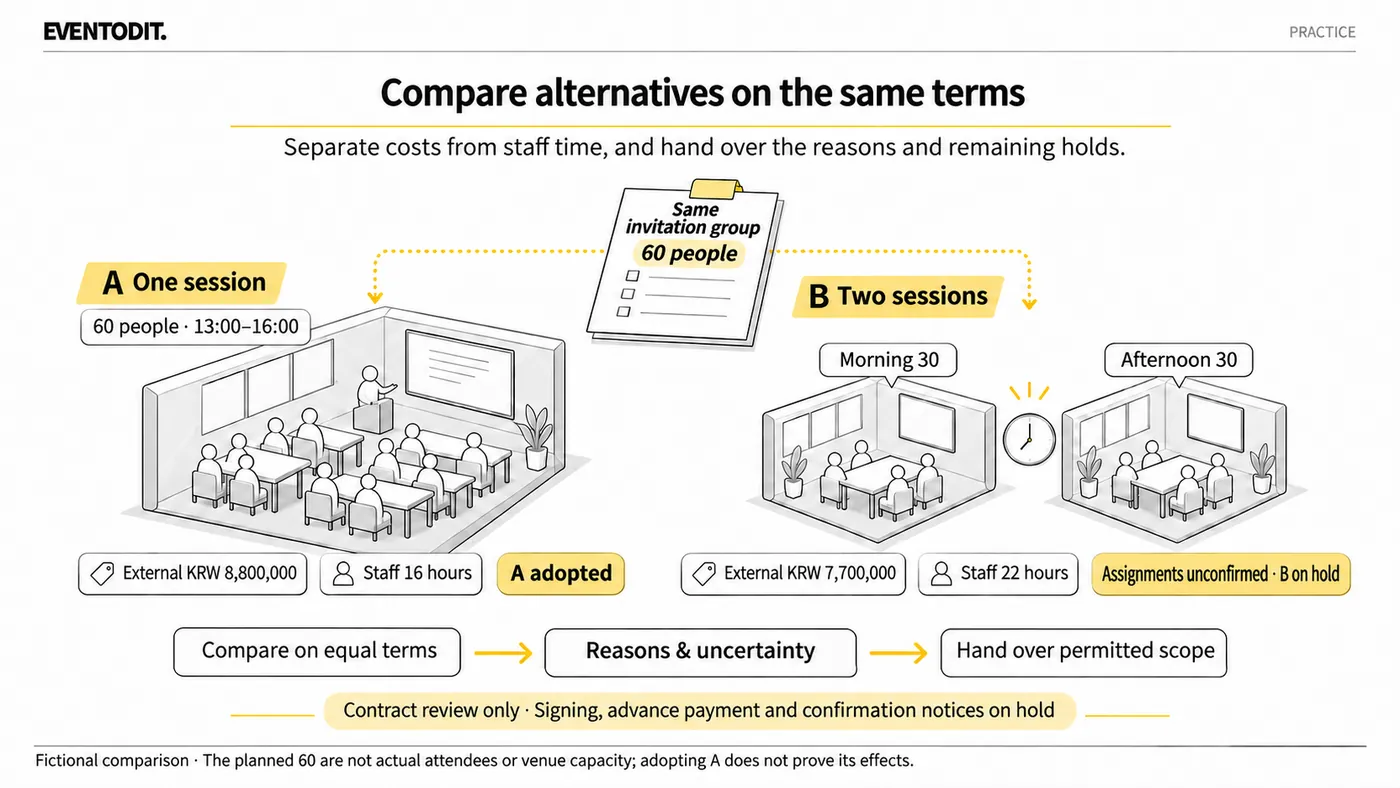
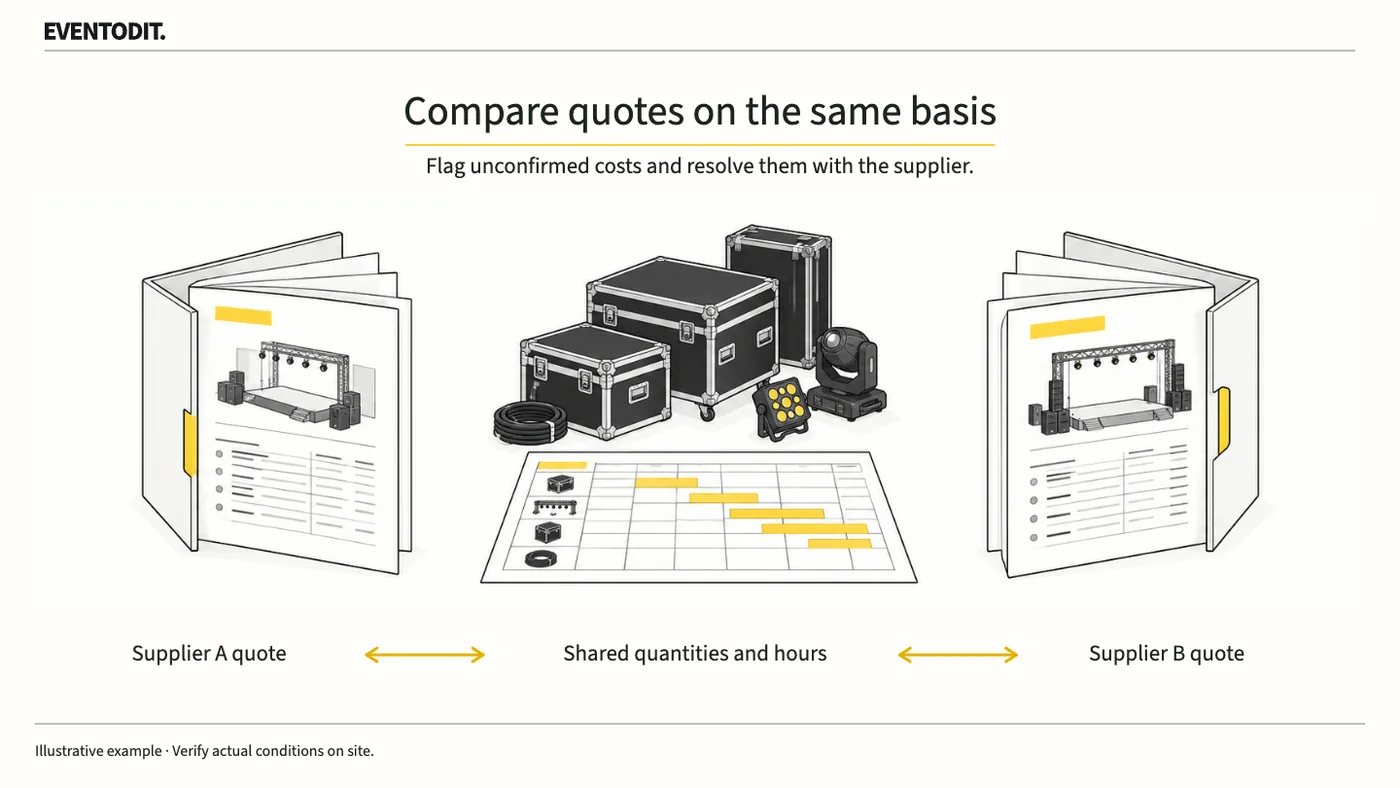
Match equipment, staffing, working hours, tax and transport before comparing event supplier quotes. Ask suppliers to confirm omitted or separately priced costs before ranking totals.
Who needs this Planning PMs, purchasing teams and sound, video and stage suppliers
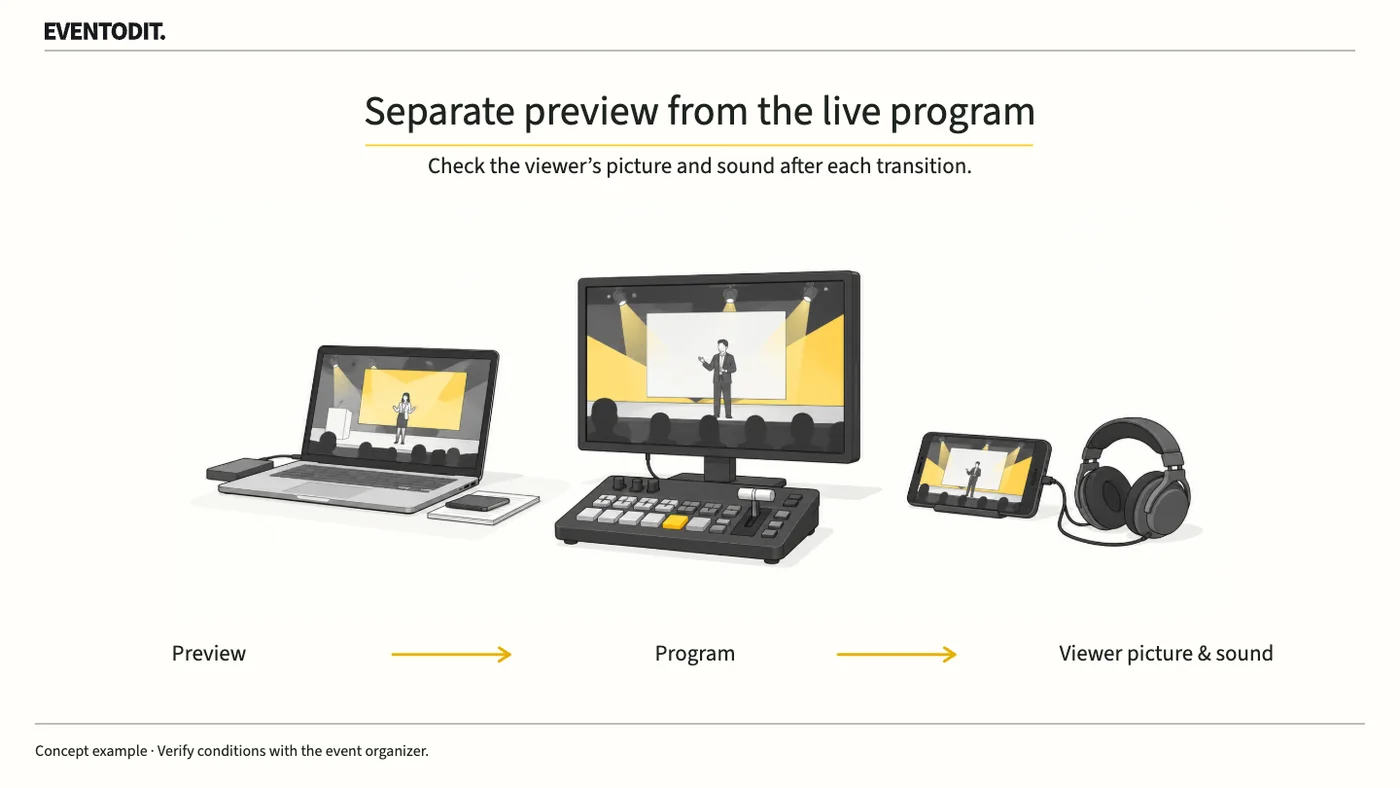
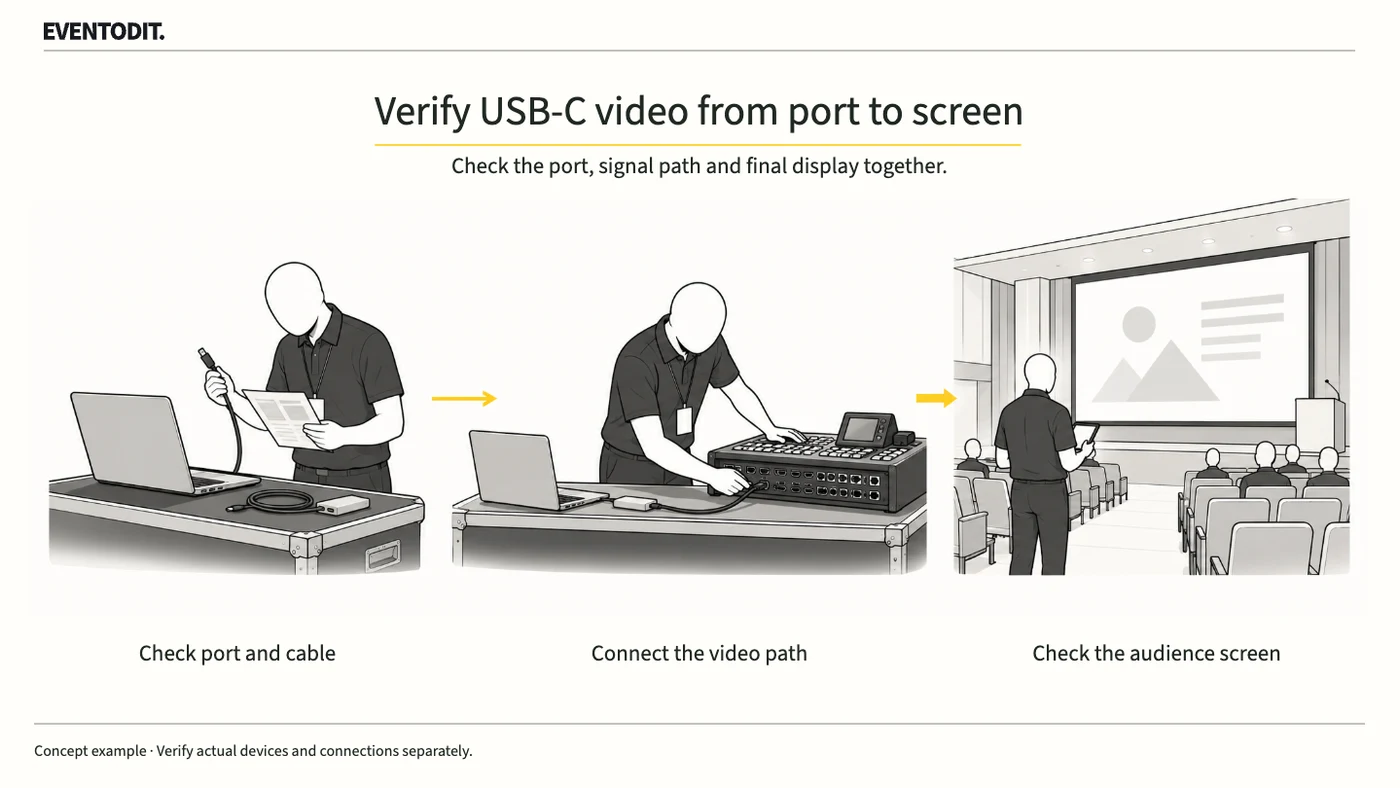
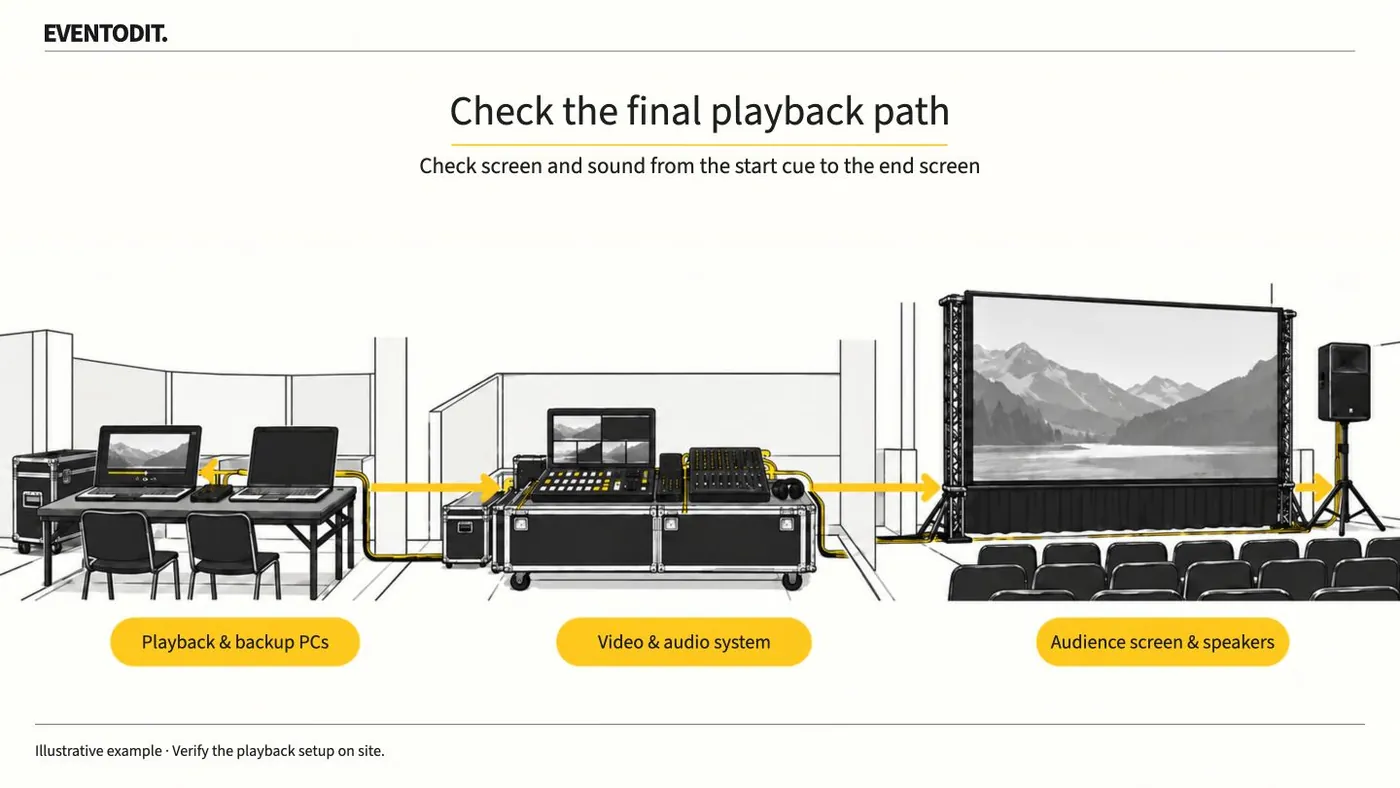
Play delivered video on the event PC and check the audience screens and speakers. Test from the start cue through the final screen change, then identify the file approved for playback.
Who needs this Video, sound and show operations teams
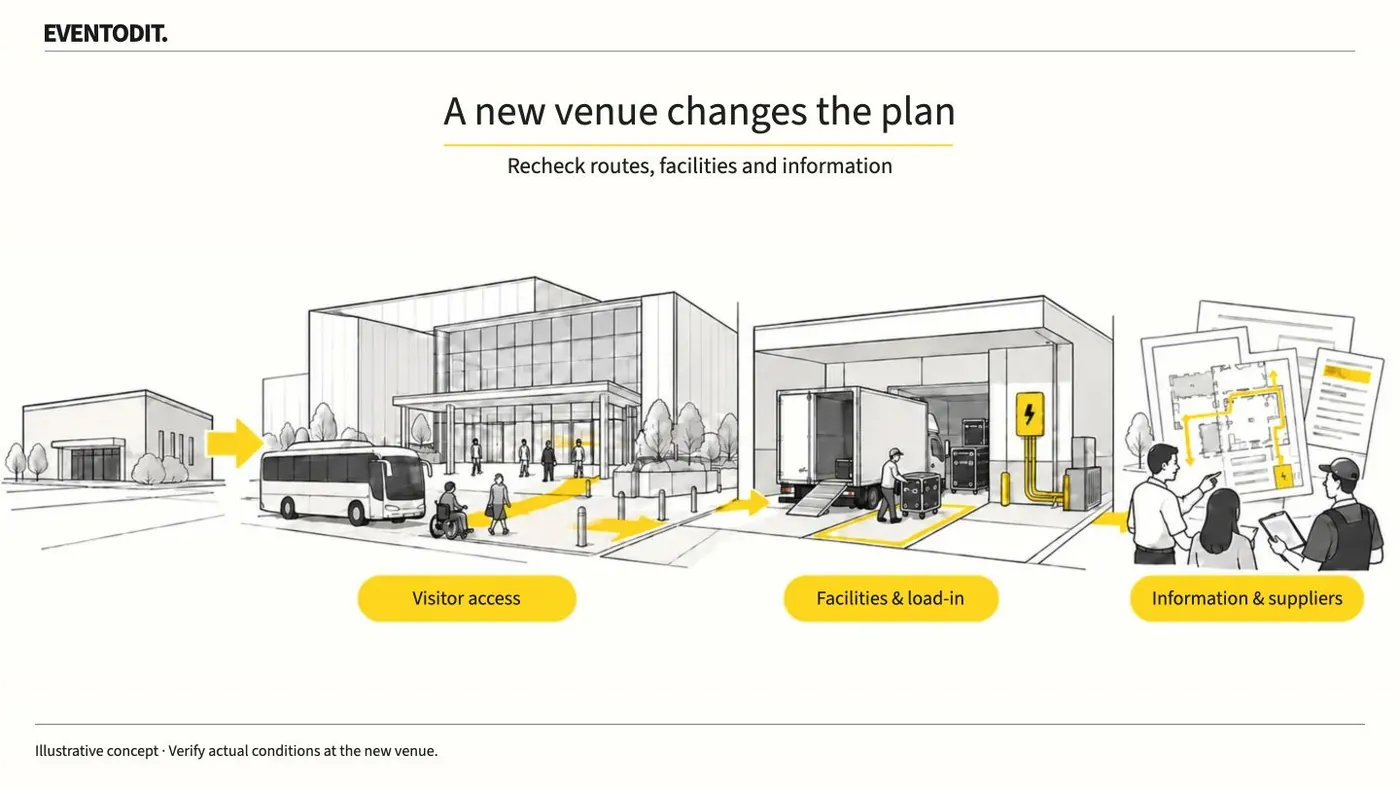
A venue move changes how visitors arrive, queue and travel between programmes. Check those conditions at the new site and update the plan, running order, visitor information and supplier orders together.
Who needs this Venue-change and overall operations leads
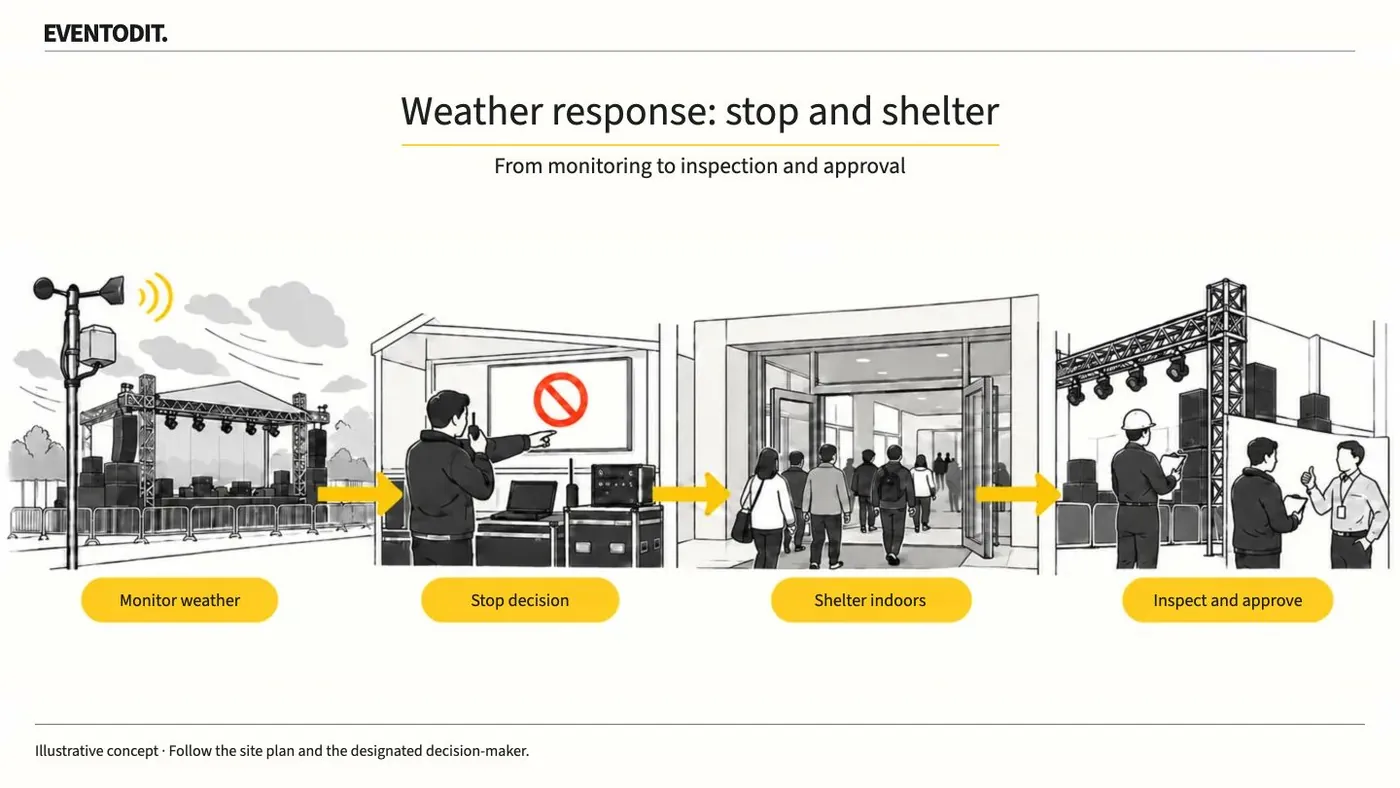
A regional wind-warning threshold does not tell you whether a stage or tent can stay in use. Agree operating limits with those responsible for the installation and name who monitors, reports, stops and restarts the event.
Who needs this Overall operations, safety and structural teams
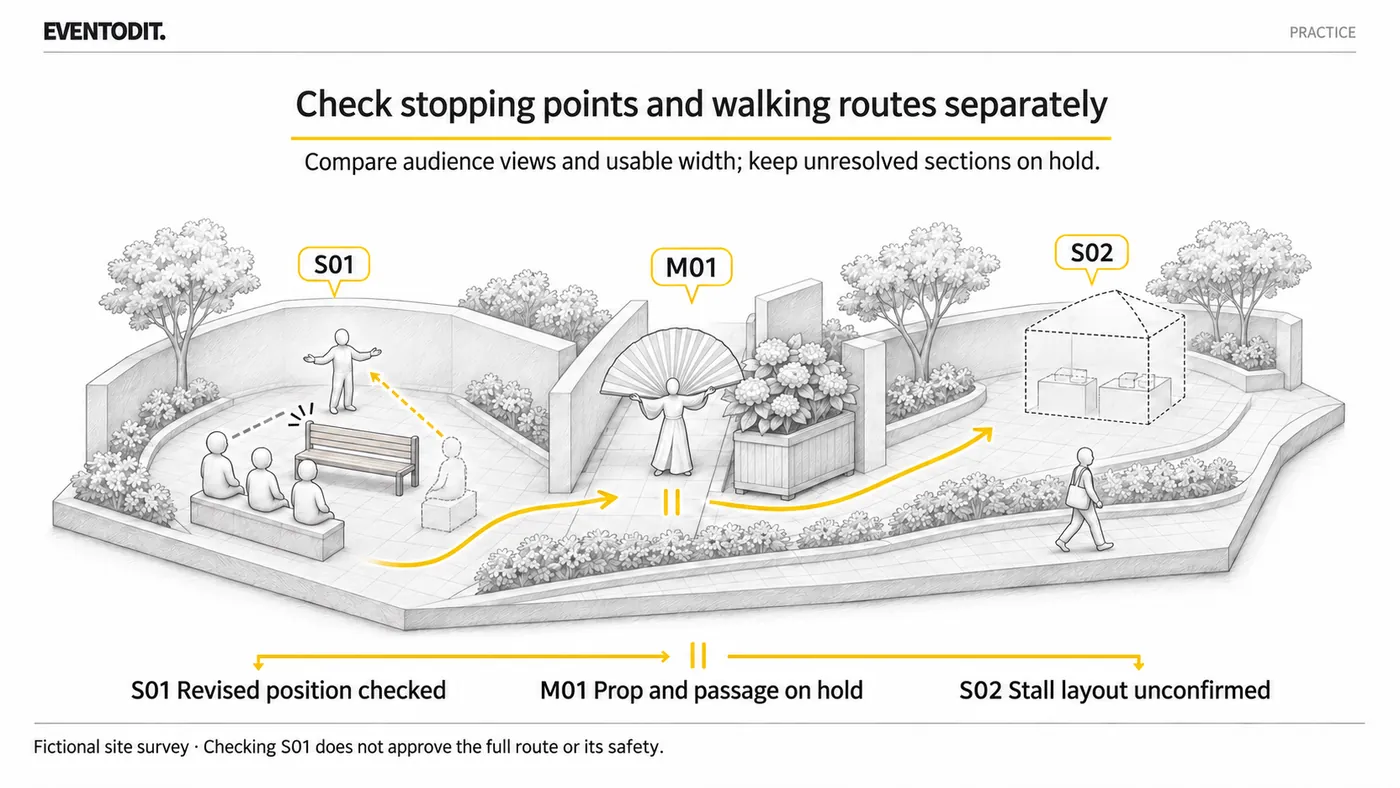
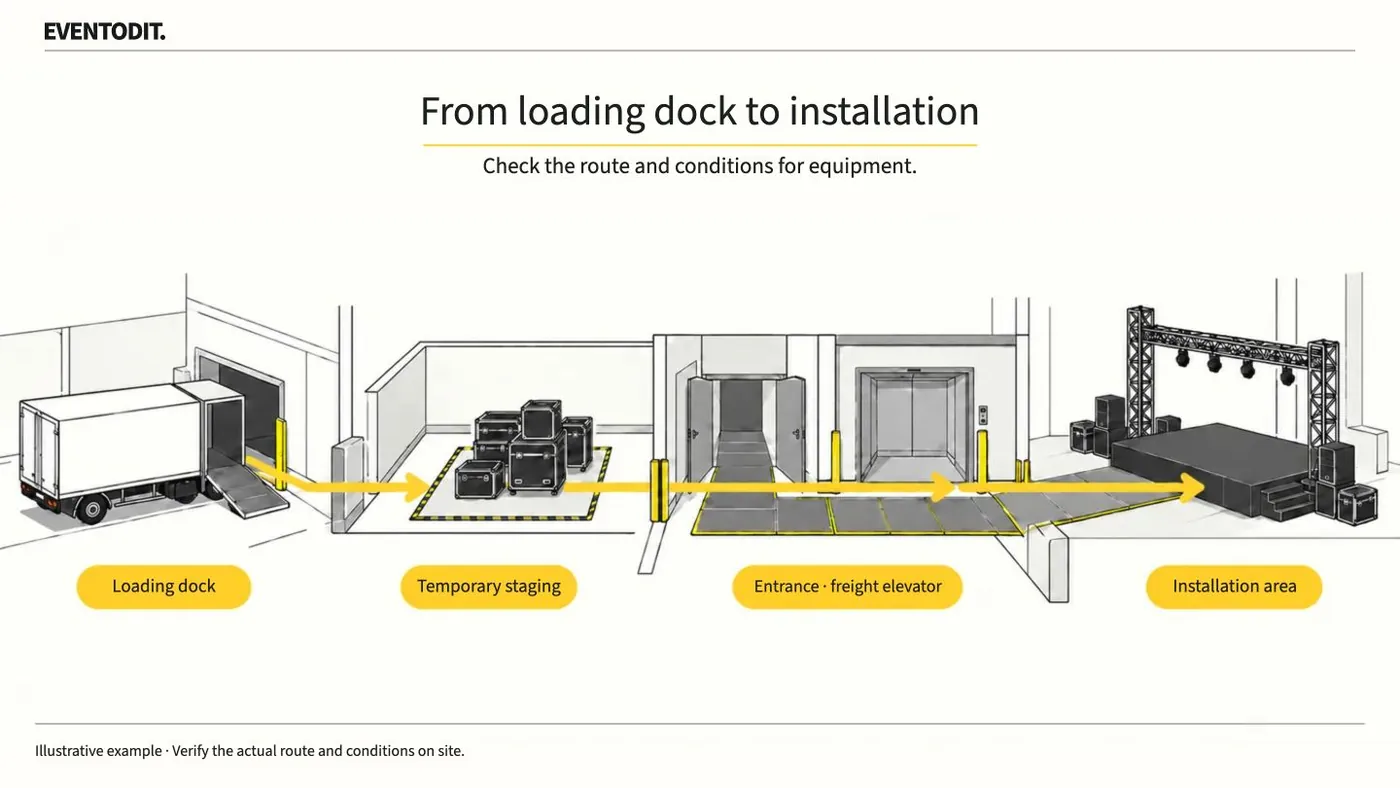
Check the route equipment will actually travel and the routes visitors will use. Mark questions for the facilities and technical teams on the plan and assign a person and deadline to resolve each one.
Who needs this Survey, production and facilities teams
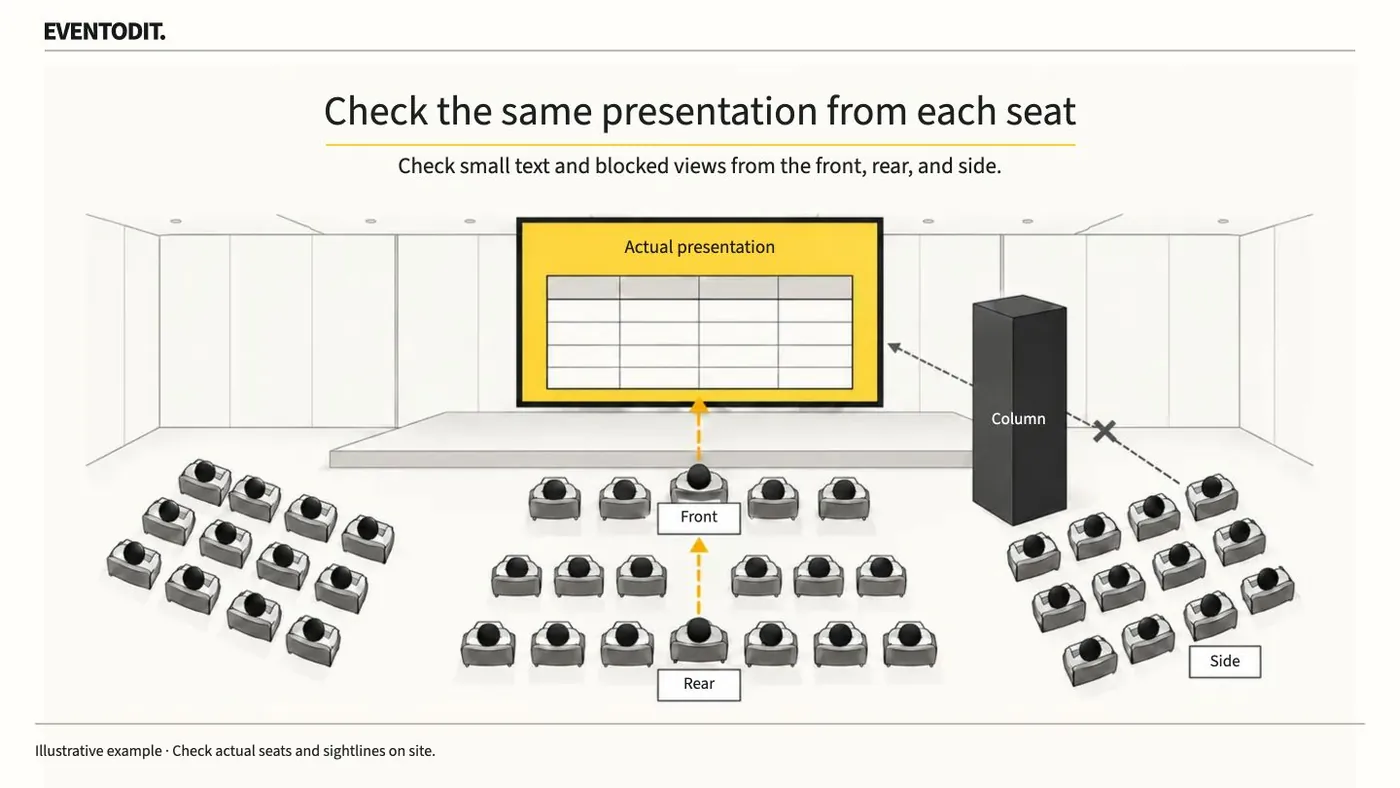
Screen size and brightness alone cannot decide between LED and projection. Give the video team the real presentation and seating plan, then check that essential information is readable from the front, rear and sides.
Who needs this Video buyers and audience-area acceptance teams
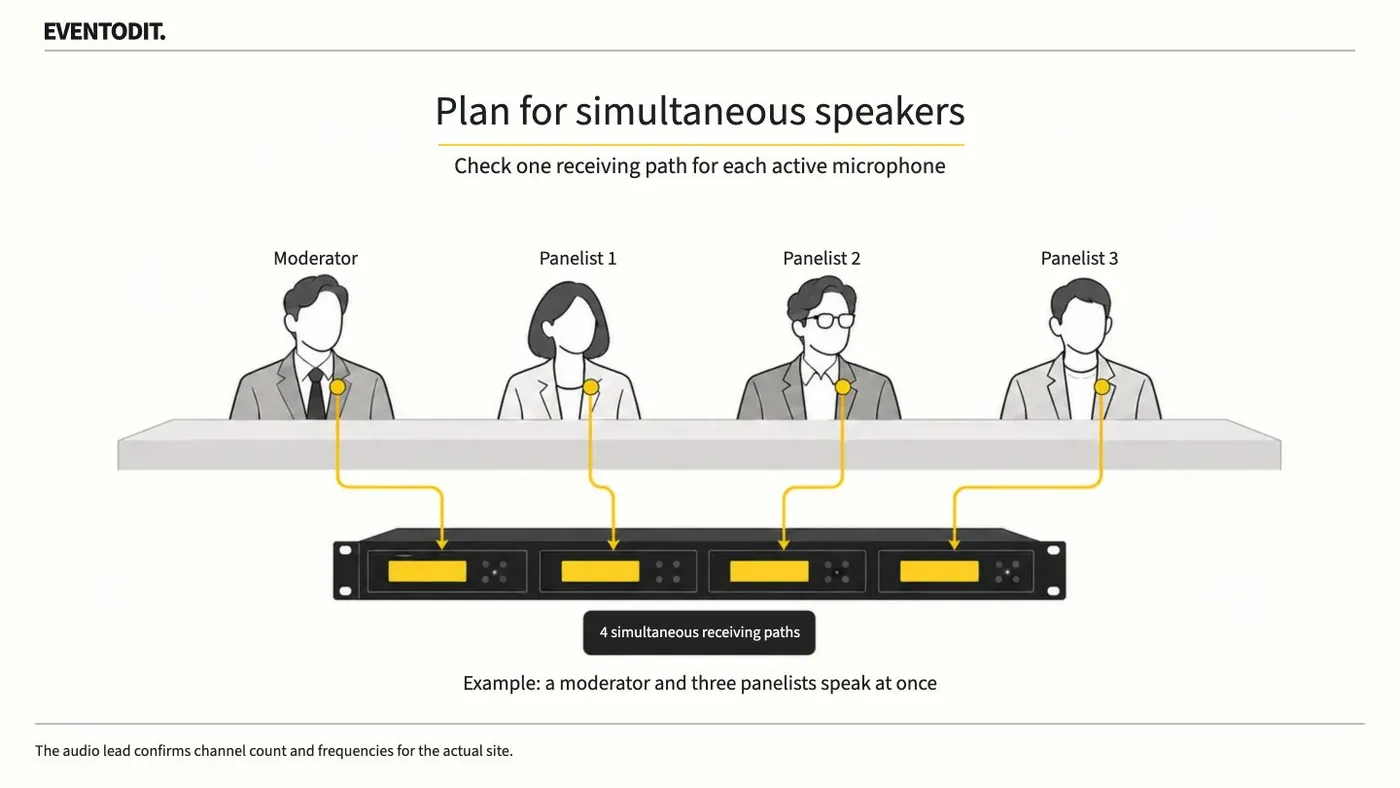
Microphone demand depends on who speaks at the same time, not just the total speaker list. Decide who keeps a microphone and who shares one, then include handover time and on-site sound support in the quote.